
iWALK LPB4500C
iWALK 4,500mAh Portable Charger User Manual
Model: LPB4500C
Introduction
Thank you for choosing the iWALK 4,500mAh Portable Charger. This compact and convenient power bank is designed to provide on-the-go charging for your USB-C compatible devices, including iPhone 15/16 series, Samsung Galaxy S22/23/24 series, and other Android smartphones. This manual provides essential information for safe and efficient use of your device.
Safety Information
Please read all safety warnings and instructions before using this product to avoid injury or damage.
- Do not expose the power bank to extreme temperatures (heat or cold), direct sunlight, or high humidity.
- Do not disassemble, modify, or attempt to repair the device yourself. Refer all servicing to qualified personnel.
- Keep the power bank away from water and other liquids.
- Do not drop, puncture, or apply excessive force to the device.
- Use only certified charging cables and adapters.
- Keep out of reach of children.
- Dispose of the power bank responsibly according to local regulations. Do not dispose of it in household waste.
Package Contents
Verify that all items are present in your package:
- 1x iWALK 4,500mAh Portable Charger
- 1x USB-C to USB-C Cable
- 1x User Manual

Image: Contents of the iWALK 4,500mAh Portable Charger package.
Product Overview
The iWALK 4,500mAh Portable Charger features a compact design with a built-in USB-C connector for direct charging.
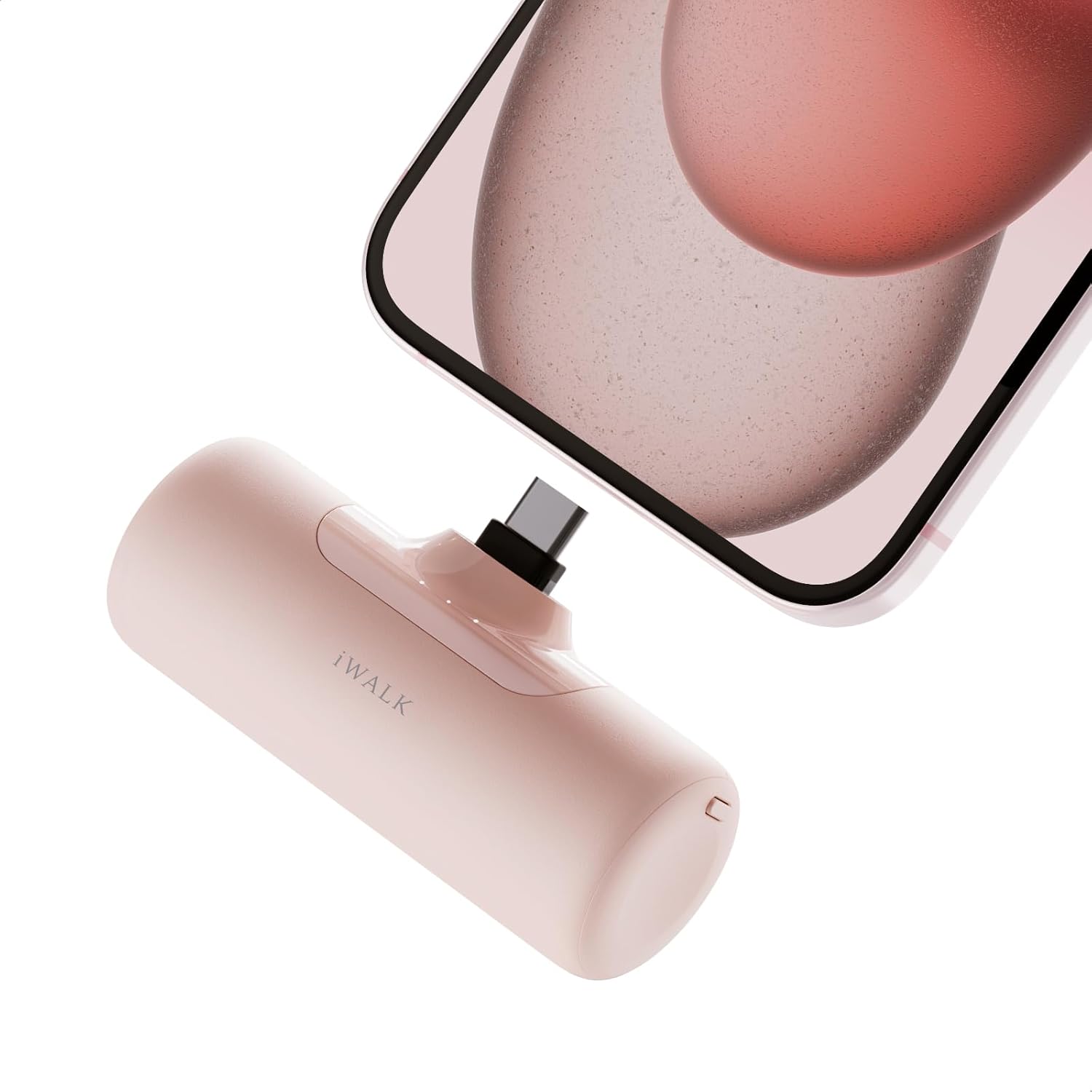
Image: The iWALK portable charger connected to a smartphone.
Its small size makes it highly portable, fitting easily into pockets or small bags.
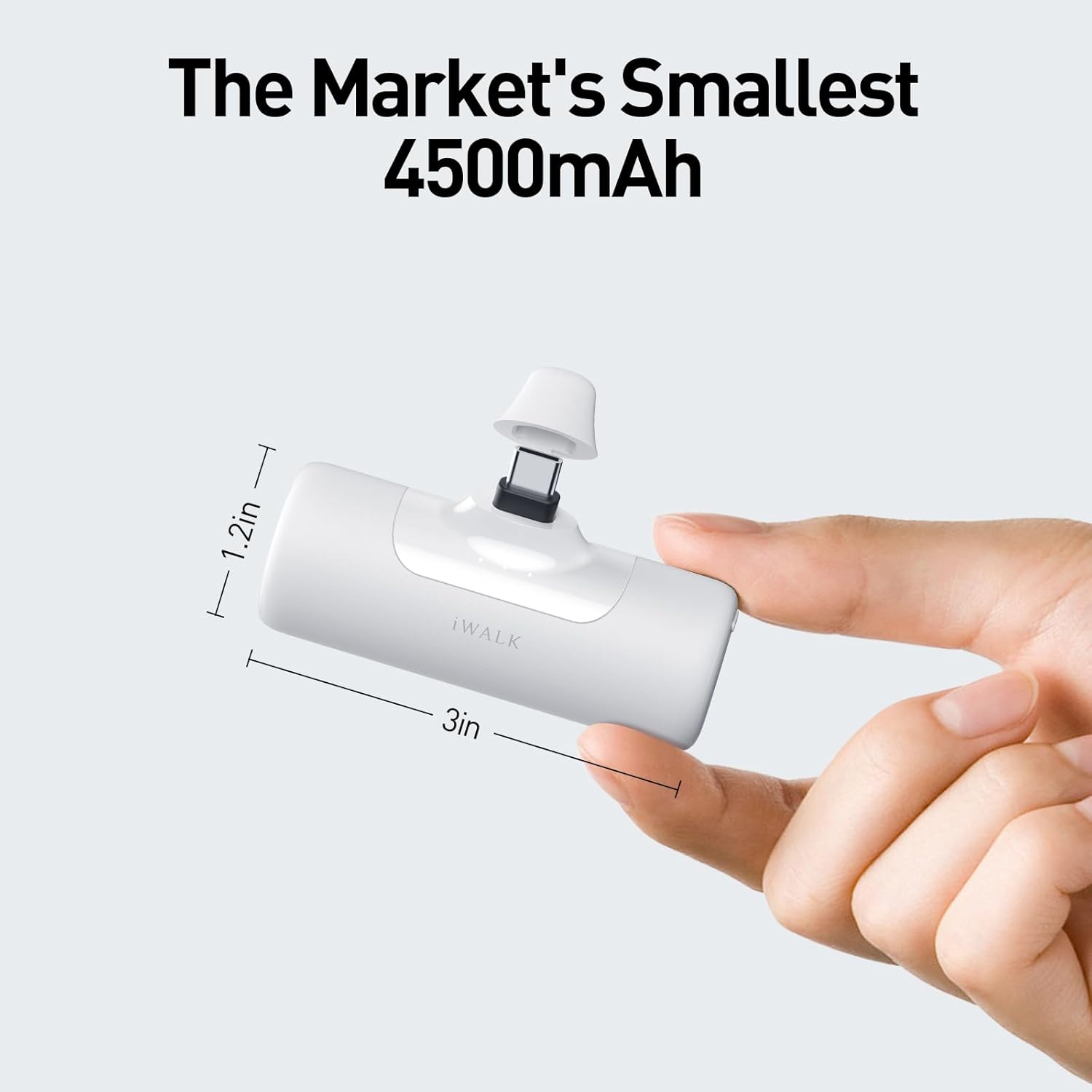
Image: Dimensions of the iWALK portable charger, highlighting its compact size.
The device is designed to maintain low heat during operation, ensuring stable and safe charging.
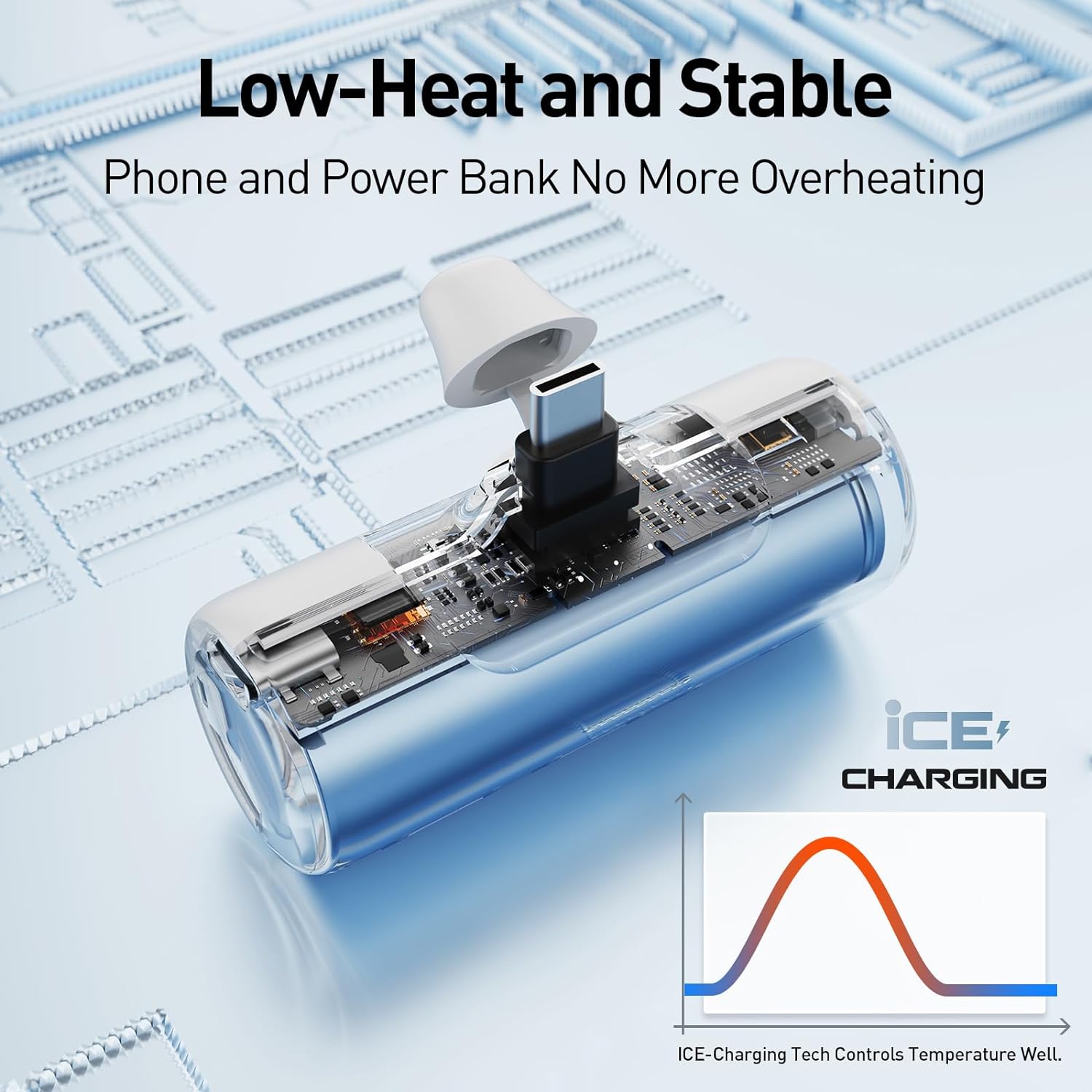
Image: Illustration of the low-heat performance technology.
Setup
Charging the Power Bank
Before first use, fully charge your iWALK Portable Charger.
- Connect the provided USB-C to USB-C cable to the USB-C input port on the power bank.
- Connect the other end of the cable to a compatible USB-C wall adapter (not included).
- The LED indicator lights on the power bank will illuminate to show the charging status. Once all lights are solid, the power bank is fully charged.
Operating Instructions
Charging Your Device
The iWALK Portable Charger is designed for direct connection to your USB-C compatible smartphone.
- Remove the protective cap from the built-in USB-C connector.
- Plug the built-in USB-C connector directly into your smartphone's USB-C port.
- Your device should begin charging automatically. The power bank's LED indicators will show its remaining battery level.

Image: Compatibility of the iWALK portable charger with various USB-C devices.
The 4,500mAh capacity provides significant power for your devices.

Image: Charging capacity examples for iPhone 15 and iPhone 15 Pro.
Pass-Through Charging
The iWALK Portable Charger supports pass-through charging, allowing you to charge both your phone and the power bank simultaneously.
- Connect your smartphone to the iWALK Portable Charger via its built-in USB-C connector.
- Connect the iWALK Portable Charger to a wall adapter using the USB-C to USB-C cable.
- Your phone will charge first, followed by the power bank.

Image: Illustration of pass-through charging functionality.
Maintenance
Proper care will extend the life of your iWALK Portable Charger.
- Clean the device with a soft, dry cloth. Do not use harsh chemicals or abrasive materials.
- Store the power bank in a cool, dry place when not in use.
- Avoid fully depleting the battery for extended periods. Recharge it periodically if not used regularly.
Troubleshooting
| Problem | Possible Cause | Solution |
|---|---|---|
| Power bank not charging | Cable or adapter issue; power bank fully discharged. | Ensure cable and adapter are working. Try a different cable/adapter. Allow a few minutes for the power bank to respond if deeply discharged. |
| Device not charging from power bank | Power bank battery low; improper connection; device incompatibility. | Recharge the power bank. Ensure the USB-C connector is fully inserted into your device. Verify your device has a USB-C port and is compatible. |
| Slow charging | Cable quality; device input limit. | Use the provided USB-C cable or a high-quality alternative. Charging speed may vary depending on the device being charged. |
| Power bank gets warm during use | Normal operation. | It is normal for the power bank to become slightly warm during charging or discharging. If it becomes excessively hot, disconnect it immediately and contact support. |
Specifications
| Feature | Detail |
|---|---|
| Model Number | LPB4500C |
| Battery Capacity | 4,500mAh |
| Connector Type | Built-in USB Type-C |
| Recharging Input | USB Type-C (15W support) |
| Product Dimensions | 3.04 x 1.83 x 1.17 inches |
| Item Weight | 2.65 ounces |
| Special Features | Built-in Cable, LED Indicator Lights, Lightweight, Pocket Size, Low Heat Performance, Pass-Through Charging |
| Manufacturer | U2O GLOBAL CO.,LTD. |
Warranty and Support
iWALK products come with a standard manufacturer's warranty. For specific warranty terms and conditions, please refer to the warranty card included with your product or visit the official iWALK website.
If you encounter any issues or have questions regarding your iWALK Portable Charger, please contact iWALK customer support:
- Website: Visit the iWALK Store on Amazon (for general product information and support links)
- Refer to the contact information provided in your product packaging for direct support channels.
Related documentsLPB4500C


Ask a question about this manual
Ask about setup, troubleshooting, compatibility, parts, safety, or missing instructions. Manuals+ will review the question and use this page’s manual context to help answer it.