
1. Introduction
Thank you for choosing the REMAX Cozypods W21N Hi-Fi Bluetooth 5.3 Earbuds. These earbuds are designed to provide a superior audio experience with advanced features like Active Noise Cancellation (ANC) and Environmental Noise Cancellation (ENC). This manual will guide you through the setup, operation, and maintenance of your new earbuds.
The Cozypods W21N utilizes ANC and ENC external noise reduction. A high-precision anti-noise microphone captures various noise frequency bands, and through the moving coil unit, inverse noise reduction sound waves are emitted, superimposing to cancel out noise, ensuring a clear listening experience.
2. Package Contents
- REMAX Cozypods W21N Earbuds (Left and Right)
- Charging Case
- Ear Tips (various sizes)
- USB Charging Cable
- User Manual
3. Product Overview
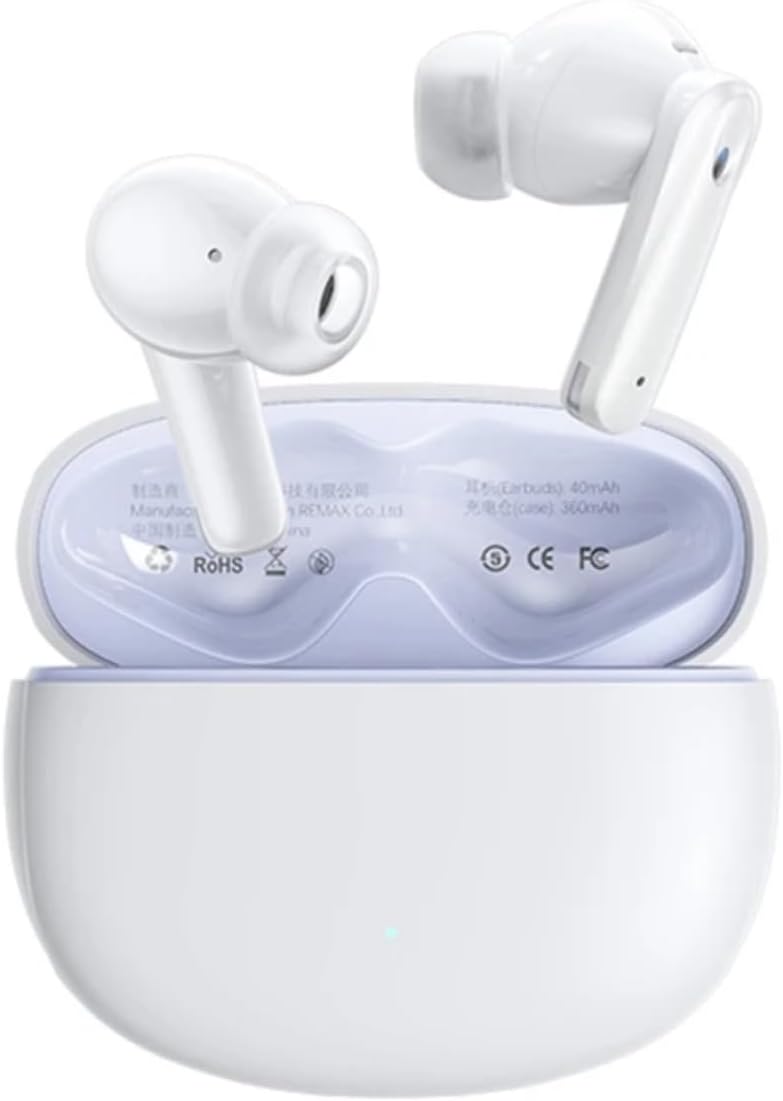
Figure 3.1: REMAX Cozypods W21N Earbuds in their charging case, showing the sleek white design and compact form factor.
The REMAX Cozypods W21N consists of two earbuds and a portable charging case. Each earbud features a touch-sensitive surface for control and an ergonomic design for comfortable wear. The charging case protects the earbuds and recharges them on the go.

Figure 3.2: Internal view highlighting the 13MM ultra-wideband large dynamic coil, responsible for deep bass, clear vocals, and crisp treble, ensuring rich sound details and Hi-Fi audio quality.
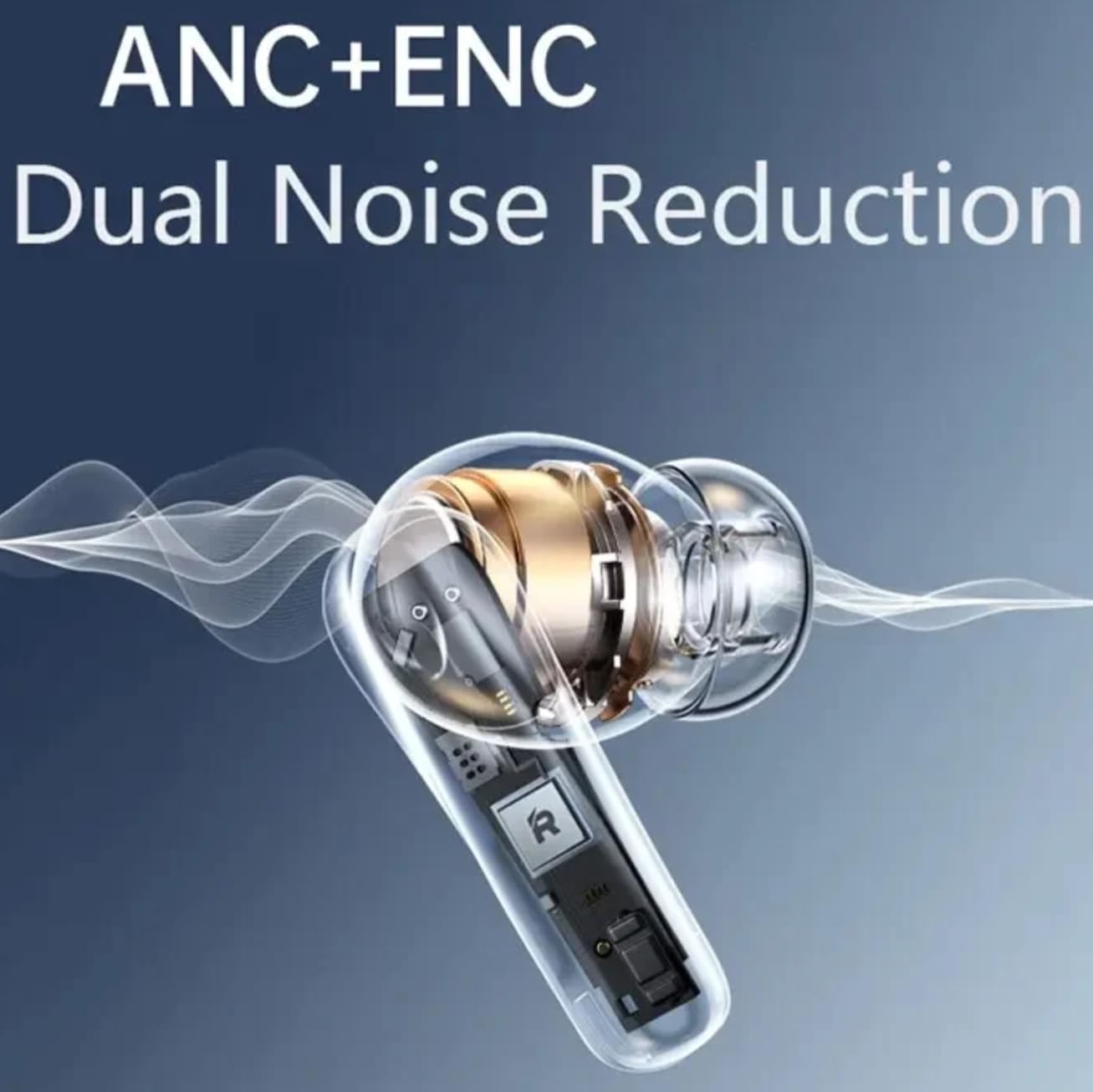
Figure 3.3: Illustration of the ANC+ENC Dual Noise Reduction technology, demonstrating how the earbuds actively cancel out ambient noise for an immersive audio experience.
4. Setup
4.1 Charging the Earbuds and Case
Before first use, fully charge the earbuds and the charging case. Connect the USB charging cable to the charging port on the case and a power source. The LED indicator on the case will show charging status. A full charge takes approximately 1-2 hours.

Figure 4.1: Overview of battery performance, indicating a standby time of 116 days, playback time of 6-7 hours per charge, and a total of 28 hours with the charging case, with a charging time of 1-2 hours.
4.2 Pairing with Your Device
- Ensure the charging case has sufficient power.
- Open the lid of the charging case. The earbuds will automatically power on and enter pairing mode.
- On your device (smartphone, tablet, laptop), enable Bluetooth.
- Search for "REMAX Cozypods W21N" in the list of available Bluetooth devices.
- Select it to connect. Once connected, you will hear a confirmation tone.
The earbuds will automatically connect to the last paired device when taken out of the case, provided Bluetooth is enabled on the device.

Figure 4.2: Illustration of the automatic connection feature: simply open the case and take out the earbuds, and they will automatically connect to your paired mobile phone, ready for immediate use.
5. Operating Instructions
5.1 Touch Controls
The REMAX Cozypods W21N features sensitive touch controls on both left and right earbuds for easy management of music, calls, and voice assistant.

Figure 5.1: Depiction of the one-handed touch control functionality, highlighting separate touch controls for both left and right earbuds, allowing users to easily skip songs, answer/hang up calls, and activate the voice assistant.
| Action | Left Earbud | Right Earbud |
|---|---|---|
| Play/Pause | Single Tap | Single Tap |
| Next Track | Double Tap | Double Tap |
| Previous Track | Triple Tap | Triple Tap |
| Answer/End Call | Single Tap | Single Tap |
| Reject Call | Press and Hold (2s) | Press and Hold (2s) |
| Activate Voice Assistant | Press and Hold (3s) | Press and Hold (3s) |
| ANC/Transparency Mode | Long Press (2s) | Long Press (2s) |
5.2 ANC and ENC Functionality
The Cozypods W21N features Active Noise Cancellation (ANC) and Environmental Noise Cancellation (ENC) for an enhanced audio experience. ANC reduces ambient noise, while ENC ensures clear call quality by minimizing background noise during conversations.
- ANC Mode: Reduces low-frequency background noise, ideal for travel or noisy environments.
- Transparency Mode: Allows you to hear your surroundings without removing the earbuds, useful for awareness.
- ENC for Calls: Automatically activated during calls to suppress environmental noise for the person on the other end.
Toggle between ANC and Transparency modes by long-pressing the touch area on either earbud (refer to the touch control table above).
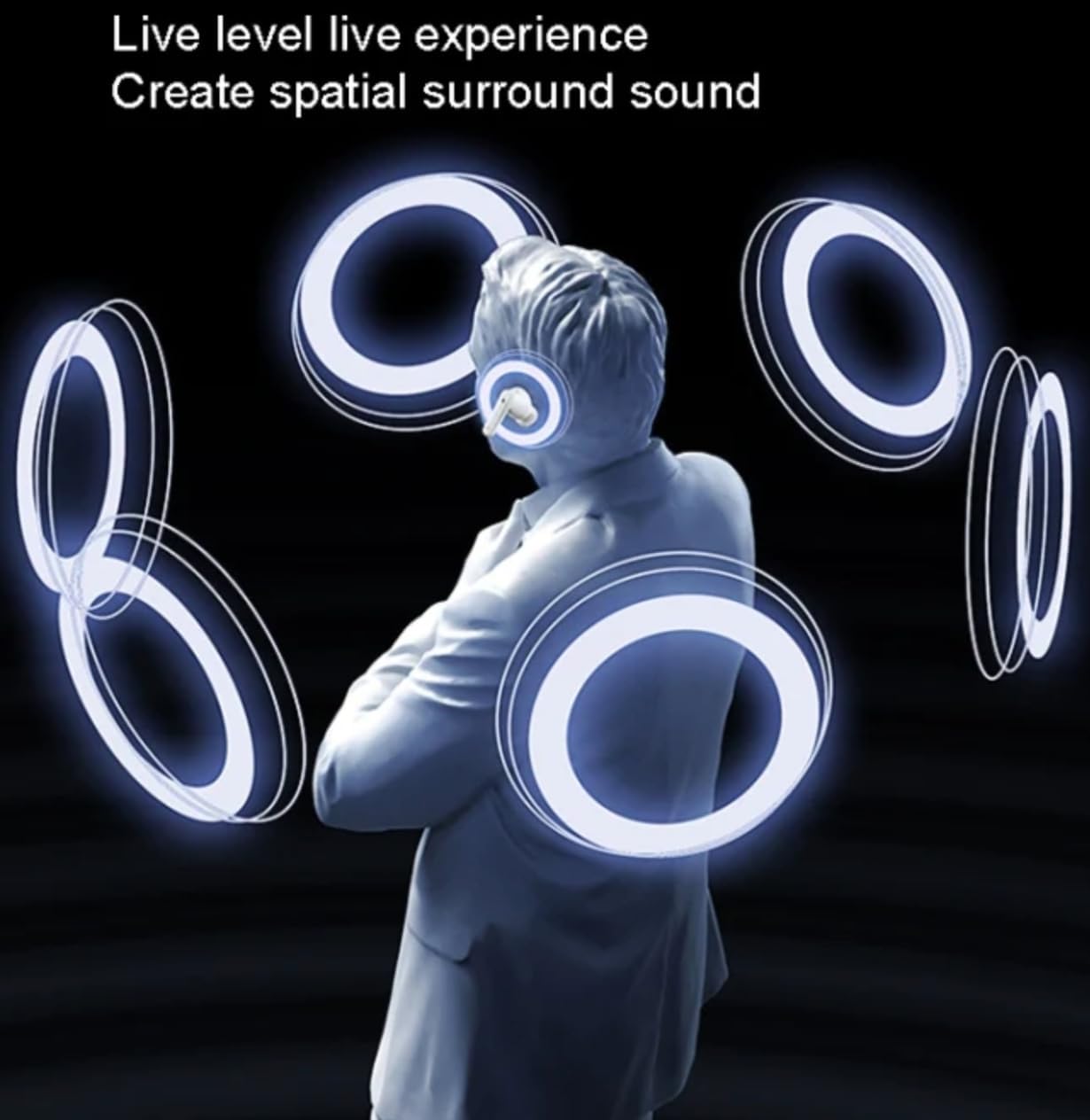
Figure 5.2: Visual representation of the spatial surround sound experience, illustrating how the earbuds create an immersive audio environment for the user.
6. Maintenance
- Cleaning: Regularly clean the earbuds and charging case with a soft, dry, lint-free cloth. Do not use abrasive cleaners or solvents.
- Ear Tips: Remove and clean the ear tips with mild soap and water, then dry thoroughly before reattaching.
- Storage: When not in use, store the earbuds in their charging case to protect them and keep them charged.
- Avoid Water: The earbuds are not waterproof. Avoid exposure to excessive moisture or submersion in water.
7. Troubleshooting
| Problem | Possible Cause | Solution |
|---|---|---|
| Earbuds not pairing | Low battery; Bluetooth off; Out of range; Already paired to another device. | Charge earbuds and case; Ensure Bluetooth is on; Move closer to device; Disconnect from other devices. |
| No sound from one earbud | Low battery; Not properly seated in case; Connection issue. | Charge both earbuds; Ensure proper contact in case; Re-pair with device. |
| Poor sound quality | Ear tips not sealed; Obstruction; Interference. | Try different ear tip sizes for a better seal; Clean earbuds; Move away from interference sources. |
| Earbuds not charging | Charging cable issue; Dirty charging contacts; Case low battery. | Try a different cable/charger; Clean charging contacts on earbuds and case; Charge the case. |
8. Specifications
| Feature | Detail |
|---|---|
| Model Name | Cozypods W21N |
| Brand | REMAX |
| Connectivity Technology | Wireless (Bluetooth 5.3) |
| Control Type | Touch Control |
| Noise Cancellation | ANC (Active Noise Cancellation) + ENC (Environmental Noise Cancellation) |
| Playtime (Earbuds) | 6-7 hours |
| Total Playtime (with Case) | Up to 28 hours |
| Charging Time | 1-2 hours |
| Frequency Range | 20 Hz - 20,000 Hz |
| Impedance | 32 ohms |
| Material | Acrylonitrile Butadiene Styrene (ABS) |
| Color | White |
| Compatible Devices | Laptop, Phone, Tablet (Android, iOS) |
| Special Features | Microphone included, Touch Control, Rechargeable Battery |
9. Warranty and Support
For warranty information and customer support, please refer to the warranty card included in your product packaging or visit the official REMAX website. Please retain your proof of purchase for any warranty claims.
Manufacturer: REMAX
ASIN: B0D3F41WPJ

