
Introduction
The BoxWave ClearTouch ImpactShield is a high-quality screen protector designed to provide superior protection for your UPERFECT UDisplay G8 Pro (27 in). This flexible film offers 9H hardness, shock absorption, and maintains crystal clarity, safeguarding your device from scratches, bumps, and accidental drops.

Image: BoxWave ClearTouch ImpactShield Screen Protector shown applied to a monitor.
Key Features
- 9H Hardness Rating: Provides impenetrable protection against scratches, bumps, and drops, similar to the strength of glass but without being brittle.
- Shock Absorption: Infused with a thin TPU layer to absorb shock and vibration, further protecting your device's screen.
- Ultimate Protection: Made with next-generation material that is strong yet flexible, guarding against scratches and cracks.
- Crystal Clear Visibility: Offers 99% visibility with super clear material, ensuring no distortion or loss of resolution.
- Perfect Design: Precision cut to fit your UPERFECT UDisplay G8 Pro (27 in) specifically, ensuring full accessibility to all ports and buttons.
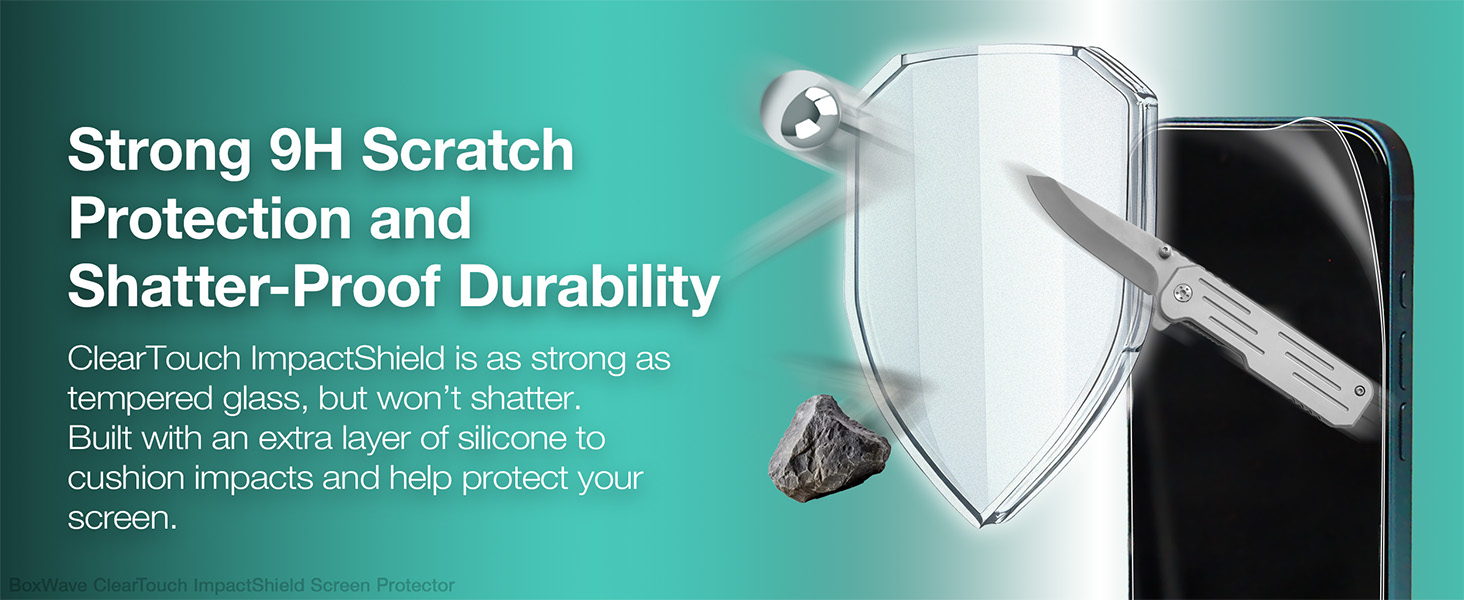
Image: Illustration of the screen protector's strong 9H scratch protection and shatter-proof durability, showing a knife and a rock being repelled.

Image: A diamond next to a vibrant screen, illustrating the crystal clarity of the screen protector.
Setup and Installation
Proper installation is crucial for optimal performance and longevity of your ClearTouch ImpactShield. Please follow these steps carefully:
- Prepare Your Workspace: Choose a clean, dust-free environment. Wash your hands thoroughly to avoid transferring oils or dirt to the screen.
- Clean the Screen: Use a microfiber cloth to gently wipe the device screen. For stubborn smudges, a screen cleaning solution can be used, ensuring the screen is completely dry before proceeding. Remove any dust particles with a dust-absorber sticker if provided.
- Align the Protector: Carefully peel back a small portion of the protective layer (usually marked "Step 1" or "Back"). Align the screen protector with the edges and cutouts of your device's screen.
- Apply and Smooth: Once aligned, slowly peel off the rest of the protective layer while simultaneously applying the screen protector to the screen. Use a squeegee card (if included) or a soft cloth to gently push out any air bubbles towards the edges.
- Final Touches: Once the protector is fully applied and smoothed, remove the top protective film (usually marked "Step 2" or "Front"). Gently wipe the newly installed screen protector with a clean microfiber cloth.

Image: Packaging for the BoxWave ClearTouch ImpactShield, showing the product inside.
Operating
Once installed, the ClearTouch ImpactShield operates seamlessly with your device. It is designed to maintain the original touch sensitivity and display clarity of your UPERFECT UDisplay G8 Pro (27 in). You should experience no interference with touch gestures, stylus input, or display quality.
Maintenance
To ensure the longevity and continued clarity of your screen protector, follow these simple maintenance tips:
- Cleaning: Use a soft, lint-free microfiber cloth to wipe away fingerprints, smudges, and dust. For more persistent marks, slightly dampen the cloth with water or a screen-safe cleaning solution. Avoid harsh chemicals or abrasive materials.
- Avoid Sharp Objects: While the protector offers 9H hardness, extreme pressure or sharp objects can still cause damage. Avoid placing your device face down on rough surfaces or with keys/coins in the same pocket.
- Reusability: The ClearTouch ImpactShield is designed with installation forgiveness. If you need to re-adjust or reapply, carefully peel it off and follow the installation steps again. Ensure no dust adheres to the adhesive side during removal.
Troubleshooting
Here are solutions to common issues you might encounter during or after installation:
| Issue | Solution |
|---|---|
| Bubbles Under Protector | Small bubbles often disappear within 24-48 hours. For larger bubbles, gently lift the nearest edge of the protector and use a squeegee or soft cloth to push the air out towards the edge. |
| Dust Particles Trapped | Carefully lift the protector near the dust particle using a piece of tape. Use another piece of tape to dab the dust off the screen and the adhesive side of the protector. Reapply slowly. |
| Misalignment | Gently peel off the protector completely. Re-clean the screen thoroughly and re-align the protector from the beginning, taking care to match the edges and cutouts. |
| Edges Not Sticking | Ensure the screen is perfectly clean and free of dust or oils, especially along the edges. Press firmly on the edges for a few seconds. If the issue persists, the protector might be slightly misaligned or the screen itself has a curvature not fully compatible with the film. |
Specifications
| Attribute | Detail |
|---|---|
| Product Name | ClearTouch ImpactShield (2-Pack) |
| Compatibility | UPERFECT UDisplay G8 Pro (27 in) |
| Material | Flexible Film with TPU layer |
| Hardness Rating | 9H |
| Visibility | 99% Crystal Clear |
| Item Weight | 14 ounces |
| Manufacturer | BoxWave |
| Country of Origin | China |
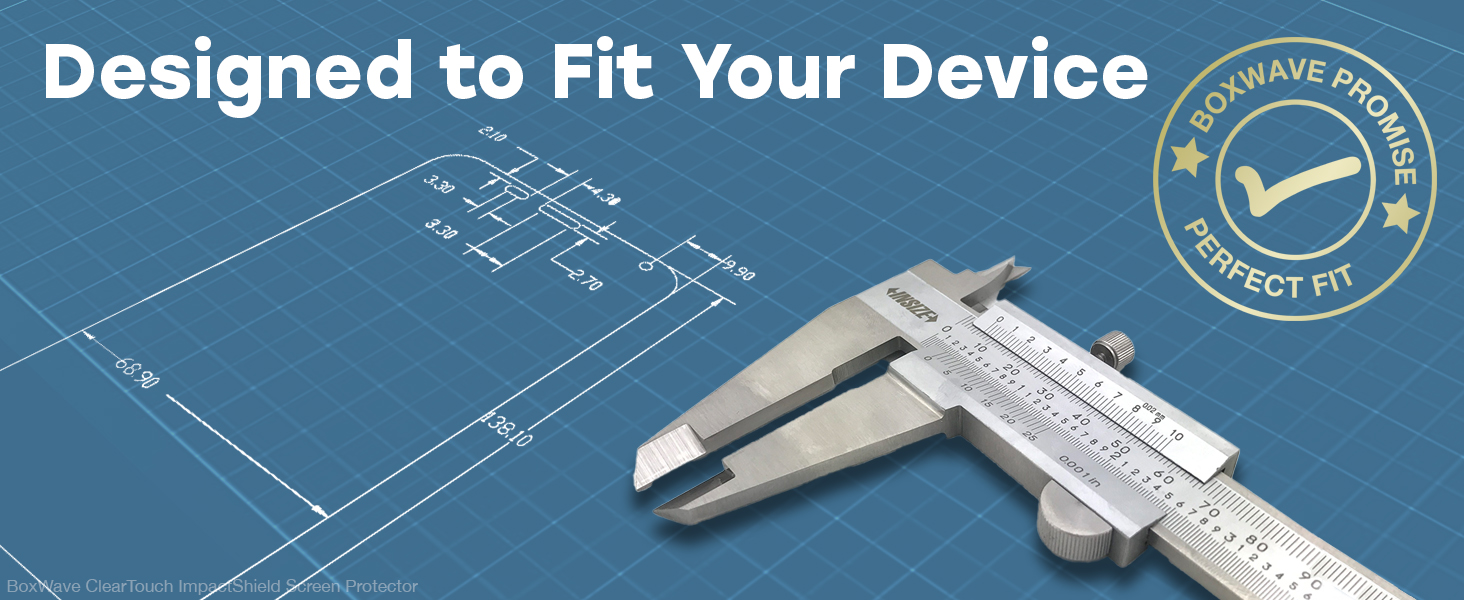
Image: A blueprint with measurements and calipers, illustrating the precise design of the screen protector to fit your device.
Warranty and Support
BoxWave products are designed for quality and performance. While specific warranty details are not provided in this manual, please refer to the product packaging or the official BoxWave website for the most current warranty information and customer support options.
For assistance with installation, troubleshooting, or product inquiries, please contact BoxWave customer support. You may find contact information on the product packaging or by visiting www.boxwave.com.