
1. Introduction
This manual provides essential information for the safe and efficient use of your BoxWave Wall Charger Direct (15W), designed for compatibility with the Seesii NANOVNA-H4. This charger features a built-in 3-foot USB Type-C cable for direct and reliable power delivery.
The BoxWave Wall Charger Direct is engineered to provide 15W of power, ensuring rapid and safe charging for your compatible device. Its adaptive circuitry supports both North American and international voltage standards, making it suitable for travel.
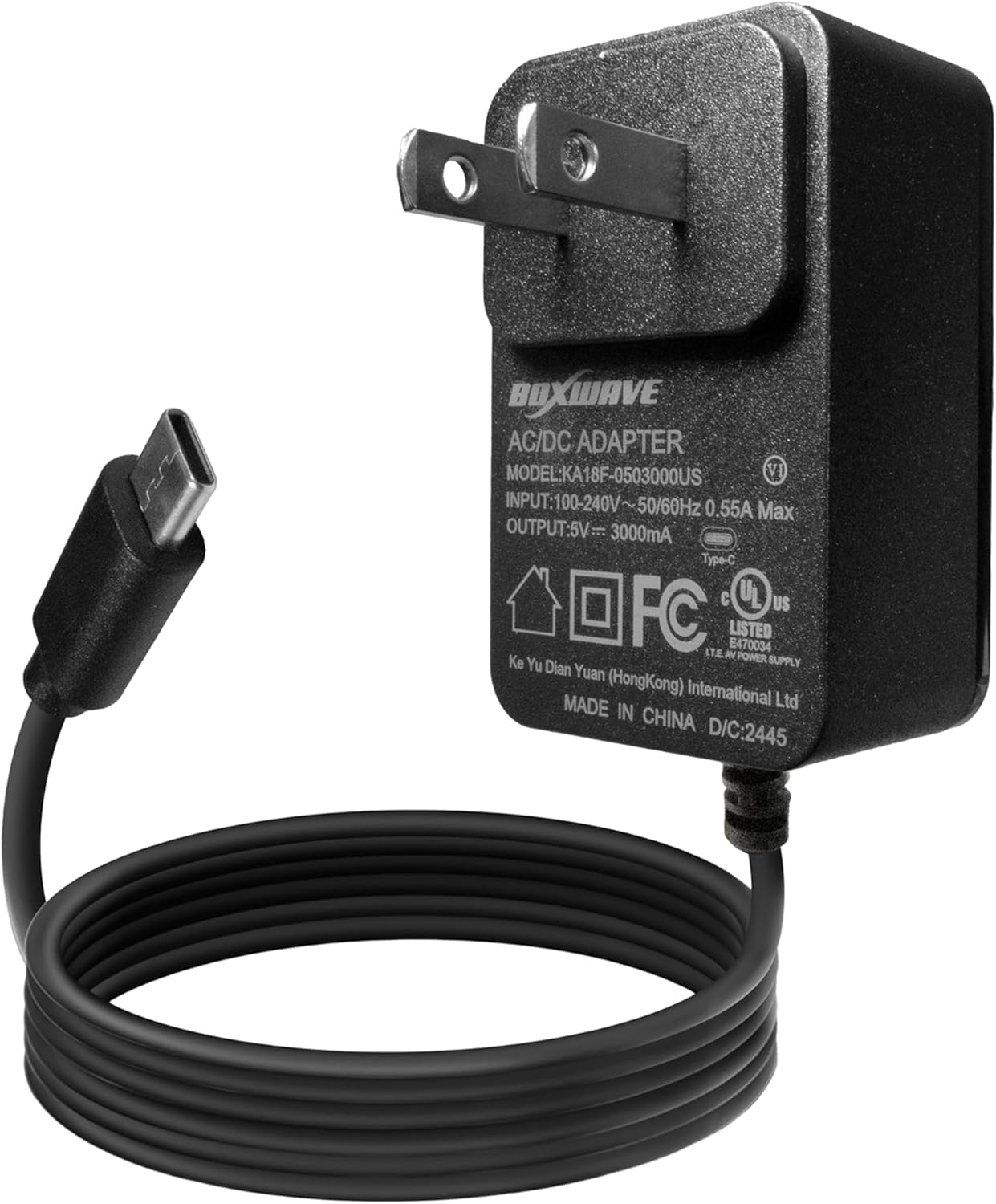
Image 1.1: The BoxWave Wall Charger Direct with its integrated USB Type-C cable.
2. Safety Information
- Do not expose the charger to liquids or extreme temperatures.
- Do not attempt to disassemble or modify the charger.
- Ensure the wall outlet is easily accessible for quick disconnection if needed.
- Keep out of reach of children.
- Use only with compatible devices.
3. Setup
Setting up your BoxWave Wall Charger Direct is a straightforward process:
- Unpack the Charger: Carefully remove the charger from its packaging.
- Locate a Power Outlet: Find a standard AC wall outlet (100-240V) that is easily accessible.
- Plug in the Charger: Insert the charger's prongs into the wall outlet. Ensure it is securely seated.
- Connect to Device: Plug the integrated USB Type-C cable into the charging port of your Seesii NANOVNA-H4 or other compatible device.
The charger is designed for simple plug-and-play functionality, eliminating the need for additional cables or complex setup procedures.

Image 3.1: Illustrates the simple plug-and-play functionality of the charger.
4. Operating Instructions
Once connected, the BoxWave Wall Charger Direct will automatically begin charging your device. The 15W power output ensures efficient charging.
- Charging Indication: Your device's screen or indicator light will typically show that it is receiving power and charging.
- Optimal Charging: For best results, ensure your device is not in heavy use during charging.
- Disconnecting: To stop charging, simply unplug the USB Type-C cable from your device, then remove the charger from the wall outlet.
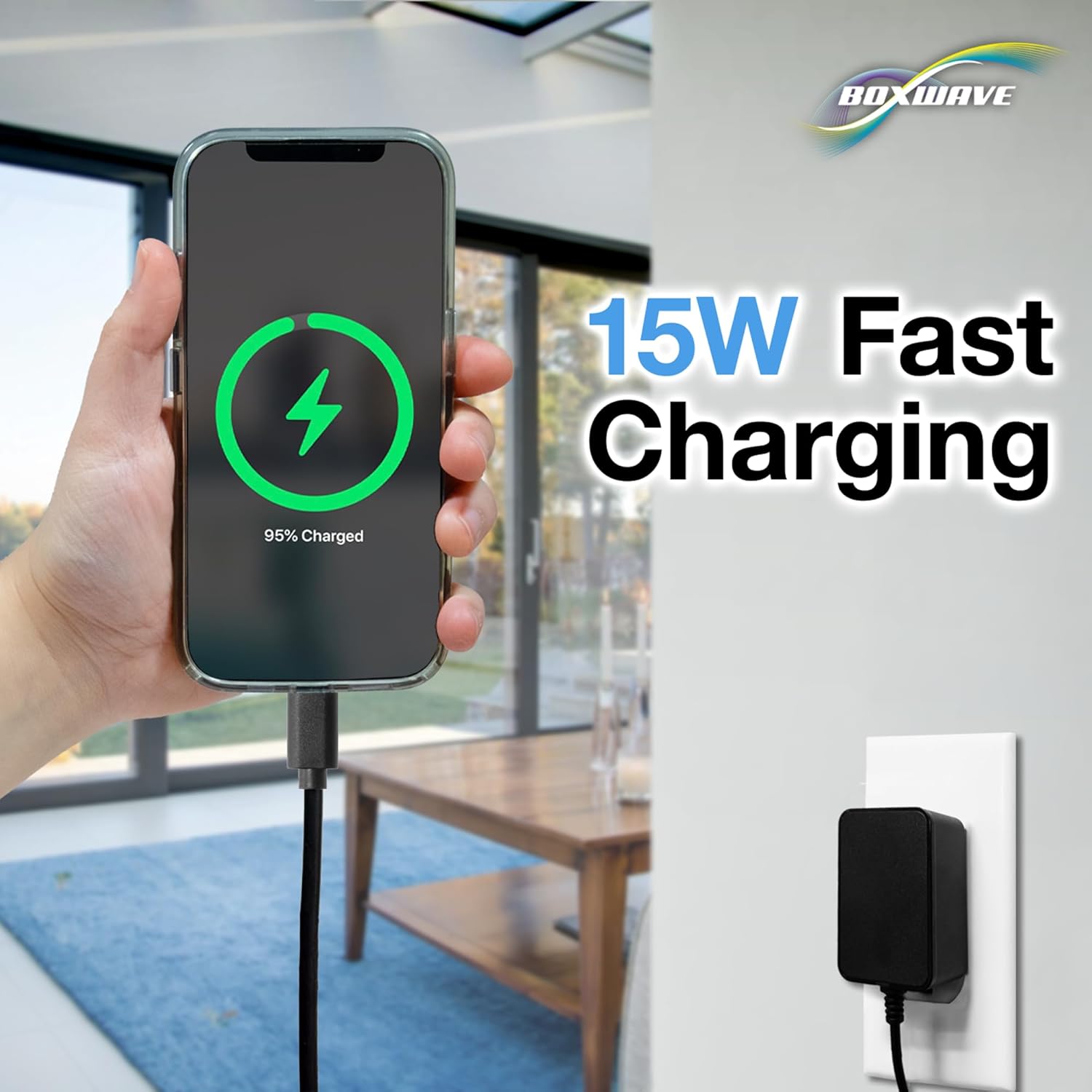
Image 4.1: A visual representation of a device undergoing 15W fast charging.
5. Maintenance
Proper care will extend the life of your BoxWave Wall Charger Direct:
- Cleaning: Disconnect the charger from the power outlet before cleaning. Use a soft, dry cloth to wipe the exterior. Do not use liquid cleaners or aerosols.
- Storage: When not in use, store the charger in a cool, dry place, away from direct sunlight and moisture.
- Cable Care: Avoid sharp bends or kinks in the cable. The charger features reinforced strain relief to minimize wear, but proper handling is still recommended.

Image 5.1: Detail of the reinforced strain relief designed to protect the cable from damage.
6. Troubleshooting
| Problem | Possible Cause | Solution |
|---|---|---|
| Device not charging | Charger not properly plugged in; device not compatible; faulty outlet. | Ensure charger is fully inserted into the wall outlet. Verify device compatibility. Try a different wall outlet. |
| Slow charging | Device in heavy use; background apps consuming power. | Close unnecessary applications on your device. Avoid heavy usage during charging. |
| Charger feels warm | Normal operation during charging. | A slight warmth is normal. If it becomes excessively hot or emits smoke/odor, immediately unplug and discontinue use. |
If you experience issues not covered here, please refer to the support section.
7. Specifications
- Model Number: BW-WCD
- Input: 100-240V ~ 50/60Hz, 0.55A Max
- Output: 5V === 3000mA (15W)
- Cable Length: 3 feet (approximately 0.91 meters)
- Connector Type: USB Type-C
- Item Weight: 3.3 ounces (approximately 93.5 grams)
- Manufacturer: BoxWave
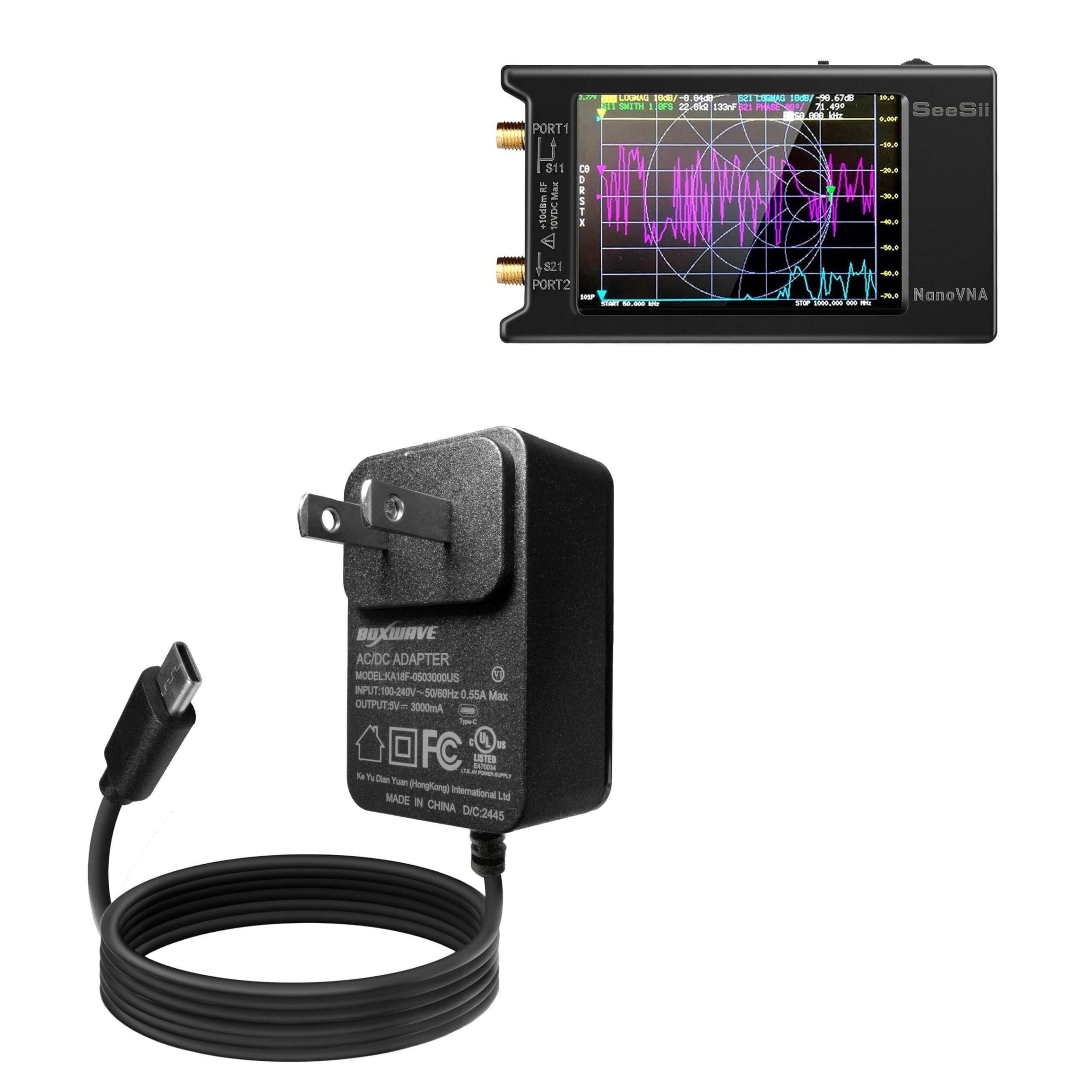
Image 7.1: Product label displaying detailed electrical specifications.
8. Warranty and Support
BoxWave Corporation stands by the quality of its products. For specific warranty details, please refer to the documentation included with your purchase or visit the official BoxWave website.
For technical assistance or inquiries regarding your BoxWave Wall Charger Direct, you may contact BoxWave customer support. Limited third-party technical support for your device (up to 3 inquiries via messaging) is also available, though this is not affiliated with or endorsed by Seesii.
Please note that the Seesii NANOVNA-H4 device itself is not included with this charger and any support for the NANOVNA-H4 device should be directed to Seesii.