1. Important Safety Instructions
Read all instructions carefully before using the appliance. Keep this manual for future reference.
- Ensure the power supply matches the rating label on the unit.
- Do not operate the air conditioner with wet hands.
- Do not insert fingers or objects into the air inlet/outlet.
- Keep flammable materials away from the unit.
- Disconnect power before cleaning or servicing.
- Installation must be performed by qualified personnel.
- This appliance is not intended for use by persons (including children) with reduced physical, sensory or mental capabilities, or lack of experience and knowledge, unless they have been given supervision or instruction concerning use of the appliance by a person responsible for their safety.
2. Product Overview
The Hisense Luso Connect KC25YR03 is a split-type air conditioner designed for efficient cooling and heating. It features Wi-Fi connectivity, a built-in display, and comes with a remote control for convenient operation.
2.1 Components
- Indoor Unit (Evaporator)
- Outdoor Unit (Condenser)
- Remote Control
- Installation Plate (for indoor unit)
- Connecting Pipes and Cables
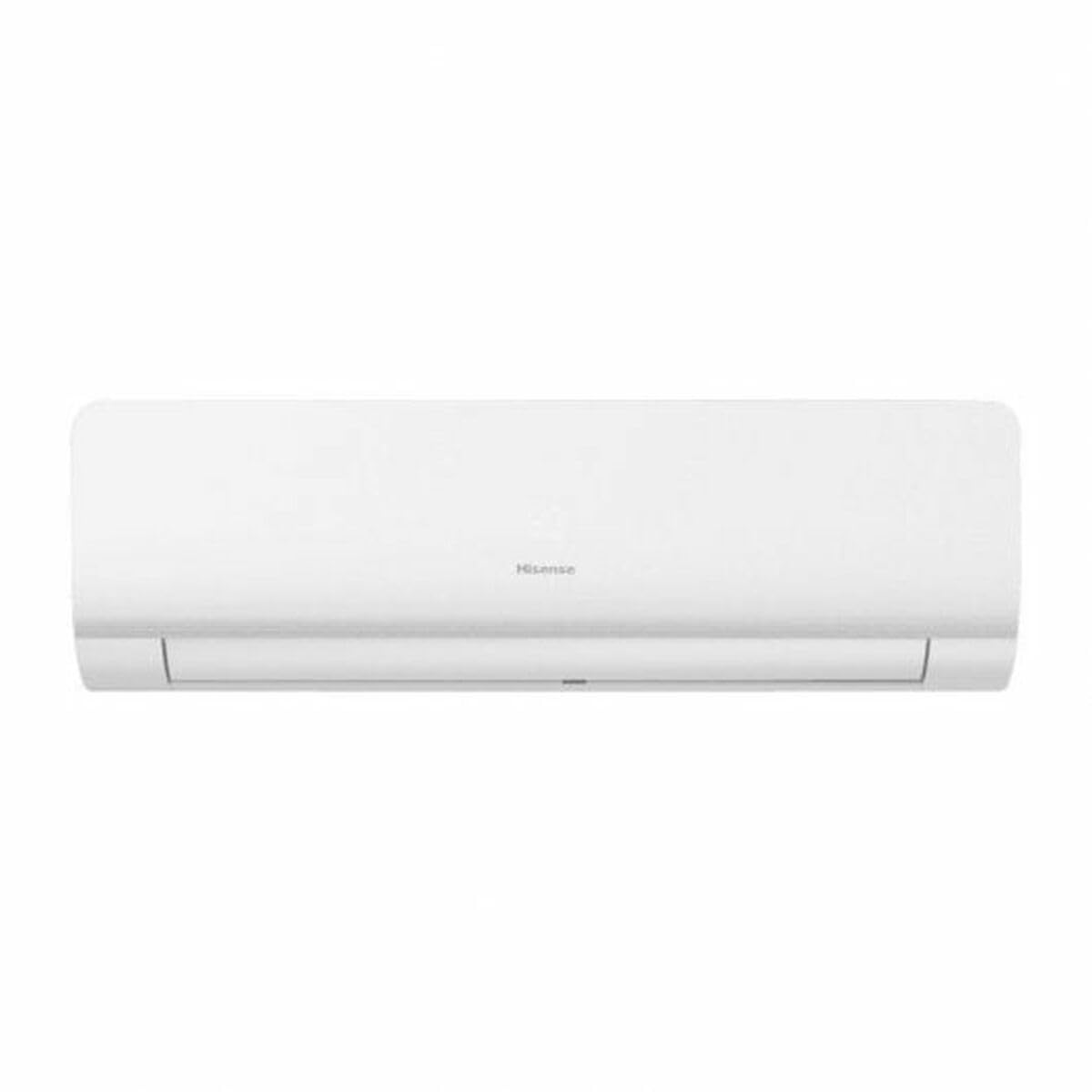
Figure 1: Hisense Luso Connect KC25YR03 Indoor Unit. This image shows the sleek white design of the indoor unit, typically mounted high on a wall, with its air outlet visible at the bottom.
3. Setup and Installation
Installation of this split air conditioner requires professional expertise. Please contact a qualified technician for proper installation to ensure safety and optimal performance.
3.1 Pre-Installation Checks
- Verify the power supply voltage (220-240V) and circuit capacity.
- Ensure adequate space for both indoor and outdoor units for proper airflow and maintenance.
- Check for a suitable drainage point for condensate water.
3.2 Wi-Fi Connection
The Luso Connect KC25YR03 features Wi-Fi connectivity for smart control. Refer to the separate Wi-Fi setup guide or the Hisense Connect app for detailed instructions on pairing your device.
4. Operating Instructions
Your air conditioner can be operated via the remote control or through the Hisense Connect app (if Wi-Fi is configured).
4.1 Remote Control Functions
- POWER Button: Turns the unit ON/OFF.
- MODE Button: Cycles through modes: Auto, Cool, Dry, Fan, Heat.
- TEMP ▲/▼ Buttons: Adjusts temperature settings.
- FAN Button: Adjusts fan speed (Auto, Low, Med, High).
- TIMER Button: Sets ON/OFF timer.
- SWING Button: Controls vertical louver movement.
- SLEEP Button: Activates sleep mode for comfortable night operation.
4.2 Operating Modes
- Cool Mode: For cooling the room. Set desired temperature.
- Heat Mode: For heating the room. Set desired temperature.
- Dry Mode: For dehumidifying the room.
- Fan Mode: Circulates air without cooling or heating.
- Auto Mode: Unit automatically selects operating mode based on room temperature.
5. Maintenance
Regular maintenance ensures optimal performance and extends the lifespan of your air conditioner. Always disconnect power before performing any maintenance.
5.1 Cleaning the Air Filter
- Open the front panel of the indoor unit.
- Remove the air filters.
- Clean filters with a vacuum cleaner or wash with lukewarm water.
- Dry filters completely before reinstalling.
- Reinstall filters and close the front panel.
Recommended cleaning frequency: Every two weeks, or more often if used frequently or in dusty environments.
5.2 Cleaning the Outdoor Unit
Periodically check the outdoor unit for debris (leaves, dust) blocking the condenser fins. Gently clean with a soft brush or vacuum. Do not bend the fins.
6. Troubleshooting
Before contacting service, refer to the following table for common issues and solutions.
| Problem | Possible Cause | Solution |
|---|---|---|
| Unit does not start | No power; Remote control batteries low; Timer set. | Check power supply; Replace batteries; Cancel timer. |
| Insufficient cooling/heating | Dirty air filter; Blocked outdoor unit; Room too large; Doors/windows open. | Clean air filter; Clear outdoor unit; Close doors/windows. |
| Water leakage from indoor unit | Clogged drain hose; Improper installation. | Clear drain hose; Contact technician for inspection. |
7. Specifications
| Model | KC25YR03 |
| Type | Split, Cold/Hot |
| Cooling Power | 2600 W (2236 fg/h) |
| Heating Power | 3000 W |
| Energy Rating | A+ / A++ / A+++ |
| Voltage | 220-240 V |
| Frequency | 50 Hz |
| Connectivity | Wi-Fi |
| Features | Built-in display, Remote control, Timer |
| Dimensions (approx.) | 60.12 x 91.01 x 67.48 cm (This may refer to the outdoor unit or packaging) |
| Weight (approx.) | 45.4 kg |
8. Warranty and Support
For warranty information, please refer to the warranty card included with your product or visit the official Hisense website. Keep your purchase receipt as proof of purchase.
8.1 Customer Support
If you encounter issues not covered in the troubleshooting section or require professional assistance, please contact Hisense customer support.
- Website: www.hisense.com (Check regional site for specific contact details)
- Service Hotline: Refer to your local Hisense service center contact information.


