
1. Introduction
This manual provides essential information for the safe and efficient use of your Philips TAH3209WT Wireless On-Ear Headphones. Please read these instructions carefully before using the product.
Safety Information
- Do not expose the headphones to excessive heat or direct sunlight.
- Avoid dropping or subjecting the headphones to strong impacts.
- Do not immerse the headphones in water. They are not water-resistant.
- Use only the provided or a certified charging cable.
- Listening at high volumes for extended periods can cause hearing damage.
2. Package Contents
Verify that all items are present in your package:
- Philips TAH3209WT Wireless On-Ear Headphones
- USB Charging Cable
- Quick Start Guide (may vary by region)

Image: Philips TAH3209WT headphones in white, accompanied by a white USB charging cable.
3. Product Overview
Familiarize yourself with the components and controls of your headphones.
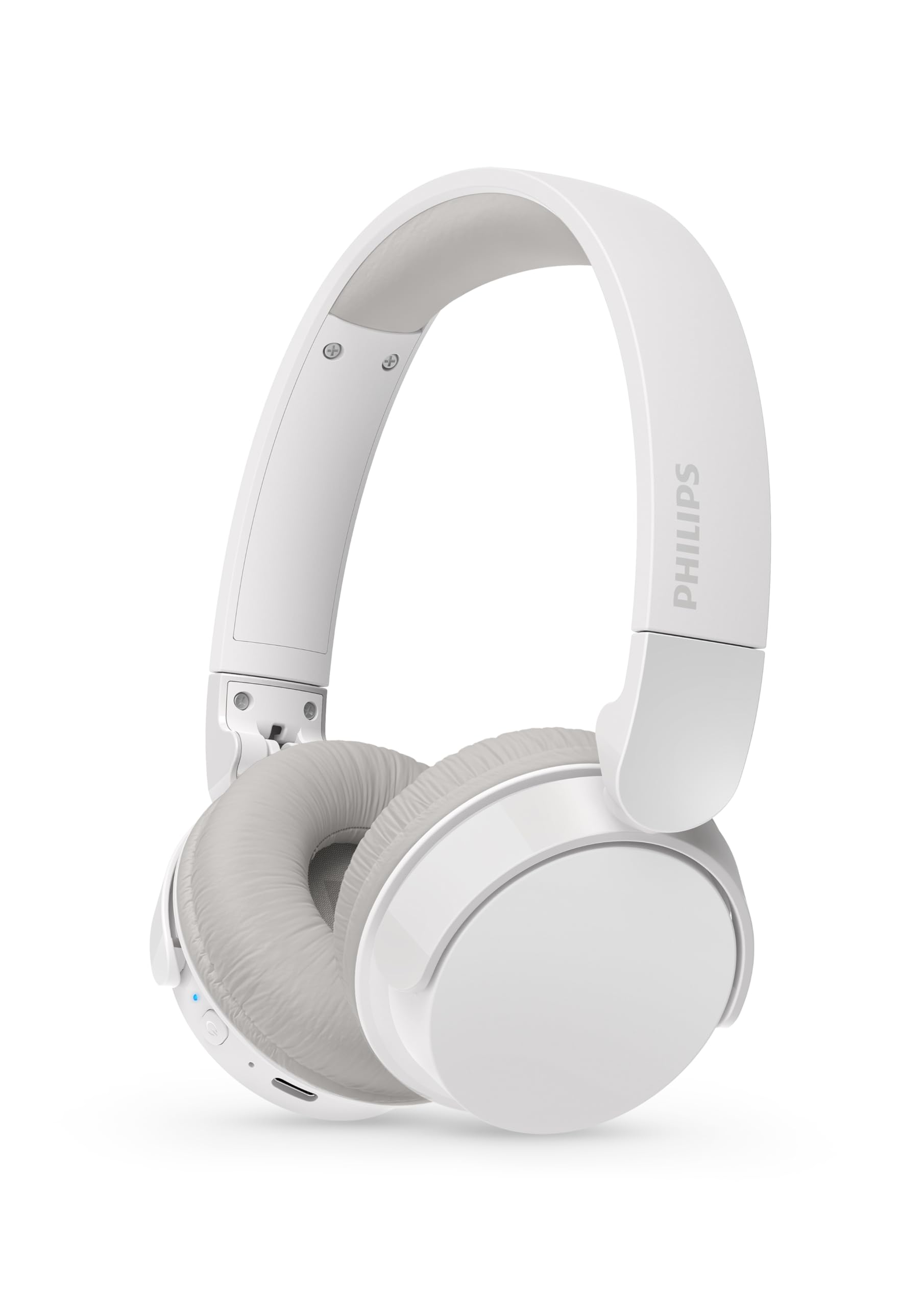
Image: A pair of Philips TAH3209WT Wireless On-Ear Headphones in white, showing the earcups, headband, and visible controls on the left earcup.

Image: A close-up side view of the Philips TAH3209WT headphones, highlighting the power button, volume controls, and charging port on the earcup.
Controls and Indicators:
- Power Button: Press and hold to power on/off.
- Volume Up/Next Track: Press to increase volume, hold for next track.
- Volume Down/Previous Track: Press to decrease volume, hold for previous track.
- Multi-function Button: Play/Pause, Answer/End Call, Activate Voice Assistant.
- LED Indicator: Shows power, pairing, and charging status.
- USB-C Charging Port: For charging the headphones.
4. Setup
4.1 Charging the Headphones
- Connect the USB charging cable to the USB-C port on the headphones.
- Connect the other end of the cable to a powered USB port (e.g., computer, USB wall adapter).
- The LED indicator will show charging status. A full charge takes approximately 2 hours.
- Once fully charged, the LED indicator will change (refer to the Quick Start Guide for specific LED behavior).
A full charge provides approximately 25 hours of playback time.
4.2 Bluetooth Pairing
- Ensure the headphones are turned off.
- Press and hold the Power button until the LED indicator flashes blue and white alternately, indicating pairing mode.
- On your Bluetooth-enabled device (smartphone, tablet, computer), go to the Bluetooth settings.
- Search for available devices and select "Philips TAH3209WT".
- Once connected, the LED indicator will turn solid blue or flash blue slowly.
4.3 Multi-Point Connection
The Philips TAH3209WT supports multi-point connection, allowing you to connect to two Bluetooth devices simultaneously. For example, you can connect to your smartphone and your laptop at the same time. If a call comes in on your phone while you're watching a movie on your laptop, the headphones will automatically switch to the phone call.
- Pair the headphones with the first device (e.g., smartphone) as described in section 4.2.
- Disable Bluetooth on the first device.
- Put the headphones back into pairing mode.
- Pair the headphones with the second device (e.g., laptop).
- Re-enable Bluetooth on the first device. The headphones should automatically connect to both devices.
5. Operating the Headphones
5.1 Power On/Off
- Power On: Press and hold the Power button for approximately 2 seconds until the LED indicator lights up.
- Power Off: Press and hold the Power button for approximately 4 seconds until the LED indicator turns off.
5.2 Music Playback
- Play/Pause: Press the Multi-function button once.
- Next Track: Press and hold the Volume Up button.
- Previous Track: Press and hold the Volume Down button.
- Volume Up: Press the Volume Up button.
- Volume Down: Press the Volume Down button.
5.3 Call Management
- Answer/End Call: Press the Multi-function button once.
- Reject Call: Press and hold the Multi-function button for 2 seconds.
5.4 Voice Assistant
- Activate Voice Assistant: Double-press the Multi-function button.
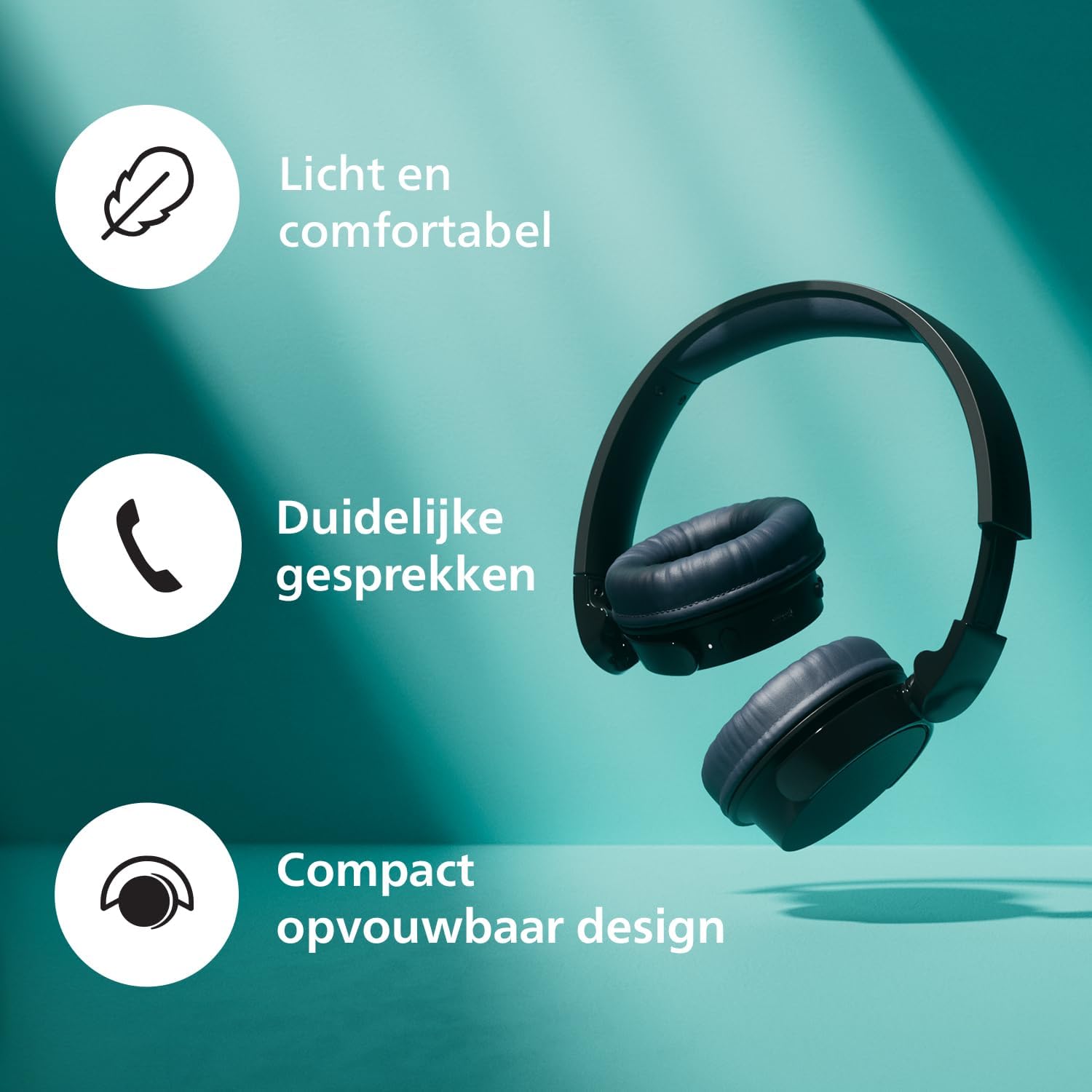
Image: A person wearing the Philips TAH3209WT headphones in dark grey, looking at a smartphone, illustrating typical usage.
6. Maintenance
6.1 Cleaning
- Wipe the headphones with a soft, dry cloth.
- Do not use cleaning agents containing alcohol, ammonia, benzene, or abrasives, as these may damage the unit.
6.2 Storage
- Store the headphones in a clean, dry environment when not in use.
- Avoid storing in extreme temperatures.

Image: Philips TAH3209WT headphones in white, shown folded for compact storage.
7. Troubleshooting
If you encounter issues, refer to the following common problems and solutions.
| Problem | Solution |
|---|---|
| Headphones do not power on. | Ensure the headphones are charged. Connect to a power source and try again. |
| Cannot pair with a Bluetooth device. | Make sure the headphones are in pairing mode (LED flashing blue/white). Ensure Bluetooth is enabled on your device and it is within range. Forget the device on your phone and re-pair. |
| No sound or low volume. | Check the volume levels on both the headphones and your connected device. Ensure the headphones are properly connected. |
| Sound quality is poor. | Move closer to your Bluetooth device to reduce interference. Avoid obstacles between the headphones and the device. |
8. Specifications
- Model: TAH3209WT
- Connectivity: Bluetooth Wireless
- Bluetooth Version: (Not specified, assumed standard)
- Form Factor: On-Ear
- Noise Control: Passive Noise Cancellation
- Frequency Response: 20 - 20000 Hz
- Sensitivity: 112 dB
- Impedance: 32 Ohm
- Charging Time: Approximately 2 hours
- Average Battery Life: Up to 25 hours
- Control Type: Touch Control
- Material: Plastic
- Product Weight: 0.18 Kilogram (180 grams)
- Product Dimensions: 5 x 18 x 15.1 cm
- Water Resistance Level: Not Water Resistant
- Included Components: USB Charging Cable
- Compatible Devices: Smartphones, Tablets, HiFi systems, Televisions
9. Warranty and Support
For warranty information and technical support, please refer to the official Philips website or contact your local Philips customer service. Keep your proof of purchase for warranty claims.
You can find more information and frequently asked questions at the Philips Support Website.


