
1. Introduction
Thank you for choosing the ANCOBER Portable Wireless Bluetooth Speaker. This speaker is designed to deliver immersive, high-fidelity sound with dynamic LED lighting, making it ideal for various indoor and outdoor activities. Its lightweight, portable design, coupled with IPX4 water resistance and advanced Bluetooth 5.3 technology, ensures a versatile and enjoyable audio experience. Please read this manual carefully before using the product to ensure proper operation and to maximize its lifespan.
2. Safety Information
- Do not expose the speaker to extreme temperatures, direct sunlight, or high humidity.
- Avoid dropping or subjecting the speaker to strong impacts.
- Do not disassemble, repair, or modify the speaker yourself. Refer all servicing to qualified personnel.
- Keep the speaker away from medical devices, as its magnetic components may interfere with their operation.
- The speaker has an IPX4 waterproof rating, protecting against water splashes and spills. Do not partially or fully submerge the speaker in water.
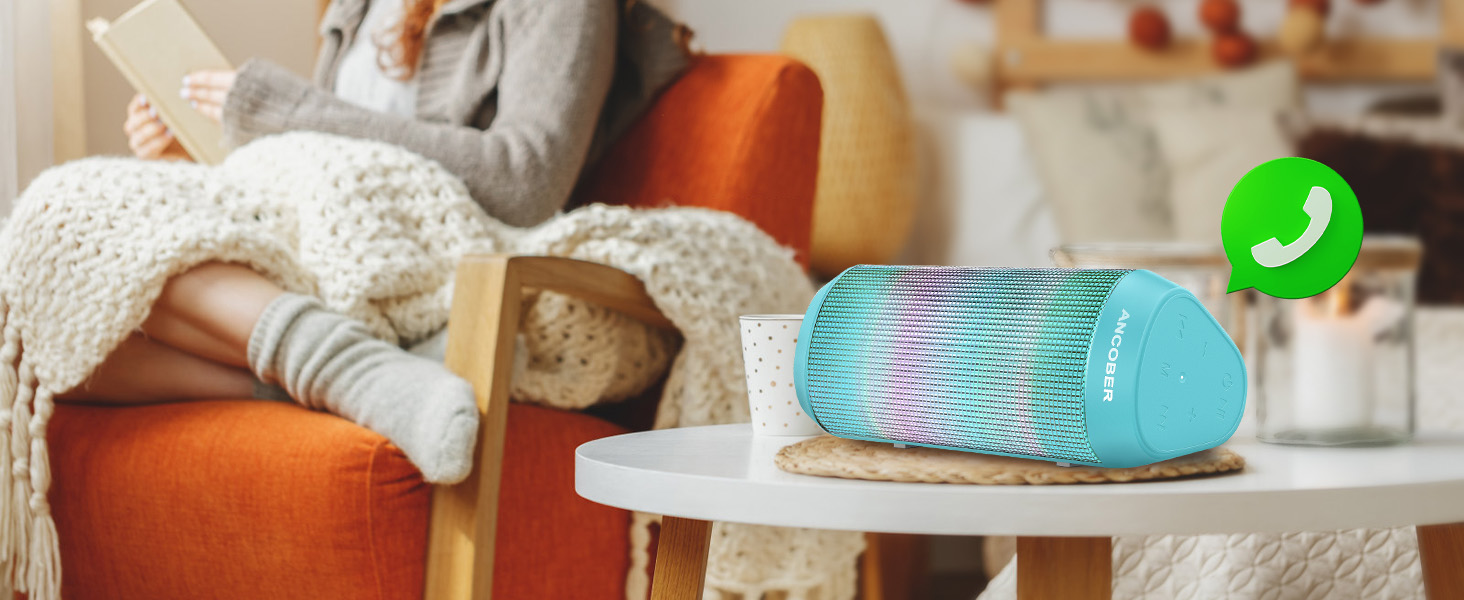
The speaker is designed to withstand splashes, making it suitable for outdoor use.
3. Package Contents
Please check the package for the following items:
- 1 x ANCOBER Portable Bluetooth Speaker
- 1 x USB Type-C Charging Cable
- 1 x Auxiliary-in (AUX) Cable
- 1 x User Manual
4. Product Overview
Familiarize yourself with the speaker's components and controls.

Front view of the ANCOBER Portable Wireless Bluetooth Speaker.
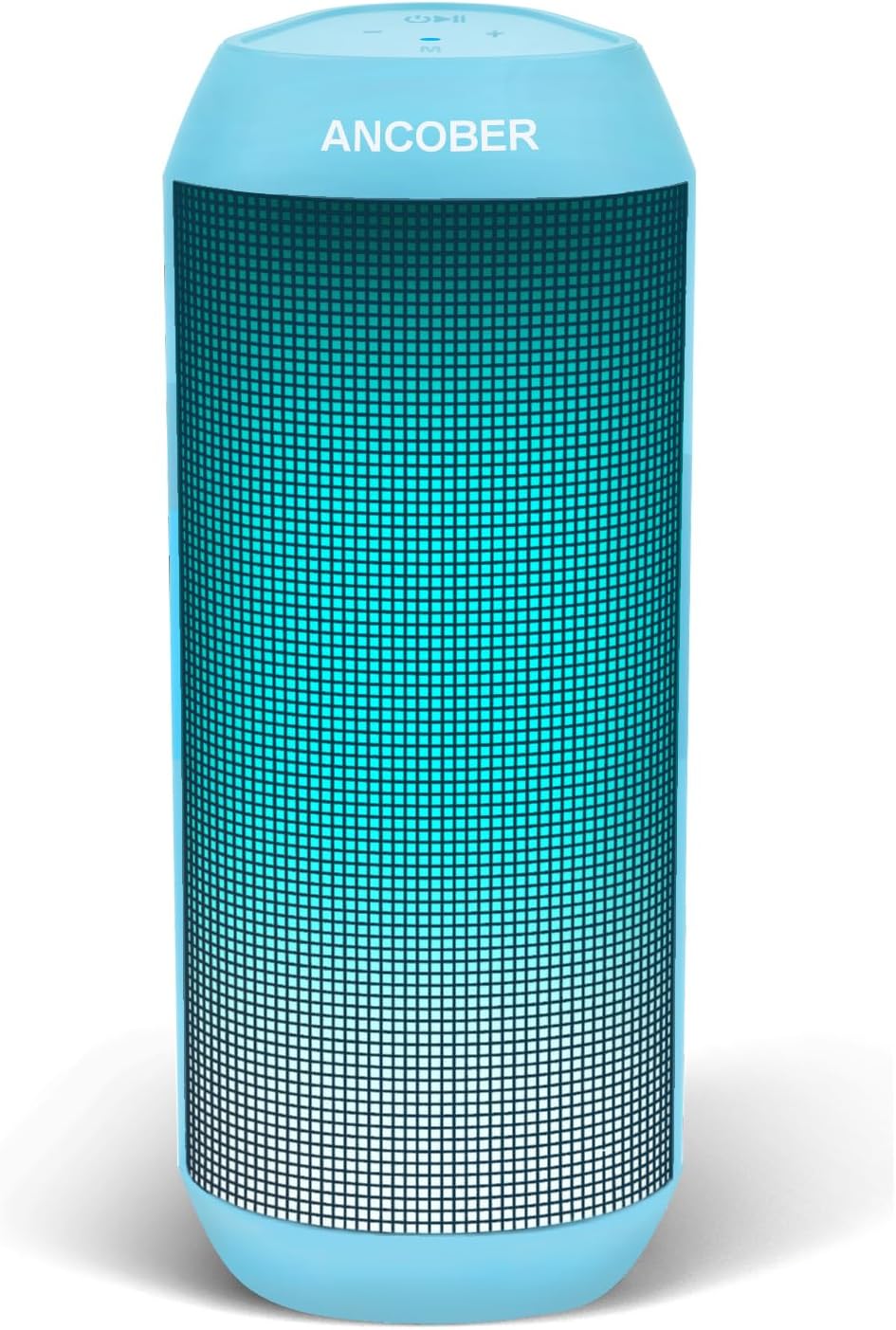
The speaker showcasing its vibrant LED lighting effects.
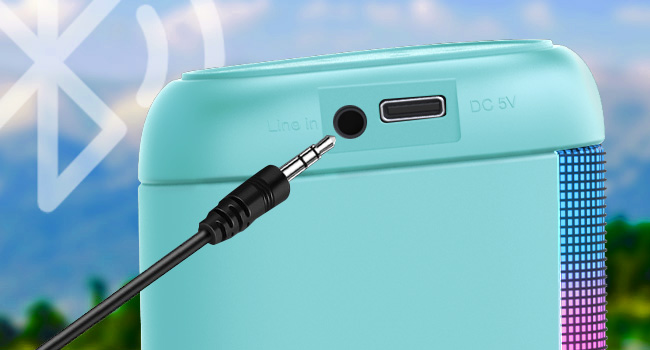
Detail of the speaker's input ports: AUX and Type-C charging.
Control Buttons:
- Power Button: Press and hold to power on/off.
- Play/Pause Button: Press to play or pause music. Press to answer/end calls.
- Volume Up (+): Press to increase volume. Long press for next track.
- Volume Down (-): Press to decrease volume. Long press for previous track.
- Light Mode Button: Press to cycle through LED light modes.
- TWS Button: Press to initiate True Wireless Stereo pairing.
5. Setup
5.1. Bluetooth Pairing
- Ensure the speaker is fully charged before first use.
- Press and hold the Power Button to turn on the speaker. A voice prompt will indicate it's in Bluetooth pairing mode.
- On your device (smartphone, tablet, computer), enable Bluetooth and search for available devices.
- Select "ANCOBER Speaker" from the list.
- Once connected, a voice prompt will confirm successful pairing.
5.2. True Wireless Stereo (TWS) Pairing
TWS allows you to connect two ANCOBER speakers for a stereo sound experience.
- Ensure both speakers are powered on and not connected to any other Bluetooth device.
- On one of the speakers, press the TWS Button. It will enter TWS pairing mode.
- The two speakers will automatically connect to each other. A voice prompt will confirm successful TWS pairing.
- Once TWS paired, connect your device to one of the speakers via Bluetooth as described in Section 5.1. The audio will now play through both speakers in stereo.
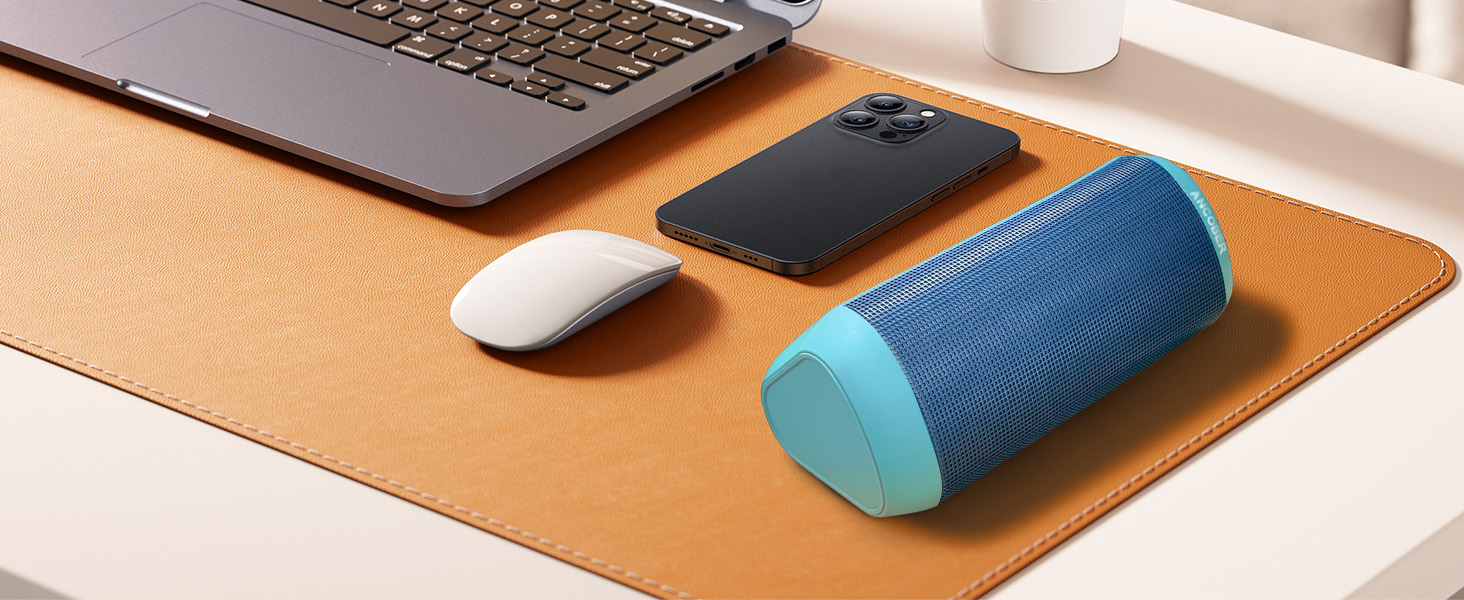
Enjoy immersive stereo sound by pairing two speakers with TWS.
6. Operating Instructions
6.1. Power On/Off
- To power on, press and hold the Power Button for 2-3 seconds.
- To power off, press and hold the Power Button for 2-3 seconds.
6.2. Music Playback
- Play/Pause: Press the Play/Pause Button.
- Volume Up: Press the '+' button.
- Volume Down: Press the '-' button.
- Next Track: Long press the '+' button.
- Previous Track: Long press the '-' button.
6.3. LED Light Modes
The speaker features multiple RGB lighting dynamic modes.
- Press the Light Mode Button to cycle through different lighting effects.
- The last two modes are designed to beat with the music, with the effect becoming more pronounced at higher volumes.
6.4. Hands-Free Calling
With the built-in microphone, you can answer calls directly through the speaker.
- Answer Call: Press the Play/Pause Button once when a call comes in.
- End Call: Press the Play/Pause Button once during a call.
- Reject Call: Press and hold the Play/Pause Button for 2 seconds.
6.5. AUX Mode
Connect non-Bluetooth devices using the included AUX cable.
- Insert one end of the 3.5mm AUX cable into the speaker's "Line In" port.
- Insert the other end into the audio output jack of your device.
- The speaker will automatically switch to AUX mode.
7. Charging
The speaker is powered by a rechargeable Lithium Ion battery.
- Connect the included USB Type-C cable to the speaker's DC 5V port.
- Connect the other end of the cable to a USB power adapter (5V/1A recommended) or a computer's USB port.
- The LED indicator will show charging status (specific indicator behavior may vary, refer to quick start guide if available).
- A full charge typically takes a few hours. Avoid overcharging to prolong battery life.
- When the battery is low, the speaker will provide a "low battery" voice prompt.
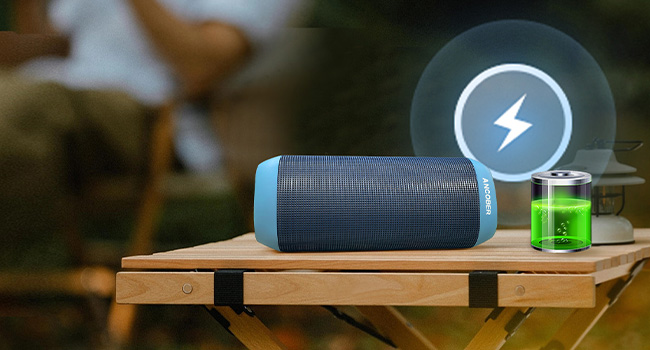
Connect the speaker to a power source using the Type-C cable for charging.
8. Troubleshooting
| Problem | Possible Cause | Solution |
|---|---|---|
| Speaker does not turn on. | Battery is depleted. | Charge the speaker for at least 30 minutes. |
| Cannot pair with Bluetooth device. | Speaker is not in pairing mode or already connected. Device Bluetooth is off. | Ensure speaker is in pairing mode. Turn off and on device Bluetooth. Move speaker closer to device. |
| No sound or low volume. | Volume too low on speaker or device. Speaker not connected. | Increase volume on both speaker and device. Re-establish Bluetooth connection. |
| TWS pairing fails. | Speakers are too far apart or already connected to other devices. | Ensure both speakers are disconnected from other devices. Place them close together and try TWS pairing again. |
| LED lights not working. | Light mode is off or speaker is off. | Press the Light Mode Button to activate lights. Ensure speaker is powered on. |
9. Specifications
| Feature | Detail |
|---|---|
| Model Number | ACB-001 |
| Speaker Output Power | 15 Watts |
| Connectivity Technology | Bluetooth 5.3 / Aux-input |
| Wireless Range | Up to 33 feet (10 meters) |
| Water Resistance Level | IPX4 (Splashproof) |
| Battery Capacity | 2000 mAh Lithium Ion |
| Charging Port | USB Type-C (DC 5V) |
| Product Dimensions | 2.53"D x 2.25"W x 6.8"H (6.4cm D x 5.7cm W x 17.3cm H) |
| Item Weight | 0.79 lbs (12.64 oz / 358g) |
| Material | Plastic |
| Special Features | TWS Pairing, Multiple LED Light Modes, Built-in Microphone |
10. Maintenance
- Clean the speaker with a soft, dry cloth. Do not use abrasive cleaners or solvents.
- Store the speaker in a cool, dry place when not in use.
- If the speaker will not be used for an extended period, charge it at least once every three months to maintain battery health.
11. Warranty and Support
The ANCOBER Portable Wireless Bluetooth Speaker comes with a Full Warranty. For warranty claims, technical support, or any questions regarding your product, please contact ANCOBER customer service through the retailer's platform or the official ANCOBER website. Please have your purchase receipt and model number (ACB-001) ready when contacting support.
For the latest information and support, please visit the ANCOBER store: ANCOBER Store on Amazon