
1. Introduction
Thank you for choosing the MARVO H8325 Wired Headphone. This manual provides essential information for the proper setup, operation, and maintenance of your new headphones. Please read it thoroughly before use to ensure optimal performance and longevity of the product.
2. Safety Information
- Avoid prolonged listening at high volumes to prevent hearing damage.
- Do not use the headphones in situations where inability to hear ambient sounds could be dangerous (e.g., driving, cycling, walking in traffic).
- Keep the headphones away from water and moisture.
- Do not attempt to disassemble or modify the headphones. This will void the warranty.
- Clean only with a dry, soft cloth.
3. Package Contents
- MARVO H8325 Wired Headphone
- Integrated 3.5mm Audio Cable
4. Product Overview
Familiarize yourself with the components of your MARVO H8325 headphones:
- Adjustable Headband
- Padded Earcups
- Flexible Microphone
- Inline Remote Control (Volume, Microphone Mute)
- 3.5mm Audio Jack
- RGB Lighting (on earcups)
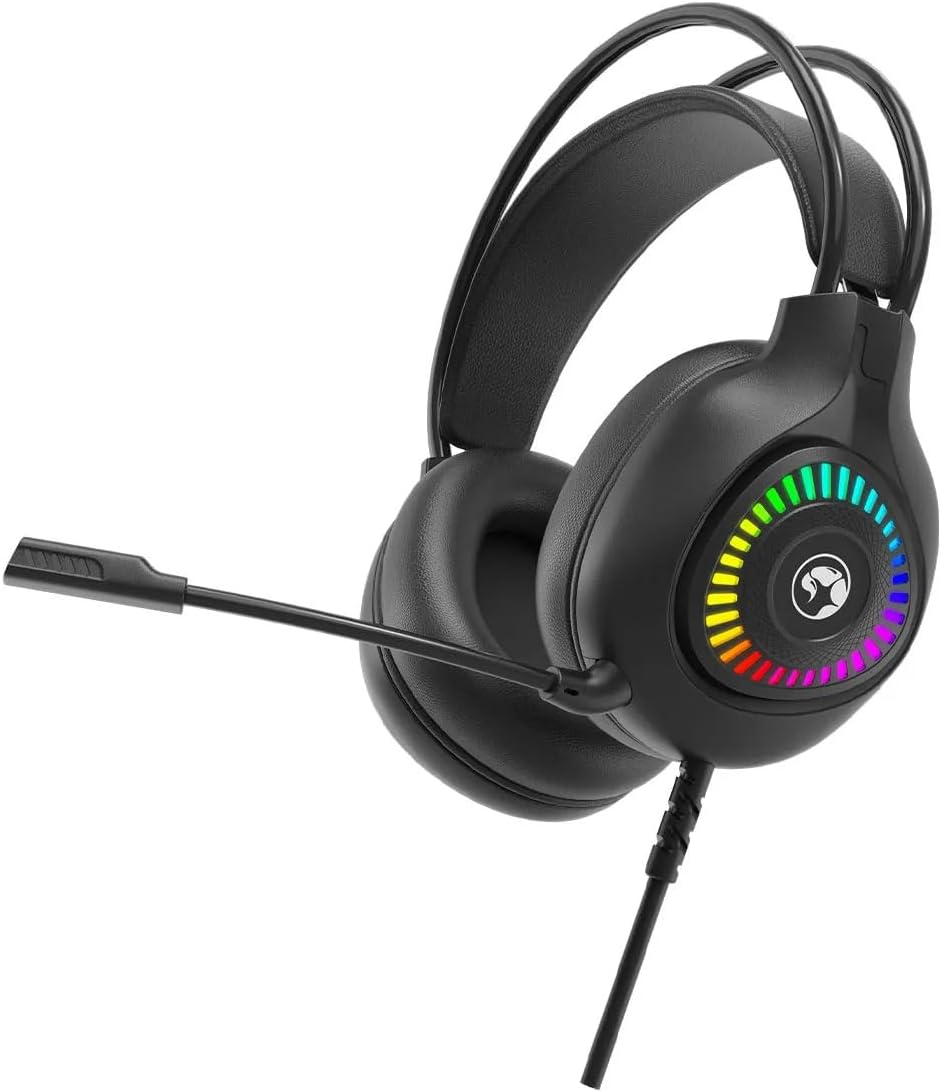
Figure 4.1: Front view of the MARVO H8325 Headphone with microphone extended, showcasing the RGB lighting on the earcups.
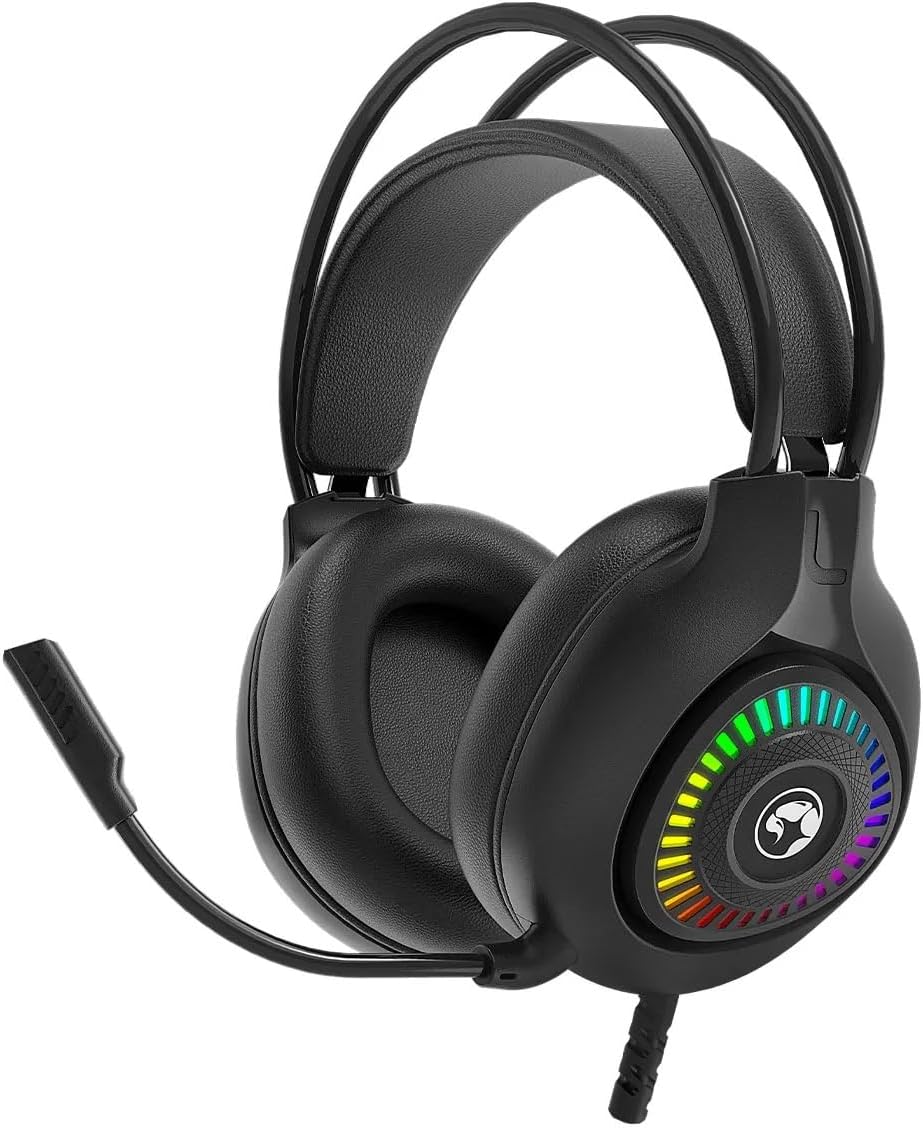
Figure 4.2: Front view of the MARVO H8325 Headphone with the microphone retracted, showing the compact design.

Figure 4.3: Angled view of the MARVO H8325 Headphone, highlighting the inline remote control located on the audio cable.
5. Setup
5.1 Connecting the Headphones
- Locate the 3.5mm audio jack on your device (e.g., computer, smartphone, gaming console controller).
- Insert the 3.5mm connector from the MARVO H8325 headphones firmly into your device's audio jack.
- Ensure the connection is secure for optimal audio transmission.
5.2 Adjusting for Comfort
- Headband Adjustment: Gently slide the earcups up or down along the headband until they rest comfortably over your ears. The headband is designed to adapt to various head sizes.
- Microphone Positioning: The flexible microphone can be bent and rotated to position it optimally near your mouth for clear voice capture. When not in use, it can be rotated upwards and away from your face.
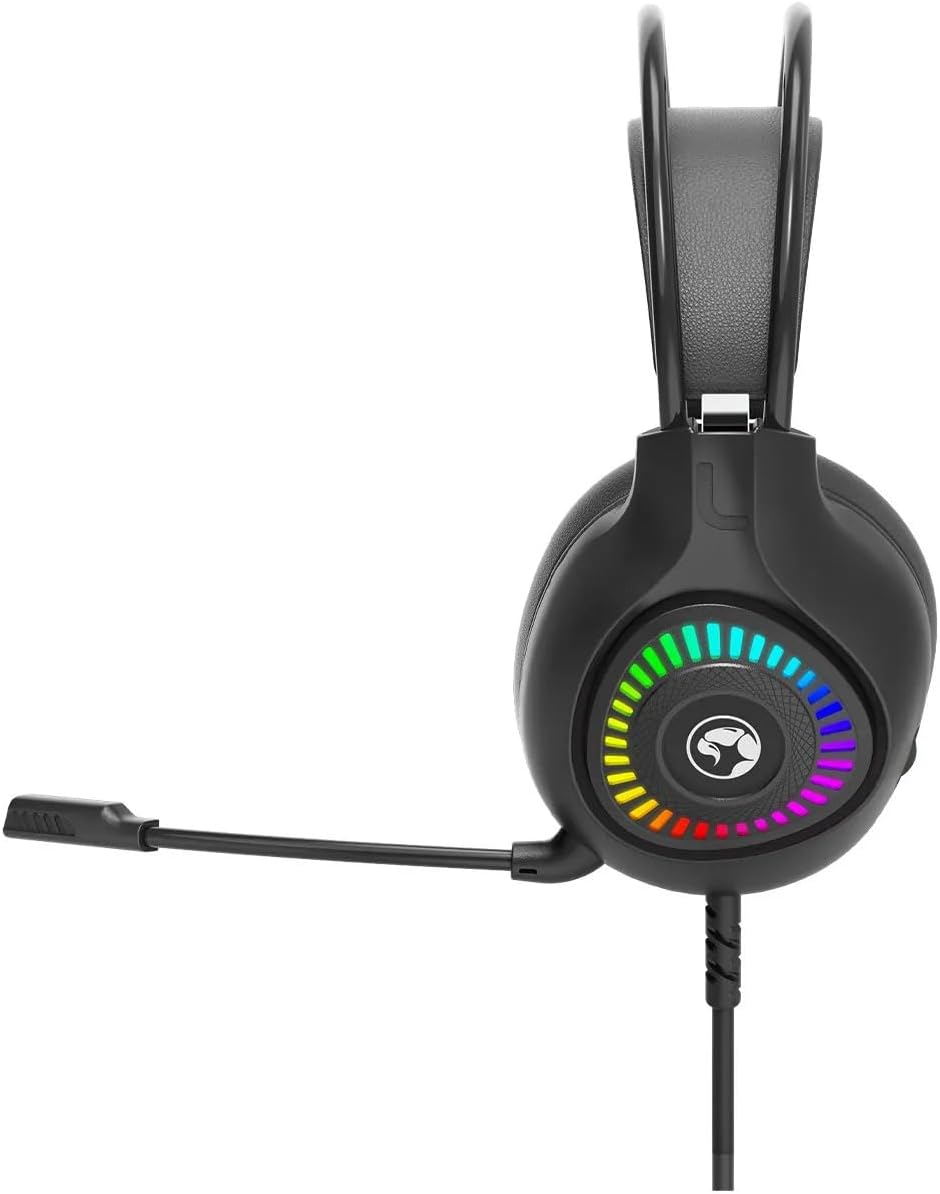
Figure 5.1: Side view of the MARVO H8325 Headphone, illustrating the flexible microphone's position when extended for use.

Figure 5.2: Top view showing the padded headband and earcups, designed for comfort during extended use.
6. Operating Instructions
6.1 Audio Playback
Once connected, your device should automatically recognize the headphones. Play audio from your device, and sound will be routed through the MARVO H8325 headphones.
6.2 Using the Microphone
- Ensure the microphone is positioned correctly near your mouth.
- For communication applications (e.g., voice chat, video calls), select the MARVO H8325 as your input device in your software settings.
6.3 Inline Remote Control
The inline remote control on the cable allows for quick adjustments:
- Volume Control: Use the scroll wheel or slider on the remote to adjust the audio volume.
- Microphone Mute: A switch on the remote allows you to quickly mute or unmute the microphone.
7. Maintenance
- Cleaning: Use a soft, dry, lint-free cloth to clean the earcups and headband. Do not use liquid cleaners or solvents.
- Storage: Store the headphones in a cool, dry place when not in use. Avoid extreme temperatures and direct sunlight.
- Cable Care: Avoid sharp bends or excessive pulling on the cable to prevent damage.
8. Troubleshooting
| Problem | Possible Solution |
|---|---|
| No sound from headphones. |
|
| Microphone is not working. |
|
| Sound is distorted or unclear. |
|
9. Specifications
| Model | H8325 |
| Brand | MARVO |
| Device Type | Over-Ear Headphones |
| Connectivity | Wired (3.5mm Jack) |
| Impedance | 16 Ohms |
| Sensitivity | 16 Ohm |
| Noise Control | None |
| Control Method | Remote (Inline) |
| Microphone | Included, Flexible |
| Material | Plastic |
| Item Weight | 130 Grams (4.6 ounces) |
| Package Dimensions | 8.98 x 7.72 x 4.17 inches |
10. Warranty and Support
For warranty information or technical support, please refer to the documentation provided with your purchase or visit the official MARVO website. Keep your proof of purchase for warranty claims.
Manufacturer: MARVO