
1. Introduction
The YOURRYONG KWS-V21 is a compact and versatile USB current and voltage detector designed to measure the voltage, current, and capacity of USB-powered devices. This device is ideal for testing power banks, chargers, cables, and other USB-connected electronics to ensure optimal performance and diagnose potential issues. It provides real-time data on the USB power supply, helping users monitor their devices effectively.
2. Safety Information
Please read and understand the following safety precautions before using the KWS-V21 detector:
- Do not expose the device to water or excessive moisture.
- Avoid extreme temperatures or direct sunlight.
- Do not attempt to disassemble or modify the device. This will void the warranty and may cause damage.
- Keep out of reach of children.
- Use only with standard USB power sources and devices.
3. Product Overview
The KWS-V21 USB detector features a clear display and simple controls for easy operation.
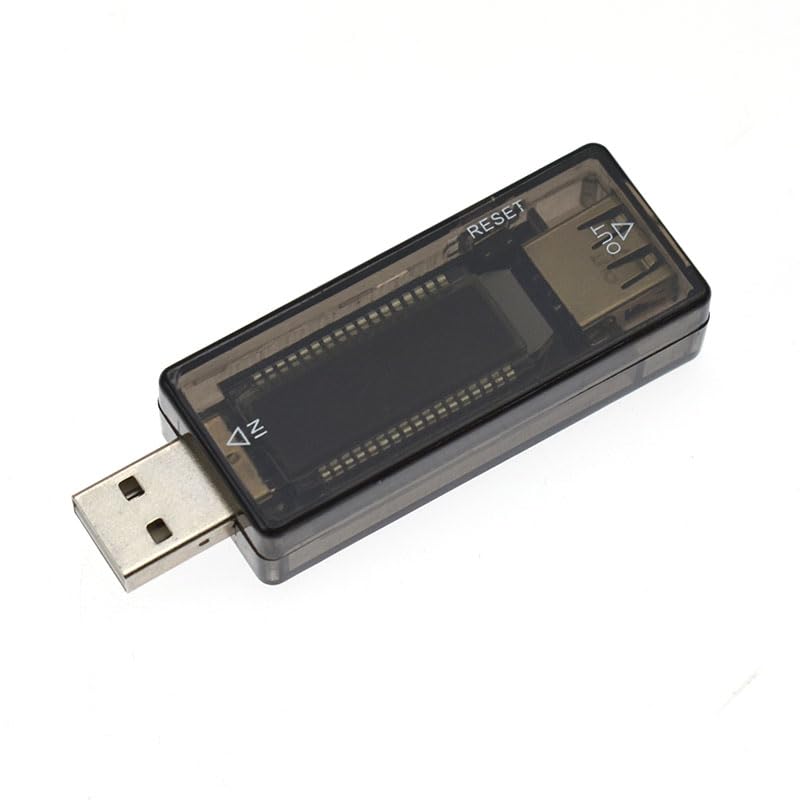
Figure 1: Top view of the KWS-V21 detector, highlighting the display, USB input (IN), USB output (OUT), and the 'RESET' button.
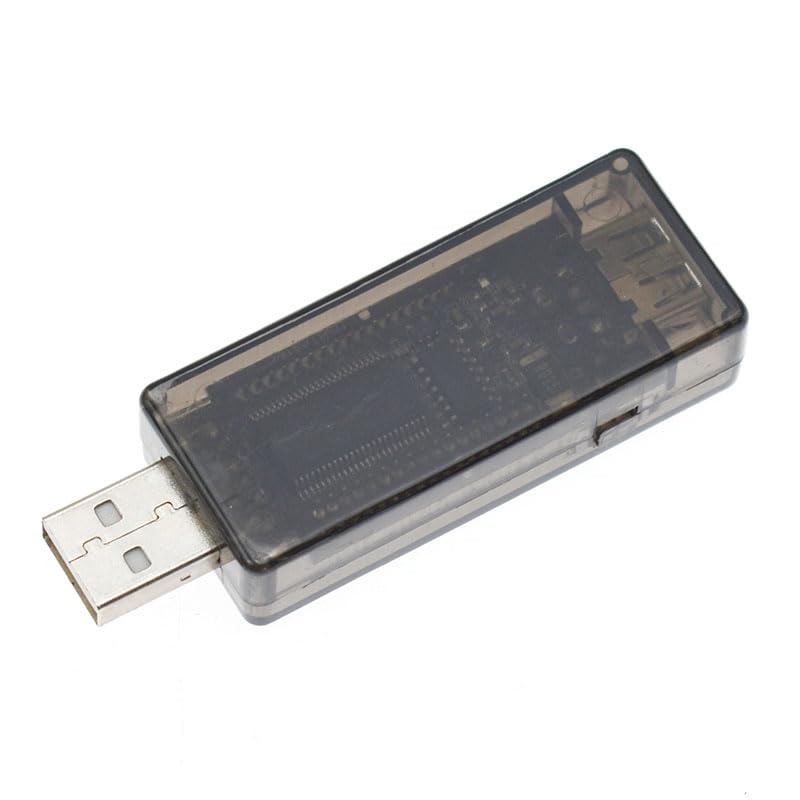
Figure 2: Angled view of the KWS-V21, showing the USB-A male connector for input.
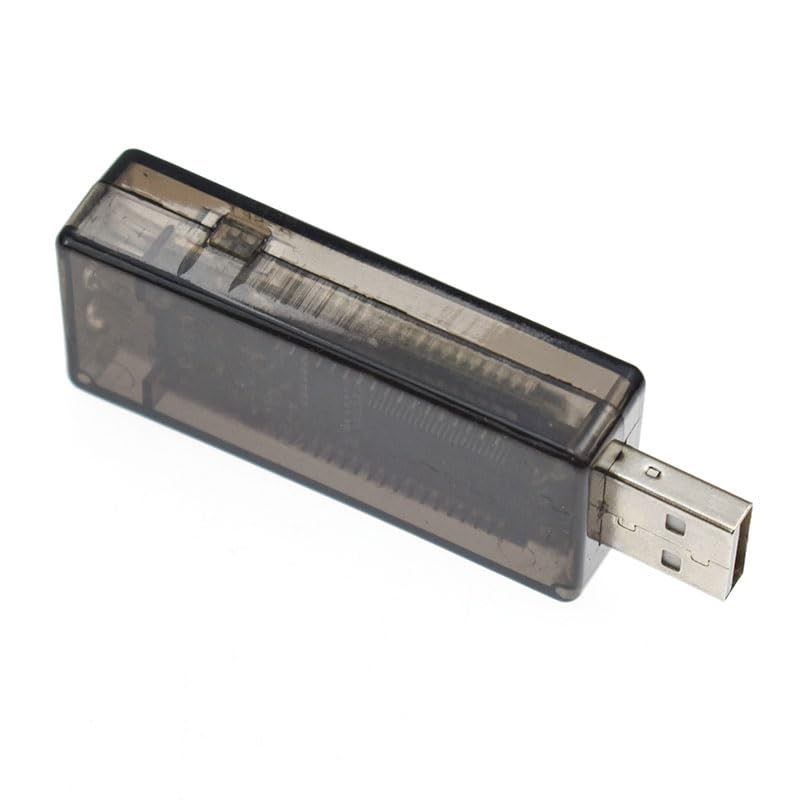
Figure 3: Side view of the KWS-V21, illustrating its compact design and transparent casing.
Key Components:
- USB-A Input (IN): Male USB-A connector to plug into a power source (e.g., charger, power bank, computer USB port).
- USB-A Output (OUT): Female USB-A port to connect the device being tested (e.g., smartphone, tablet, USB fan).
- Digital Display: Shows real-time voltage (V), current (A), and accumulated capacity (mAh).
- RESET Button: Used to clear the accumulated capacity (mAh) data.
4. Setup
Setting up the KWS-V21 detector is straightforward:
- Connect to Power Source: Plug the male USB-A input connector (marked "IN") of the KWS-V21 into a USB power source (e.g., wall charger, power bank, computer USB port).
- Connect Device: Plug the USB cable of the device you wish to test into the female USB-A output port (marked "OUT") of the KWS-V21.
- Power On: Once connected, the KWS-V21 display will automatically light up and begin showing real-time measurements.
5. Operating Instructions
The KWS-V21 continuously monitors and displays key electrical parameters:
- Voltage (V): Displays the current voltage of the USB power supply in Volts.
- Current (A): Displays the current draw of the connected device in Amperes.
- Capacity (mAh): Accumulates the total charge transferred over time, displayed in milliampere-hours. This value is useful for testing the actual capacity of power banks or batteries.
Resetting Capacity Data:
To clear the accumulated capacity (mAh) data and start a new measurement, press the small "RESET" button located on the side or top of the device (refer to Figure 1). This is useful when you want to measure the capacity for a new charging cycle or a different device.
6. Maintenance
To ensure the longevity and accurate performance of your KWS-V21 detector:
- Cleaning: Use a soft, dry cloth to wipe the device. Do not use liquid cleaners or solvents.
- Storage: Store the device in a cool, dry place away from direct sunlight and extreme temperatures when not in use.
- Handling: Avoid dropping or subjecting the device to strong impacts.
7. Troubleshooting
If you encounter issues with your KWS-V21 detector, refer to the following common problems and solutions:
| Problem | Possible Cause | Solution |
|---|---|---|
| Display is blank or not lighting up. | No power supply or loose connection. | Ensure the KWS-V21 is securely plugged into a working USB power source. Try a different USB port or charger. |
| No current (A) reading, but voltage (V) is displayed. | Connected device is not drawing power or is not properly connected. | Check if the connected device is powered on and functioning. Ensure the device's USB cable is securely plugged into the KWS-V21's output port. Try a different USB cable or device. |
| Capacity (mAh) reading is incorrect or not accumulating. | Capacity data was not reset, or device is not drawing consistent current. | Press the "RESET" button to clear previous capacity data. Ensure the connected device is actively charging or drawing power. |
8. Specifications
The following are the general specifications for the YOURRYONG KWS-V21 USB Current and Voltage Detector:
- Model: KWS-V21
- Brand: YOURRYONG
- Power Source: Corded Electric (via USB input)
- Functions: Voltage Measurement, Current Measurement, Capacity Accumulation
- Input/Output: USB-A Male (Input), USB-A Female (Output)
- UPC: 764921369980
- Note: Specific measurement ranges (e.g., voltage range, current range, capacity range) are typically printed on the device or its packaging. Please refer to your product for precise values.
9. Warranty and Support
YOURRYONG products are manufactured with quality and reliability in mind. For specific warranty information, please refer to the documentation included with your purchase or contact the retailer where the product was acquired. For technical support or inquiries, please reach out to the YOURRYONG customer service department through the contact information provided on their official website or product packaging.