
Introduction
The EcoFlow DELTA Pro is a robust and versatile portable power station designed to provide reliable power for various applications, from home backup to RV use and off-grid adventures. Featuring a high-capacity LiFePO4 battery and multiple charging and output options, it ensures your essential devices and appliances remain powered.
Key Features
- High Capacity Battery: Equipped with a 3600Wh Lithium Iron Phosphate (LiFePO4) battery, expandable up to 25kWh with additional batteries or 48kWh with the Smart Home Panel 2.
- Powerful Output: Delivers 3600W continuous AC output, with an X-Boost function allowing up to 4500W for resistive loads, and a 7200W peak surge capacity.
- Multiple Charging Options: Supports AC wall charging (0-80% in 2 hours, 0-100% in 1.5 hours), solar charging (up to 1600W), 12V car charging, gas generator, and EV station charging with adapters.
- Versatile Ports: Features 5x 120V AC outlets, 1x 30A RV outlet, multiple USB-A and USB-C ports (including 100W USB-C), 12V DC ports, and Anderson ports.
- Portable Design: Integrated wheels and an extendable handle for easy transport.
- Smart Control: Connects via Wi-Fi and Bluetooth to the EcoFlow app for remote monitoring and control of settings, input/output wattage, and firmware updates.
- Quiet Operation: Designed with X-Quiet Tech for whisper-quiet operation at 30dB.
- Long Lifespan: LiFePO4 battery offers 4000 cycles to 80% capacity.
Setup
Unboxing and Initial Inspection
Carefully remove all components from the packaging. Verify that all accessories, including charging cables (AC, solar, 12V car), are present. Inspect the DELTA Pro unit for any signs of damage.
Initial Charging
Before first use, fully charge your DELTA Pro. Connect the AC charging cable to a standard wall outlet. The display will show the charging progress. The unit can reach 80% charge in approximately 2 hours and 100% in 1.5 hours.
Video: Initial AC Charging of EcoFlow DELTA Pro
Connecting Solar Panels
The DELTA Pro supports up to 1600W of solar input. Connect your solar panels to the designated solar input ports on the unit. Ensure proper polarity and voltage compatibility. The unit features dual solar inputs for increased flexibility.
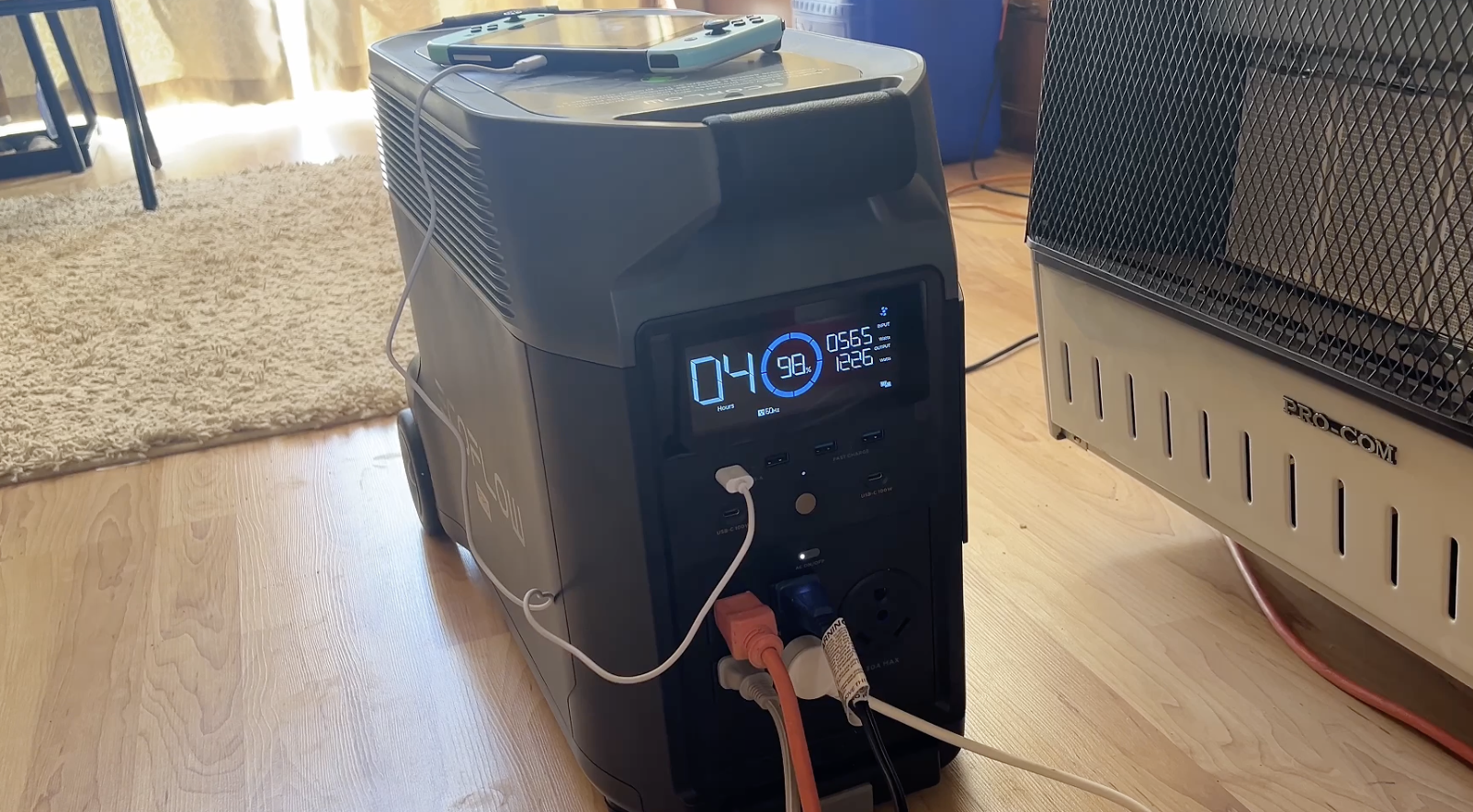
Image: EcoFlow DELTA Pro connected to solar panels for charging.
Connecting to RV
Utilize the 30A RV plug on the front of the DELTA Pro. With an appropriate adapter, it can power most RV systems, including those with 50A service.
Video: EcoFlow DELTA Pro powering an RV.
Operating
Turning On/Off Outputs
Press the main power button to turn the unit on or off. Individual AC and DC output sections have dedicated on/off buttons for precise control over connected devices.
Using USB Ports
The front panel includes multiple USB-A and USB-C ports. Simply plug in your compatible devices for charging. The USB-C ports support up to 100W for fast charging laptops and other power-hungry devices.
Monitoring via EcoFlow App
Download the EcoFlow app from your smartphone's app store. Connect the DELTA Pro via Wi-Fi or Bluetooth. The app provides real-time data on input/output wattage, battery level, remaining run time, and allows you to adjust various settings and perform firmware updates.
Video: EcoFlow App for DELTA Pro Monitoring and Control.
X-Boost Function
Activate the X-Boost function via the EcoFlow app to power high-wattage resistive appliances (up to 4500W) that typically exceed the DELTA Pro's rated output. This feature is ideal for devices like hair dryers and power tools.
Smart Generator Auto Start/Stop
When connected to an EcoFlow Smart Generator, you can configure the DELTA Pro to automatically start the generator when the battery level drops below a set percentage and stop once it reaches a desired charge level. This ensures continuous power during extended outages.


