
Anker Soundcore K20i
Anker Soundcore K20i True Wireless Earbuds User Manual
Model: K20i | Brand: Anker Soundcore
1. Introduction
The Anker Soundcore K20i are true wireless earbuds designed for comfortable, extended listening. They feature Bluetooth 5.3 connectivity, IPX5 water resistance, and up to 36 hours of total playback with the charging case. Enjoy powerful bass and clear calls with AI noise reduction.

Image: Anker Soundcore K20i earbuds and charging case in black, white, purple, and blue.
2. Package Contents
Ensure all items are present in your product package:
- Soundcore K20i True Wireless Earbuds
- Charging Case
- USB-C & USB-A Charging Cable
- Safety Manual & Quick Start Guide

Image: The Anker Soundcore K20i earbuds, their charging case, and the included USB-C charging cable.
3. Setup
3.1. Charging
Before first use, fully charge both the earbuds and the charging case.
- Place the earbuds into the charging case. Close the case to begin charging the earbuds.
- Connect the charging case to a power source using the provided USB-C cable.
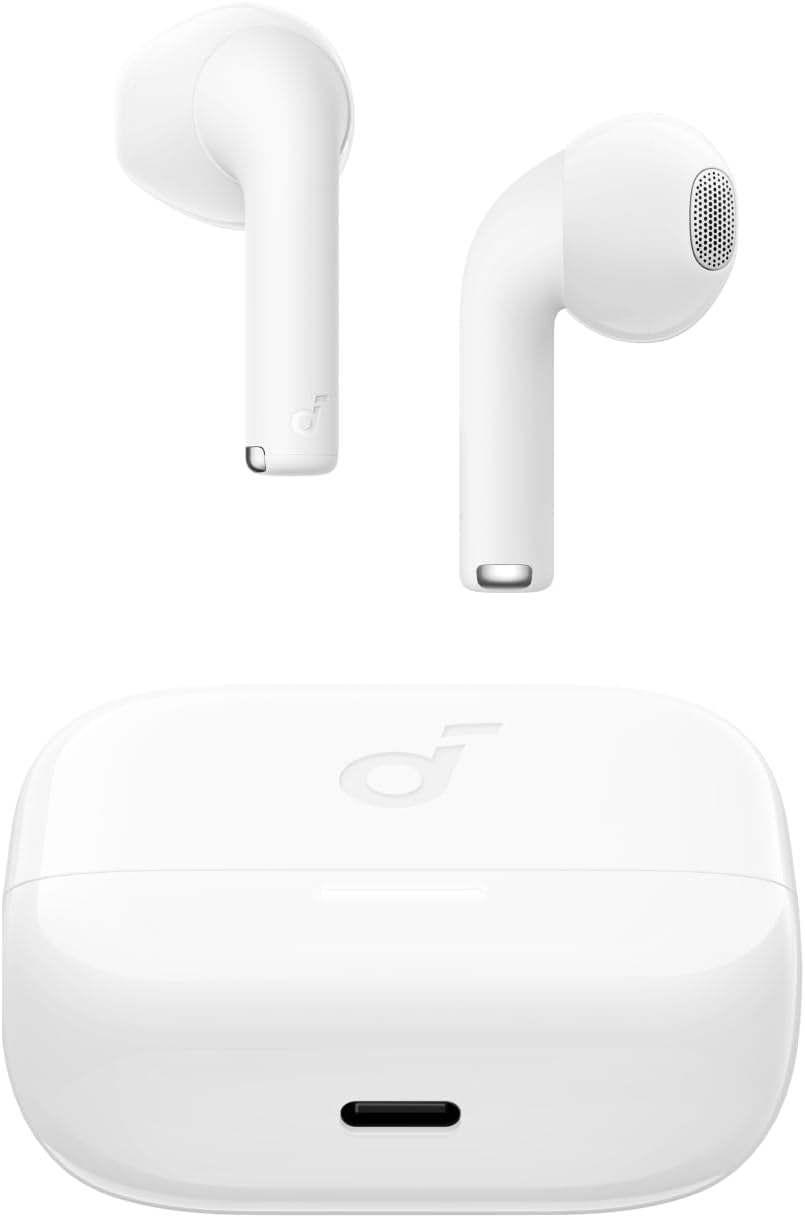
Image: The Anker Soundcore K20i earbuds resting in their open charging case, with the USB-C charging port visible at the front of the case.
3.2. Pairing
Follow these steps to pair your earbuds with a Bluetooth-enabled device:
- Open the charging case. The earbuds will automatically enter Bluetooth pairing mode.
- On your device (smartphone, PC), enable Bluetooth and search for 'Soundcore K20i'.
- Select 'Soundcore K20i' to connect.
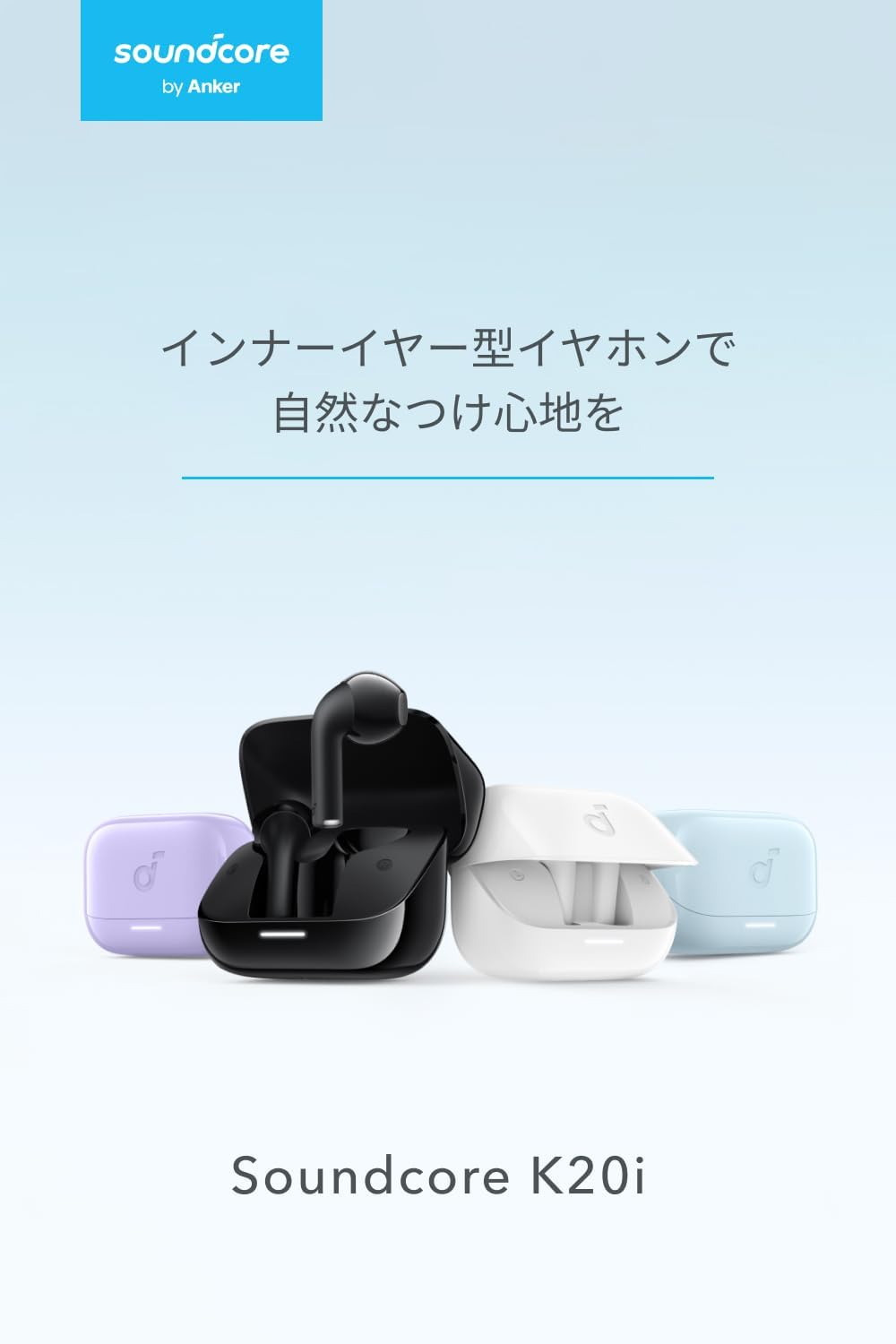
Image: The Anker Soundcore K20i earbuds removed from their charging case, indicating they are ready for Bluetooth pairing.
4. Operating Instructions
4.1. Wearing the Earbuds
For optimal comfort and sound quality, ensure the earbuds are properly seated in your ears.
- Insert the earbuds into your ears and gently rotate them until they fit snugly and comfortably.
- Each earbud weighs approximately 3.3g, designed for extended comfortable wear without ear tips.

Image: A diagram illustrating the correct way to position the Anker Soundcore K20i earbud in the ear canal for a secure and comfortable fit.
4.2. Basic Controls
The Soundcore K20i earbuds feature touch controls for various functions. Specific actions for single, double, or triple taps can often be customized via the Soundcore app.
4.3. Soundcore App
Enhance your listening experience by downloading the Soundcore app. The app allows you to:
- Customize sound settings and adjust the equalizer.
- Locate your earbuds if misplaced.
- Update earbud firmware.

Image: A user interacting with the Soundcore application on a smartphone, displaying various sound customization options for the earbuds.
5. Maintenance
5.1. Cleaning
Regular cleaning helps maintain optimal performance and hygiene:
- Regularly clean the earbuds and charging case with a dry, soft, lint-free cloth.
- Avoid using harsh chemicals or abrasive materials.
5.2. Water Resistance (IPX5)
The earbuds are IPX5 water-resistant, meaning they can withstand splashes and sweat. This makes them suitable for workouts and light rain. Do not submerge them in water.

Image: Two Anker Soundcore K20i earbuds covered in water droplets, illustrating their IPX5 water-resistant design.
5.3. Storage
Store the earbuds in their charging case when not in use to protect them from damage and ensure they remain charged.
6. Troubleshooting
If you encounter issues with your Soundcore K20i earbuds, try the following solutions:
- Earbuds not pairing: Ensure both earbuds are charged and within range of your device. Turn off and on your device's Bluetooth.
- Only one earbud plays sound: Try placing both earbuds back into the charging case, closing it for a few seconds, then reopening. Refer to the quick start guide for specific earbud reset instructions.
- Poor sound quality: Ensure the earbuds are properly seated in your ears. Try adjusting equalizer settings in the Soundcore app.
- Charging issues: Verify the charging cable is securely connected to both the case and the power source. Ensure the charging contacts on the earbuds and inside the case are clean.
7. Specifications
| Feature | Specification |
|---|---|
| Model Name | Soundcore K20i |
| Connectivity Technology | Wireless (Bluetooth 5.3) |
| Ear Placement | In-Ear |
| Headphone Style | In-Ear |
| Impedance | 16 Ohms |
| Noise Control | None (AI Noise Reduction for calls) |
| Playback Time (Earbuds) | Up to 6 hours |
| Total Playback Time (with Case) | Up to 36 hours |
| Fast Charging | 10 minutes charge for approx. 2 hours playback |
| Earbud Weight (per earbud) | Approx. 3.3g |
| Product Weight | 42.6g |
| Water Resistance | IPX5 |
| Manufacturer Model Number | A3994 |
| Compatible Devices | Smartphones, PCs, and other Bluetooth-compatible devices |
8. Warranty and Support
Anker Soundcore K20i comes with an 18-month product warranty from the date of purchase. For registered members, an additional 6-month extended warranty is provided, totaling 24 months of coverage.
For product or delivery-related inquiries, please contact customer support. Anker provides dedicated Japanese customer support.

Image: Details on Anker's 18-month product warranty, an additional 6-month extended warranty for members, and information for contacting Japanese customer support.
Related documentsK20i


Ask a question about this manual
Ask about setup, troubleshooting, compatibility, parts, safety, or missing instructions. Manuals+ will review the question and use this page’s manual context to help answer it.