
Introduction
Thank you for choosing the UBeesize Magnetic Tripod. This versatile and portable accessory is designed to enhance your mobile photography and videography experience. Featuring a strong N52 magnetic holder, a 64-inch extendable pole, and a detachable Bluetooth remote, this tripod offers stability and flexibility for various shooting scenarios. Please read this manual carefully to ensure proper setup and operation.
What's in the Box
- UBeesize Magnetic Tripod / Selfie Stick
- Detachable Bluetooth Remote (with 1 Lithium Metal battery included)
- Metal Rings (for non-MagSafe Android devices)
Key Features
- 1-Second MagSafe Click: Securely attach your iPhone (12-15 series) using N52 magnets without tools or clamps.
- 6.6lb Anti-Drop Grip: Industrial N52 magnets provide strong holding power, preventing slips.
- Insta-Snap 210°+360° Angles: Achieve various shooting angles, including low-angle shots, high-angle views, and 360° pans, with a wobble-free ball head.
- 12"→64" Travel Tripod: Ultra-light (14oz) 7-section aluminum pole extends from 12 inches to 64 inches. Features non-slip feet for stability on any surface.
- iPhone/Android + Detachable Remote: Compatible with MagSafe cases (iPhone 12-15) and Android devices via included rings. The detachable 33ft Bluetooth remote is ideal for group shots and selfies and stores neatly on the tripod.
Setup Instructions
1. Unfolding the Tripod
- Hold the tripod firmly with one hand.
- Gently pull the legs outwards from the base until they fully extend and lock into a stable tripod position.
- Extend the telescopic pole to your desired height by pulling the sections upwards.

Image: The UBeesize Magnetic Tripod fully extended with a phone attached, demonstrating its use as a phone stand.
2. Attaching Your Phone
- For MagSafe Compatible iPhones (iPhone 12-15 series): Simply align your iPhone with the magnetic ring on the tripod head. The strong N52 magnets will securely snap your phone into place.
- For Android or Non-MagSafe iPhones: Use the provided metal rings. Adhere a metal ring to the back of your phone or phone case. Once the ring is attached, you can magnetically attach your phone to the tripod head.
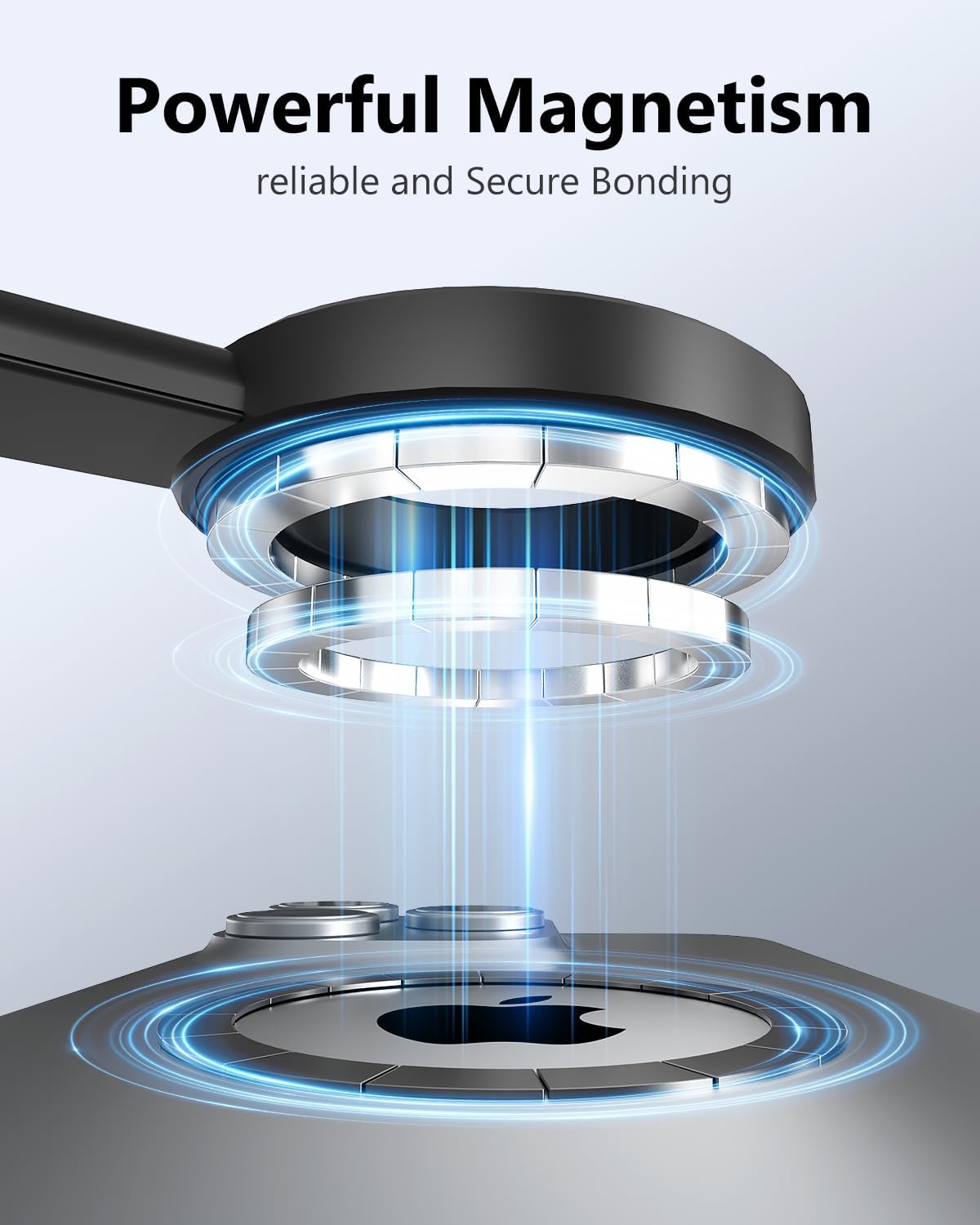
Image: A visual representation of the powerful N52 magnets securely bonding a phone to the tripod head.
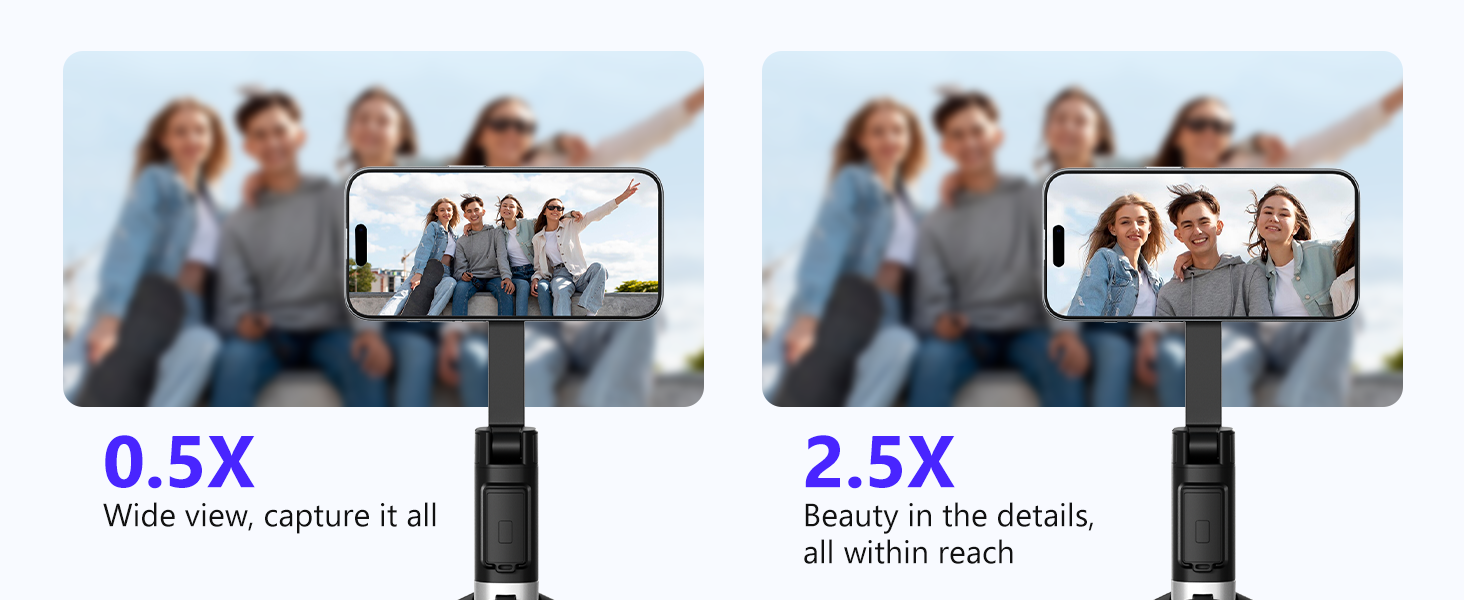
Image: Illustration demonstrating compatibility with MagSafe cases and the use of metal rings for other phone models.
3. Pairing the Bluetooth Remote
- Locate the detachable Bluetooth remote control on the tripod handle.
- Press and hold the power/camera button on the remote for approximately 3 seconds until a blue indicator light starts blinking, indicating it's in pairing mode.
- On your smartphone, go to Settings > Bluetooth.
- Look for a device named "XS Series" in the list of available devices and tap to connect.
- Once connected, the blue indicator light on the remote will stop blinking and remain solid.

Image: A hand holding the detachable Bluetooth remote, with the tripod and phone visible in the background, illustrating remote control functionality.
Video: Official UBeesize video demonstrating the magnetic tripod for iPhone with remote, including setup and usage.
Operating Instructions
1. Adjusting Angle and Orientation
- The tripod head allows for 210° vertical and 360° horizontal rotation. Gently adjust your phone to achieve the desired shooting angle.
- You can easily switch between vertical and horizontal phone orientations by rotating the phone on the magnetic mount.

Image: A woman using the tripod for a low-angle shot, highlighting the flexible rotation capabilities of the phone mount.
2. Using as a Selfie Stick
- Collapse the tripod legs back into the handle.
- Extend the telescopic pole to your desired length.
- Use the detachable Bluetooth remote to capture photos or start/stop video recording.
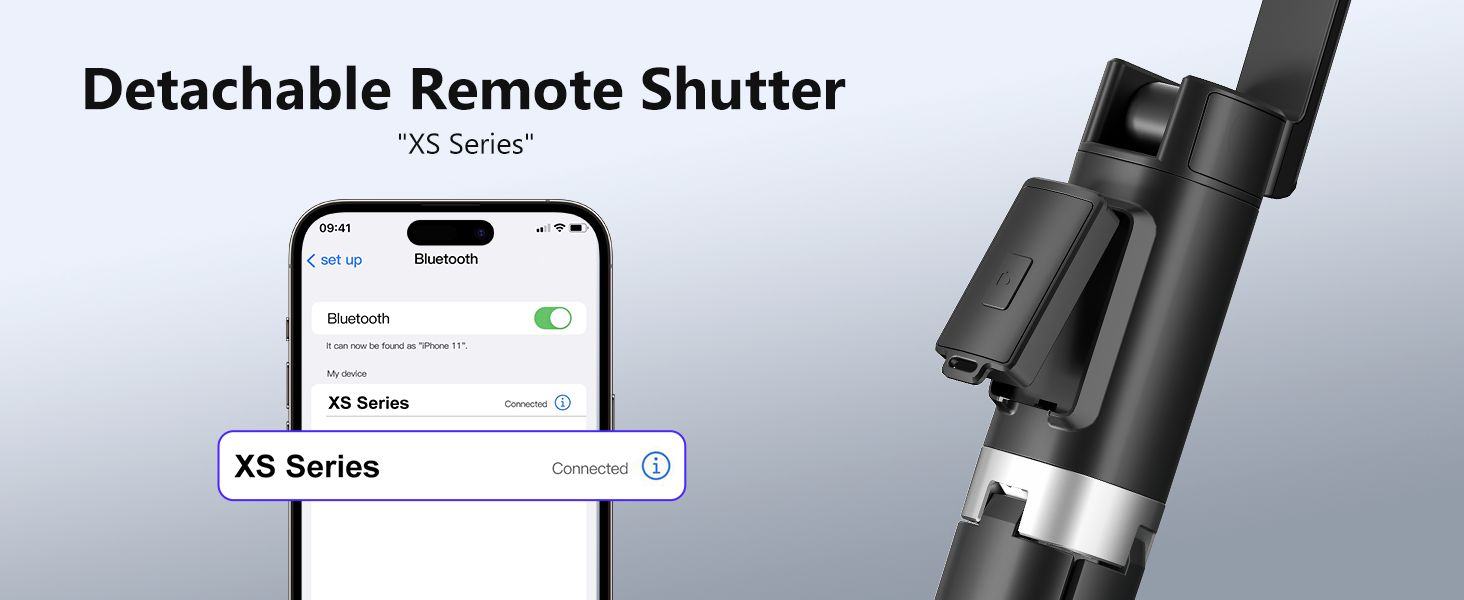
Image: Two individuals on a beach using the UBeesize tripod extended as a selfie stick, capturing a moment.
3. Using as a Tripod
- Extend the tripod legs fully for maximum stability.
- Place the tripod on a flat, stable surface.
- Adjust the pole height and phone angle as needed.
- Use the Bluetooth remote for hands-free operation.
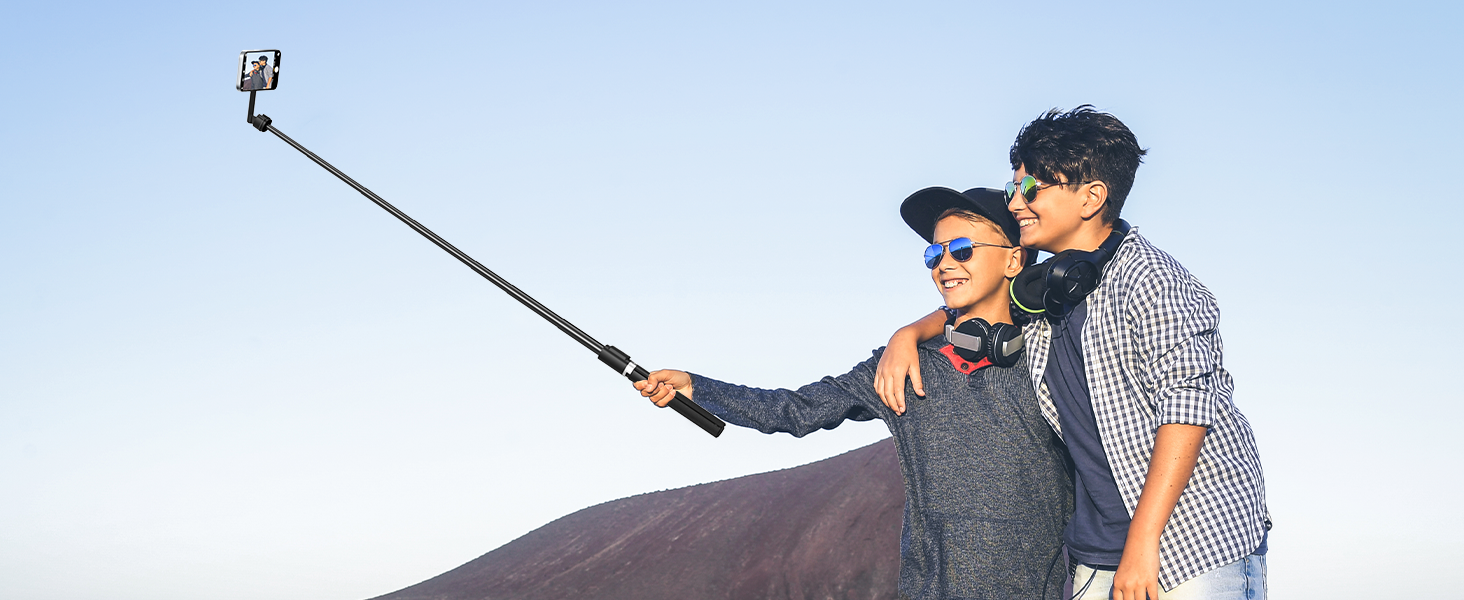
Image: A man sitting on a cliff, using the UBeesize tripod as a stable stand for his phone to capture the scenic ocean view.
Maintenance
- Clean the tripod with a soft, dry cloth. Avoid using harsh chemicals or abrasive materials.
- Store the tripod in a cool, dry place when not in use.
- Ensure the magnetic surface is free of debris to maintain optimal grip.
Troubleshooting
- Remote not connecting: Ensure the remote is charged (if applicable) and in pairing mode. Check your phone's Bluetooth settings to ensure it's discoverable and try re-pairing.
- Phone not holding securely: Ensure the magnetic surface on both the tripod and your phone/case is clean. For non-MagSafe devices, verify the metal ring is properly adhered and aligned.
- Tripod unstable: Ensure the legs are fully extended and locked. Use on a flat, stable surface. Avoid over-extending the pole with heavy devices.
Specifications
| Feature | Detail |
|---|---|
| Model Name | UB-HKXB101BK-01 |
| Item Weight | 14.1 ounces (400 Grams) |
| Material | Aluminum |
| Maximum Height | 72 Inches (64 inches as per feature bullets) |
| Weight Limit | 2 Kilograms |
| Wireless Communication | Bluetooth |
| Special Features | Lightweight, Portable |
| Compatible Devices | iPhone 12-17 Series, Samsung Galaxy S21/S22 Series, Galaxy Z Flip, Note Series, Google Pixel Series, OnePlus Series (and other Android via included rings) |
| Tripod Head Type | Ball Heads |
Warranty and Support
For warranty information, technical support, or any questions regarding your UBeesize Magnetic Tripod, please refer to the contact information provided on the product packaging or visit the official UBeesize website. Keep your purchase receipt for warranty claims.
