
Silkier IPL001-CWHTLEU
Silkier IPL Laser Hair Removal Device User Manual
Model: IPL001-CWHTLEU
Brand: Silkier
1. Introduction and Product Overview
Welcome to the Silkier IPL Laser Hair Removal Device user manual. This device utilizes advanced Intense Pulsed Light (IPL) technology to provide a safe, effective, and long-lasting solution for hair reduction in the comfort of your home. Designed for ease of use, it offers a convenient alternative to traditional hair removal methods.

Figure 1: The Silkier IPL Laser Hair Removal Device, a compact and ergonomic design for comfortable handling.
Key Features:
- 5 Adjustable Energy Levels: Customize treatment intensity to suit your skin type and sensitivity.
- Cost-Effective & Time-Saving: A long-term solution that reduces the need for frequent salon visits or disposable razors.
- Fast Visible Reduction: Experience noticeable hair growth reduction within just 3 weeks of consistent use.
- Versatile Application: Suitable for various body areas including underarms, body, face, and legs.
- Pain-Free & Effective: Designed for gentle and comfortable hair removal.

Figure 2: Visual representation of the device's core benefits: pain-free operation, permanent hair reduction, and visible results.
2. Safety Information and Precautions
Before using the Silkier IPL device, please read all safety instructions carefully. Improper use can lead to skin irritation or injury.
Important Safety Warnings:
- Skin and Hair Type Compatibility: This device is most effective on light to medium skin tones with dark hair. It is not suitable for very dark skin tones or very light (blonde, red, grey) hair. Consult the skin tone chart in the full manual if available.
- Eye Protection: Always wear the provided safety glasses during treatment to protect your eyes from the intense pulsed light. Do not look directly into the flash.
- Avoid Certain Areas: Do not use on tattoos, dark spots, moles, freckles, or broken/irritated skin. Avoid sensitive areas like nipples, genitals, or around the eyes.
- Medical Conditions: Do not use if you are pregnant, breastfeeding, have a history of skin cancer, epilepsy, or other serious medical conditions. Consult a doctor if unsure.
- Medication: Avoid use if you are taking photosensitizing medications.
- Sun Exposure: Avoid direct sun exposure or tanning beds for at least 4 weeks before and during treatment. Use SPF 30+ sunscreen on treated areas.
- Patch Test: Always perform a patch test on a small skin area 24-48 hours before full treatment to check for adverse reactions.
- Children: Keep the device out of reach of children. This is not a toy.

Figure 3: The device is designed to be suitable for sensitive skin, offering a gentle hair removal experience.
3. Product Components
Upon opening the package, ensure all components are present and undamaged.
- Silkier IPL Laser Hair Removal Device
- Power Adapter
- Safety Glasses
- User Manual (this document)

Figure 4: The Silkier IPL device shown with its power adapter and other typical personal care items, indicating its place in a beauty routine.
4. Setup and Preparation
- Unpack: Carefully remove the device and all accessories from the packaging.
- Clean Skin: Ensure the area to be treated is clean, dry, and free of any lotions, gels, or deodorants.
- Shave Hair: Shave the hair in the treatment area. Do not wax, pluck, or epilate, as the IPL needs the hair follicle intact below the skin surface to be effective.
- Connect Power: Plug the power adapter into the device and then into a suitable electrical outlet.
- Wear Safety Glasses: Put on the provided safety glasses before turning on the device.
5. Operating Instructions
5.1 Powering On and Off
- To turn on, press and hold the power button for a few seconds until the indicator lights illuminate.
- To turn off, press and hold the power button again until the lights turn off.
5.2 Selecting Energy Level
The device has 5 adjustable energy levels. Always start with the lowest level (Level 1) for your first treatment and gradually increase as your skin tolerates it.
- Press the power button briefly to cycle through the energy levels. The indicator lights will show the selected level.
- Higher energy levels provide more intense treatment and potentially faster results, but require careful monitoring of skin reaction.
5.3 Application Technique
Ensure the treatment window is in full contact with your skin. The device will only flash when proper skin contact is detected.
- Place the treatment window firmly against your skin.
- Press the flash button. A flash of light will be emitted.
- Move the device to the next adjacent area, ensuring slight overlap to cover all hair follicles. Do not treat the same spot multiple times in one session.
- For larger areas, use the gliding mode (if available, refer to full manual for activation) by holding down the flash button and slowly moving the device across the skin.
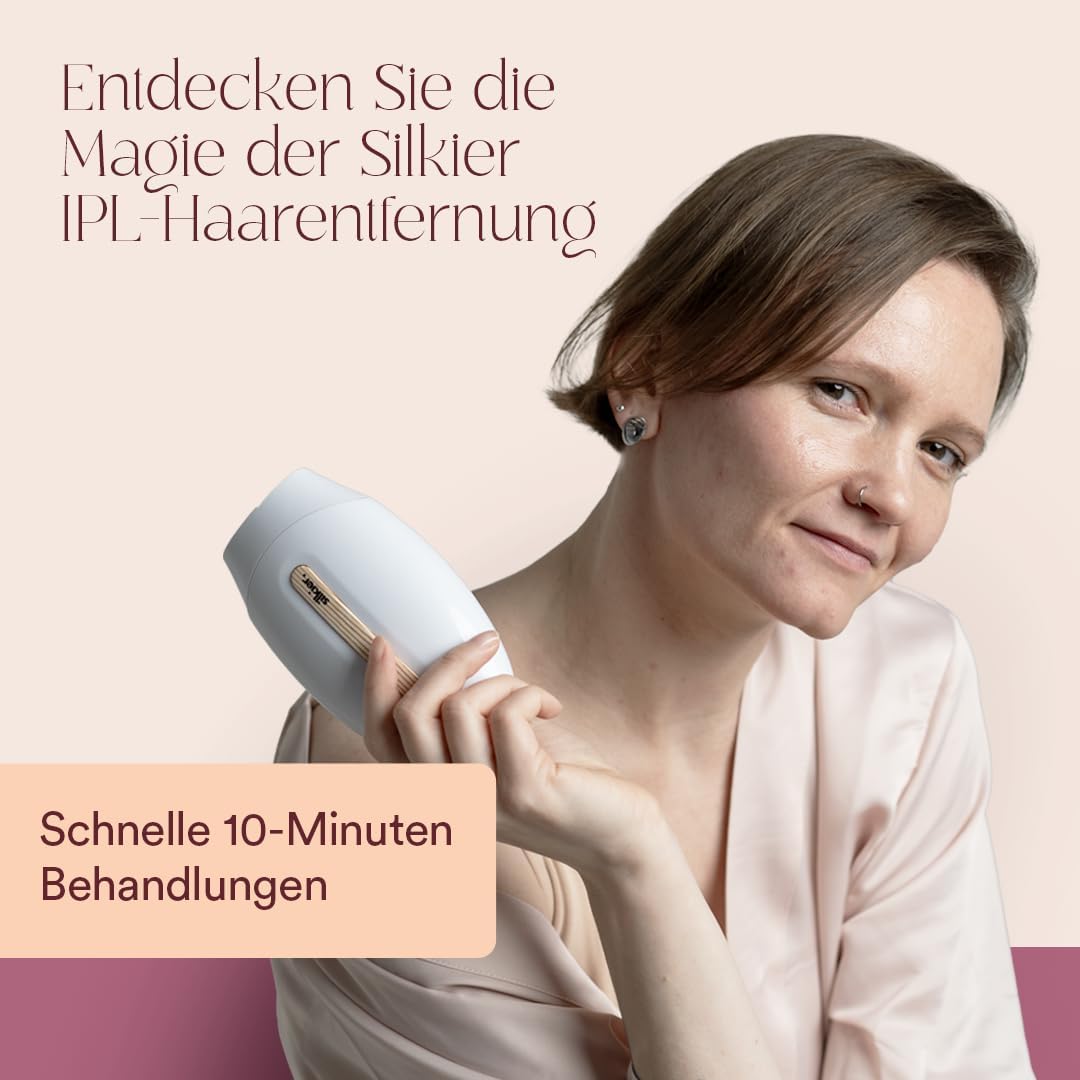
Figure 5: The device is designed for fast 10-minute treatments, making it convenient for daily beauty routines.
5.4 Treatment Schedule and Areas
Consistency is key for optimal results.
- Initial Phase (Weeks 1-4): Treat the desired areas once every two weeks.
- Maintenance Phase (After Week 4): Reduce treatments to once a month or as needed to maintain results.
- Typical Treatment Times:
- Underarms: Approximately 1-2 minutes per underarm.
- Bikini Line: Approximately 2-3 minutes.
- Lower Legs: Approximately 5-7 minutes per leg.
- Face (upper lip, chin): Approximately 1-2 minutes.

Figure 6: The device fits comfortably in hand, ensuring easy maneuverability during treatment sessions.
6. Maintenance and Cleaning
Proper maintenance ensures the longevity and effectiveness of your device.
- Disconnect Power: Always unplug the device from the power outlet before cleaning.
- Clean Treatment Window: Use a soft, dry cloth to gently wipe the treatment window after each use. If necessary, a slightly damp cloth can be used, but ensure no liquid enters the device.
- Clean Device Body: Wipe the body of the device with a soft, dry cloth.
- Storage: Store the device in a cool, dry place, away from direct sunlight and moisture. Keep it in its original packaging or a protective case to prevent damage.
7. Troubleshooting
| Problem | Possible Cause | Solution |
|---|---|---|
| Device does not turn on. | Not properly plugged in; power button not held long enough. | Ensure power adapter is securely connected to device and outlet. Press and hold power button for 3 seconds. |
| Device does not flash. | Treatment window not in full contact with skin; device malfunction. | Ensure the entire treatment window is flat against the skin. If problem persists, contact customer support. |
| Skin feels warm or slightly red after treatment. | Normal reaction; energy level too high for skin type. | This is normal and should subside quickly. Apply a cool compress. Reduce energy level for next session. If redness persists or pain occurs, discontinue use and consult a doctor. |
| No visible hair reduction after several sessions. | Inconsistent use; incorrect energy level; hair/skin type not suitable. | Ensure consistent treatment schedule. Increase energy level if skin tolerates it. Verify your hair and skin type are suitable for IPL. |
8. Specifications
- Model Number: IPL001-CWHTLEU
- Brand: Silkier
- Technology: Intense Pulsed Light (IPL)
- Energy Levels: 5 adjustable levels
- Dimensions (Packaging): 21.8 x 17.4 x 6.5 cm (8.58 x 6.85 x 2.56 inches)
- Weight (Packaged): 588 grams (1.3 lbs)
- Power Source: Corded Electric (via power adapter)
9. Warranty and Support
Silkier is committed to providing high-quality products and excellent customer service.
For any product-related inquiries, technical support, or warranty claims, please contact Silkier customer service. Refer to the contact information provided on the product packaging or the official Silkier website. Your satisfaction is our priority.
Ask a question about this manual
Ask about setup, troubleshooting, compatibility, parts, safety, or missing instructions. Manuals+ will review the question and use this page’s manual context to help answer it.