
Introduction
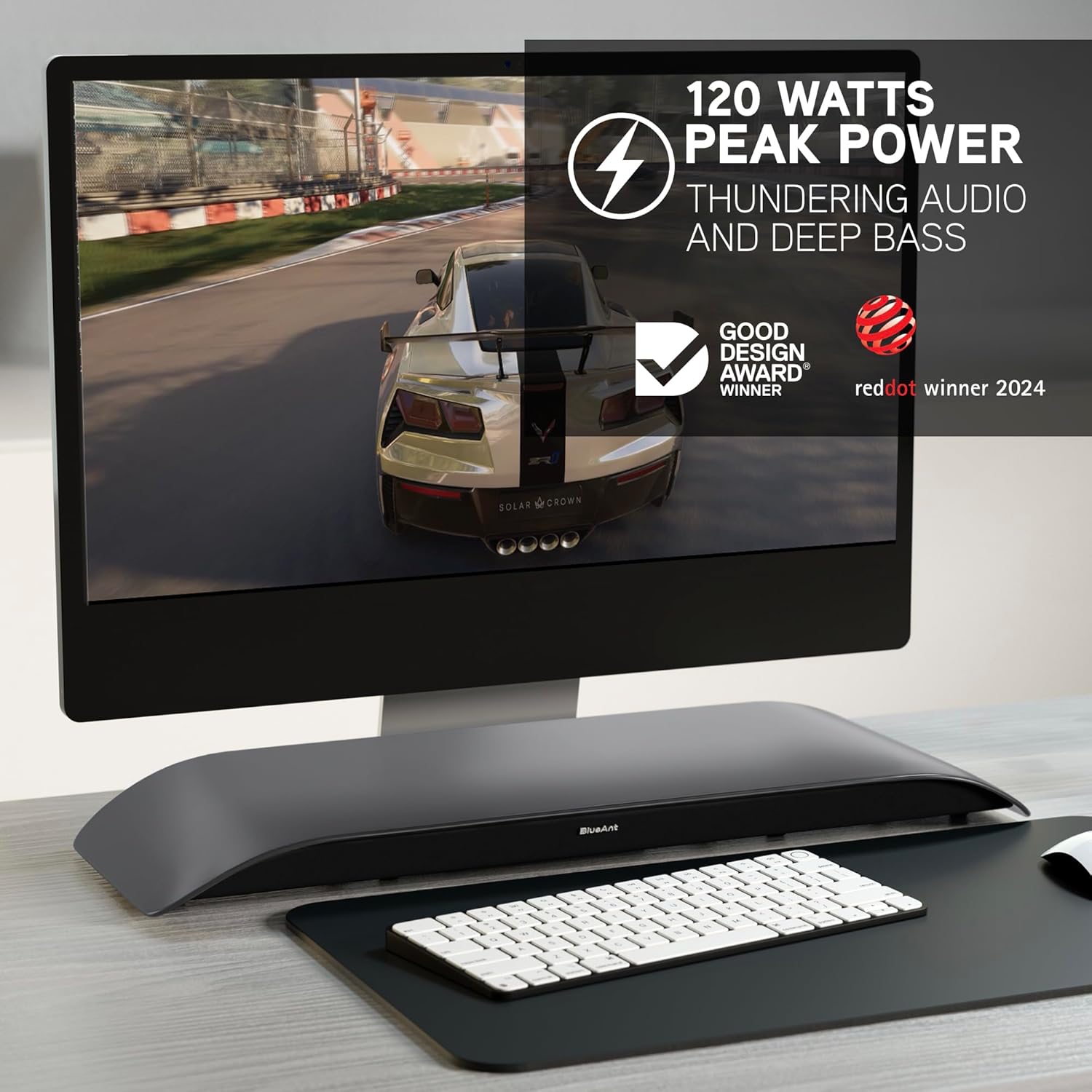
The BlueAnt Soundblade is a 120W 2.1 Channel Desktop Speaker designed to enhance your audio experience for PC, Mac, gaming, music, and streaming. Its sleek, low-profile design fits seamlessly under your monitor, providing powerful sound without clutter. This manual provides essential information for setting up, operating, and maintaining your Soundblade.

What's in the Box
Upon unboxing your BlueAnt Soundblade, ensure all the following components are present:
- Soundblade Device
- Power Cable
- Remote Control | x2 AAA Batteries
- 3.5mm to 3.5mm AUX Cable
- USB-C to USB-C Cable | USB-C to USB-A Cable
Setup Guide
Follow these steps to set up your BlueAnt Soundblade:
- Place the Soundblade on a stable surface directly under your monitor.
- Connect the power cable to the Soundblade and a power outlet.
- Choose your preferred audio connection:
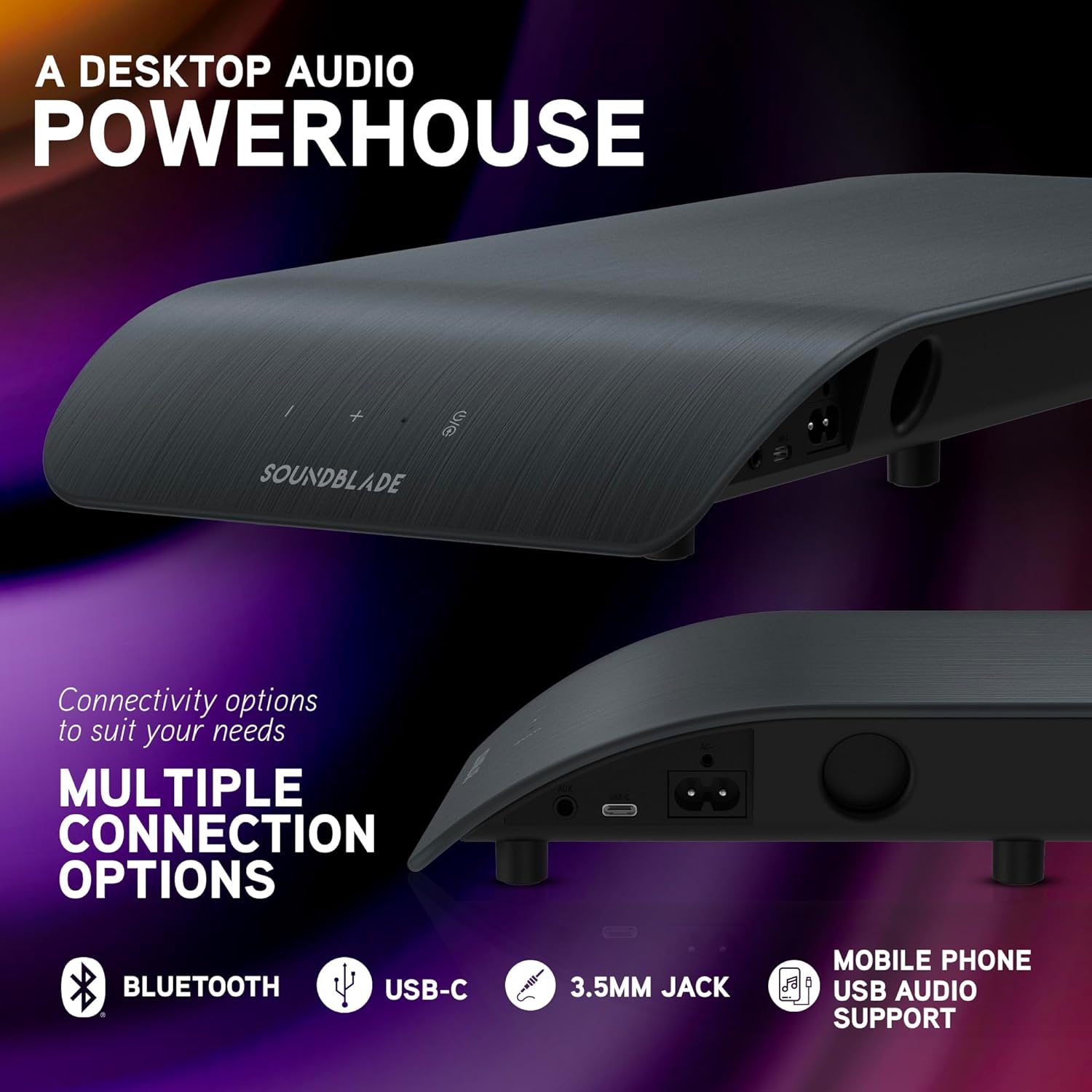
- USB-C: Connect the USB-C to USB-C cable from the Soundblade to your computer. If your computer only has USB-A, use the provided USB-C to USB-A cable.
- Bluetooth: Power on the Soundblade and activate Bluetooth pairing mode. Search for "Soundblade" on your device and connect.
- 3.5mm Auxiliary: Connect the 3.5mm to 3.5mm AUX cable from the Soundblade to your audio source.
- (Optional) Attach the extended feet pegs if additional height is required for your monitor stand.

Operating Instructions
Power On/Off
Press the power button on the Soundblade or the remote control to turn the device on or off.
Volume Control
Use the '+' and '-' buttons on the Soundblade or the remote control to adjust the volume.
Input Selection
Press the input selection button on the Soundblade or the remote control to cycle through available inputs: USB-C, Bluetooth, and 3.5mm Auxiliary.
EQ Modes
The Soundblade features three dedicated EQ modes: Music, Movies, and Game. Use the EQ button on the remote to switch between these modes for optimized audio.


Connectivity Options
The Soundblade offers versatile connectivity to suit various devices:
- USB-C: For direct digital audio connection to PCs, Macs, and compatible mobile devices. Supports auto-switching.
- Bluetooth 5.3: For wireless audio streaming from smartphones, tablets, and other Bluetooth-enabled devices.
- 3.5mm Auxiliary Input: For connecting devices via a standard audio jack.
Audio Modes
Optimize your listening experience with the Soundblade's three specialized EQ modes:
- Music Mode: Enhances clarity and bass for a rich musical experience.
- Movies Mode: Provides crystal-clear dialogue and dynamic sound effects for cinematic immersion.
- Game Mode: Delivers heightened realism and auditory detail for an immersive gaming experience.
Maintenance
To ensure the longevity and optimal performance of your Soundblade:
- Keep the device clean by wiping it with a soft, dry cloth.
- Avoid exposing the Soundblade to water or excessive moisture.
- Do not block the speaker grilles or ventilation openings.
- Store in a cool, dry place when not in use for extended periods.
Troubleshooting
- No Power:
- Ensure the power cable is securely connected to both the Soundblade and a working power outlet. Check if the power adapter is functioning correctly.
- No Sound:
- Verify that the correct input source (USB-C, Bluetooth, or AUX) is selected. Check the volume levels on both the Soundblade and your connected device. Ensure all audio cables are properly connected.
- Bluetooth Pairing Issues:
- Make sure the Soundblade is in Bluetooth pairing mode. Disable and re-enable Bluetooth on your device, then try pairing again. Ensure no other devices are actively connected to the Soundblade via Bluetooth.
- Distorted Audio:
- Reduce the volume on both the Soundblade and your connected device. Check for any loose cable connections. Try a different audio source or cable.
Technical Specifications
| Feature | Detail |
|---|---|
| Brand | BlueAnt |
| Model Number | SOUNDBLADE |
| Speaker Maximum Output Power | 120 Watts |
| Connectivity Technology | Auxiliary, Bluetooth 5.3, USB |
| Audio Output Mode | Stereo |
| Mounting Type | Tabletop Mount |
| Enclosure Material | Plastic Or Metal |
| Speaker Type | Computer |
| Additional Features | Built-In Subwoofer, 3-EQ's, Remote Control |
| Subwoofer Diameter | 80 Millimeters |
| Control Method | Remote |
| Color | Charcoal |
| Item Dimensions D x W x H | 8.58"D x 23"W x 2.13"H |
| Item Weight | 1.7 Kilograms |
| Compatible Devices | Gaming Console, Mac, PC, PS5 |
| Number of Audio Channels | 2.1 |
| Power Source | Corded Electric |
| UPC | 878049008048 |

Warranty and Support
Warranty: The BlueAnt Soundblade comes with a 1-Year Limited Warranty. Please refer to the warranty card included in your package for full terms and conditions.
Manufacturer: BlueAnt
For further assistance or support, please visit the official BlueAnt website or contact their customer service.


