
Introduction
This manual provides essential information for the safe and efficient use of your Philips PerfectCare 6000 Series Steam Generator Iron, model PSG6026/20. Please read these instructions carefully before first use and retain them for future reference.
The Philips PerfectCare 6000 Series Steam Generator Iron is designed for powerful steam performance and features OptimalTEMP technology, ensuring no burns on any ironable fabric. It includes a 1.8L detachable water tank for extended use, an auto-shut off function for safety, and a Smart Calc Clean system for easy maintenance.
Important Safety Information
Always follow basic safety precautions when using electrical appliances. This appliance is equipped with OptimalTEMP technology, which guarantees no burns on any ironable fabric when left resting on clothes or the ironing board. An auto-shut off feature is also included for enhanced safety and energy saving.
- Ensure the appliance is placed on a stable, heat-resistant surface.
- Do not leave the iron unattended while it is connected to the mains.
- Keep the appliance and its cord out of reach of children.
- Do not immerse the iron or the base unit in water or any other liquid.
- Always unplug the appliance before cleaning or refilling the water tank.
Setup
1. Unpacking
Carefully remove all packaging materials from the iron and its base unit. Inspect the appliance for any damage. Retain the packaging for future transport or storage.
2. Filling the Water Tank
The iron features a 1.8-liter detachable water tank. For optimal performance and to prevent limescale buildup, it is recommended to use demineralized or distilled water. Tap water can be used if it is soft.
- Remove the detachable water tank from the base unit.
- Open the large filling door and fill the tank with water up to the 'MAX' indicator.
- Close the filling door securely and place the water tank back into the base unit.

Image: The detachable 1.8L water tank being removed from the iron's base unit for refilling.
3. Initial Use
Before first use, or if the iron has not been used for a long time, iron a piece of old fabric for a few minutes to ensure any manufacturing residues are removed and to allow steam to flow consistently.
Operating Instructions
1. Powering On and Heating Up
Place the iron on its base unit on a stable ironing board. Plug the power cord into a grounded wall socket. Press the power button to turn on the appliance. The iron will heat up quickly, indicated by a light. Once the light stops flashing and remains steady, the iron is ready for use.

Image: The Philips PerfectCare 6000 Series Steam Generator Iron on its base, ready for operation.
2. OptimalTEMP Technology
This iron features OptimalTEMP technology, eliminating the need for temperature settings. You can iron all ironable fabrics, from denim to silk, without adjusting the temperature and without the risk of burning. This technology ensures a safe and effective ironing experience.
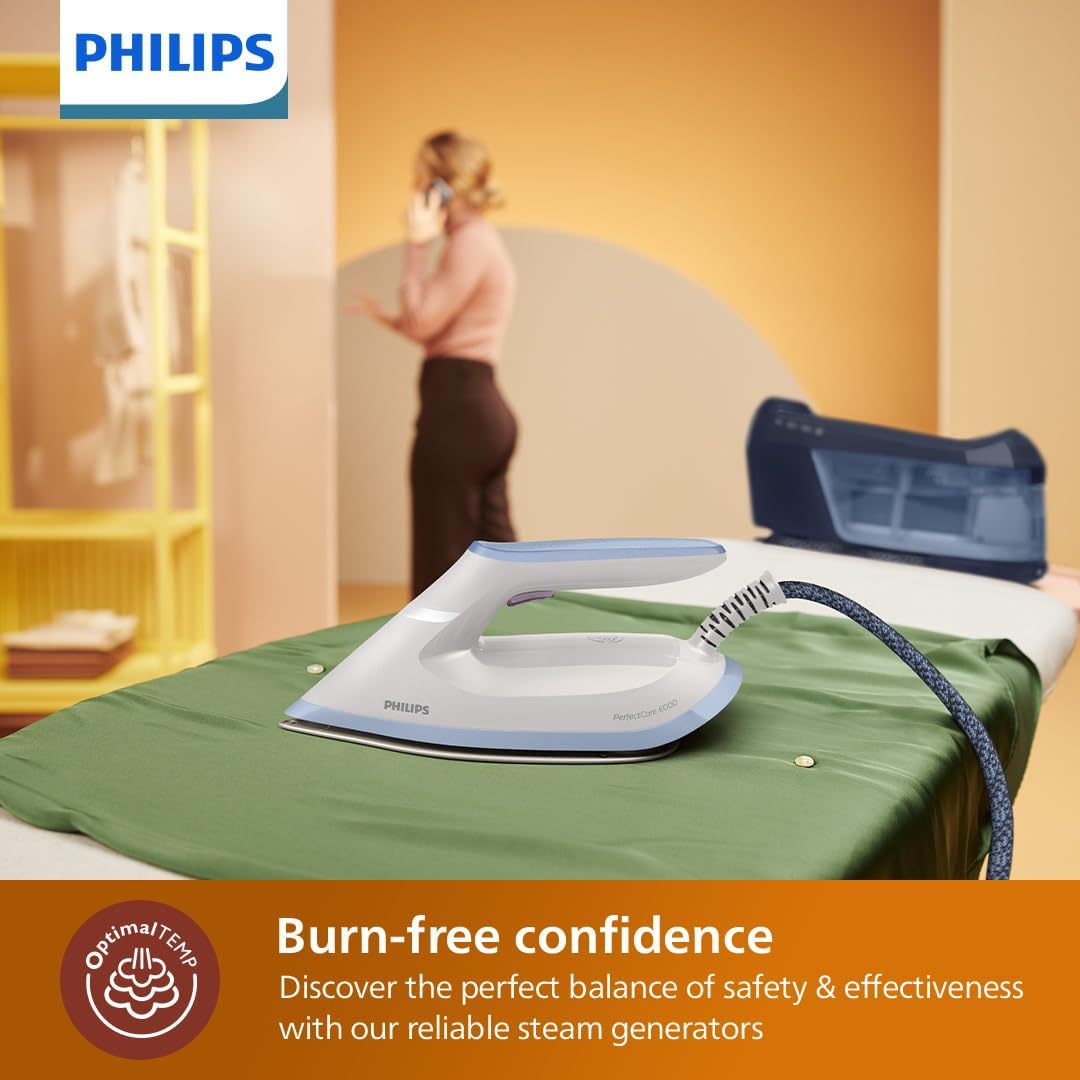
Image: The iron resting on fabric, demonstrating the burn-free OptimalTEMP technology.
3. Steam Functions
- Continuous Steam: The iron provides continuous steam output up to 130 g/min for efficient crease removal. Simply hold the steam trigger under the handle.
- Steam Boost: For stubborn creases, press the steam boost button to deliver an extra burst of steam up to 500 g.
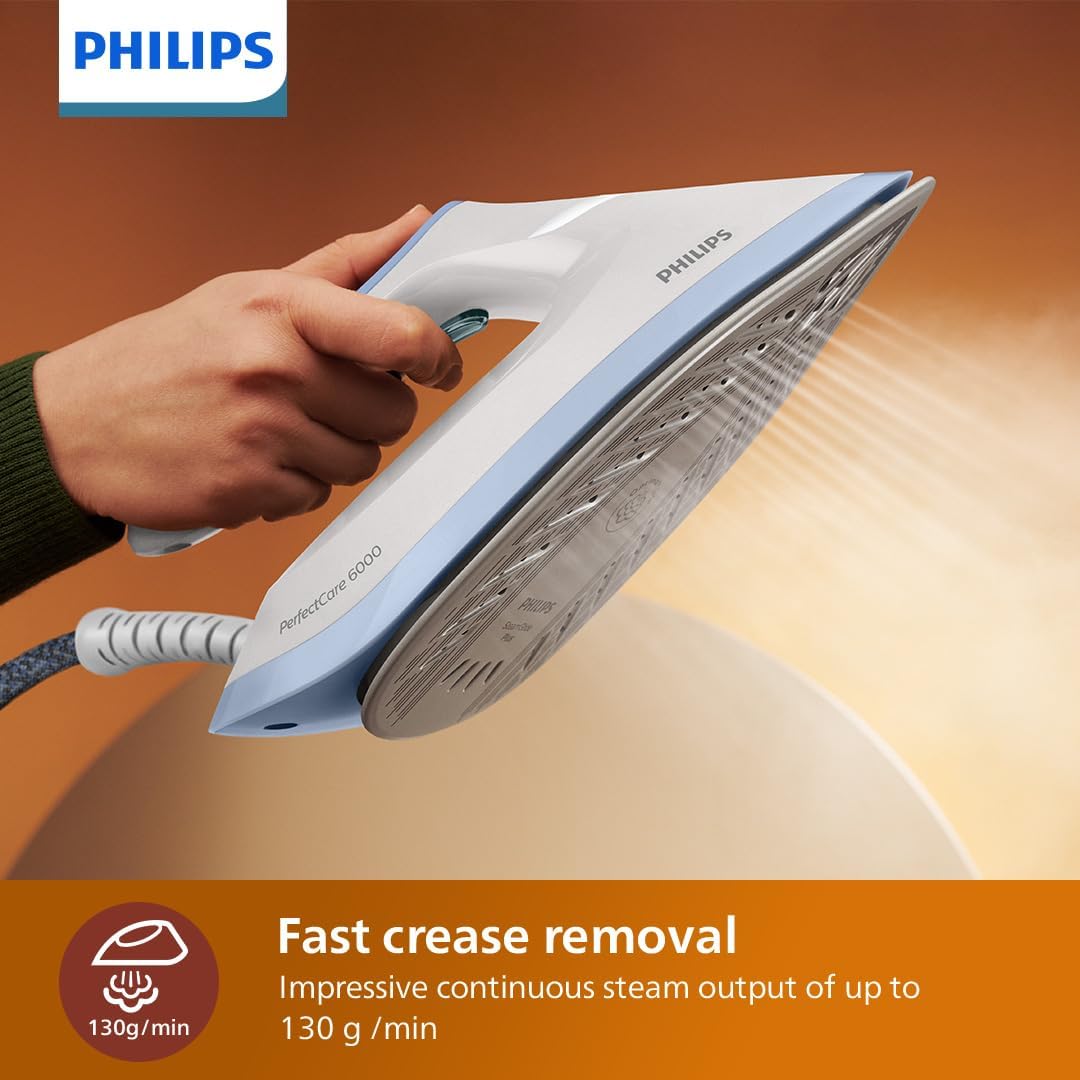
Image: Steam being emitted from the iron's soleplate during use, illustrating fast crease removal.
4. Ironing Techniques
Move the iron smoothly over the fabric. The SteamGlide Advanced soleplate is designed for excellent gliding and scratch resistance. For delicate fabrics, you can use the iron without steam by releasing the steam trigger.

Image: Close-up of the SteamGlide Advanced soleplate, highlighting its design for smooth gliding.
Maintenance
1. Smart Calc Clean System
The Smart Calc Clean system helps maintain the iron's performance and extends its lifespan by removing limescale. The 'Calc Clean' light will flash to remind you when descaling is needed. Follow the instructions in the full user manual for the complete descaling process.
2. Cleaning the Soleplate
To clean the soleplate, ensure the iron is unplugged and cool. Wipe the soleplate with a damp cloth and a non-abrasive cleaner if necessary. Do not use harsh chemicals or abrasive scouring pads.
3. Emptying the Water Tank
After each use, or before storing, it is recommended to empty any remaining water from the detachable tank to prevent stagnant water and potential mineral buildup.
4. Storage
Allow the iron to cool completely before storing. Use the safety carry lock to secure the iron to its base unit for safe and easy transport. The compact design allows for convenient storage.
Troubleshooting
| Problem | Possible Cause | Solution |
|---|---|---|
| No steam is coming out. | Water tank is empty or not properly inserted. Iron is not hot enough. | Refill the water tank and ensure it is correctly seated. Wait for the iron to heat up completely (indicator light steady). |
| Water is leaking from the soleplate. | Iron is not hot enough for steam. Excessive steam boost usage. | Allow the iron to heat up fully. Avoid pressing the steam boost button too frequently in quick succession. |
| Iron is not heating up. | Power cord not properly plugged in. Appliance is in auto-shut off mode. | Check power connection. Press the power button to reactivate the iron. |
| Calc Clean light is flashing. | The iron needs descaling. | Perform the Smart Calc Clean procedure as described in the full user manual. |
Specifications
| Feature | Detail |
|---|---|
| Brand | Philips |
| Model Name | PSG6026/20 |
| Wattage | 2400 watts |
| Continuous Steam | Up to 130 g/min |
| Steam Boost | Up to 500 g |
| Water Tank Capacity | 1.8 Liters (Detachable) |
| Soleplate Type | SteamGlide Advanced |
| Special Features | OptimalTEMP Technology, Auto Shutoff, Safety Carry Lock, Smart Calc Clean |
| Product Dimensions | 36.8L x 16.8W centimetres |
| Item Weight | 1.03 Kilograms |
Warranty and Support
The Philips PerfectCare 6000 Series Steam Generator Iron comes with a 2-year worldwide guarantee. For detailed warranty terms, service, or support, please refer to the official Philips website or contact their customer service.
A comprehensive user manual in PDF format is available for download: Download User Manual (PDF)


