
1. Product Overview
The Caiord Mini Karaoke Machine Model P8 is a portable Bluetooth karaoke system designed for both kids and adults. It features high-quality sound, two wireless microphones, multiple voice effects, and dynamic lighting modes to enhance any gathering or personal singing session.
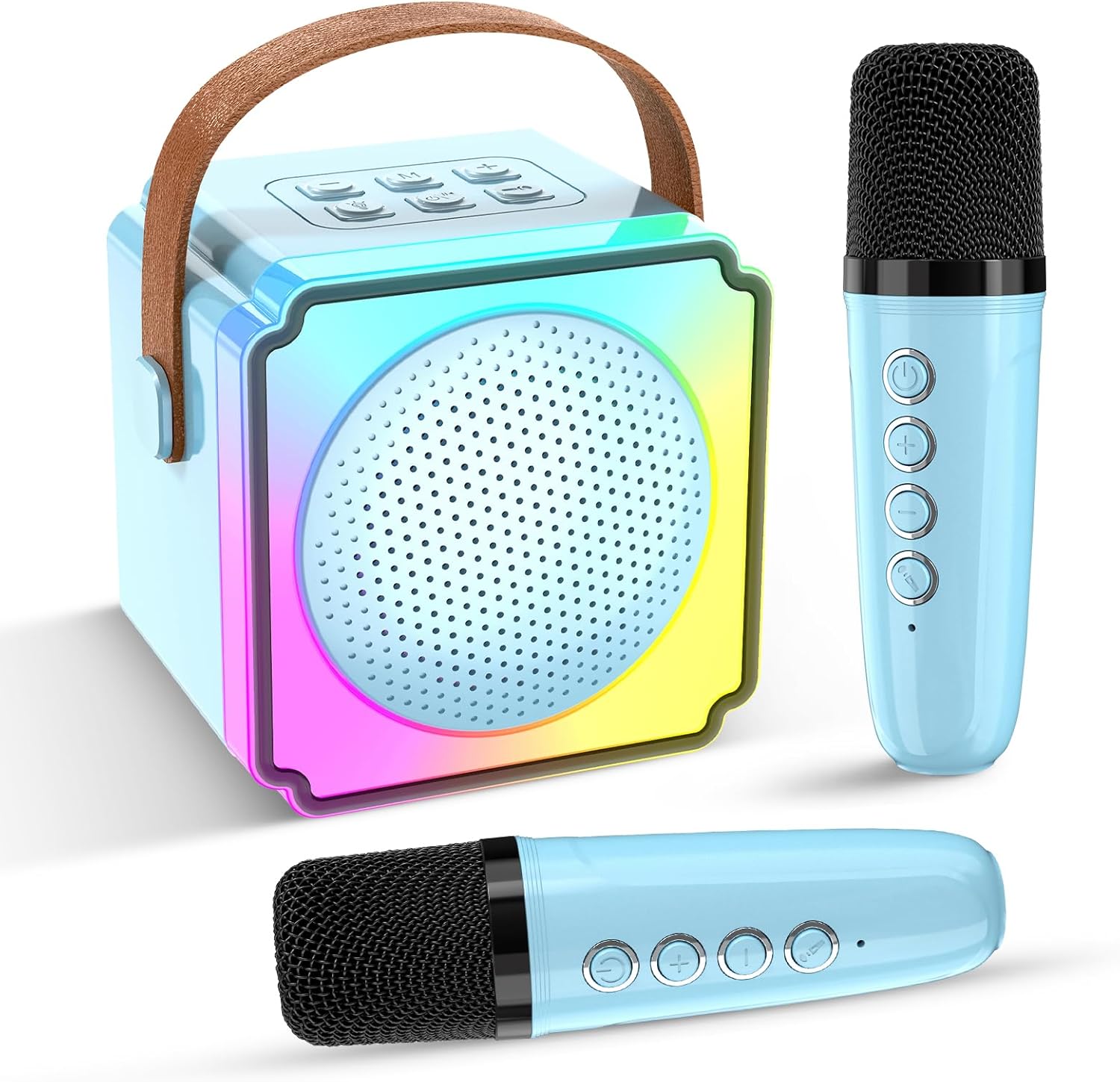
Image 1.1: Caiord Mini Karaoke Machine with two wireless microphones.
2. What's Included
The package includes the following components:
- 1 x Karaoke Machine (Speaker)
- 2 x Wireless Microphones
- 1 x Charging Cable
- 1 x User Manual

Image 2.1: Package contents and dimensions of the karaoke machine and microphones.
3. Product Features
- High Sound Quality: Built-in 5W speaker for clear and loud audio.
- Dual Wireless Microphones: Two microphones that auto-connect when powered on for efficient voice transmission.
- Multi-Function Voice Effects: Four fun voice effects including original, male, female, baby, and monster.
- Dynamic Lighting Modes: Six lighting modes to create a lively atmosphere.
- Longer Singing Time: Built-in high-capacity rechargeable battery provides 3-6 hours of play.
- Portable Design: Compact and lightweight with a comfortable handle for easy transport.
- Wide Compatibility: Connects via Bluetooth 5.3 to smartphones, computers, tablets, and laptops. Supports TF Card and USB input.
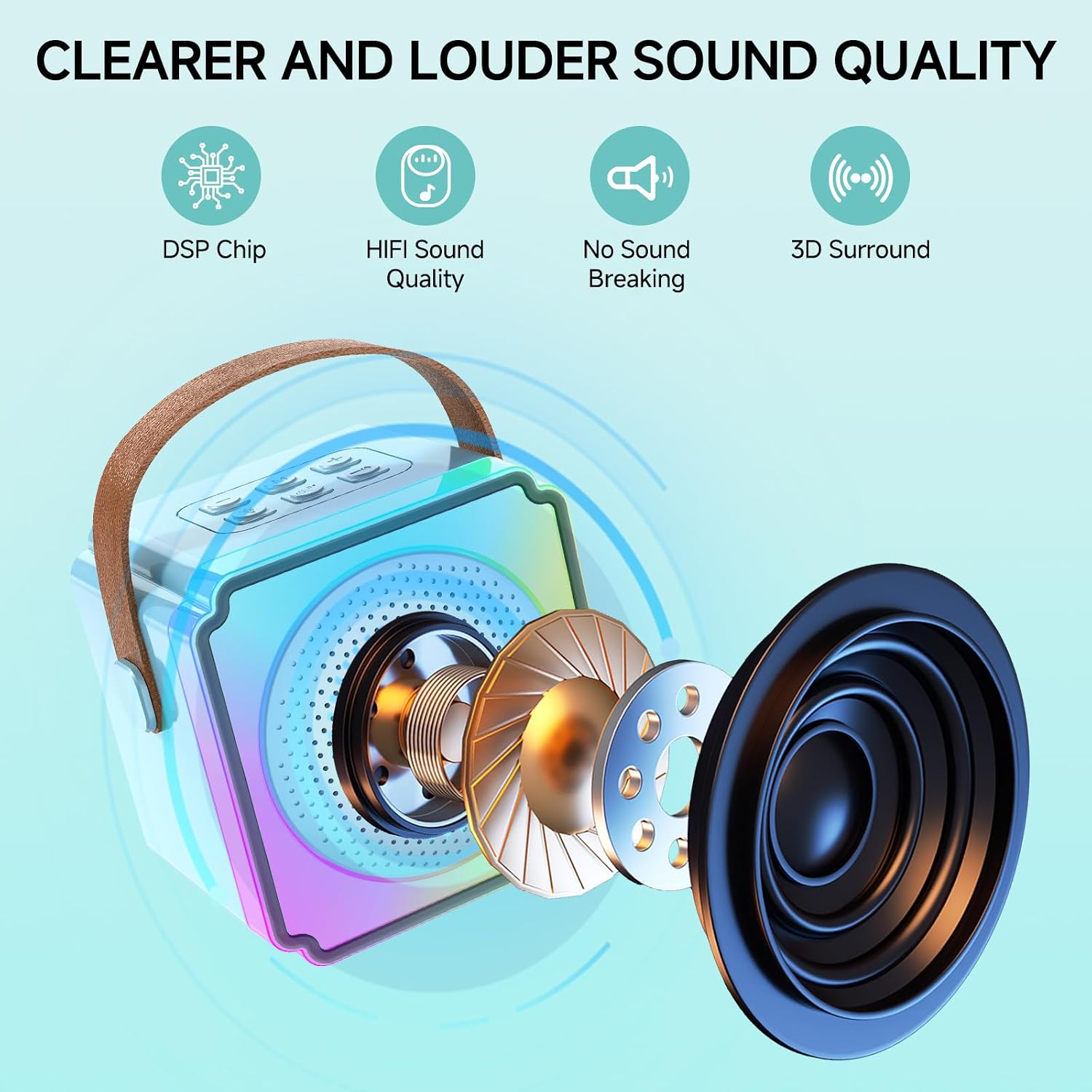
Image 3.1: High sound quality features of the karaoke machine.

Image 3.2: Battery charging and working time details.
4. Setup
4.1. Charging
- Connect the provided charging cable to the charging port on the karaoke machine and a suitable USB power adapter (not included).
- Connect the charging cable to the charging port on each microphone.
- The indicator light on the devices will show charging status. A full charge typically takes about 4 hours.
4.2. Bluetooth Pairing
- Long press the power button on the karaoke machine to turn it on. A voice prompt will indicate "Bluetooth Mode".
- Enable Bluetooth on your mobile device (smartphone, tablet, computer).
- Search for "K12" or "P8" in the list of available Bluetooth devices and select it to pair. A voice prompt will confirm successful pairing.
4.3. Microphone Connection
- Long press the power button on each wireless microphone to turn it on. A blue indicator light will illuminate.
- The microphones will automatically connect to the karaoke machine.

Image 4.1: Connectivity options for the karaoke machine.
5. Operation
5.1. Power On/Off
- Karaoke Machine: Long press the power button (usually the central button) on the top panel.
- Microphones: Long press the power button on each microphone.
5.2. Music Playback
- Bluetooth: Once paired, play music from your connected device.
- TF Card/USB: Insert a TF card or USB drive with music files into the respective port. The machine will automatically switch to playback mode.
- Controls: Use the buttons on the karaoke machine to play/pause, skip tracks (long press volume +/-), and adjust speaker volume (double press volume +/-).
5.3. Microphone Usage
- Speak or sing into the microphone.
- Use the volume buttons on the microphone to adjust its volume.
- Ensure microphones are not too close to the speaker to avoid feedback.
5.4. Voice Changer Effects
- Press the 'M' button on the microphone to cycle through the 4 voice effects: original, male, female, baby, and monster.
- Long press the 'M' button to remove the original voice.
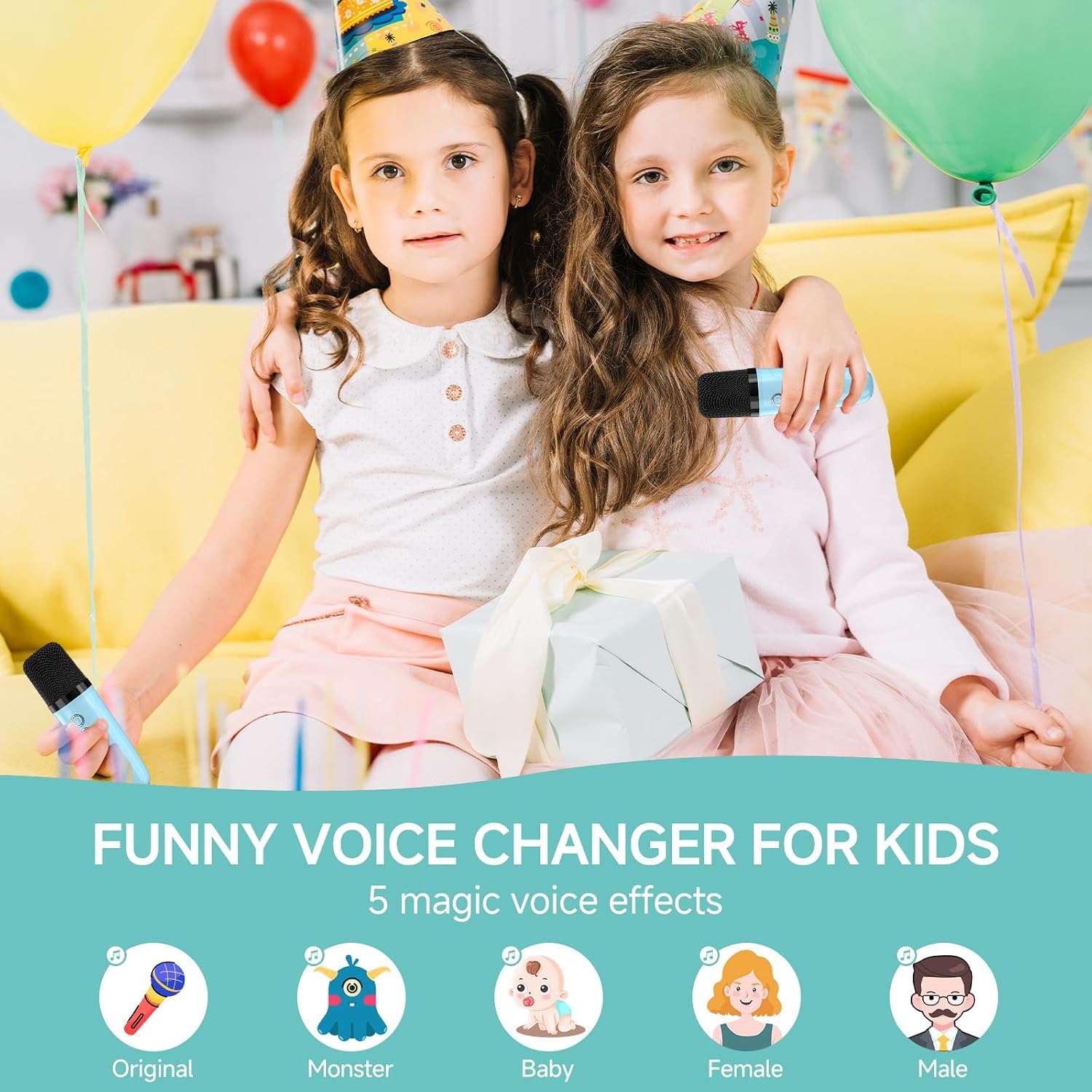
Image 5.1: Voice changer effects available on the microphones.
5.5. Dynamic Lighting Modes
- Short press the light button on the karaoke machine to toggle through 6 dynamic colorful light modes.
- Long press the light button to turn off the lighting effect.

Image 5.2: Dynamic colorful light modes.
5.6. Button Instructions

Image 5.3: Comprehensive button instructions for the karaoke machine and microphones.
5.7. Official Product Video
Video 5.1: An official product video demonstrating the Caiord Mini Karaoke Machine with two wireless microphones for kids, showcasing its features and ease of use.
6. Maintenance
- Keep the machine and microphones dry and clean.
- Wipe with a soft, dry cloth. Do not use abrasive cleaners.
- Store in a cool, dry place away from direct sunlight and high temperatures.
- Do not throw the machine or attempt to disassemble internal components.
7. Troubleshooting
- No sound from speaker: Ensure the speaker is powered on and connected via Bluetooth, TF card, or USB. Check volume levels on both the speaker and the connected device.
- Microphone not working: Ensure microphones are powered on and fully charged. Verify they are connected to the speaker.
- Echo/Feedback: Move microphones further away from the speaker to reduce echo or feedback.
- Bluetooth connection issues: Ensure Bluetooth is enabled on your device and the karaoke machine is in pairing mode. Try restarting both devices.
- Short battery life: Ensure the device is fully charged before use. Battery performance may vary with usage intensity.
8. Specifications
| Feature | Detail |
|---|---|
| Item Weight | 1.08 pounds |
| Product Dimensions | 3.9 x 5.7 x 4.49 inches |
| Item Model Number | P8 |
| Batteries | 1 Lithium Ion battery required (included) |
| Speaker Output Wattage | 5 Watts |
| Connectivity | Bluetooth 5.3, TF Card, USB, 3.5 mm Jack |
| Material Type | Plastic |
| Special Features | Indicator Light, Lightweight, Portable, SD Card Slot, Voice Changer |
9. Warranty and Support
This product comes with a 1-year manufacturer's warranty.
For technical support, troubleshooting assistance, or warranty claims, please refer to the contact information provided in your purchase documentation or visit the official Caiord website.
Safety Information: Please ensure to use the qualified power adapter with standard certification for charging. Avoid exposing the product to excessive heat, direct sunlight, fire, or inflammation. Do not throw the machine or attempt to disassemble internal components to avoid damage or injury.