
1. Introduction
Thank you for choosing the Keystone Energy Star 22-Pint Portable Dehumidifier. This manual provides important information for the proper operation, maintenance, and troubleshooting of your new appliance. Please read it thoroughly before use and keep it for future reference.
This efficient dehumidifier is designed to remove up to 22 pints of moisture per day, improving air quality and reducing humidity in spaces up to 1,500 square feet. It is ideal for basements, garages, living rooms, and other areas prone to dampness.

Figure 1: Keystone 22-Pint Portable Dehumidifier. This image shows the front and side view of the white and grey dehumidifier unit.
2. Safety Information
To prevent injury to the user or others and property damage, the following instructions must be followed. Incorrect operation due to ignoring instructions may cause harm or damage.
- Always operate the unit on a level surface to prevent water overflow.
- Do not block the air inlet or outlet. Maintain at least 8 inches of clearance around the unit.
- Do not use the unit near heat sources, flammable materials, or in direct sunlight.
- Ensure the power cord is not damaged and is properly grounded.
- Unplug the unit before cleaning or performing any maintenance.
- Keep children and pets away from the unit during operation.
3. Setup
3.1 Unpacking and Placement
Carefully remove the dehumidifier from its packaging. Place the unit upright on a firm, level surface in the desired location. For optimal performance, ensure there is adequate space around the unit for air circulation.
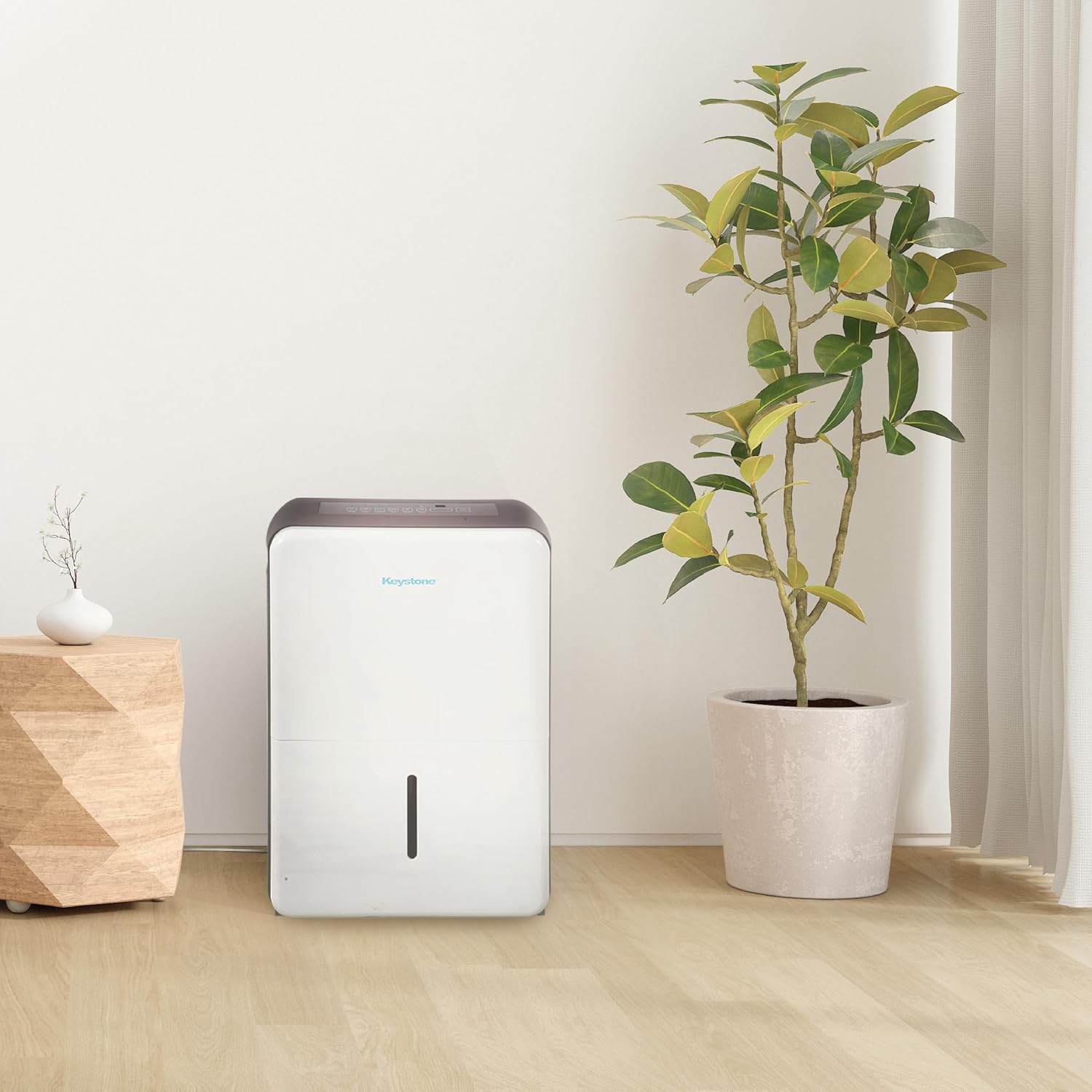
Figure 2: Dehumidifier placed in a living room setting. The unit is positioned on a wooden floor next to a plant, demonstrating suitable placement in a home environment.
3.2 Portability
The unit is equipped with four omni-directional caster wheels, allowing for easy movement between rooms. Simply push the unit to your desired location.
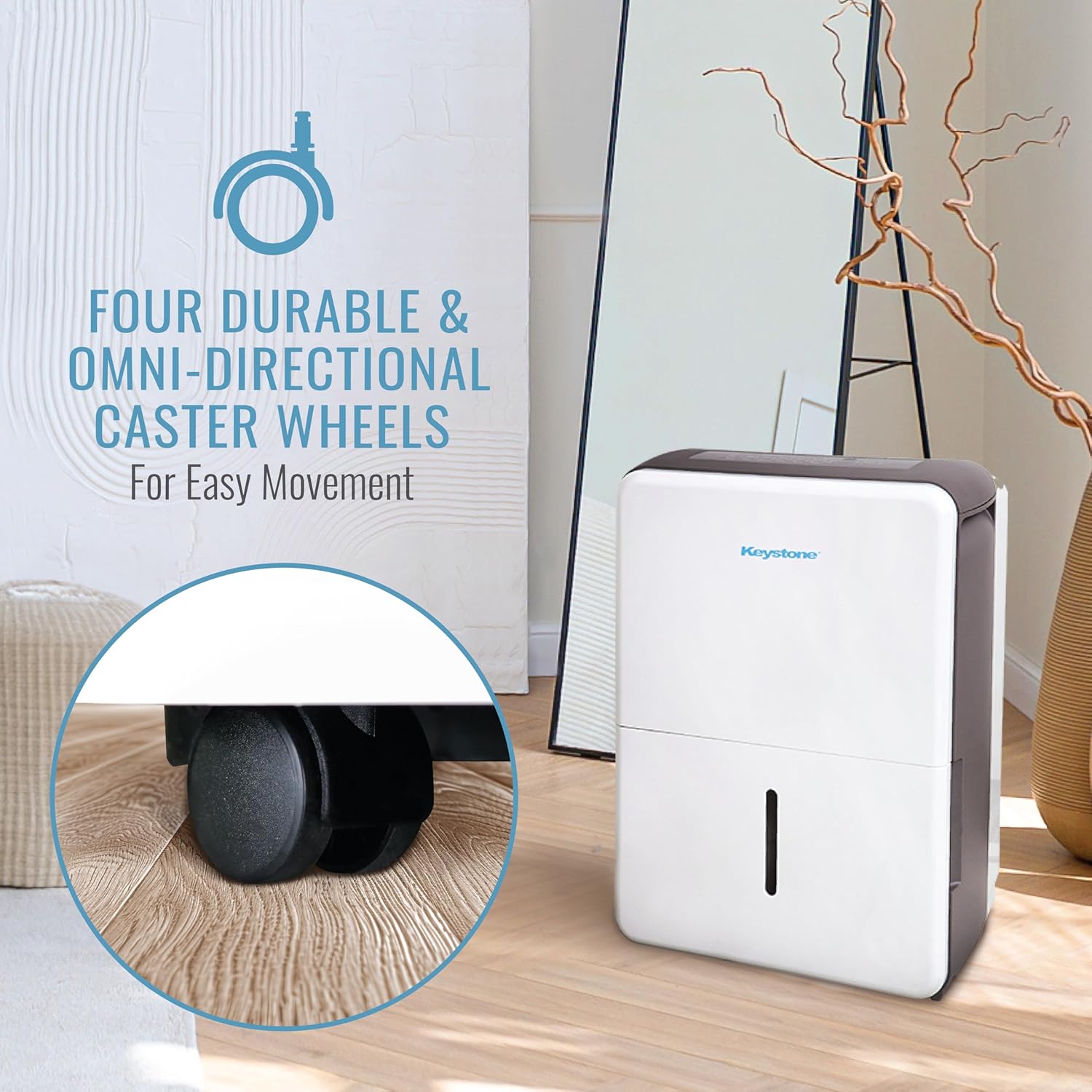
Figure 3: Close-up view of the durable omni-directional caster wheels on the dehumidifier. These wheels facilitate easy movement of the unit across various floor types.
3.3 Continuous Drain Option
For continuous operation without needing to empty the water bucket, you can connect a standard garden hose (not included) to the continuous drain port on the back of the unit. Ensure the hose leads to a low-level drain.
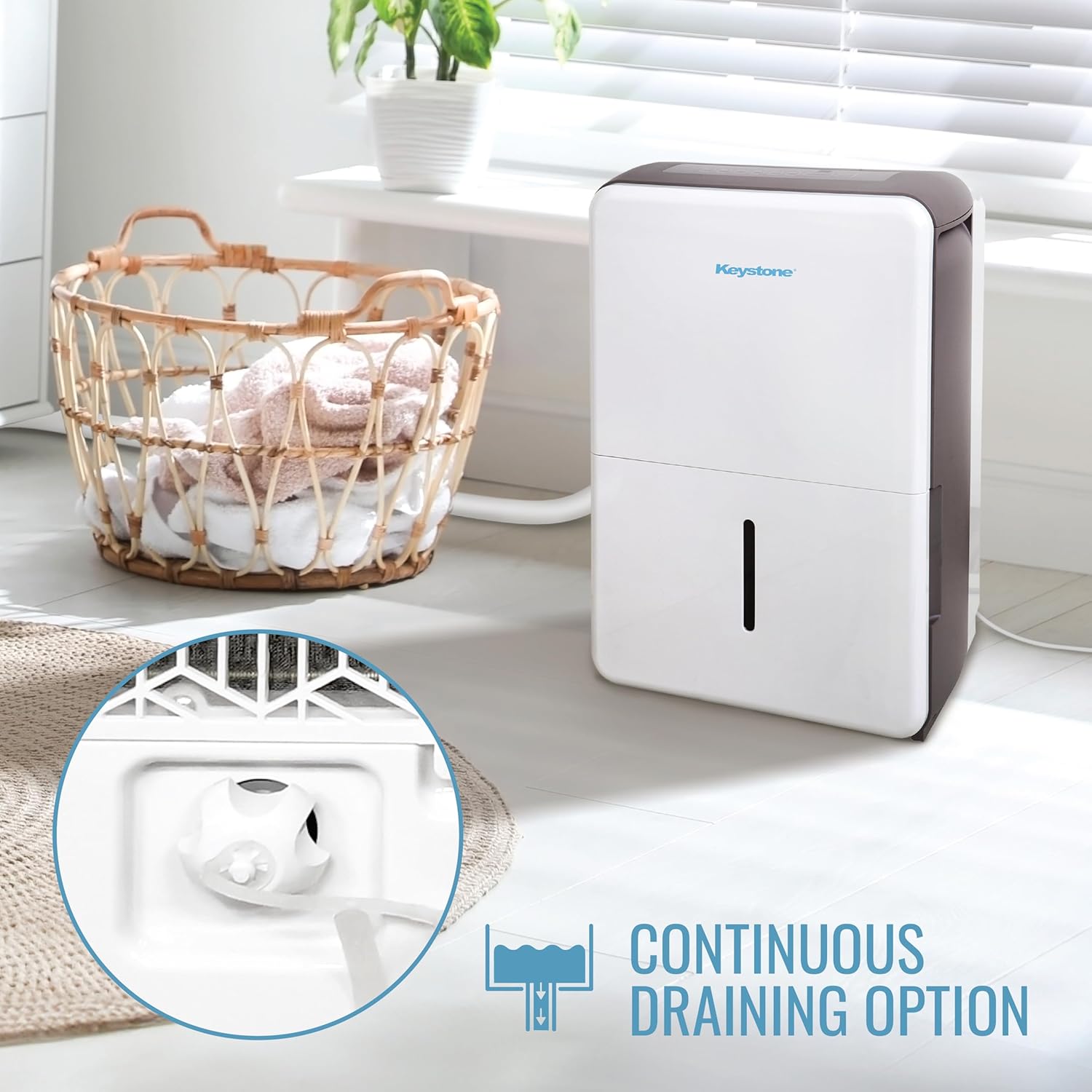
Figure 4: The continuous draining option on the dehumidifier, showing the port for connecting a garden hose for direct drainage. This feature eliminates the need for manual bucket emptying.
4. Operating Instructions
4.1 Control Panel and Display
The dehumidifier features electronic controls and an LED display for easy operation. The control panel allows you to adjust various settings including normal, turbo, auto-defrost, and auto-restart modes.

Figure 5: Detailed view of the electronic control panel and LED display. This image highlights the various buttons and indicators for operating the dehumidifier.
4.2 Quiet Operation
Designed for minimal disruption, this dehumidifier operates at a low noise level of 51dB, making it suitable for use in living areas, bedrooms, or offices without causing significant disturbance.
4.3 Full Bucket Alert and Auto Shut-off
The unit is equipped with a convenient 0.8-gallon water tank. When the water bucket is full, the unit will alert you and automatically shut off to prevent spills and overflowing. Simply empty the bucket and reinsert it to resume operation.
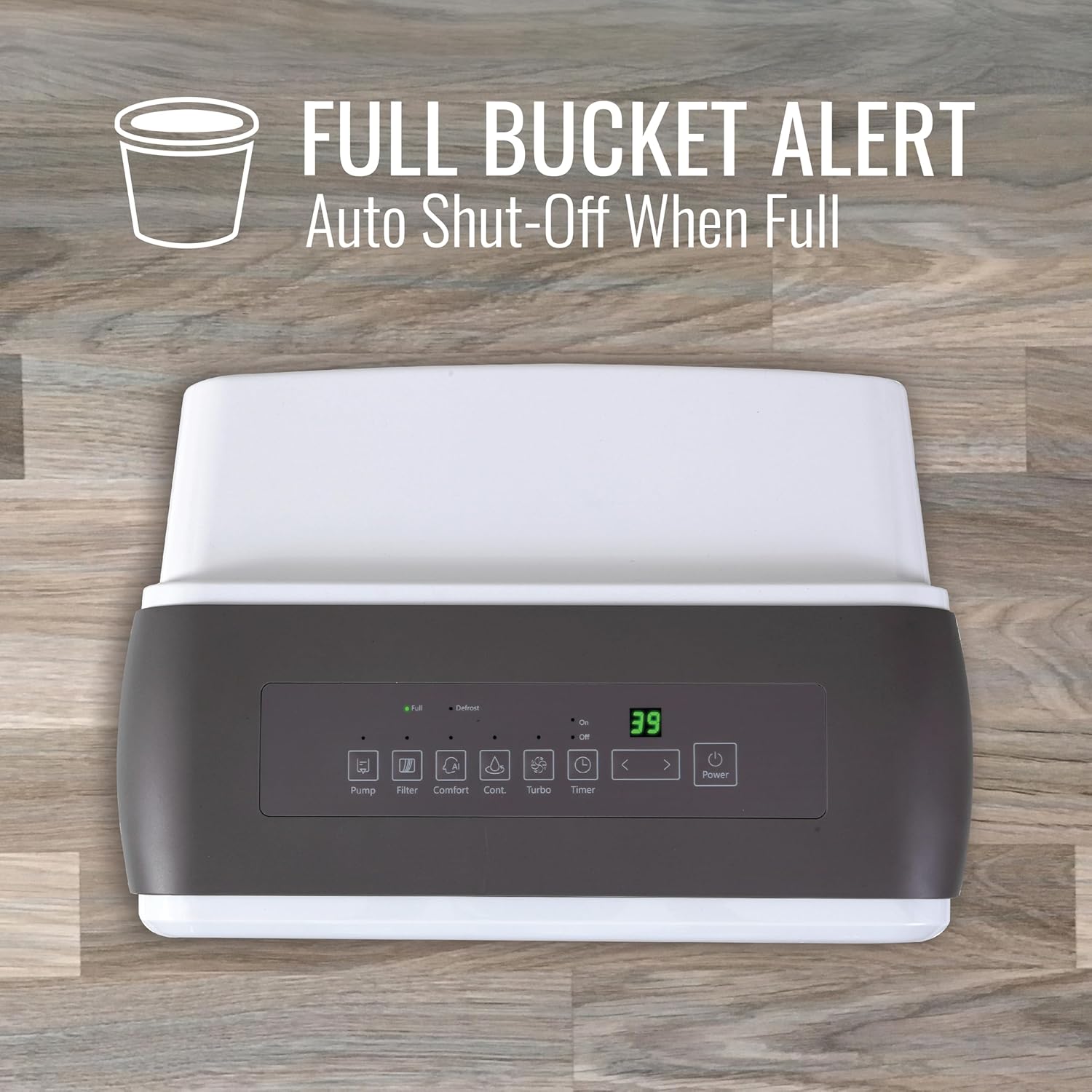
Figure 6: Illustration of the full bucket alert feature, indicating the unit will automatically shut off when the water tank is full. This prevents overflow and ensures safe operation.
4.4 Official Product Video
Watch this official video for a visual guide on the features and operation of the Keystone KSTAD-E Model Dehumidifier:
Video 1: Keystone KSTAD-E Model Features. This video demonstrates the key features and functionalities of the dehumidifier, including its controls and operational modes.
5. Maintenance
5.1 Cleaning the Air Filter
The dehumidifier is equipped with a removable and washable mesh filter. A 'Check Filter' alert will indicate when it's time to clean the filter. Regularly cleaning the filter ensures efficient operation and prolongs the life of the unit.
- Turn off the unit and unplug it from the power outlet.
- Remove the filter from the back of the unit.
- Wash the filter with clean water and a mild detergent.
- Allow the filter to air dry completely before reinserting it.
- Plug in the unit and resume operation.
5.2 Cleaning the Water Bucket
Periodically clean the water bucket to prevent mold and mildew growth. Remove the bucket, wash it with warm water and a mild detergent, rinse thoroughly, and dry before reinserting.
6. Troubleshooting
If your dehumidifier is not operating correctly, please refer to the following common issues and solutions before contacting customer support.
| Problem | Possible Cause | Solution |
|---|---|---|
| Unit does not turn on | No power; Power outage; Full water bucket | Check power connection; Restore power; Empty water bucket |
| No water collected | Humidity too low; Air filter clogged; Temperature too low | Increase target humidity; Clean air filter; Operate in warmer conditions |
| Unit is noisy | Unit not level; Air filter clogged | Place on a level surface; Clean air filter |
| Frost on coils | Low room temperature | Allow unit to defrost automatically (Auto-Defrost mode) |
7. Specifications
Detailed technical specifications for your Keystone Dehumidifier:
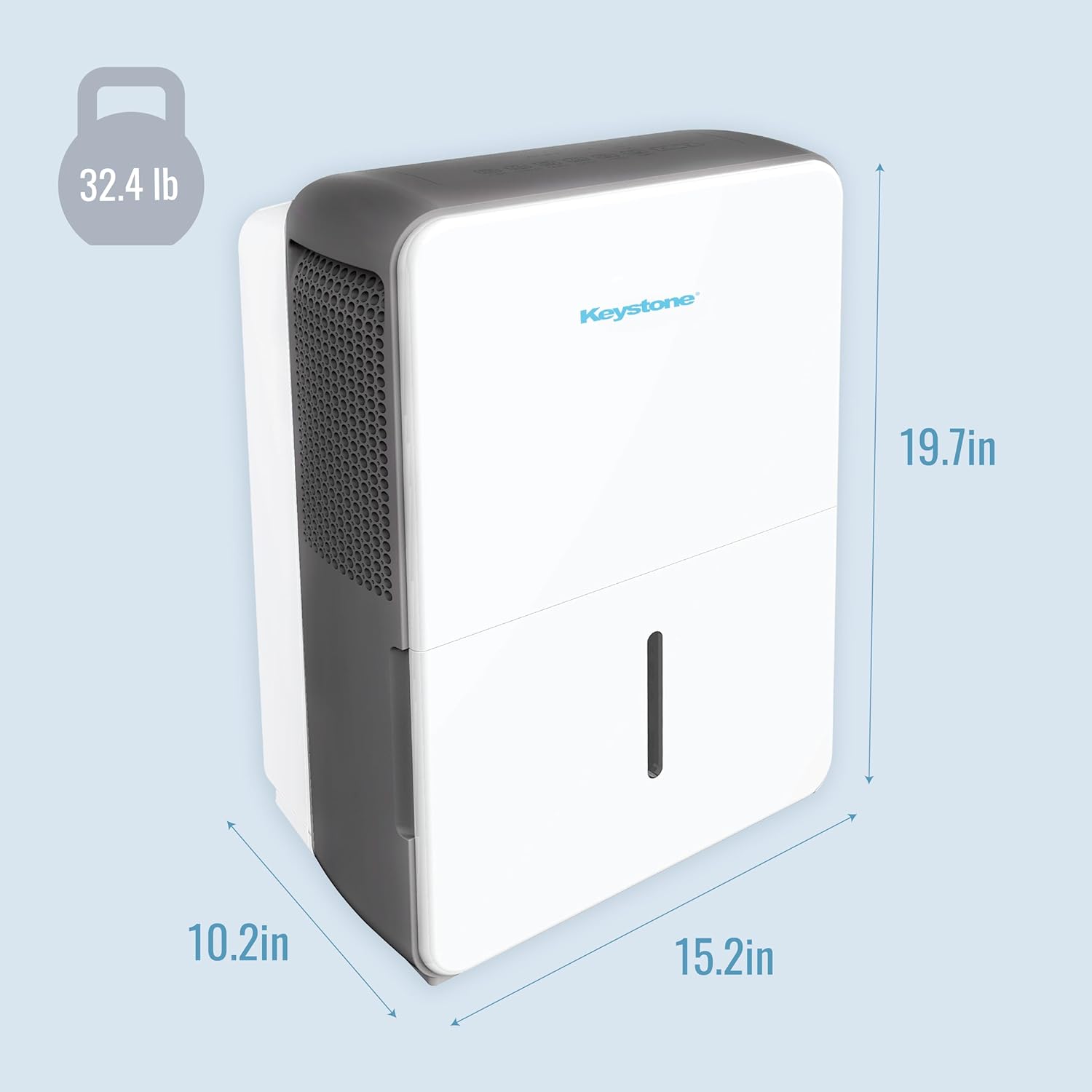
Figure 7: Visual representation of the dehumidifier's dimensions (10.2in D x 15.2in W x 19.7in H) and weight (32.4 lb).
| Feature | Detail |
|---|---|
| Brand | Keystone |
| Model Name | Keystone Energy Star 22-Pint Portable Dehumidifier |
| Model Number | KSTAD224F |
| Dehumidification Capacity | 22 Pints per Day |
| Floor Area Coverage | Up to 1500 Square Feet |
| Tank Volume | 0.8 Gallons (6.4 Pints) |
| Product Dimensions (D x W x H) | 10.24"D x 15.2"W x 19.69"H |
| Item Weight | 32.4 Pounds |
| Wattage | 250 watts |
| Number of Speeds | 2 |
| Special Features | Timer, Automatic Shutoff |
| Color | White |
| Material | Plastic |
| UPC | 840148730052 |
8. Warranty and Support
8.1 Warranty Information
Keystone provides a 1-year warranty for this dehumidifier, covering defects in material and workmanship under normal use. Please retain your purchase receipt as proof of purchase for warranty claims.
8.2 Customer Support
For any questions, technical assistance, or warranty claims, please contact Keystone customer support. Refer to the contact information provided on the product packaging or the official Keystone website.


