
1. Introduction
Thank you for choosing the Waykar YDZ Dehumidifier. This manual provides essential information for the safe and efficient operation of your new appliance. Please read these instructions thoroughly before use and retain them for future reference. The Waykar YDZ Dehumidifier is designed to reduce humidity levels in your home, creating a more comfortable environment and helping to prevent issues related to excessive moisture.
2. Safety Information
Important Safety Instructions: Always follow basic safety precautions when using electrical appliances to reduce the risk of fire, electric shock, and injury.
- Read all instructions before using the dehumidifier.
- Ensure the power supply matches the voltage specified on the rating label.
- Do not operate the dehumidifier with a damaged cord or plug.
- Do not place the unit near heat sources or in direct sunlight.
- Always keep the unit upright during operation and transport.
- Do not block air inlets or outlets. Maintain at least 8 inches (20 cm) clearance around the unit.
- Unplug the unit before cleaning or performing any maintenance.
- Do not use the appliance in wet areas such as bathrooms or laundry rooms where it may come into contact with water.
- Keep children and pets away from the appliance.
3. Product Overview
The Waykar YDZ Dehumidifier is a compact and efficient unit designed for ease of use. Familiarize yourself with its main components:
- Control Panel: Located on the top of the unit, featuring touch controls and a digital display for settings and current humidity.
- Air Inlet/Filter: Typically located on the back or side, where air is drawn into the unit. Contains a removable air filter.
- Air Outlet: Where dry air is expelled.
- Water Tank (Bucket): Removable container at the bottom front for collecting condensed water.
- Continuous Drain Outlet: A port for attaching a drain hose for continuous water removal.
- Power Cord: For connecting the unit to an electrical outlet.
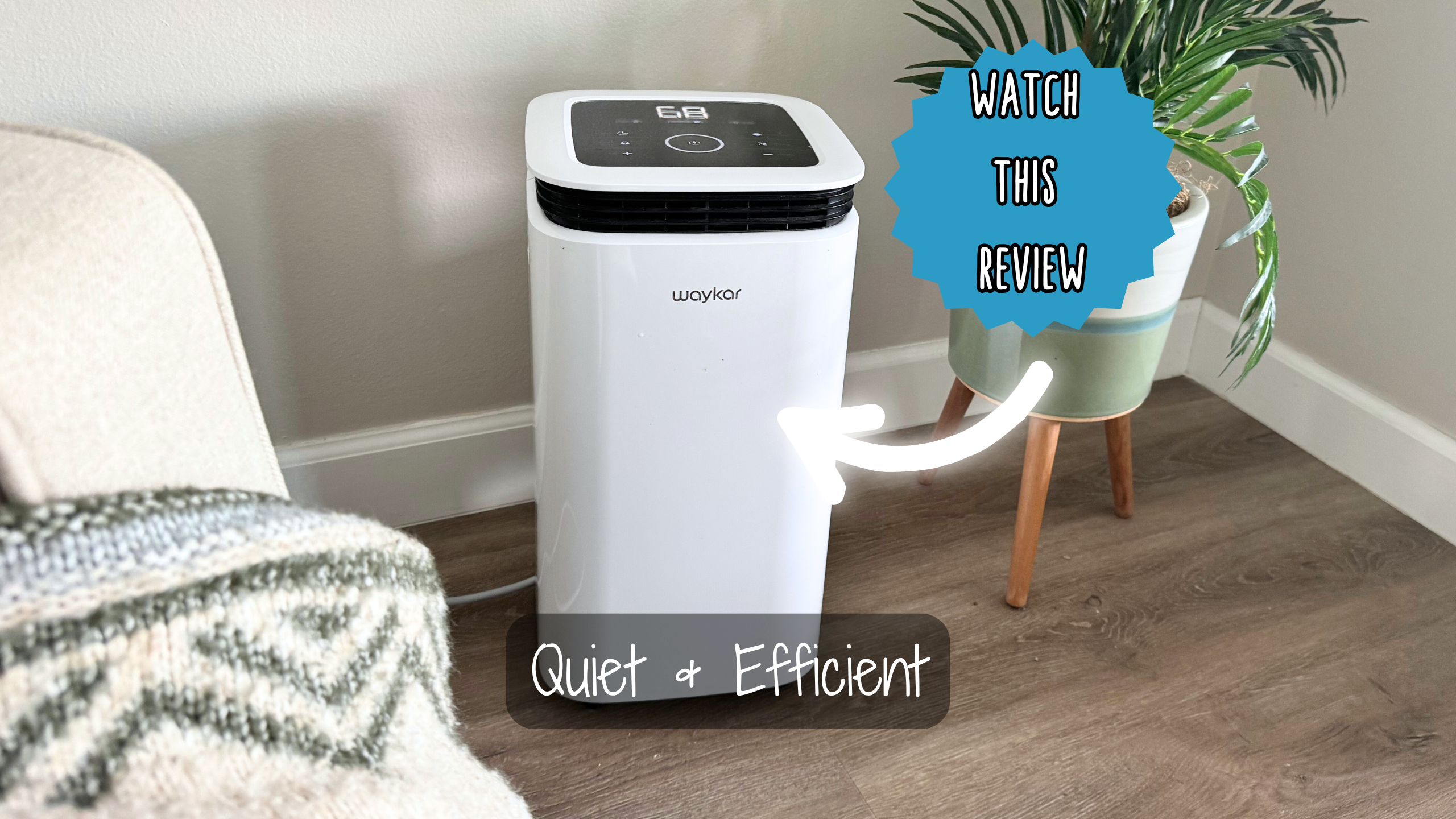
Figure 3.1: Front view of the Waykar YDZ Dehumidifier, showing the water tank and control panel.
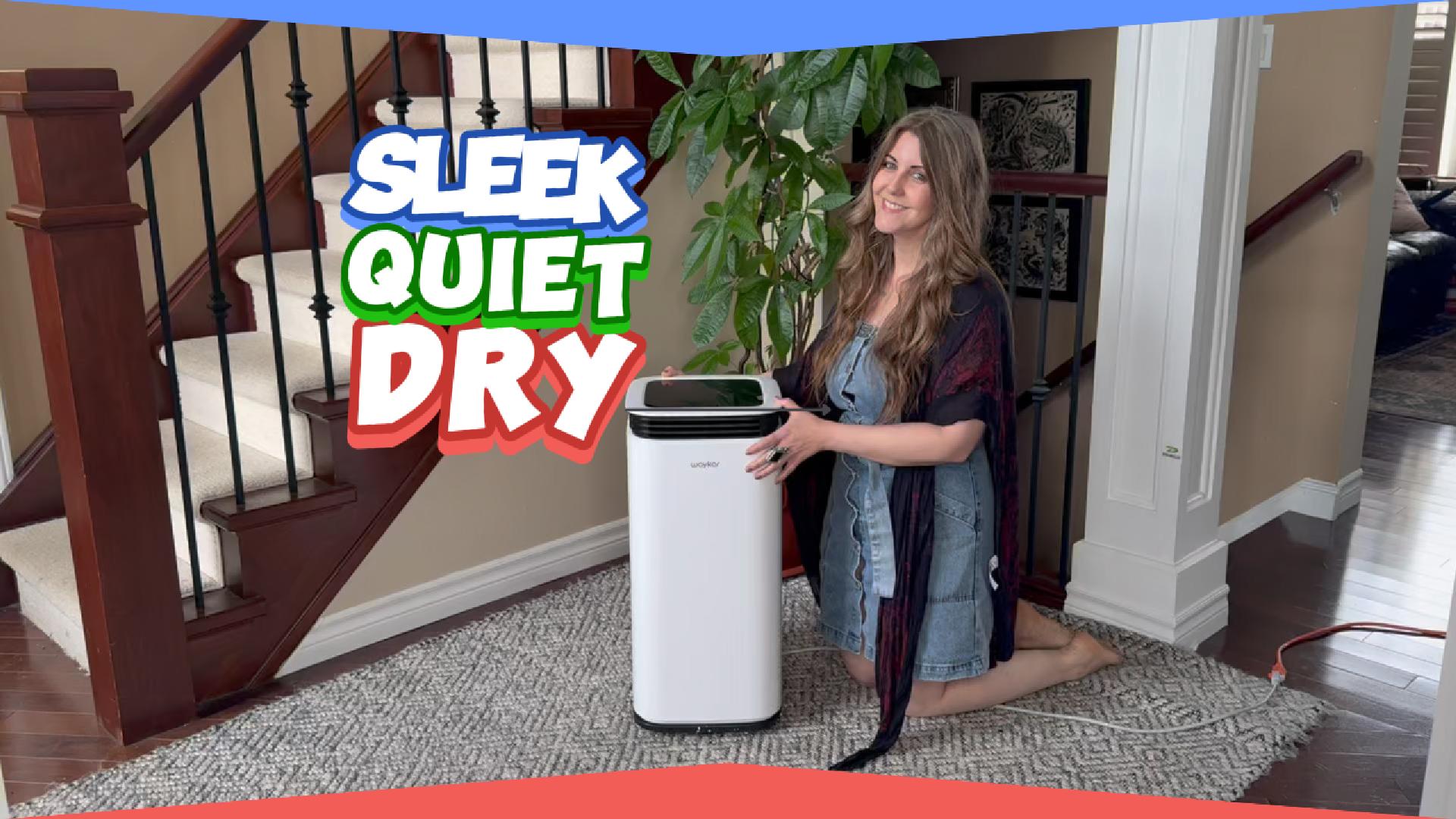
Figure 3.2: Close-up of the Waykar YDZ Dehumidifier's top control panel with digital display and touch buttons.
4. Setup
- Unpacking: Carefully remove the dehumidifier from its packaging. Retain packaging materials for future storage or transport.
- Placement: Place the dehumidifier on a flat, level surface in a room where the humidity is highest. Ensure there is at least 8 inches (20 cm) of space around all sides of the unit for proper airflow. Do not place it against a wall or furniture that could obstruct the air intake or exhaust.
- Power Connection: Plug the power cord into a grounded electrical outlet. Ensure the outlet meets the electrical requirements of the unit.
- Water Tank Installation: Ensure the water tank is correctly seated in the unit. The unit will not operate if the tank is not properly installed or is full.
5. Operating Instructions
The Waykar YDZ Dehumidifier features an intuitive control panel for easy operation.
5.1 Control Panel Functions
Figure 5.1: Detailed view of the control panel, showing various buttons and the digital display.
- Power Button (⏻): Press to turn the unit ON or OFF.
- Mode Button: Cycles through different operating modes (e.g., Auto, Continuous, Sleep).
- Humidity Setting Buttons (+/-): Adjusts the desired humidity level (typically from 30% to 80% relative humidity). The unit will operate until the set humidity is reached, then cycle off.
- Fan Speed Button (⚙): Selects fan speed (e.g., Low, High). Higher fan speed results in faster dehumidification but may produce more noise.
- Timer Button (⏱): Sets a timer for automatic ON or OFF operation (e.g., 2, 4, 8 hours).
- Child Lock Button (🔒): Press and hold to lock/unlock the control panel to prevent accidental changes.
- Display Screen: Shows current room humidity, set humidity, and timer settings.
5.2 Initial Operation
- Plug in the unit. The display will show the current room humidity.
- Press the Power Button to turn the dehumidifier ON.
- Use the Humidity Setting Buttons (+/-) to set your desired humidity level. A common comfortable range is 45-55% relative humidity.
- Select your preferred Fan Speed.
- The unit will begin operating and stop automatically once the desired humidity level is reached. It will restart if the humidity rises above the set level.
5.3 Continuous Drainage
For continuous operation without needing to empty the water tank, you can connect a drain hose (not always included) to the continuous drain outlet.
- Locate the continuous drain outlet on the back or side of the unit.
- Remove the rubber stopper (if present).
- Attach a suitable drain hose (e.g., garden hose, PVC pipe) to the outlet, ensuring a secure connection.
- Route the hose to a floor drain or a larger container, ensuring a downward slope for gravity drainage.
- Ensure the water tank is properly installed even when using continuous drainage, as it may still be required for certain functions or as a backup.
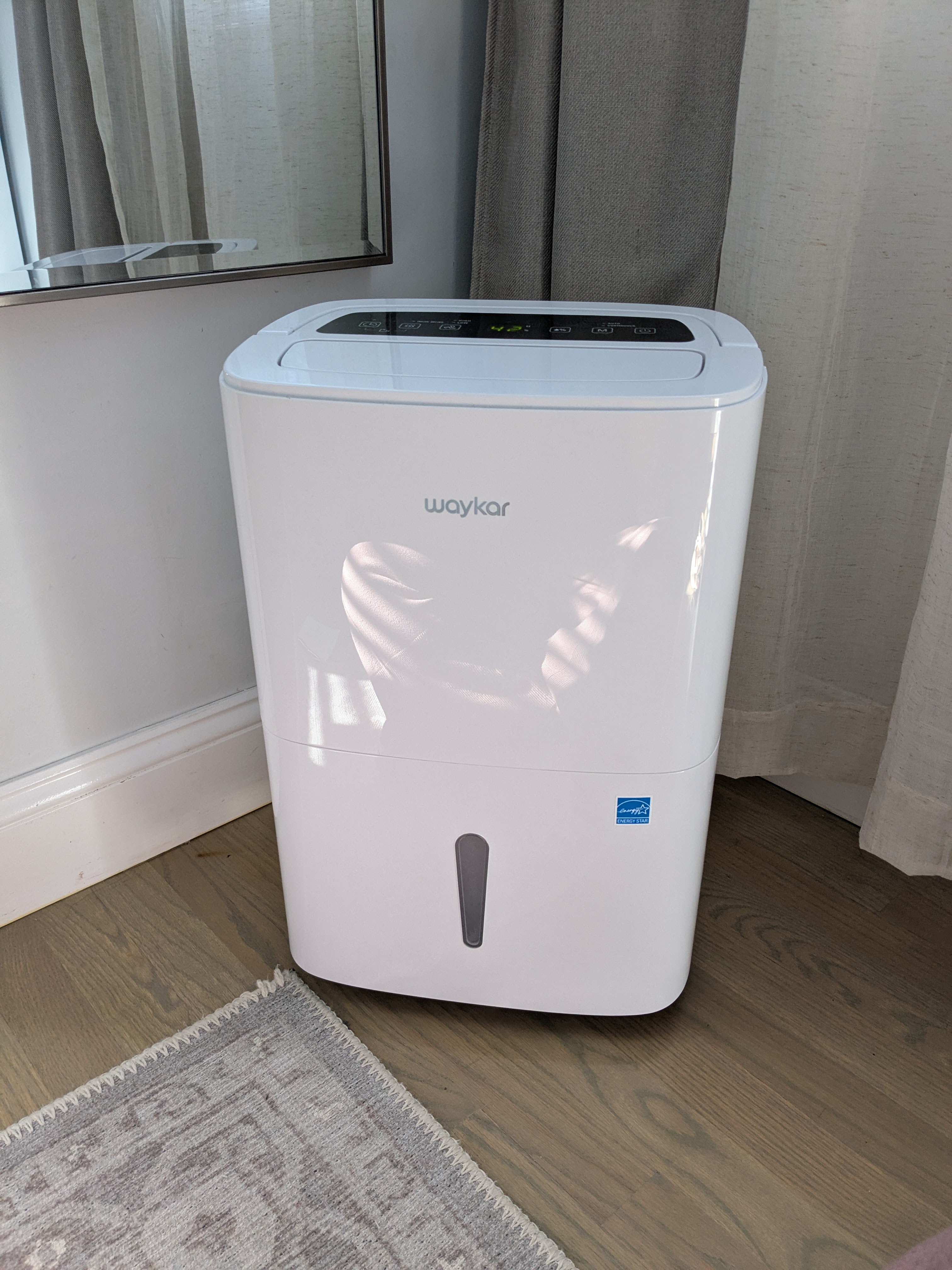
Figure 5.2: Side view of the dehumidifier, indicating the location of the continuous drain outlet.
6. Maintenance
Regular maintenance ensures optimal performance and extends the lifespan of your dehumidifier.
6.1 Emptying the Water Tank
- When the water tank is full, the unit will automatically shut off and an indicator light (e.g., "Full" or "Bucket Full") will illuminate.
- Gently pull out the water tank from the front of the unit.
- Carefully carry the tank to a sink or drain and empty the collected water.
- Rinse the tank with clean water if necessary. Do not use harsh detergents.
- Reinsert the empty water tank firmly into the dehumidifier. The unit will resume operation automatically.
Figure 6.1: Demonstrating the removal of the water collection tank from the dehumidifier.
6.2 Cleaning the Air Filter
The air filter should be cleaned every two weeks or more frequently depending on usage and air quality.
- Turn off the dehumidifier and unplug it from the power outlet.
- Locate the air filter, usually behind a removable panel on the back or side of the unit.
- Gently remove the filter.
- Wash the filter with warm, soapy water. Rinse thoroughly and allow it to air dry completely before reinstallation. Do not use a dishwasher or hot water.
- Reinsert the dry filter into its slot and close the panel.
6.3 Cleaning the Exterior
Wipe the exterior of the unit with a soft, damp cloth. Do not use abrasive cleaners or solvents.
7. Troubleshooting
Before contacting customer service, please refer to the following troubleshooting guide for common issues.
| Problem | Possible Cause | Solution |
|---|---|---|
| Dehumidifier does not turn on. | No power; power cord loose; water tank full or incorrectly installed. | Check power connection; ensure tank is empty and properly seated. |
| No water collected. | Humidity level too low; room temperature too low; air filter clogged; unit in fan-only mode. | Adjust desired humidity; ensure room temp is above 41°F (5°C); clean air filter; select dehumidify mode. |
| Unit is noisy. | Unit not on a level surface; air filter clogged; fan speed set to high. | Place on a level surface; clean air filter; reduce fan speed. |
| Frost appears on coils. | Room temperature too low. | The unit has an auto-defrost function. If frost persists, increase room temperature. |
| Error Codes (e.g., "E1", "E2"). | Sensor malfunction; internal issue. | Unplug the unit for 10 minutes, then restart. If the error persists, contact customer support. |
8. Specifications
Below are the general specifications for the Waykar YDZ Dehumidifier. Specific details may vary slightly by production batch.
| Feature | Detail |
|---|---|
| Brand | Waykar |
| Model | YDZ |
| ASIN | B0D2D7Q3VW |
| Manufacturer | Waykar |
| Coverage Area | (Information not provided in source, typical for dehumidifiers) |
| Moisture Removal Capacity | (Information not provided in source, typical for dehumidifiers) |
| Water Tank Capacity | (Information not provided in source, typical for dehumidifiers) |
| Operating Temperature Range | (Information not provided in source, typical for dehumidifiers) |
| Power Supply | (Information not provided in source, typical for dehumidifiers) |
9. Warranty & Support
9.1 Limited Warranty
Waykar provides a limited warranty for this product against defects in material and workmanship under normal use and service. The warranty period typically covers one year from the date of purchase. Please retain your proof of purchase for warranty claims. This warranty does not cover damage resulting from accident, misuse, abuse, alteration, or improper installation.
9.2 Customer Support
If you have any questions about your Waykar YDZ Dehumidifier or require technical assistance, please contact our customer support team. For the most up-to-date contact information, please refer to the Waykar official website or the contact details provided with your purchase documentation.
Website: www.waykar.com (Example, please check actual website)
Email: support@waykar.com (Example)
Phone: 1-800-XXX-XXXX (Example)


