
EXTRALINK EX.32303
Extralink Arm Blood Pressure Monitor User Manual
Model: EX.32303
Introduction
This manual provides detailed instructions for the safe and effective use of your new EXTRALINK Arm Blood Pressure Monitor. Please read this manual thoroughly before operation and retain it for future reference.
The EXTRALINK Arm Blood Pressure Monitor is a digital device designed for accurate measurement of systolic and diastolic blood pressure, as well as pulse rate. It features energy-saving functionality, automatic shutdown, and storage for recent measurements, making it suitable for home health monitoring.
Important Safety Information
Always consult your physician for interpretation of blood pressure measurements. Self-diagnosis and treatment based on measured results can be dangerous.
- Do not use this device on infants or individuals who cannot express their consent.
- Keep the device out of reach of children.
- Do not use the device in a moving vehicle.
- Avoid taking measurements immediately after exercise, bathing, or consuming alcohol/caffeine.
- Ensure the cuff size is appropriate for your arm circumference.
Product Components
Your blood pressure monitor package includes the following items:
- Digital Blood Pressure Monitor Unit
- Arm Cuff (22-32 cm)
- Instruction Manual

Image: The Extralink digital arm blood pressure monitor unit with its accompanying arm cuff.

Image: An overview of the blood pressure monitor's key features, including precise measurement, 240 result storage (as per image, though product description states 99), LED display, one-button operation, and automatic shutdown.
Setup and Preparation
Battery Installation
The device operates on standard batteries (type not specified in input, typically AAA). Open the battery compartment on the back of the unit and insert the batteries, ensuring correct polarity (+/-). Close the compartment securely.
Before Measurement
For accurate readings, it is recommended to:
- Rest for at least 5 minutes before taking a measurement.
- Avoid eating, drinking caffeine or alcohol, smoking, or exercising for at least 1 hour prior to measurement.
- Ensure you are in a quiet, relaxed environment.

Image: Visual guide showing activities to avoid 1 hour before measurement: eating, drinking hot beverages, smoking, and bathing.
Operating Instructions
Taking a Measurement
- Wrap the cuff: Wrap the arm cuff around your bare left upper arm, approximately 2-3 cm above the elbow joint. Ensure the air tube runs down the center of your arm. The cuff should be snug but not too tight; you should be able to insert two fingers between the cuff and your arm.
- Position your arm: Sit comfortably with your feet flat on the floor. Rest your arm on a table so that the cuff is at the same level as your heart.
- Start measurement: Press the "Start/Stop" button. The cuff will inflate automatically, and the measurement will begin. Remain still and do not talk during the measurement.
- Read results: Once the measurement is complete, the systolic pressure, diastolic pressure, and pulse rate will be displayed on the screen. The device will automatically store the reading.
- Power off: The device will automatically power off after three minutes of inactivity to conserve energy. You can also manually turn it off by pressing the "Start/Stop" button again.

Image: Step-by-step visual guide on how to properly wrap the cuff, position the arm, and take a blood pressure measurement.
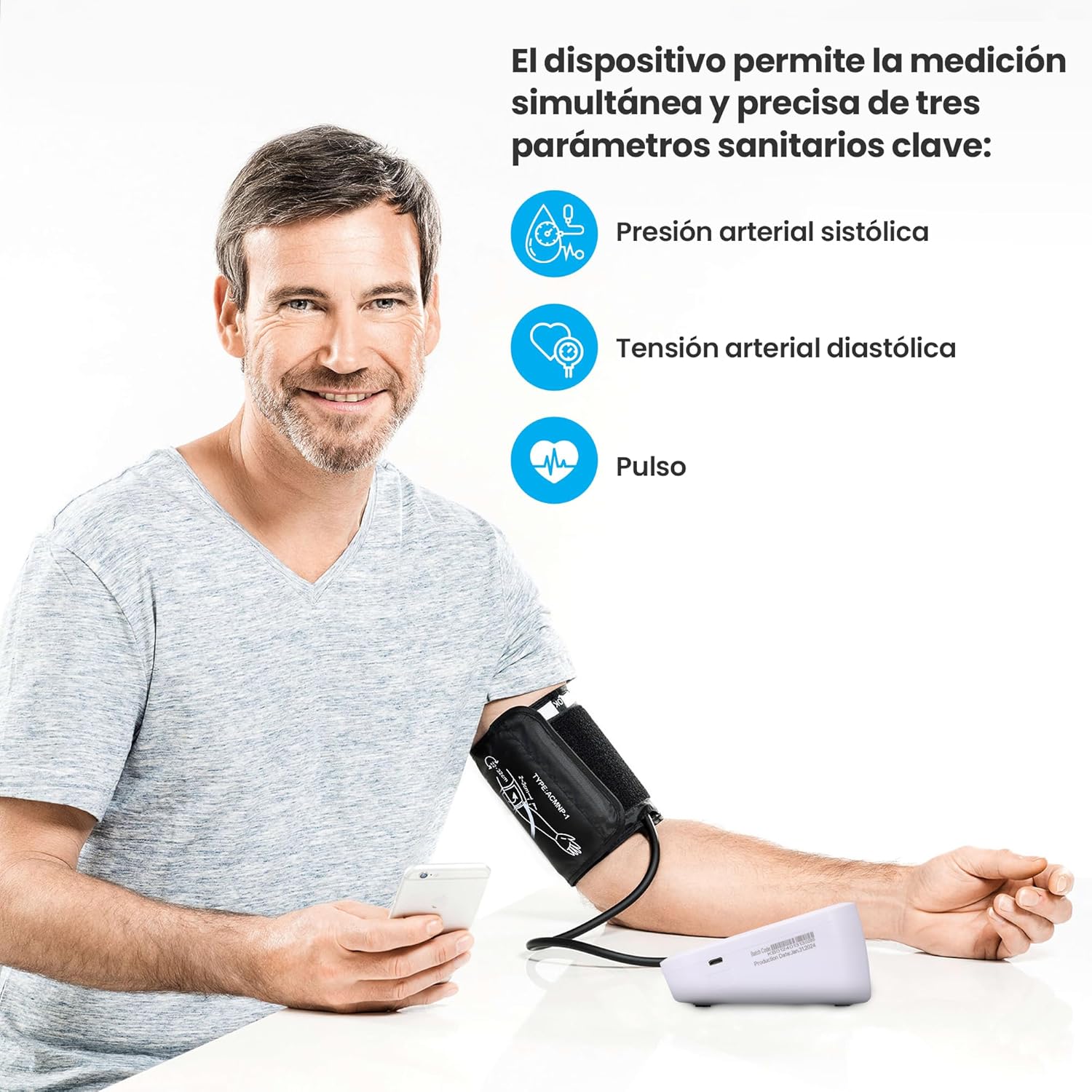
Image: A man demonstrating the correct use of the Extralink blood pressure monitor, showing the cuff on his arm and the device on the table.
Memory Function
The device can store up to 99 recent measurements. To view past readings, press the "M" (Memory) button. Each press will cycle through the stored measurements, displaying the most recent first.

Image: Illustration of the memory function, showing how the device stores past measurements for tracking.
Maintenance and Care
- Cleaning: Wipe the device and cuff with a soft, dry cloth. Do not use abrasive cleaners or immerse the unit in water.
- Storage: Store the device in a cool, dry place, away from direct sunlight and extreme temperatures.
- Battery Replacement: Replace batteries when the low battery indicator appears on the display. Remove batteries if the device will not be used for an extended period.
Troubleshooting
| Problem | Possible Cause | Solution |
|---|---|---|
| No display when powered on. | Batteries are dead or incorrectly inserted. | Check battery polarity or replace with new batteries. |
| Inaccurate readings. | Improper cuff placement, movement during measurement, or incorrect arm position. | Ensure cuff is correctly wrapped, remain still, and position arm at heart level. Consult a physician if readings remain inconsistent. |
| Cuff does not inflate. | Air tube disconnected or damaged. | Check that the air tube is securely connected to the monitor. If damaged, contact customer support. |
Product Specifications
- Model: EX.32303 (ASIN: B0D2D772SG)
- Measurement Method: Oscillometric
- Measurement Range: Pressure: Not specified (typical range 0-300 mmHg), Pulse: Not specified (typical range 40-199 beats/min)
- Accuracy: Pressure: ±3 mmHg, Pulse: ±5% of reading (typical)
- Memory: 99 measurements
- Cuff Size: 22-32 cm
- Power Source: Not specified (typically AAA batteries or AC adapter)
- Automatic Shut-off: Approx. 3 minutes of inactivity
- Dimensions: 17 x 10 x 9 cm
- Weight: 400 g
- Operating Conditions: Not specified (typical range 5-40°C, 15-85% RH)
Warranty and Support
This product comes with a 36-month warranty from the date of purchase. This warranty covers manufacturing defects and material faults under normal use.
For technical support, warranty claims, or any questions regarding your Extralink Blood Pressure Monitor, please contact your retailer or visit the official Extralink website. Please have your purchase receipt and product model number ready when contacting support.
Contact Information:
- Brand: EXTRALINK
- Manufacturer: EXTRALINK
- Website: www.extralink.com (Note: This is a placeholder URL, please refer to your product packaging for official contact details.)