
1. Introduction
Thank you for choosing the EDYELL C5S Motorcycle Bluetooth Headset. This device is designed to enhance your riding experience by providing clear audio for calls and music, along with convenient voice control features. With its robust IP67 waterproof design and long-lasting battery, the C5S ensures reliable performance in various conditions. Please read this manual carefully to understand the proper installation, operation, and maintenance of your headset.
2. Package Contents
Before proceeding with installation, please verify that all items listed below are included in your package:
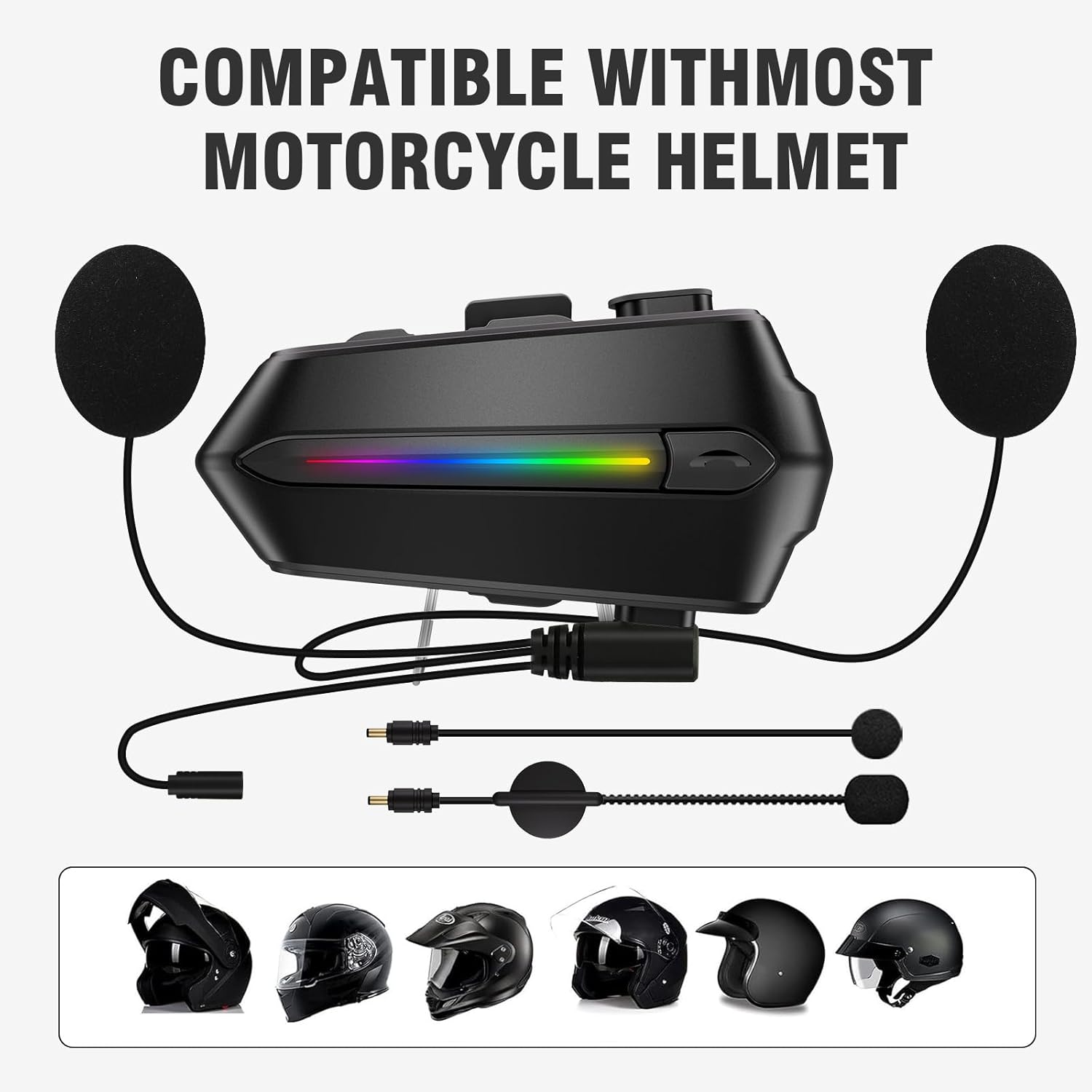
- Motorcycle Bluetooth Headsets (C5S) x 1
- Hard Microphone Speaker x 1
- Clamping Base x 1
- Microphone Velcro Tape x 2
- Speaker Velcro x 2
- Booster Sticker x 2
- Stand Velcro Tape x 1
- Thick Double Sided Tape x 1
- User Manual x 1
- Charging Cable x 1
3. Product Overview
The EDYELL C5S features a sleek design with intuitive controls for easy operation while riding. Key components include the main unit, 50mm speakers, and a microphone for clear communication.

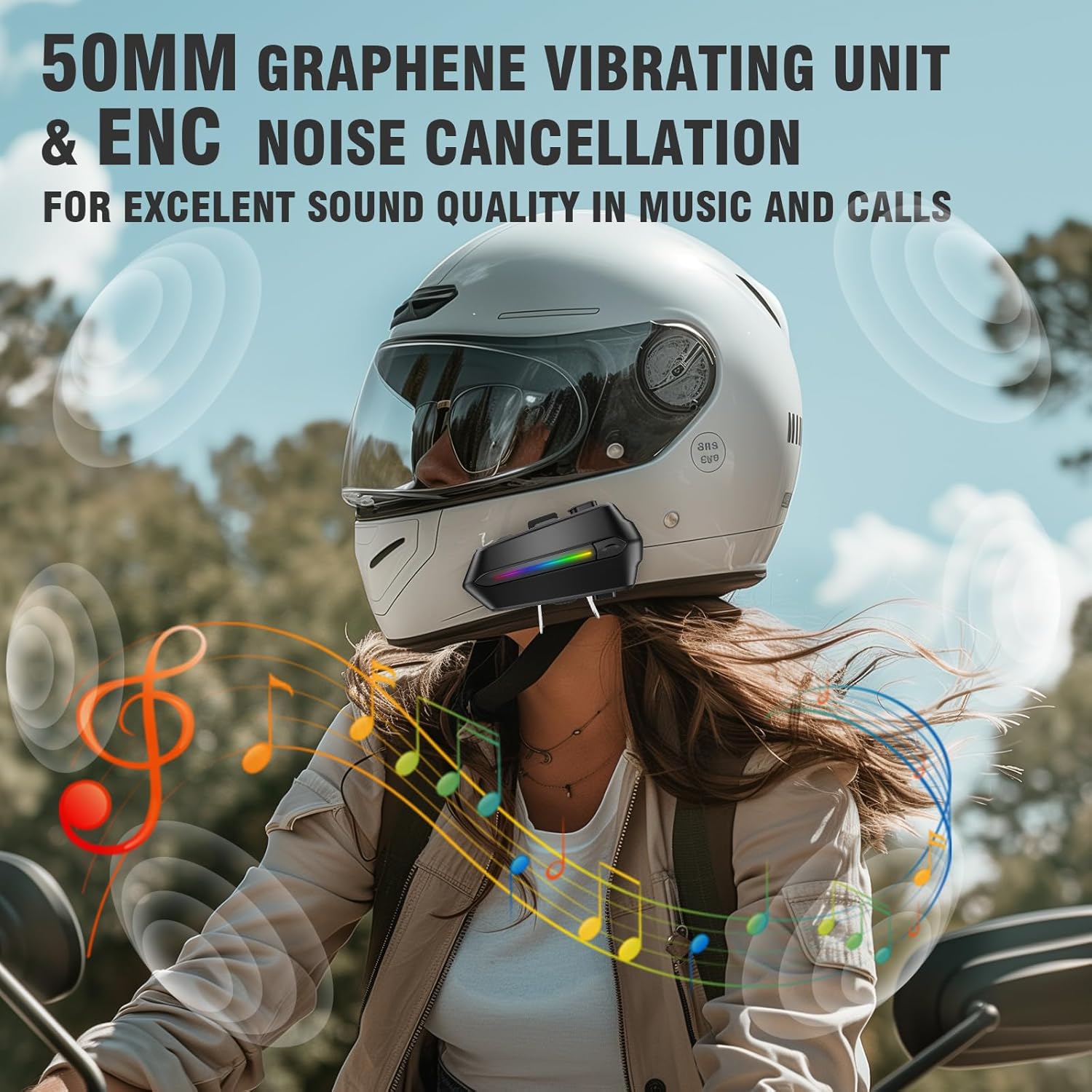
The headset is equipped with a 50mm tuning speaker for enhanced volume and bass performance, and features Environmental Noise Cancellation (ENC) for clear audio during calls and music playback.
4. Setup and Installation
The EDYELL C5S is designed for easy installation and is compatible with most motorcycle helmets.
4.1 Mounting the Headset
- Choose a suitable location on the side of your helmet, typically near the chin bar or cheek pad area.
- Clean the helmet surface thoroughly where the clamping base or adhesive tape will be applied.
- Attach the clamping base to the helmet using the provided screws or use the thick double-sided tape for a secure adhesive mount.
- Slide the main headset unit onto the clamping base until it clicks into place.
4.2 Speaker and Microphone Placement
- Attach the speaker Velcro pads to the inside of your helmet, aligning them with your ears.
- Secure the 50mm speakers to the Velcro pads. Ensure they are positioned comfortably and do not press against your ears.
- Attach the microphone Velcro tape to the inside of the helmet, near your mouth.
- Secure the hard microphone speaker to the Velcro tape, ensuring it is close enough to pick up your voice clearly without obstructing your vision or comfort.
5. Operating Instructions
5.1 Power On/Off
- Power On: Press and hold the Power button for approximately 3 seconds until the indicator light turns on.
- Power Off: Press and hold the Power button for approximately 5 seconds until the indicator light turns off.
5.2 Bluetooth Pairing
The C5S uses Bluetooth V5.4 for stable and fast connections.
- Ensure the headset is powered off.
- Press and hold the Power button for about 7 seconds until the indicator light flashes red and blue alternately, indicating pairing mode.
- On your mobile device, enable Bluetooth and search for "EDYELL C5S".
- Select "EDYELL C5S" from the list of available devices to connect. Once connected, the indicator light will turn blue.
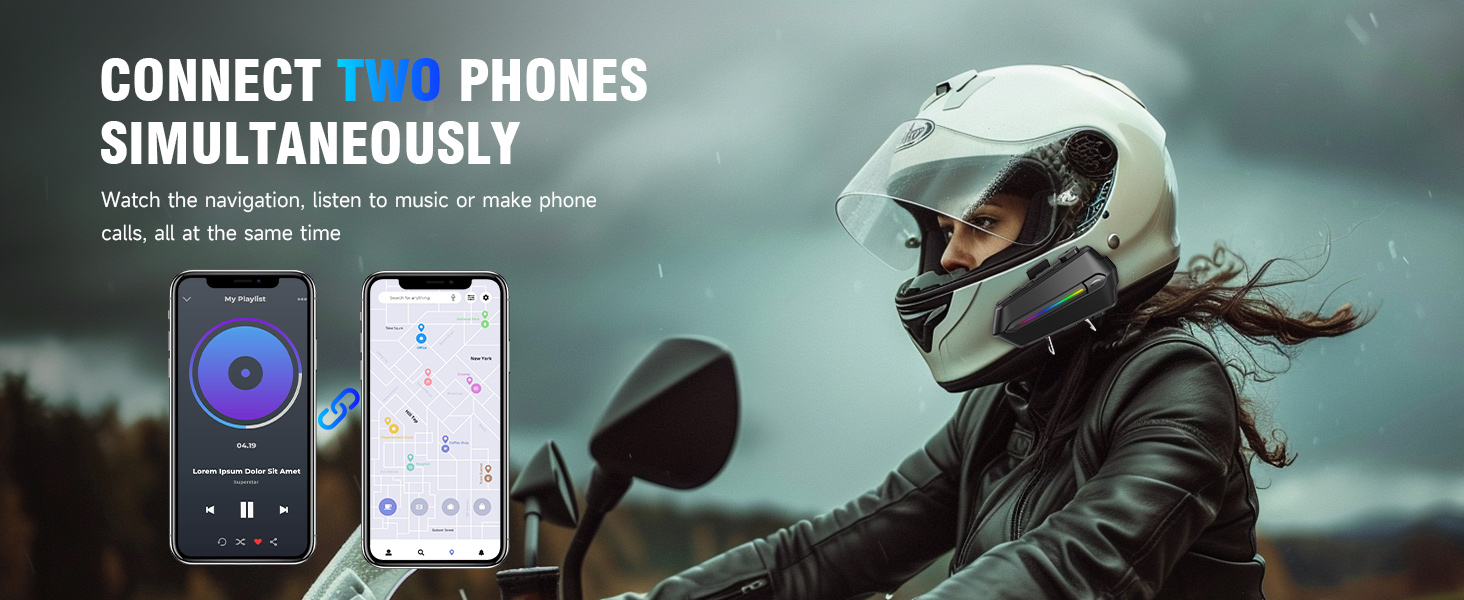
The headset supports connecting two phones simultaneously, allowing you to manage calls and music from two devices without re-pairing.
5.3 Music Playback
- Play/Pause: Press the Multi-function button once.
- Next Track: Press the Volume Up button once.
- Previous Track: Press the Volume Down button once.
- Volume Up: Press and hold the Volume Up button.
- Volume Down: Press and hold the Volume Down button.
5.4 Call Management
- Answer Call: The headset will automatically answer incoming calls after 10 seconds. You can also press the Multi-function button once to answer immediately.
- End Call: Press the Multi-function button once during a call.
- Reject Call: Press and hold the Multi-function button for 2 seconds when a call comes in.
5.5 Voice Assistant
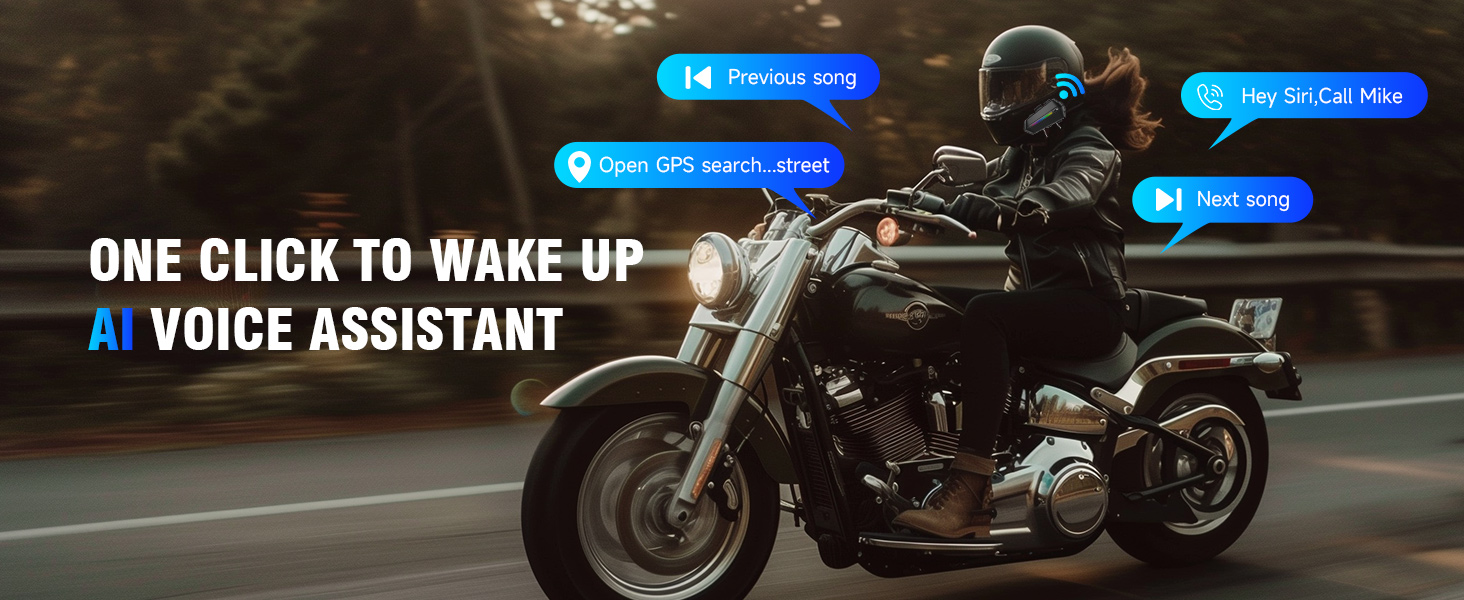
Activate your smartphone's voice assistant (Siri, Google Assistant, etc.) with a simple command.
- Activate Voice Assistant: Press the Voice Control button once. You can then issue commands like "Play next song," "Open navigation," or "Call Mike."

6. Charging and Battery
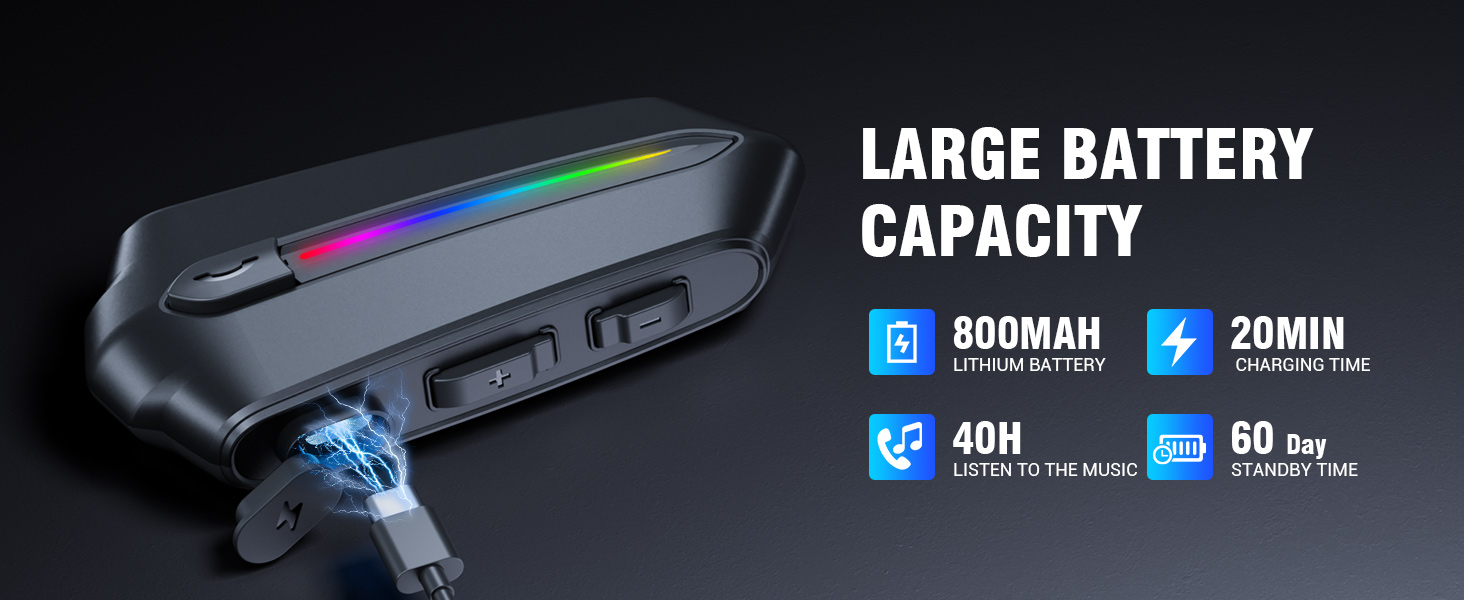
The EDYELL C5S is equipped with an 800mAh large-capacity battery, providing extended usage times.
- Charging Time: Approximately 1.5 hours for a full charge.
- Music Playback: Up to 30 hours.
- Call Time: Up to 40 hours.
- Standby Time: More than 300 hours.
6.1 Charging the Headset
- Connect the provided Type-C charging cable to the charging port on the headset.
- Connect the other end of the cable to a USB power source (e.g., computer, wall adapter).
- The indicator light will show charging status (e.g., red for charging, blue for fully charged).

7. Maintenance and Care
To ensure the longevity and optimal performance of your EDYELL C5S headset, follow these care guidelines:
- Cleaning: Wipe the headset with a soft, damp cloth. Do not use harsh chemicals or abrasive cleaners.
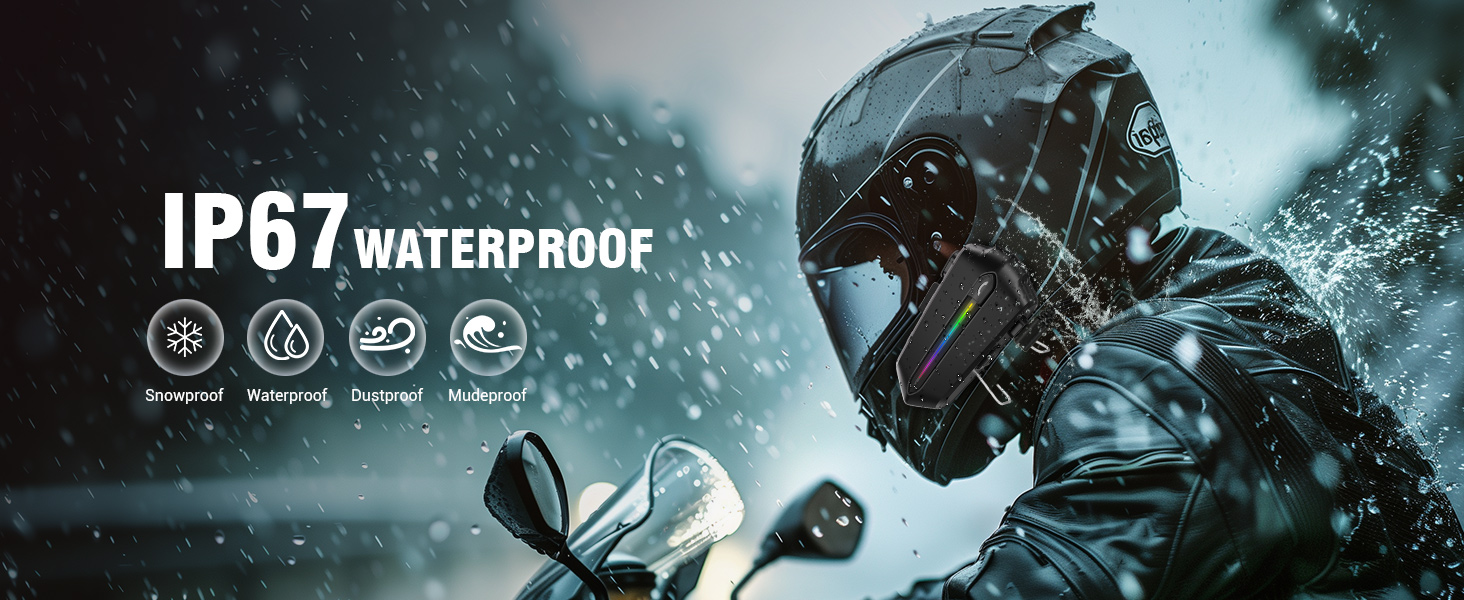
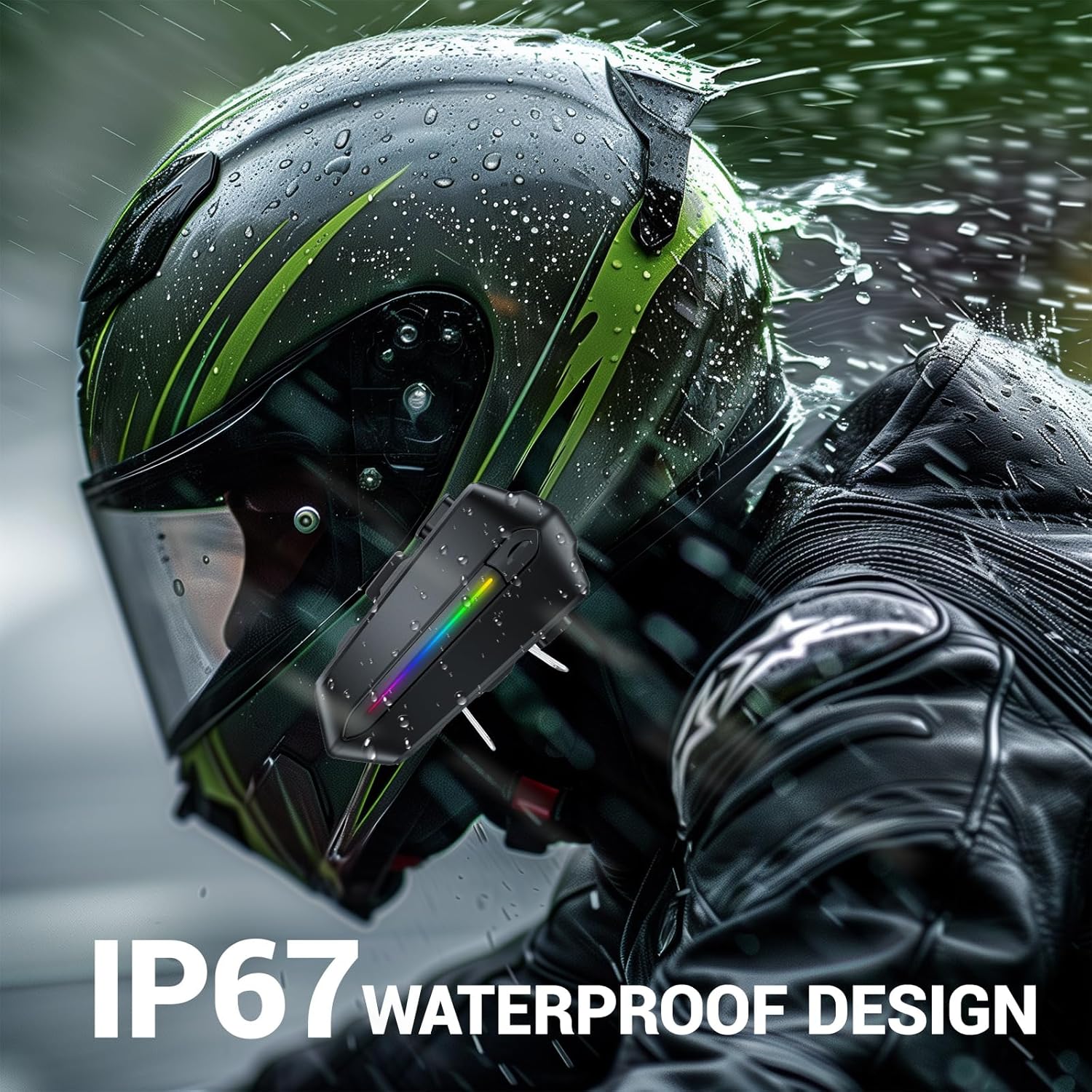
- Water Resistance: The C5S is IP67 waterproof, meaning it is protected against dust and can withstand immersion in water up to 1 meter for 30 minutes. While it can handle rain and splashes, avoid prolonged submersion.
- Storage: Store the headset in a cool, dry place when not in use. Avoid extreme temperatures.
- Battery Care: For long-term storage, charge the battery to about 50% every few months to prevent deep discharge.

8. Troubleshooting
If you encounter any issues with your EDYELL C5S headset, please refer to the following common problems and solutions:
| Problem | Possible Cause | Solution |
|---|---|---|
| Headset does not power on | Low battery; Power button not pressed long enough | Charge the headset fully; Press and hold the Power button for 3 seconds. |
| Cannot pair with phone | Headset not in pairing mode; Bluetooth off on phone; Interference | Ensure headset is in pairing mode (flashing red/blue); Turn on phone's Bluetooth; Move away from other Bluetooth devices. |
| No sound or low volume | Volume too low; Speakers not positioned correctly; Poor connection | Increase volume on headset and phone; Adjust speaker position; Re-pair the headset. |
| Call quality is poor / Noise | Microphone not positioned correctly; High wind noise | Adjust microphone closer to mouth; Ensure helmet is properly sealed to minimize wind noise. |
| Short battery life | Not fully charged; Old battery | Ensure headset is fully charged (1.5 hours); If battery life significantly degrades, contact support. |
9. Specifications
Detailed technical specifications for the EDYELL C5S Motorcycle Bluetooth Headset:
- Model Name: C5S
- Connectivity Technology: Wireless (Bluetooth)
- Bluetooth Version: 5.4
- Earpiece Shape: On-ear
- Audio Driver Type: Dynamic Driver (50mm Speakers)
- Noise Control: Active Noise Cancellation (ENC)
- Battery Capacity: 800mAh Lithium Polymer
- Charging Time: Approximately 1.5 Hours
- Battery Life (Music): Up to 30 Hours
- Battery Life (Calls): Up to 40 Hours
- Standby Time: Over 300 Hours
- Water Resistance Level: IP67 Waterproof (Snowproof, Dustproof, Mudproof)
- Control Method: Touch, Voice Control
- Item Weight: 180 Grams
- Material: Plastic
- Product Dimensions: 10 x 5 x 2 cm
- Special Features: Sweatproof, Auto Call Answer, AI Voice Assistant, Connects Two Phones Simultaneously
10. Warranty and Support
The EDYELL C5S Motorcycle Bluetooth Headset comes with a 12 Months Edyell India Warranty.
For any quality problems, technical assistance, or warranty claims, please contact our professional after-sales customer service:
- Email: support@fenman.in
- Phone: +91 8882786235
Our customer service team is ready to provide you with satisfactory service.