
Introduction
This manual provides instructions for the Spigen Ultra Hybrid MagFit Case, designed specifically for the iPhone 16 Pro. This case offers robust protection and enhanced functionality, integrating advanced materials and design for optimal user experience.

Image: The Spigen Ultra Hybrid MagFit Case in Frost Black, showcasing its design and MagSafe compatibility.
Product Features
- Premium Material Blend: Constructed from a blend of polycarbonate (PC) and thermoplastic polyurethane (TPU) for durability and flexibility.
- Enhanced MagSafe: Features stronger built-in magnets for reliable MagSafe accessory attachment and efficient wireless charging.
- Military-Grade Drop Protection: Incorporates Air Cushion Technology in corners to absorb impacts and protect against drops.
- Anti-Yellowing Clarity: Infused with blue resin to maintain long-lasting clarity and prevent yellowing over time.
- Raised Bezels: Elevated edges around the screen and camera provide additional protection against scratches and direct impacts.
- Slim Profile: Designed to maintain the sleek profile of your iPhone 16 Pro.
Setup and Installation
- Clean Your Device: Ensure your iPhone 16 Pro is clean and free of dust or debris before installing the case.
- Align the Case: Hold the case with the camera cutout aligned with your phone's camera module.
- Insert One Side: Gently push one side of your iPhone into the case, starting with the top or bottom edge.
- Snap into Place: Apply gentle pressure around the edges of the case until your iPhone 16 Pro is fully seated and all corners are securely covered.
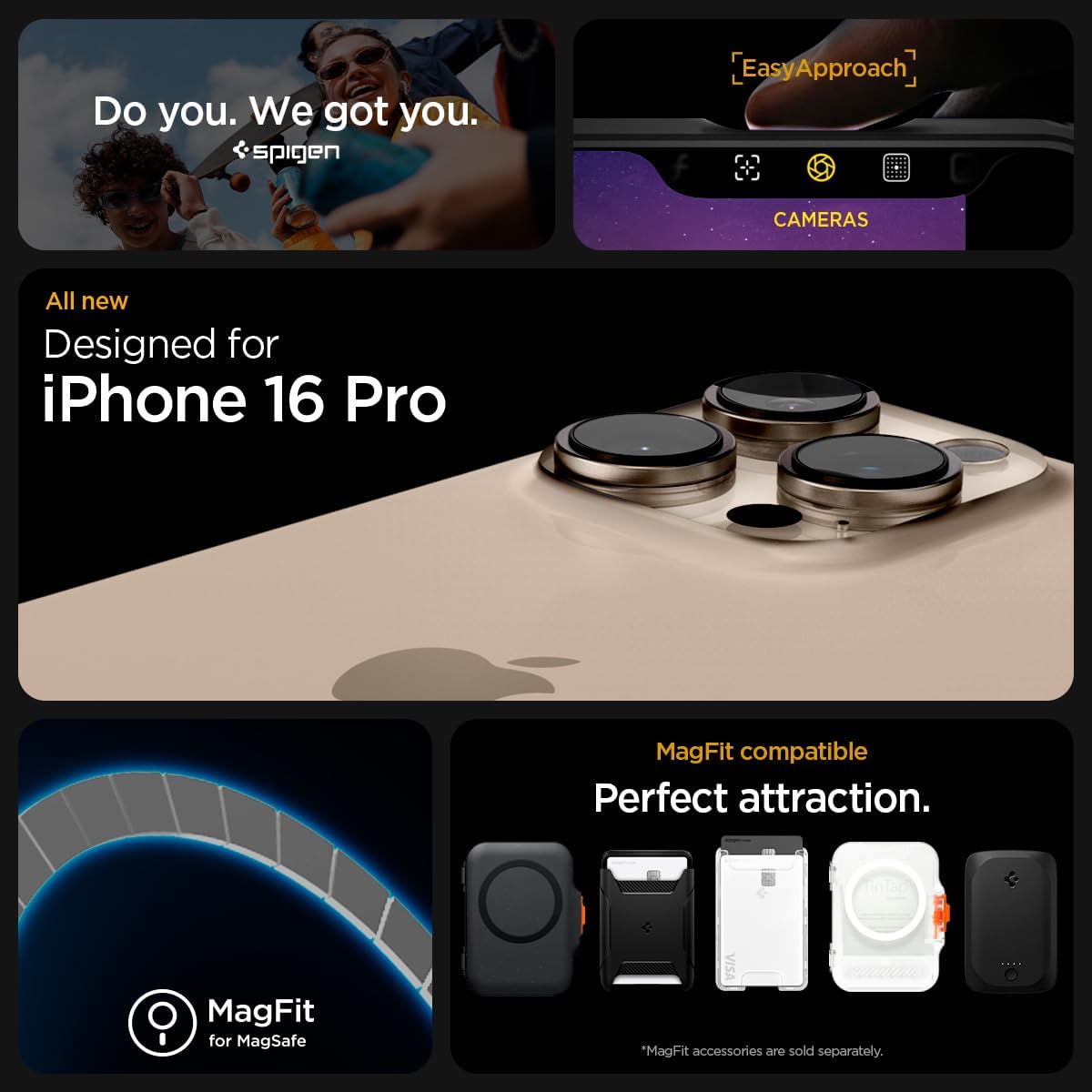
Image: An iPhone 16 Pro securely fitted within the Spigen Ultra Hybrid MagFit Case, highlighting the precise camera cutouts and protective bezels.
Video: A demonstration of installing the Spigen Ultra Hybrid MagFit Case onto an iPhone 16 Pro, showcasing the ease of application and secure fit.
Operating Instructions
MagSafe Functionality
The integrated stronger magnets ensure seamless compatibility with MagSafe accessories. Simply align your MagSafe charger, wallet, or other accessories with the magnetic ring on the back of the case for a secure attachment and efficient wireless charging.

Image: An iPhone 16 Pro in the Spigen Ultra Hybrid MagFit Case, demonstrating a MagSafe charger securely attached to the back.
Button and Port Access
The case features precise cutouts for all ports, speakers, and microphones, ensuring full functionality without obstruction. The covered buttons (volume, power) are designed to be tactile and responsive, providing a satisfying click with each press.

Image: A close-up side view of the Spigen Ultra Hybrid MagFit Case, illustrating the precise cutouts for buttons and ports, ensuring easy access and functionality.
Video: A detailed overview of the Spigen Ultra Hybrid MagFit Case, highlighting its design, MagSafe compatibility, and protective features for the iPhone 16 Pro.
Maintenance and Care
- Regular Cleaning: Wipe the case regularly with a soft, damp cloth to remove dust and fingerprints. Avoid harsh chemicals or abrasive materials.
- Avoid Extreme Temperatures: Prolonged exposure to direct sunlight or extreme temperatures can affect the material's integrity and clarity.
- Inspect for Damage: Periodically check the case for any signs of wear or damage. Replace if significant damage is observed to ensure continued protection.
Troubleshooting
- MagSafe Accessories Not Sticking Firmly: Ensure the MagSafe accessory is properly aligned with the magnetic ring on the case. Verify that no foreign objects are between the case and the accessory.
- Case Appears Yellowish: While the case is designed with anti-yellowing technology, prolonged exposure to UV light can still cause slight discoloration over time. Regular cleaning and avoiding direct sunlight can help mitigate this.
- Buttons Feel Stiff: New cases may have slightly stiffer buttons. With regular use, the buttons will become more responsive. Ensure the phone is correctly seated in the case.
Specifications
| Feature | Detail |
|---|---|
| Model Number | ACS08134 |
| Compatible Device | iPhone 16 Pro |
| Material | Polycarbonate, Thermoplastic Polyurethane |
| Color | Frost Black |
| Special Features | MagSafe Compatible, Anti-Yellowing, Military-Grade Protection, Slim Fit |
| Dimensions | 3 x 0.4 x 6 inches |
| Item Weight | 0.704 ounces |
Warranty and Support
For warranty claims, technical support, or further inquiries, please refer to the official Spigen website or contact their customer service directly. Keep your purchase receipt as proof of purchase.
Manufacturer: Spigen
Date First Available: September 9, 2024


