
1. Introduction
Thank you for purchasing the BOSS Katana-50 Gen 3 Guitar Amplifier. This compact 50-watt combo amp features a custom 12-inch speaker, evolved Tube Logic sound, 12 amp characters, onboard BOSS effects, and advanced connectivity. This manual provides essential information for setting up, operating, and maintaining your amplifier to ensure optimal performance and longevity.
2. Key Features
- Evolved Tube Logic Sound: New enhancements enrich the core platform with greater sound, feel, and response.
- 12 Amp Characters: Six amp characters, including the newly developed Pushed type, plus a selectable variation for each, offering 12 distinct tones.
- Onboard BOSS Effects: Five independent effects sections: Booster, Mod, FX, Delay, and Reverb, with three variations each, providing 15 effects. Expandable with 60 customizable effects via the BOSS Tone Studio app.
- Power Control: Stage-ready 50-watt combo amp with a custom 12-inch speaker, featuring adjustable power settings (0.5W, 25W, 50W) for optimal tone at any volume.
- Advanced Connectivity: USB-C and headphone connectivity. Supports optional Bluetooth Audio MIDI Dual Adaptor for wireless editing via smartphone.
3. Setup
3.1 Unboxing and Initial Inspection
Carefully remove the amplifier from its packaging. Inspect the unit for any signs of damage during transit. Ensure all included accessories are present:
- BOSS Katana-50 Gen 3 Amplifier
- Owner's Manual
- Power Cord

Figure 1: BOSS Katana-50 Gen 3 Amplifier with power cord and owner's manual.
3.2 Power Connection
Connect the supplied power cord to the AC IN jack on the rear panel of the amplifier and then to a suitable AC outlet. Ensure the power switch is in the OFF position before connecting to power.
3.3 Guitar Connection
Connect your guitar to the INPUT jack on the front panel using a standard 1/4-inch instrument cable.
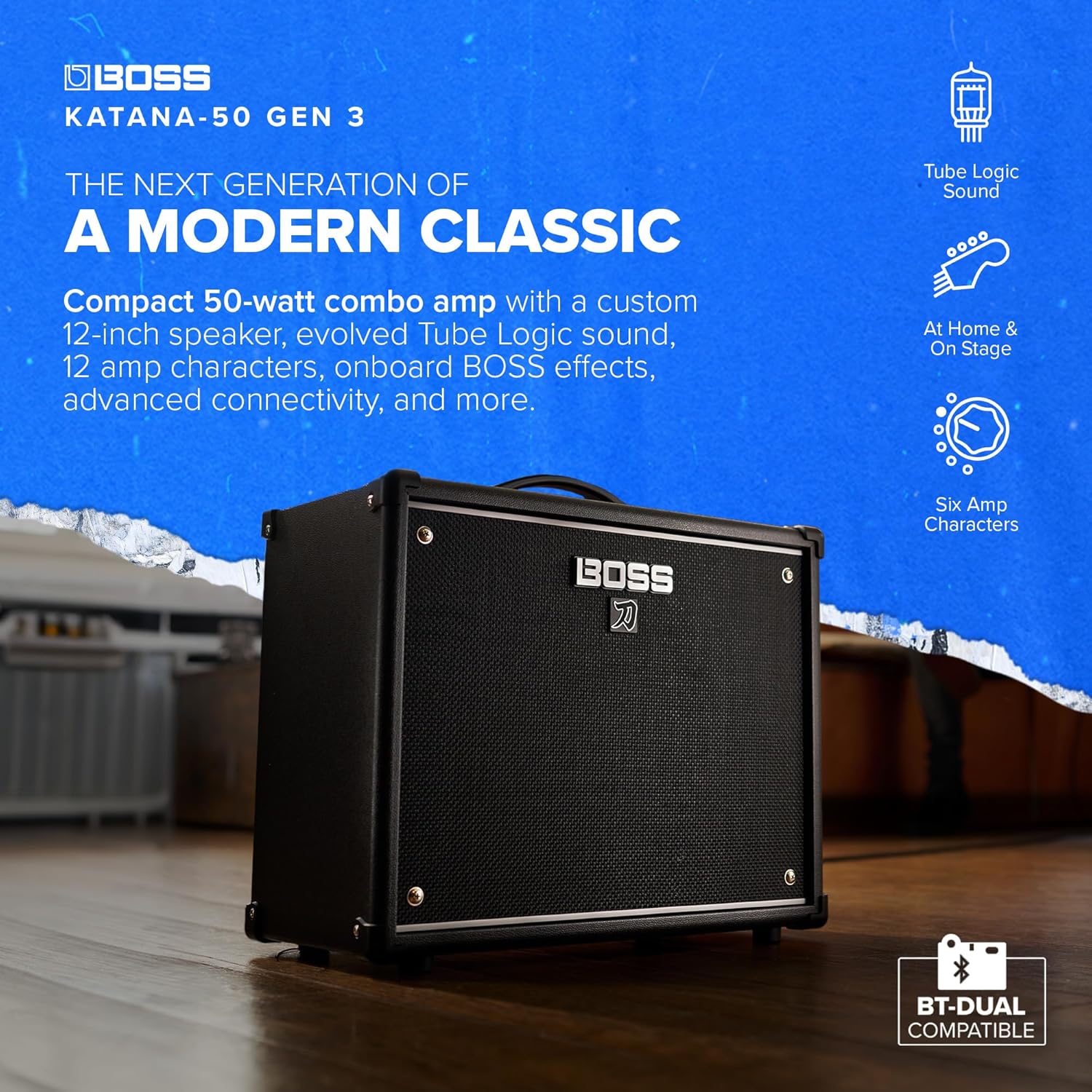
Figure 2: Front panel of the BOSS Katana-50 Gen 3, showing the input jack and control knobs.
4. Operating the Amplifier
4.1 Powering On/Off
To power on the amplifier, flip the POWER switch to the ON position. To power off, flip the switch to the OFF position. Always ensure your guitar's volume is turned down before powering on or off to prevent sudden loud noises.
4.2 Amp Type Selection
The AMP TYPE knob allows you to select from six core amp characters, each with a variation, totaling 12 distinct tones. Rotate the knob to choose your desired amp type (e.g., Brown, Lead, Crunch, Clean, Acoustic, Pushed).

Figure 3: Detailed view of the Amp Type selector and gain/volume controls.
4.3 Gain and Volume Controls
- GAIN: Adjusts the amount of distortion or overdrive.
- VOLUME: Controls the overall output level of the selected amp type.
4.4 Equalizer
The EQUALIZER section features BASS, MIDDLE, and TREBLE knobs to shape your tone. Adjust these to achieve your desired sound balance.
4.5 Effects Section
The EFFECTS section provides five independent categories: BOOSTER/MOD, FX, DELAY, and REVERB. Each category has multiple variations. Use the dedicated knobs to select and adjust the intensity of the effects.

Figure 4: Controls for the various built-in effects.
4.6 Tone Setting and Power Control
- TONE SETTING: Save your customized amp and effect settings as presets for quick recall.
- POWER CONTROL: Adjust the amplifier's output wattage (0.5W, 25W, 50W) to achieve cranked-amp tones at lower volumes, suitable for practice or stage use.
- MASTER: Controls the overall output volume of the amplifier.

Figure 5: Tone setting and power control options for versatile sound management.
5. BOSS Tone Studio App
The BOSS Tone Studio app provides an intuitive interface for remote amp and effects editing. Connect your Katana-50 Gen 3 via USB-C to a computer or use the optional Bluetooth Audio MIDI Dual Adaptor for wireless control via your smartphone. The app offers visual enhancements and graphic customization options, allowing you to craft your tone faster and explore a wider range of effects.

Figure 6: The BOSS Tone Studio app and optional Bluetooth adapter for enhanced sound shaping.
6. Maintenance
- Cleaning: Use a soft, dry cloth to clean the amplifier's exterior. Avoid abrasive cleaners or solvents.
- Storage: Store the amplifier in a dry, cool place away from direct sunlight and extreme temperatures.
- Transportation: Use the integrated handle for carrying. Ensure all cables are disconnected before moving the unit.
7. Troubleshooting
| Problem | Possible Cause | Solution |
|---|---|---|
| No sound | Power not connected, guitar cable faulty, volume knobs too low. | Check power connection, replace guitar cable, increase VOLUME and MASTER knobs. |
| Distorted sound | GAIN too high, faulty cable, incorrect amp type. | Reduce GAIN, check/replace cable, select appropriate AMP TYPE. |
| Effects not working | Effect knob turned off, effect level too low. | Ensure effect knob is not in 'OFF' position, increase effect level. |
8. Specifications
- Output Wattage: 50 Watts
- Speaker: Custom 12-inch
- Item Weight: 1 pounds
- Product Dimensions: 18.8 x 9.52 x 15.92 inches
- Item Model Number: KTN-50 3
- Color: Black
- Material: Wood
- Connector Type: 3.5mm Jack, USB
9. What's in the Box
- 1 x BOSS Katana-50 Gen 3 Amplifier
- 1 x Owner's Manual
- 1 x Power Cord
10. Official Product Video
Video 1: Official product overview of the BOSS Katana Gen 3 Amplifier by Roland US, showcasing its features and sound capabilities.
11. Warranty and Support
For warranty information and technical support, please refer to the included Owner's Manual or visit the official BOSS website. Keep your purchase receipt as proof of purchase for warranty claims.


