
YESYAMO CX5W
YESYAMO 4MP Wireless Outdoor WiFi Surveillance Camera User Manual
Model: CX5W
1. Product Overview
The YESYAMO CX5W is a high-performance 4MP wireless outdoor WiFi surveillance camera designed for comprehensive property monitoring. It features advanced PTZ (Pan-Tilt-Zoom) capabilities, intelligent human shape and motion detection, and versatile night vision modes to ensure reliable security day and night.
Key Features:
- 4MP High-Definition Video: Captures clear and detailed 2.5K pixel resolution footage.
- Dual Lens System: Provides both a fixed wide-angle view and a dynamic PTZ view for comprehensive coverage.
- PTZ Functionality: Offers 355° horizontal pan and 90° vertical tilt for flexible monitoring angles.
- Automatic Tracking: Intelligently tracks human movement once detected.
- PIR Detection: Accurate human shape and motion detection to minimize false alarms.
- Multiple Night Vision Modes: Includes full-color night vision for clear images in low-light conditions.
- Dual-Band WiFi: Supports both 2.4GHz for extended range and 5GHz for faster data transfer.
- IP66 Weatherproof: Durable design suitable for all outdoor weather conditions.
- Two-Way Audio: Built-in microphone and speaker for communication.
- Flexible Storage Options: Supports local microSD card storage (8GB to 128GB) and optional cloud storage.
- H.265 Video Compression: Efficiently reduces storage space requirements.
- Triple Alarm System: Features siren, voice alert, and white light alarm for deterrence.
Package Contents:
- 1 x YESYAMO 4MP Wireless Outdoor WiFi Surveillance Camera
- 1 x User Manual
- 1 x Mounting Screw Kit
- 1 x Power Cable (3 meters)

Figure 1.1: YESYAMO CX5W Camera and Mobile Application Interface.
2. Safety Information
Please read and understand all safety instructions before installing and operating the camera. Failure to follow these instructions may result in electric shock, fire, or other hazards.
- Ensure the power supply is disconnected before installation or maintenance.
- Use only the power adapter provided with the camera.
- Do not expose the camera to extreme temperatures outside its operating range (-20°C to 60°C).
- Avoid placing the camera near strong electromagnetic fields.
- Do not attempt to disassemble or modify the camera. This will void the warranty.
- Ensure all cables are properly secured and protected from damage.
- For outdoor installation, ensure the camera is mounted securely to prevent falling.
3. Setup Guide
Follow these steps to set up your YESYAMO CX5W camera.
3.1 App Download and Installation
- Scan the QR code on the camera packaging or search for "Eseecloud" in your mobile app store (Google Play Store or Apple App Store).
- Download and install the Eseecloud application on your smartphone.
- Register a new account or log in if you already have one.

Figure 3.1: Easy Setup Steps from Product Packaging.
For app download and more resources, visit: http://www.e-seenet.com/download/indexm.php?p=yeskamo
3.2 Camera Connection
- Connect the camera to the power supply using the provided power cable. The camera will power on and initiate its self-test.
- Open the Eseecloud app and tap the "+" icon to add a new device.
- Select "Add Camera" and follow the on-screen prompts. You will likely be asked to scan a QR code located on the camera or its packaging to establish the connection.
- Ensure your mobile device is connected to the 2.4GHz or 5GHz WiFi network you intend for the camera to use. The camera supports dual-band WiFi.
- Once connected, the camera's status indicator will change, and you will see the live feed in the app.

Figure 3.2: Dual-Band WiFi Connectivity for Optimal Performance.
3.3 Mounting the Camera
The camera supports both wall and ceiling mounting. Choose a location that provides optimal viewing coverage and a stable WiFi signal.
- Mark the drilling positions using the mounting template (if provided) or the camera base.
- Drill holes and insert wall plugs if necessary.
- Secure the camera base to the wall or ceiling using the provided mounting screws.
- Adjust the camera angle as needed after installation.

Figure 3.3: Mounting Options and Key Features.
4. Operating Instructions
This section details the various functions and operations of your YESYAMO CX5W camera via the Eseecloud app.
4.1 Live View and Playback
- Open the Eseecloud app and select your camera from the device list to access the live view.
- From the live view interface, you can access controls for PTZ, two-way audio, snapshot, video recording, and more.
- To view recorded footage, tap the "Playback" or "History" option within the camera's interface in the app. You can select specific dates and times to review events.

Figure 4.1: Continuous 24/7 Monitoring.
4.2 PTZ Control and Dual Lens Functionality
- The camera features a dual-lens design: one fixed lens for a wide overview and one PTZ lens for detailed, dynamic viewing.
- In the app's live view, use the directional controls to pan the PTZ lens horizontally (355°) and tilt vertically (90°).
- The fixed lens provides a constant, broad perspective, while the PTZ lens allows you to zoom in and focus on specific areas of interest.

Figure 4.2: Dual Lens System for Comprehensive Coverage.
4.3 Motion Detection and Alarms
- The camera utilizes PIR detection and intelligent human shape recognition to accurately detect motion and minimize false alarms.
- Configure motion detection sensitivity and detection zones within the app settings.
- When motion is detected, the camera can trigger a triple alarm system: a loud siren, a customizable voice alert, and bright white light illumination to deter intruders.
- Enable push notifications in the app to receive instant alerts on your mobile device.
- The camera also supports automatic tracking, where it will follow detected human movement within its field of view.

Figure 4.3: Color Night Vision and Triple Alarm System.
4.4 Night Vision Modes
- The camera offers multiple night vision modes, including infrared (black and white) and full-color night vision.
- Color night vision is activated by the camera's built-in white lights when ambient light is insufficient, providing clearer and more detailed nighttime images.
- You can configure the preferred night vision mode in the app settings.
4.5 Storage Options
- MicroSD Card Storage: Insert a microSD card (8GB to 128GB, not included) into the designated slot on the camera for local video storage. The camera supports H.265 video compression, which significantly reduces file sizes.
- Cloud Storage: An optional cloud storage service is available through the Eseecloud app for secure off-site backup of your recordings. Subscription fees may apply.

Figure 4.4: Flexible Storage Solutions.
5. Maintenance
Regular maintenance ensures optimal performance and longevity of your camera.
- Cleaning: Periodically wipe the camera lens and housing with a soft, damp cloth to remove dust and dirt. Do not use harsh chemicals or abrasive cleaners.
- Firmware Updates: Check the Eseecloud app regularly for available firmware updates. Keeping your camera's firmware up-to-date ensures you have the latest features and security enhancements.
- Connection Check: Occasionally verify that the power cable and WiFi connection are secure and stable.
6. Troubleshooting
If you encounter issues with your camera, refer to the following common problems and solutions:
| Problem | Possible Cause / Solution |
|---|---|
| Camera not powering on. |
|
| Unable to connect to WiFi. |
|
| Poor image quality. |
|
| Motion detection not working or too many false alarms. |
|
| No audio or poor audio quality. |
|
For further assistance, please refer to the Eseecloud app's help section or contact customer support.
7. Specifications
| Feature | Detail |
|---|---|
| Model Name | CX5W |
| Brand | YESYAMO |
| Indoor/Outdoor Usage | Outdoor |
| Power Source | Corded Electric |
| Connectivity Protocol | Wi-Fi (2.4GHz & 5GHz) |
| Mounting Type | Wall mounting & Ceiling mounting |
| Video Capture Resolution | 4MP (2.5K pixel) |
| Form Factor | Dome |
| Material | Metal |
| Dimensions (L x W x H) | 20 x 13 x 10 cm |
| Item Weight | 630 g |
| Special Features | Night Vision (Color & IR), Motion Sensor (PIR, Human Shape Detection), Automatic Tracking, Two-Way Audio, Triple Alarm |
| Storage Options | MicroSD (8-128GB), Cloud Storage (optional) |
| Video Compression | H.265 |
| Operating Temperature | -20°C to 60°C |
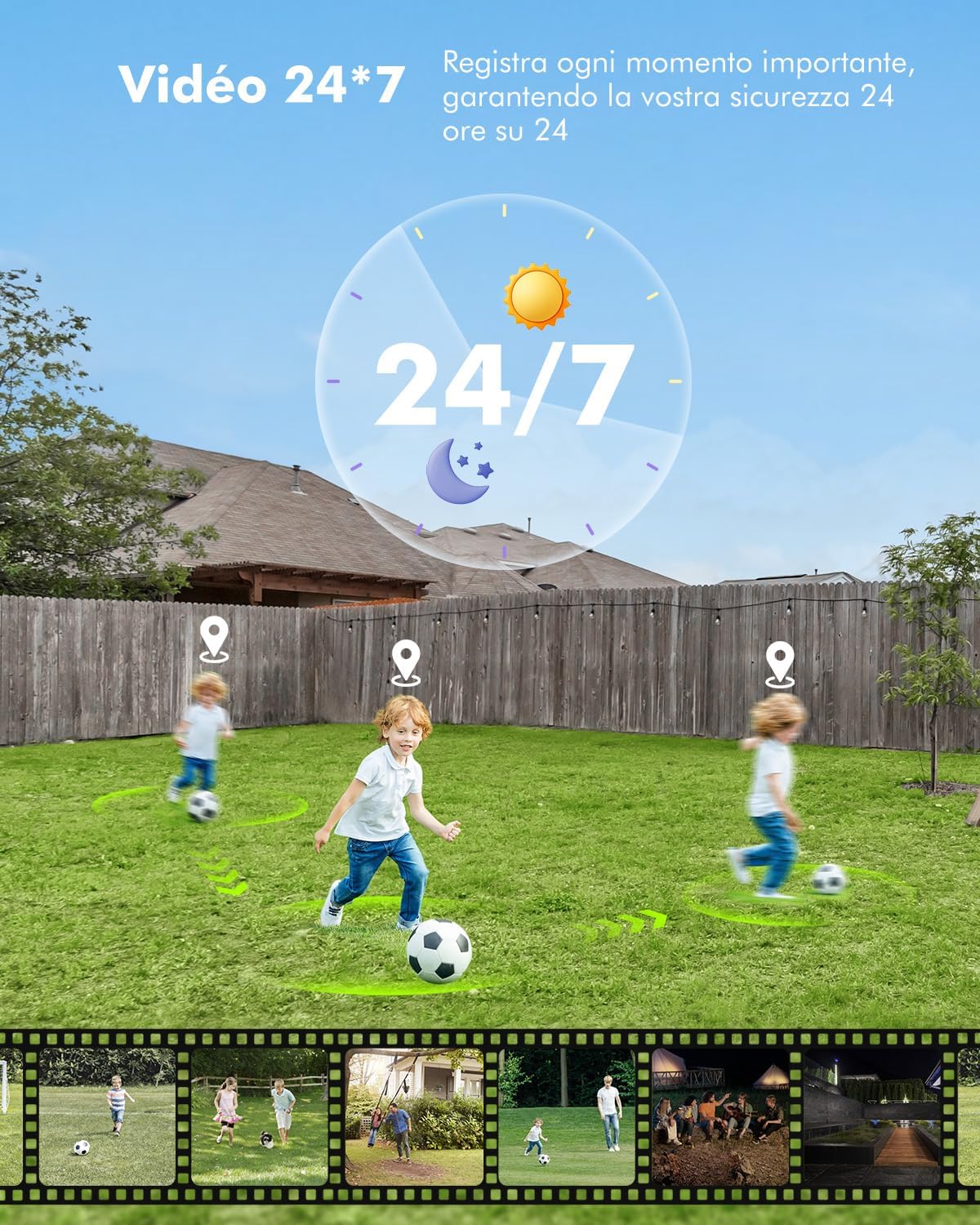
Figure 7.1: 4MP High Definition Quality.
8. Warranty Information
Specific warranty terms and conditions for the YESYAMO CX5W camera may vary by region and retailer. Please refer to your purchase documentation, the product packaging, or the official YESYAMO website for detailed warranty information.
Typically, warranties cover manufacturing defects and malfunctions under normal use. Damage caused by misuse, unauthorized modification, or improper installation is generally not covered.
9. Customer Support
For technical support, troubleshooting assistance, or any inquiries regarding your YESYAMO CX5W camera, please utilize the following resources:
- Eseecloud App: The Eseecloud application often includes a comprehensive help section, FAQs, and direct contact options for support.
- Online Resources: Visit the official YESYAMO website or the Eseecloud support portal for updated manuals, FAQs, and video tutorials. A general download link for Eseecloud related products is: http://www.e-seenet.com/download/indexm.php?p=yeskamo
- Retailer Support: Contact the retailer from whom you purchased the product for assistance with returns, exchanges, or initial setup issues.
Ask a question about this manual
Ask about setup, troubleshooting, compatibility, parts, safety, or missing instructions. Manuals+ will review the question and use this page’s manual context to help answer it.