
Product Overview
The Lockly Model 7S is a Bluetooth-enabled smart deadbolt lock designed for enhanced home security and convenience. It offers multiple access methods, including a patented PIN Genie digital keypad, smartphone application control, and traditional physical keys. For added smart home integration, voice control via Amazon Alexa and Google Assistant is available with an optional Wi-Fi hub. The lock also features an auto-lock function and real-time monitoring capabilities.
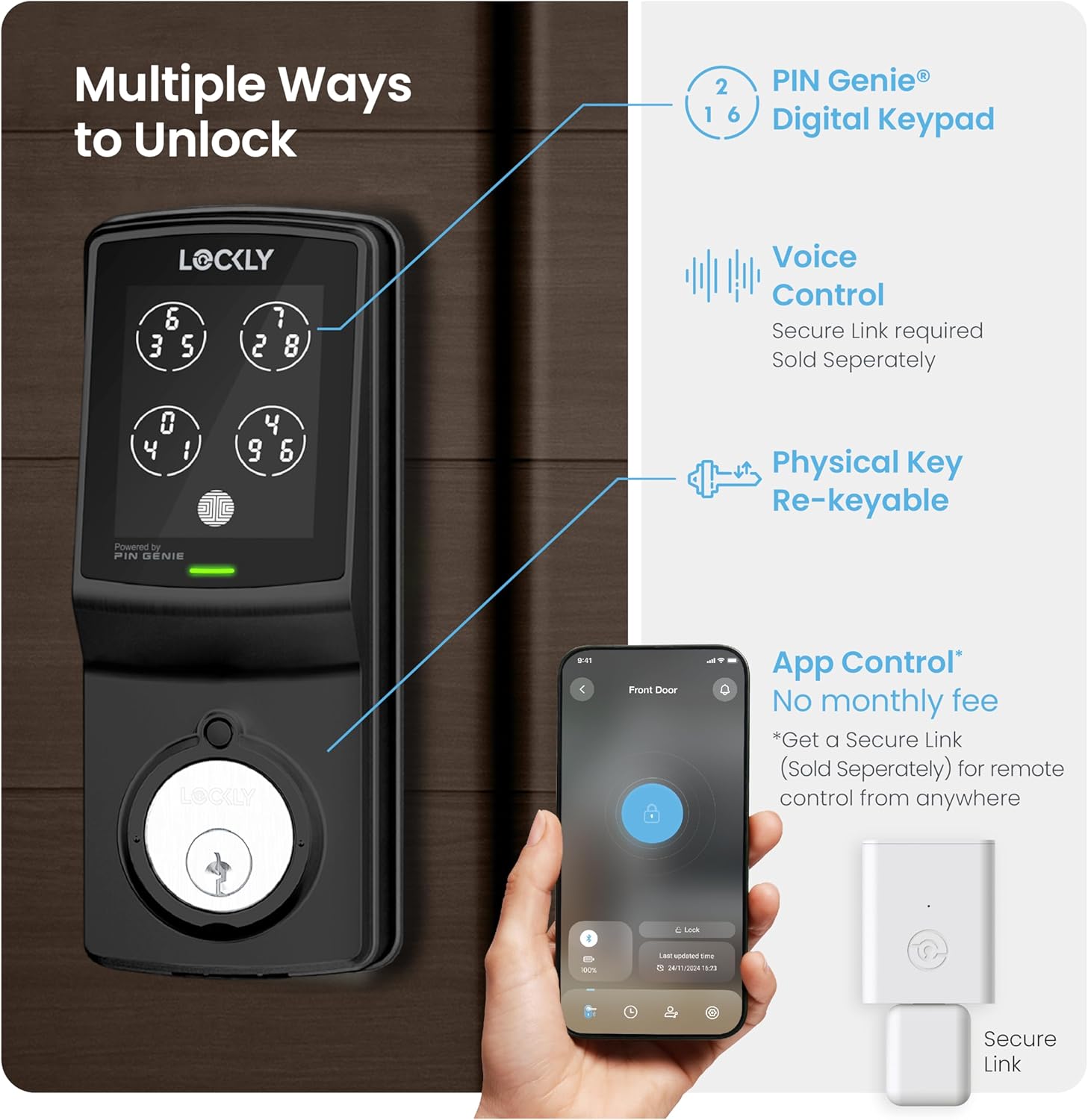
The Lockly Model 7S offers various convenient ways to access your property, including a secure digital keypad, traditional key, and smart app functionalities.
Setup and Installation
Installation of the Lockly Model 7S typically takes less than 30 minutes. Ensure you have the necessary tools and verify your door's dimensions before beginning.
Tools Required:
- Phillips Head Screwdriver
- Flathead Screwdriver
- Tape Measure or Ruler
Door Compatibility:
Confirm your door thickness is between 1-3/8 inches (35mm) to 2 inches (50mm). The cross bore hole must be 2-1/8 inches (54mm) in diameter, and the edge bore hole must be 1 inch (25mm) in diameter. The backset should be 2-3/8 inches (60mm) or 2-3/4 inches (70mm).
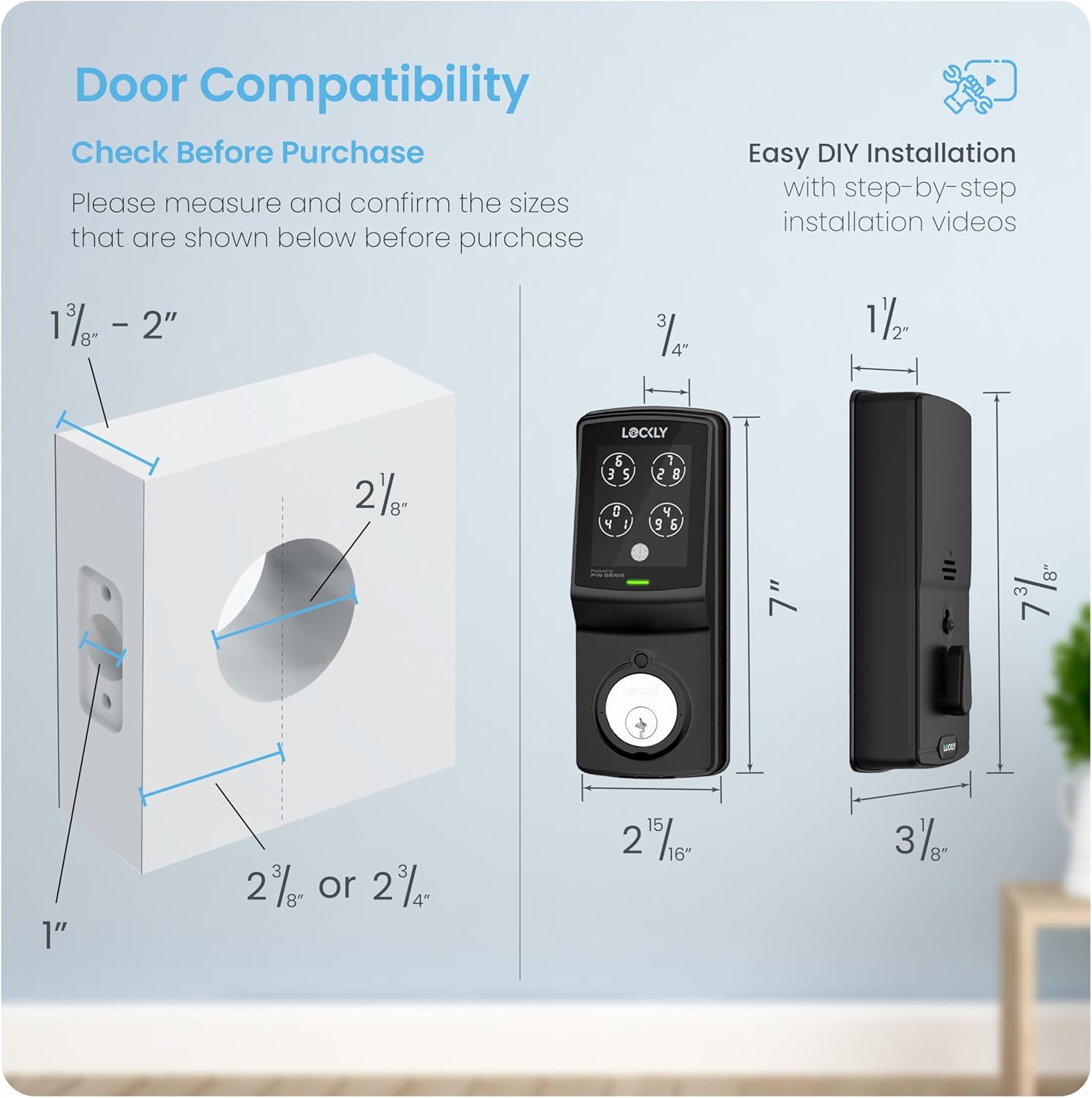
Before installation, verify your door dimensions match the requirements shown in this diagram.
Installation Steps:
- Preparation: Remove any existing lock set from the door. Prep the door if necessary.
- Adjust Deadbolt: Measure the backset. The deadbolt ships default for 2-3/4 inches. For a 2-3/8 inch backset, adjust the length of the deadbolt by inserting a flathead screwdriver into the slot and turning clockwise.
- Install Deadbolt: Attach the deadbolt into the door using the provided screws. Ensure the deadbolt slot is in the vertical position and aligned to the center of the door hole.
- Install Exterior Assembly: Guide the torque blade through the deadbolt slot and connection cables through the cross bore hole. Align and secure the exterior assembly flush to the door surface.
- Install Interior Assembly: Secure the mounting plate to the door, guiding the connection cable through the lower left notched hole. Plug the cable into the interior assembly, ensuring correct orientation (red side to red side). Tuck the cable under the eyelet hooks.
- Secure Interior Assembly: Ensure the thumb turn is vertical. Place the interior assembly against the mounting plate, making sure the torque blade is inserted into the thumb turn shaft. Secure with the provided screws.
- Install Batteries: With the door open and the deadbolt fully extended, insert three AA batteries. Press and hold the program button, then insert the fourth battery. Release the program button once the self-check starts.
- Install Door Strike: Use the supplied door strike or your existing one, ensuring the deadbolt operates smoothly without binding or catching.
Installation Video Guide:
Official installation guide for the Lockly Model 7S Deadbolt Edition smart lock, demonstrating step-by-step setup procedures.
Operating Instructions
The Lockly Model 7S provides several secure and convenient ways to lock and unlock your door.
1. PIN Genie Digital Keypad:
The patented PIN Genie keypad features a dynamic display where numbers shuffle after each use, preventing others from guessing your code based on fingerprint smudges or observation. Simply touch the screen to activate, then enter your code by selecting the circles containing your desired digits.
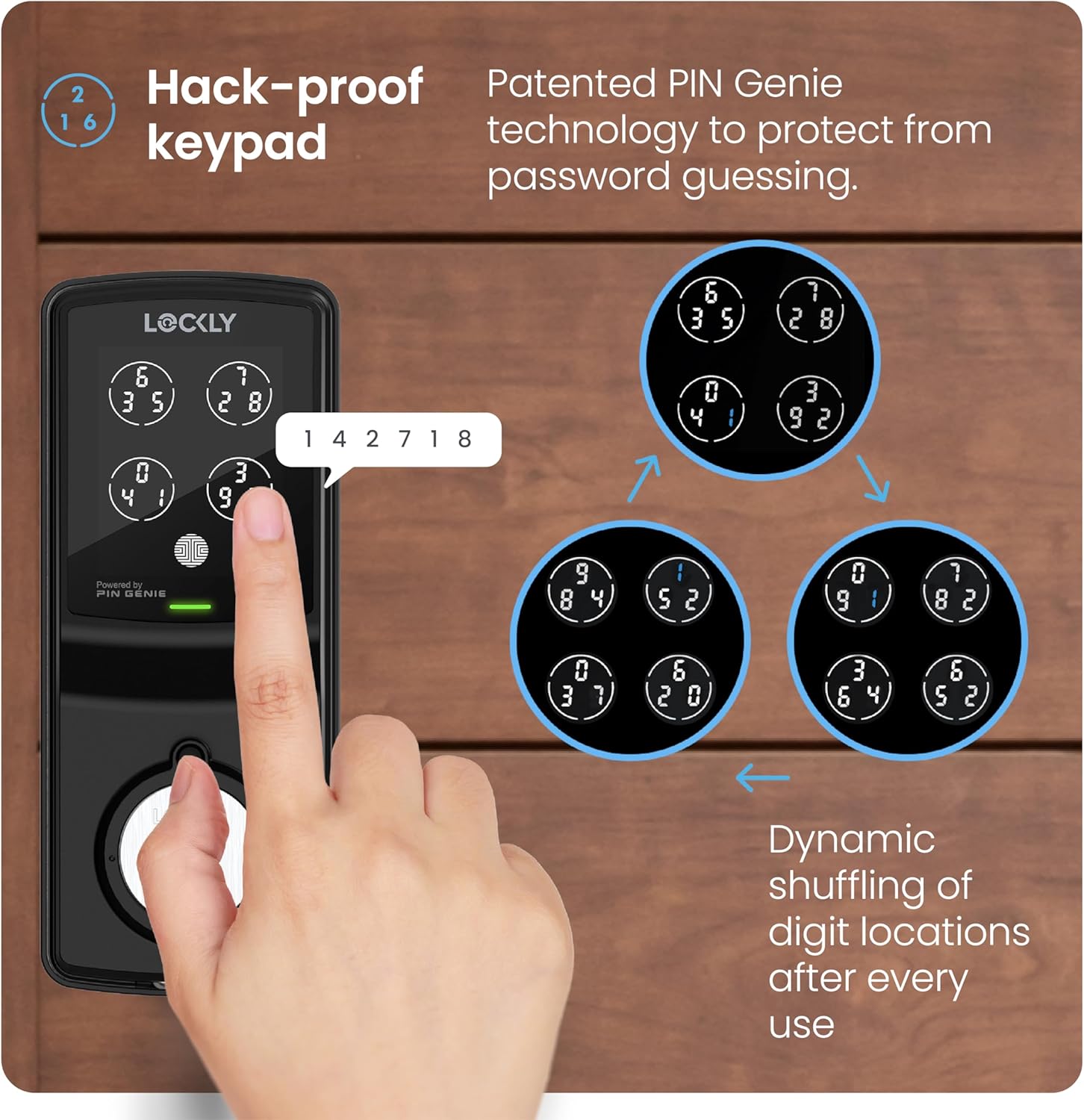
The patented PIN Genie keypad features numbers that dynamically shuffle after each use, preventing code exposure from prying eyes.
2. Smartphone App Control:
Download the Lockly app from the App Store or Google Play. Register or log in to your account to control your lock remotely. The app allows you to lock/unlock, monitor door status, receive real-time alerts, and view access history. No monthly fees are required for basic app control.
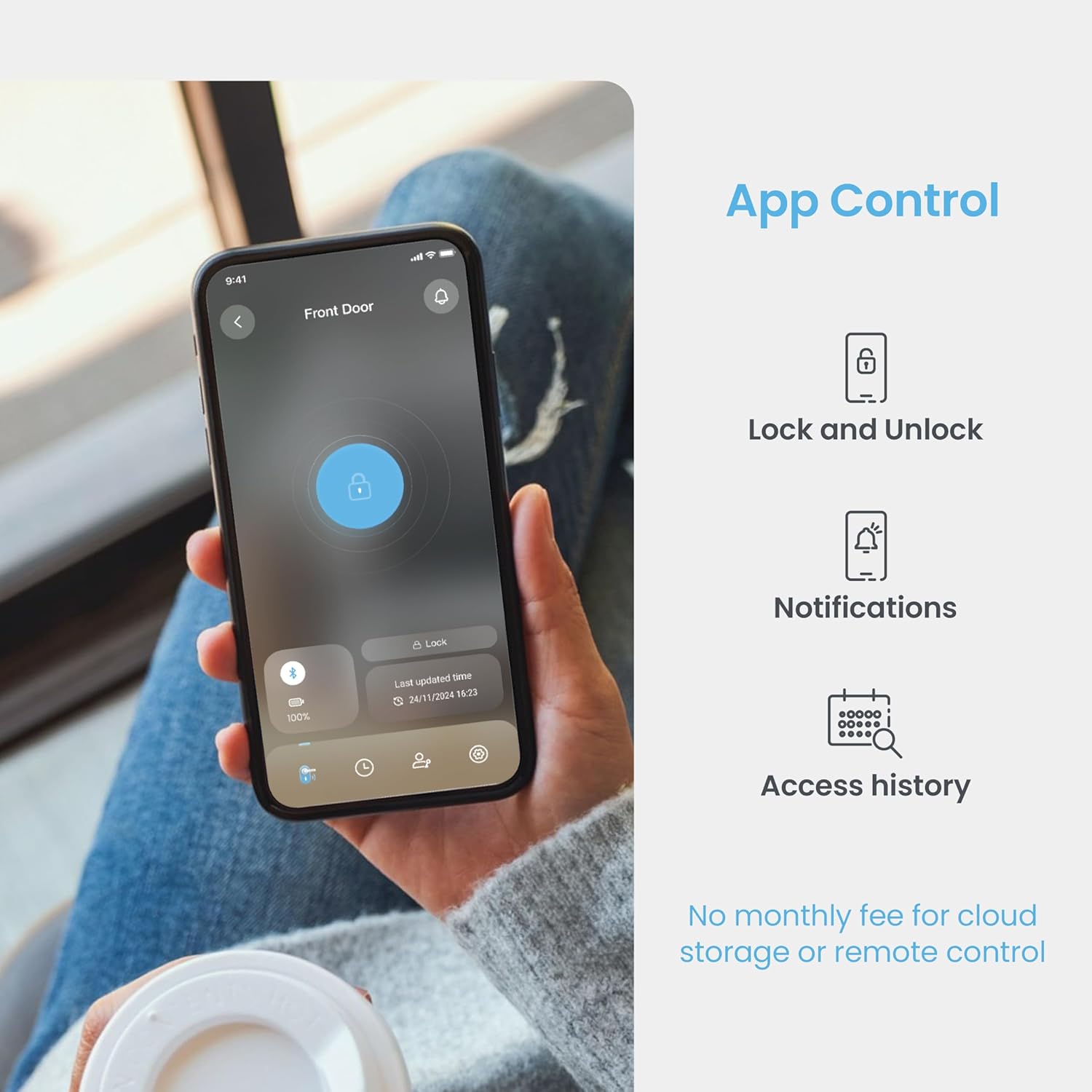
Manage your Lockly smart lock remotely using the intuitive smartphone application, providing real-time monitoring and control.
3. Physical Key:
For traditional access or in case of battery depletion, the Lockly Model 7S includes physical keys. The lock is re-keyable for convenience.
4. Voice Control:
Integrate your Lockly smart lock with Amazon Alexa or Google Assistant for hands-free voice control. This feature requires the optional Lockly Secure Link Wi-Fi Hub, which is sold separately.
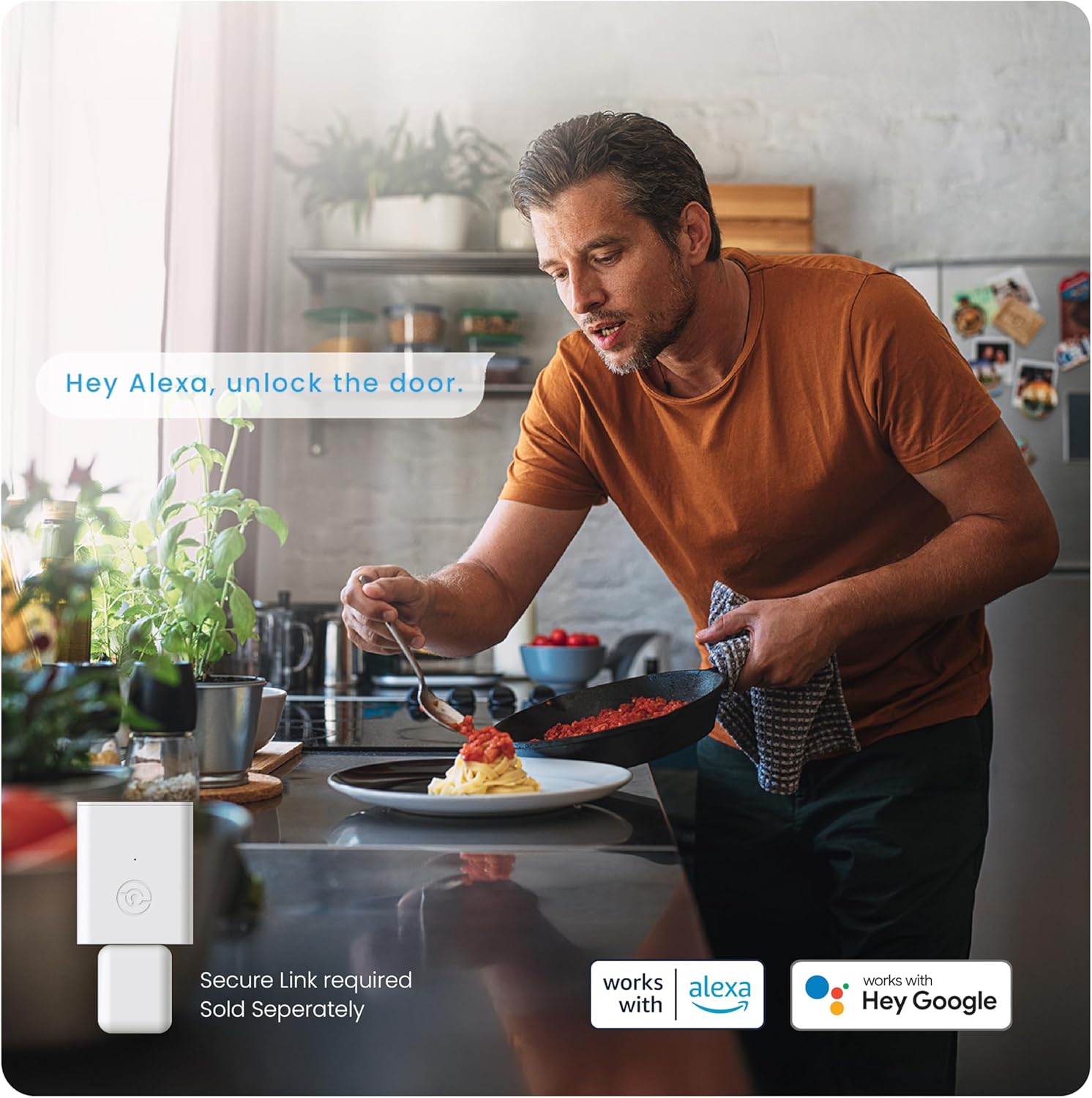
Integrate your Lockly smart lock with Amazon Alexa or Google Assistant for convenient hands-free voice control (requires optional Wi-Fi hub).
5. Auto Lock Feature:
The programmable auto-lock feature ensures your door is always secured. You can customize the auto-lock delay from 5 to 300 seconds, providing peace of mind that your door will lock automatically after a set period.
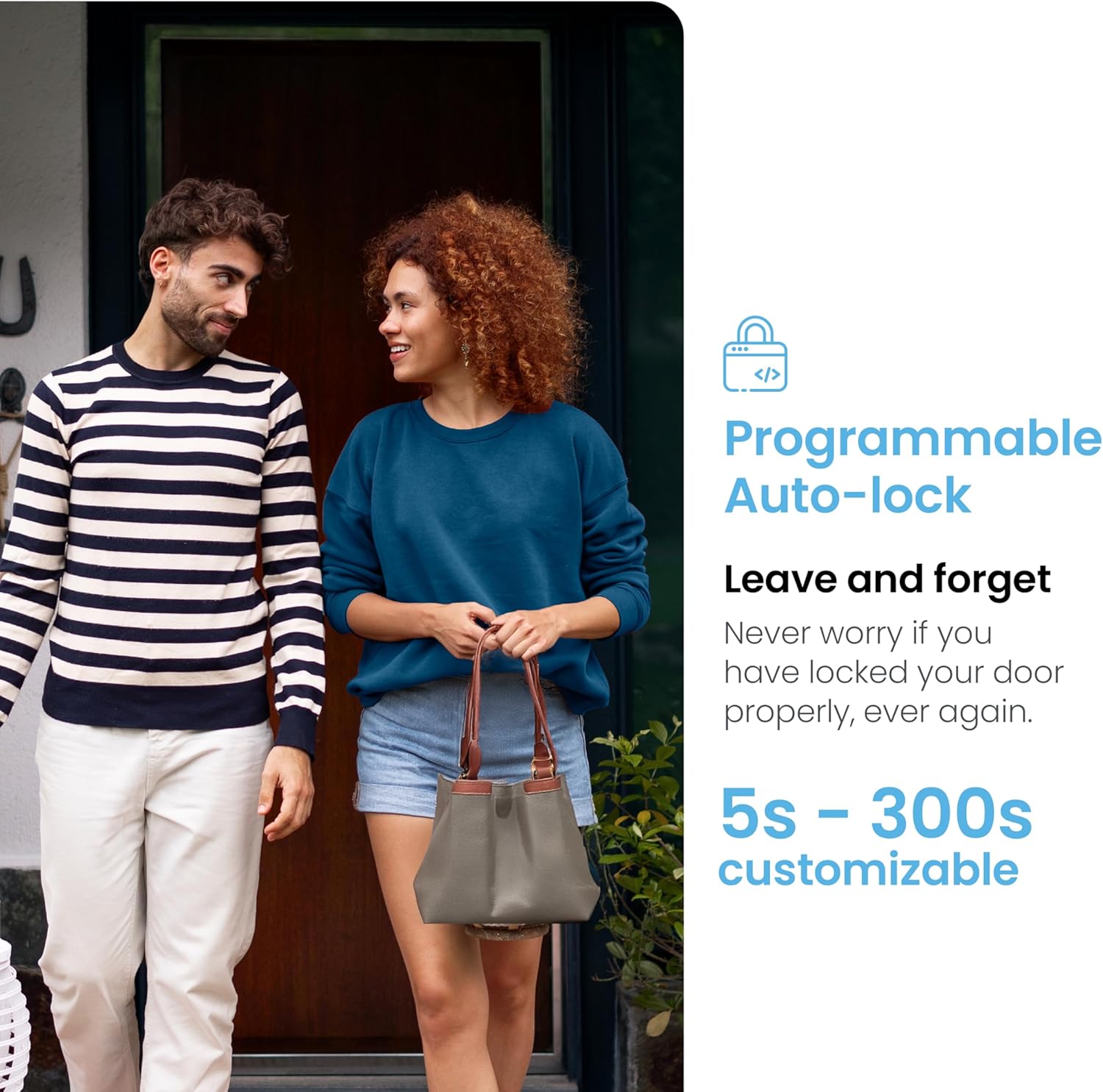
The programmable auto-lock feature ensures your door is always secured, offering customizable delay settings from 5 to 300 seconds.
6. eKeys, eBadges, and Offline Access Codes:
Grant revocable access to family, friends, and visitors via the Lockly app using eKeys and eBadges. For situations without Wi-Fi or internet, you can generate single-use or limited-use Offline Access Codes for trusted users.
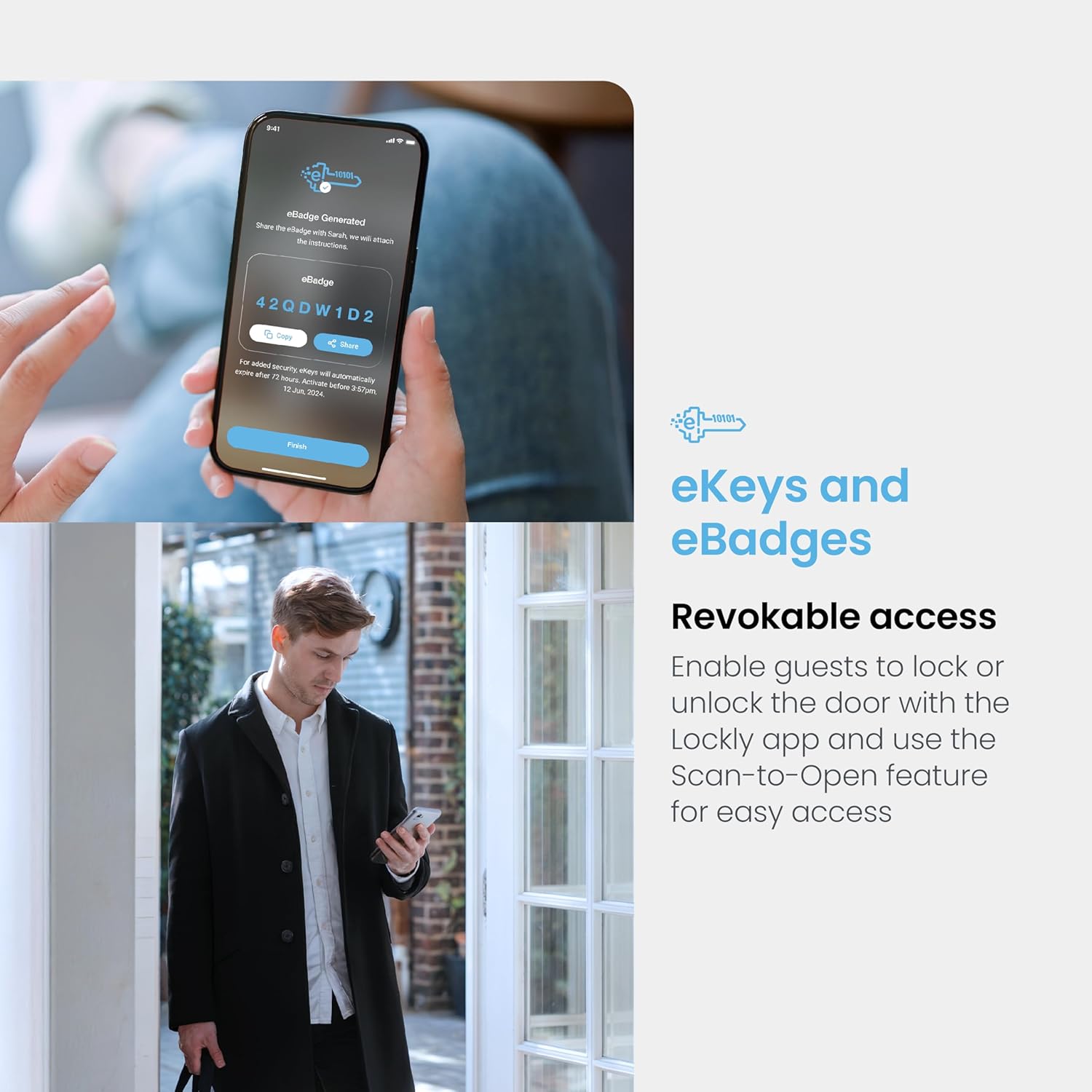
Grant revocable access to family, friends, or visitors using eKeys and eBadges through the Lockly app, with a convenient Scan-to-Open feature.
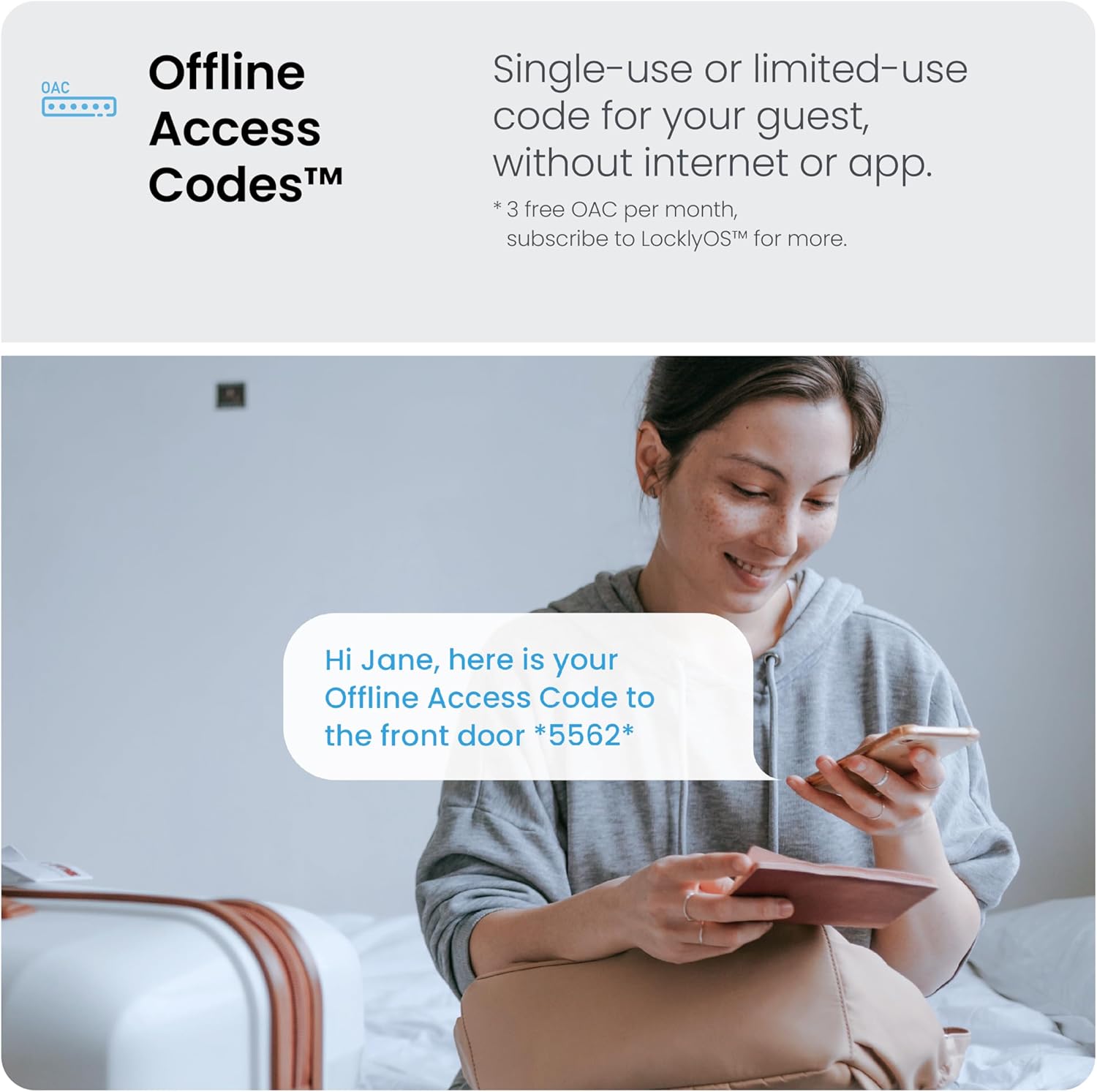
Generate single-use or limited-use Offline Access Codes for guests, allowing entry even without internet connectivity or the app.
Maintenance
Proper maintenance ensures the longevity and optimal performance of your Lockly Model 7S.
Battery Replacement:
The Lockly Model 7S uses 4 AA Alkaline batteries, which typically last 9+ months. When batteries are low, the lock will provide alerts. To replace, remove the battery cover on the interior assembly, replace all four batteries, and then reattach the cover. Backup physical keys are included for access if batteries deplete unexpectedly.
Cleaning:
Clean the digital keypad and exterior surfaces with a soft, damp cloth. Avoid using abrasive cleaners or solvents, as these can damage the finish or electronic components.
Troubleshooting
If you encounter issues with your Lockly Model 7S, refer to the following common solutions:
- Lock Not Engaging/Disengaging Smoothly: Ensure the deadbolt was installed correctly and is not binding or rubbing against the door frame. Re-check the alignment of the deadbolt and mounting plate.
- Keypad Not Responding: Check battery levels. If the batteries are low or depleted, replace them. Ensure the keypad surface is clean and free from debris.
- Lock Cycles Open/Close Repeatedly After Battery Installation: This indicates an improper installation. Review the installation video and steps, paying close attention to the deadbolt adjustment and interior assembly placement.
- App Connectivity Issues: Ensure your smartphone's Bluetooth is enabled and you are within range of the lock. If using the optional Wi-Fi hub, ensure it is properly connected to your home network and the lock.
For further assistance, please contact Lockly customer support.
Specifications
| Brand | Lockly |
| Model Name | PGD7S |
| Lock Type | Deadbolt, Keypad |
| Special Feature | Auto-Lock |
| Material | Nickel |
| Color | Matte Black |
| Item Dimensions (L x W x H) | 7.2 x 2 x 4 inches |
| Item Weight | 4.02 pounds (1.83 Kilograms) |
| Included Components | Model 7S smart lock |
| Connectivity Protocol | Bluetooth |
| Batteries Required? | No (uses 4 AA Alkaline batteries, not included) |
| UPC | 810055600502 |
Warranty Information
Specific warranty details for the Lockly Model 7S are typically provided with your product packaging or can be found on the official Lockly website. Please refer to these resources for comprehensive information regarding your product's warranty coverage.
Customer Support
Lockly provides dedicated customer service to assist you with any questions or issues. Our professional support team is available 24/7.
- Online Support: Visit LOCKLY.com/support for FAQs, guides, and online chat.
- Phone Support: Call (669) 500-8835 for direct assistance.
- Email Support: Contact us via email for detailed inquiries.


