
GODOX Godox LC1000R
GODOX LC1000R Handheld RGB Light Stick User Manual
Model: LC1000R | Brand: GODOX
1. Introduction
Thank you for purchasing the GODOX LC1000R Handheld RGB Light Stick. This versatile LED video light wand offers powerful illumination, a wide color temperature range, dynamic RGB colors, and various special effects. Designed for vloggers, video creators, and photographers, it provides precise control and exceptional clarity for diverse lighting needs. Please read this manual carefully before use to ensure proper operation and maintenance.
2. Safety Information
Important Safety Precautions:
- Do not expose the device to rain or moisture.
- Do not disassemble. If repairs are necessary, this product must be sent to an authorized maintenance center.
- Keep out of reach of children.
- Do not operate in the presence of flammable gases or liquids.
- Dispose of packaging materials properly after use to avoid choking hazard.

Figure 2.1: Important warning regarding proper disposal of packaging materials.
3. Package Contents
Verify that all items listed below are included in your package:
- 1 x GODOX LC1000R LED Light Stick
- 1 x Barndoor
- 1 x Carrying Bag
- 1 x Power Adapter
- 1 x Power Cord

Figure 3.1: GODOX LC1000R and its standard accessories.
4. Product Overview
The GODOX LC1000R is designed for ease of use and portability. It features a robust build with intuitive controls.
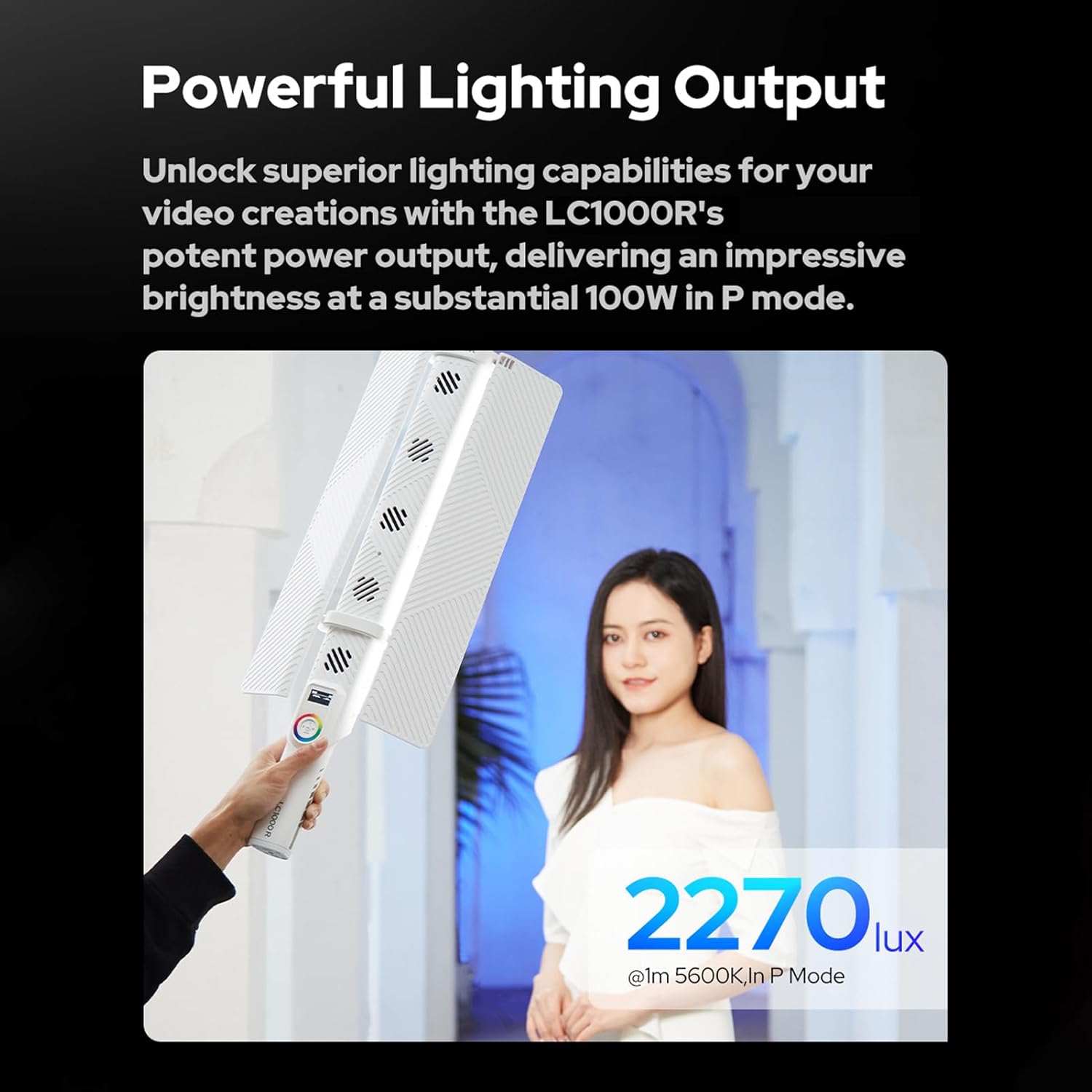
Figure 4.1: Detailed view of the GODOX LC1000R's LED panel and control interface.
Key features include:
- Intuitive Control Dial: Easily adjust settings with the integrated control dial.
- Integrated Display: Provides real-time feedback on current settings.
- Foldable Barndoors: For precise light shaping and control.
- Efficient Cooling System: Ensures stable performance and low noise.
5. Setup
5.1 Initial Charging
Before first use, fully charge the GODOX LC1000R. The device supports multiple charging options:
- Connect the provided power adapter to the DC input port.
- Alternatively, use a compatible Type-C charging cable for convenience.

Figure 5.1: Charging the GODOX LC1000R using a Type-C cable.
5.2 Attaching Barndoors
Align the barndoors with the light stick and securely attach them. The barndoors allow you to control the spread of light.
6. Operating Instructions
6.1 Powering On/Off
Press and hold the power button to turn the light stick on or off.
6.2 Adjusting Color Temperature (CCT Mode)
In CCT mode, you can adjust the color temperature from 2500K (warm) to 8500K (cool) to match ambient light or create specific moods.
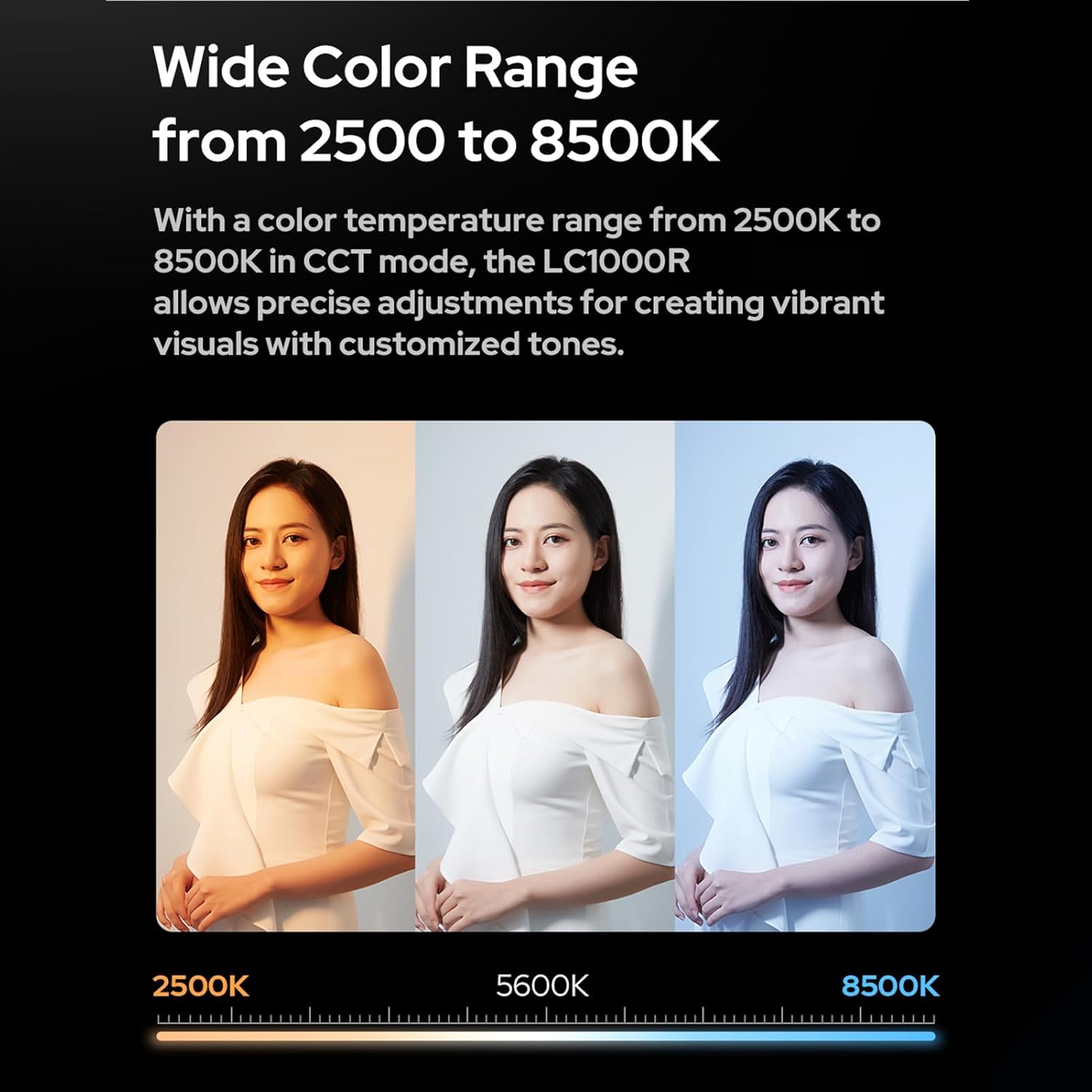
Figure 6.1: Demonstrating the wide color temperature range from 2500K to 8500K.
6.3 Dynamic RGB Colors
Switch to RGB mode to access 360 selectable colors. The brightness is dimmable from 0% to 100%, allowing for creative light painting and ambient effects.

Figure 6.2: Creative lighting with dynamic RGB colors.
6.4 Special FX Effects
The LC1000R includes 15 built-in FX effects to enhance your video creations. These effects can transform any scene to your liking. The Music Mode allows the lighting to sync with the rhythm for an immersive experience.

Figure 6.3: Overview of the 15 built-in FX effects, including Music Mode.
6.5 Control Methods (Device & App)
The GODOX LC1000R can be controlled directly via the light body controls or through a dedicated mobile application for seamless management and precise adjustments.

Figure 6.4: Controlling the GODOX LC1000R via the mobile application.
For app control, download the official GODOX Light app from your device's app store. Ensure Bluetooth is enabled on your mobile device and follow the in-app instructions to connect to the LC1000R.
6.6 Power Output (P Mode)
The LC1000R delivers an impressive brightness of up to 100W in P Mode, providing powerful lighting output for your video creations.
Figure 6.5: Highlighting the powerful 100W output in P Mode.
6.7 Official Product Video
Video 6.1: Official product video demonstrating the features and use cases of the Godox LC1000R Handheld LED Video Light Stick Wand.
7. Maintenance
- Clean the light stick regularly with a soft, dry cloth. Avoid using harsh chemicals or abrasive materials.
- Store the device in its carrying bag in a cool, dry place when not in use.
- Ensure the cooling vents are clear of obstructions to maintain optimal performance and prevent overheating.

Figure 7.1: The efficient cooling system ensures low noise performance during operation.
8. Troubleshooting
| Problem | Possible Cause | Solution |
|---|---|---|
| Light does not turn on. | Low battery or power adapter issue. | Ensure the device is fully charged or connected to a working power source. |
| App control not working. | Bluetooth not enabled or connection issue. | Check Bluetooth settings on your mobile device and ensure the light stick is discoverable. Restart both devices if necessary. |
| Light output is dim. | Brightness setting is low or battery is low. | Increase brightness setting. Charge the device if the battery is low. |
9. Specifications
| Feature | Specification |
|---|---|
| Model | LC1000R |
| Built-in Lithium Battery | 21.6V/2600mAh 56.16Wh |
| Battery Life (100% Brightness) | Normal Mode: Max=59 min, P Mode: Max=28 min |
| Type-C Input | 5V/9V/12V/15V/20V 100W (Max.) |
| DC Input | 20V=6A |
| Input Power | Normal Mode: Max=65W, P Mode: Max=100W |
| Color Temperature (CCT) | 2500K-8500K |
| Brightness Range | 0%-100% |
| FX Type | 15 |
| CRI | 96+ |
| TLCI | 96+ |
| Control Method | APP Control / Light Body Control |
| APP Control Distance | Max. 30m |
| Working Environment Temperature | -10℃ ~+40℃ |
| Dimension | 2.2 x 21.97 x 1.89 inches (approx. 5.6 x 55.8 x 4.8 cm) |
| Net Weight | about 1kg (2.2 lbs) |
| UPC | 768592013425 |
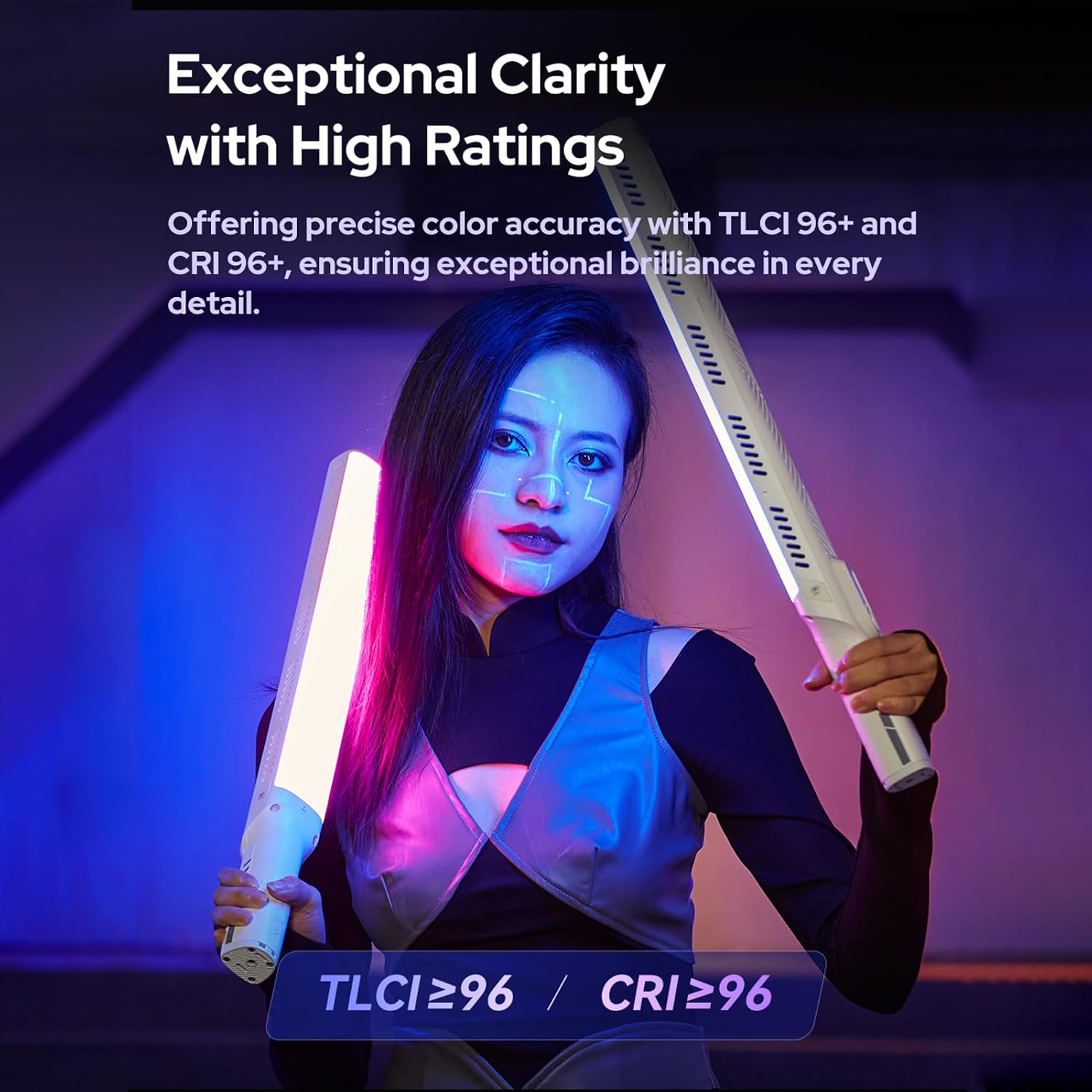
Figure 9.1: High CRI and TLCI ratings ensure exceptional color clarity.
10. Warranty and Support
GODOX products are manufactured to the highest quality standards. This product is covered by a manufacturer's warranty against defects in materials and workmanship from the date of purchase. Please refer to the warranty card included in your package for specific terms and conditions.
For technical support, troubleshooting assistance, or warranty claims, please contact GODOX customer service through their official website or the contact information provided on your warranty card.
Visit the official GODOX Store for more information and product updates: GODOX Official Store
Related documentsGodox LC1000R


Ask a question about this manual
Ask about setup, troubleshooting, compatibility, parts, safety, or missing instructions. Manuals+ will review the question and use this page’s manual context to help answer it.