
1. Introduction
Thank you for choosing the GoveeLife Smart Air Purifier. This manual provides essential information for the safe operation, setup, and maintenance of your air purifier. Please read it thoroughly before use and retain it for future reference.

Figure 1.1: GoveeLife Smart Air Purifier (Model H7128) and its accompanying mobile application interface.
2. Safety Information
- Always place the air purifier on a firm, level surface.
- Keep a minimum distance of 30 cm (12 inches) from walls and other appliances.
- Do not block air inlets or outlets.
- Unplug the device before cleaning or performing any maintenance.
- Do not operate in wet or high-humidity environments.
- This appliance is for household use only.
3. Package Contents
- GoveeLife Smart Air Purifier (H7128)
- 3-in-1 Filtration System (Pre-installed)
- User Manual
4. Product Overview
The GoveeLife Smart Air Purifier is designed to provide clean air for large rooms. It features a cylindrical design with a top control panel and a 3-in-1 filtration system.

Figure 4.1: Product dimensions of the GoveeLife Smart Air Purifier, showing a height of 15.55 inches and a base of 8.66 x 8.66 inches.
Control Panel Functions:
- Power Button: Turns the unit on or off.
- Fan Speed Button: Cycles through Low, Medium, High, and Turbo fan speeds.
- Sleep Mode Button: Activates ultra-quiet operation for undisturbed sleep.
- Timer Button: Sets an auto-off timer (1h, 2h, 4h, 8h).
- Wi-Fi Indicator: Shows Wi-Fi connection status.
- Filter Reset Indicator: Lights up when filter replacement is needed.
- Night Light Button: Controls the integrated night light.
5. Setup
5.1 Filter Installation
The 3-in-1 filtration system comes pre-installed. Before first use, ensure the filter is unwrapped and properly seated inside the unit.
- Unscrew the bottom cover of the air purifier.
- Remove the plastic packaging from the filter.
- Place the filter back into the unit, ensuring it is seated correctly.
- Replace and secure the bottom cover.
5.2 Power Connection
Plug the power cord into a standard electrical outlet. The air purifier is now ready for operation.
5.3 App Download and Pairing
Download the Govee Home app from the App Store (iOS) or Google Play Store (Android). Follow the in-app instructions to pair your air purifier. Ensure your Wi-Fi network is 2.4GHz, as 5GHz networks are not supported.
6. Operating Instructions
6.1 Power On/Off
Press the Power Button on the control panel or use the Govee Home app to turn the air purifier on or off.
6.2 Fan Speed Adjustment
Press the Fan Speed Button to cycle through different fan speeds: Low, Medium, High, and Turbo. Turbo mode provides rapid air cleaning for quick purification.
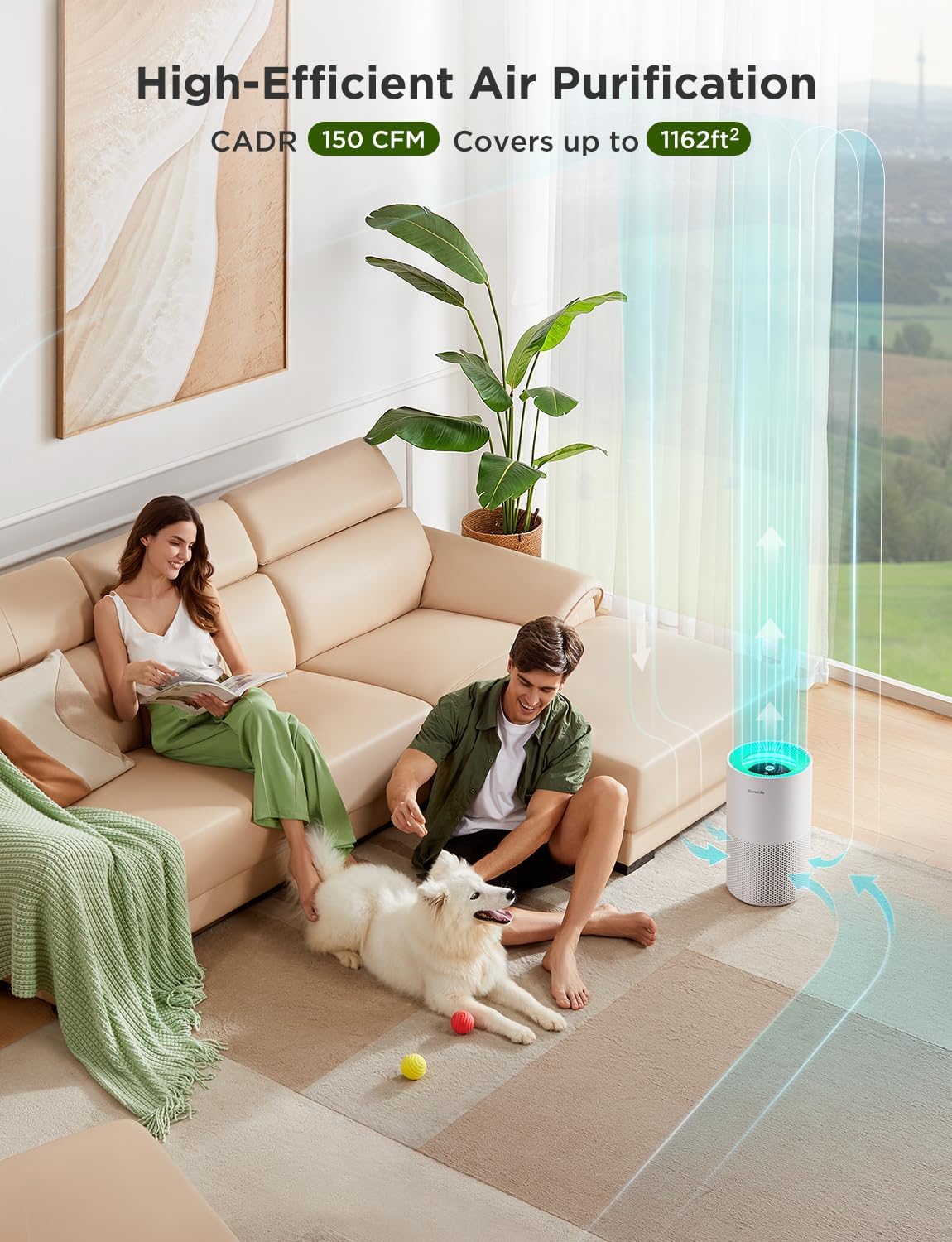
Figure 6.1: Illustration of high-efficient air purification, demonstrating how the air purifier circulates and cleans air within a space up to 1162 sq ft.
6.3 Sleep Mode
Activate Sleep Mode for ultra-quiet operation, ideal for bedrooms or quiet environments. The fan speed will be set to its lowest setting, and the display lights will dim.

Figure 6.2: The air purifier in Sleep Mode, highlighting its quiet operation at 24dB, suitable for peaceful sleep.
6.4 Night Light/LED Control
Press the Night Light Button to control the integrated LED light. You can adjust brightness, color, and choose from various scenes via the Govee Home app.
6.5 Timer Function
Use the Timer Button to set the air purifier to automatically turn off after 1, 2, 4, or 8 hours. This can also be configured in the Govee Home app for more precise scheduling.
6.6 Smart Control (App & Voice)
Control your air purifier remotely using the Govee Home app. You can monitor its status, change settings, and receive filter replacement reminders. The device also supports voice control via Amazon Alexa and Google Assistant for hands-free operation.
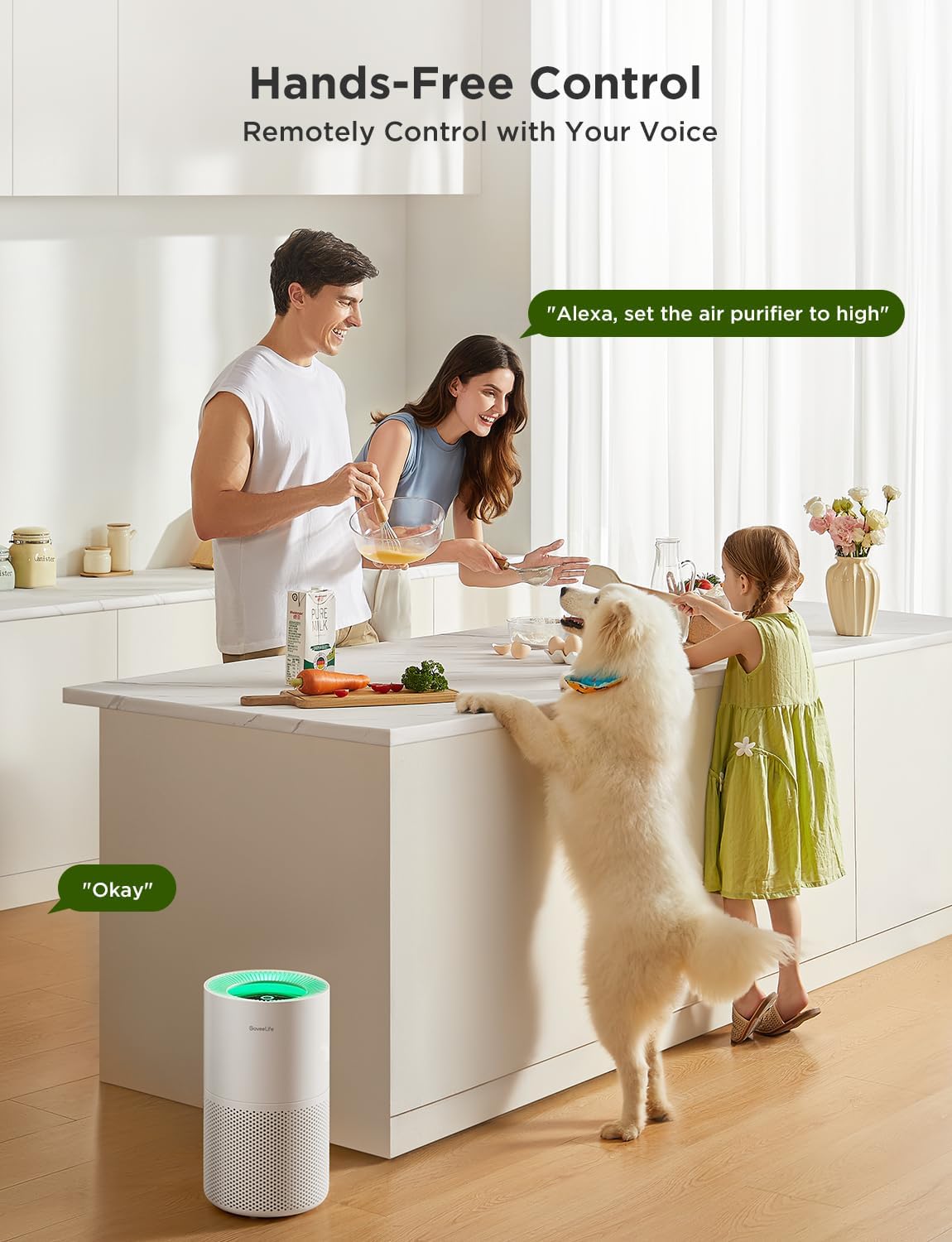
Figure 6.3: Demonstrating hands-free control of the air purifier using voice commands with smart assistants like Alexa.

Figure 6.4: The air purifier's auto mode functionality. Note: This model (H7128) does not include a built-in PM2.5 sensor. For automatic mode based on ambient PM2.5 conditions, pair with a separately sold GoveeLife Air Quality Monitor (e.g., H5106).
7. Maintenance
7.1 Cleaning the Pre-Filter
The pre-filter is detachable and should be cleaned regularly to maintain efficiency and extend the lifespan of the main filter. Do not clean the True HEPA and Activated Carbon Filters with water.
- Unscrew the bottom cover and carefully peel the outer pre-filter away from the True HEPA and Modified Activated Carbon Filters.
- Use a soft brush or vacuum cleaner to remove hair, dust, and large particles from the outer pre-filter. If necessary, use water and mild detergent to clean any grease.
- Dry the pre-filter completely before putting it back in place.

Figure 7.1: Visual instructions for cleaning the detachable pre-filter to ensure optimal performance.
7.2 Filter Replacement
The filter should be replaced every 6-8 months, depending on usage and air quality. The filter reset indicator light will illuminate when replacement is due. Purchase genuine GoveeLife replacement filters for best performance.
- Unplug the air purifier.
- Unscrew the bottom cover and remove the old filter.
- Insert the new filter, ensuring it is correctly oriented.
- Replace the bottom cover.
- Plug in the air purifier. Press and hold the Filter Reset button (usually the Night Light button or a dedicated filter button) for 3-5 seconds until the indicator light turns off.
7.3 Exterior Cleaning
Wipe the exterior of the air purifier with a soft, dry cloth. Do not use abrasive cleaners or solvents.
8. Troubleshooting
| Problem | Possible Cause | Solution |
|---|---|---|
| Air purifier does not turn on. | Not plugged in; power outage; filter not installed correctly. | Check power cord; check power supply; ensure filter is unwrapped and seated properly. |
| Poor air purification performance. | Dirty filter; incorrect fan speed; unit placed in an obstructed area. | Clean pre-filter or replace filter; increase fan speed; ensure proper clearance around the unit. |
| Device not connecting to app. | Incorrect Wi-Fi band (5GHz); incorrect password; device too far from router. | Ensure 2.4GHz Wi-Fi; re-enter password; move device closer to router. |
| Unusual noise during operation. | Filter not seated correctly; foreign object inside; unit on an uneven surface. | Check filter installation; unplug and inspect for obstructions; place on a stable surface. |
| Filter indicator light remains on after replacement. | Filter reset not performed. | Perform filter reset as described in Section 7.2. |
9. Specifications
| Feature | Detail |
|---|---|
| Model Number | H7128 |
| Product Dimensions | 8.66 x 8.66 x 15.55 inches |
| Item Weight | 6.61 Pounds |
| Color | White |
| Floor Area Coverage | Up to 1162 Square Feet (for 30-minute air change) |
| CADR | 150 CFM |
| Particle Retention Size | 0.1 Micron (99.97% efficiency) |
| Noise Level | 24dB (Sleep Mode) |
| Connectivity | Wi-Fi (2.4GHz only), Bluetooth |
| Certifications | ETL, FCC, CA65, Energy Star Certified |

Figure 9.1: Official third-party certifications for the GoveeLife Smart Air Purifier, including Energy Star, FCC, and ETL Listed.
10. Warranty and Support
GoveeLife products come with a limited warranty. For detailed warranty information, product support, or to purchase replacement filters, please visit the official GoveeLife website or contact GoveeLife customer service. Contact information can typically be found on the product packaging or the GoveeLife website.


