
1. Introduction
Welcome to the world of EXOST! This manual provides essential information for the safe and optimal operation of your Silverlit EXOST 360 Cross Flash RC Stunt Car. This innovative remote-controlled vehicle is designed for dynamic 360-degree stunts and two-sided driving, featuring LED wheels and headlights for an exciting experience. Please read this manual thoroughly before use and retain it for future reference.
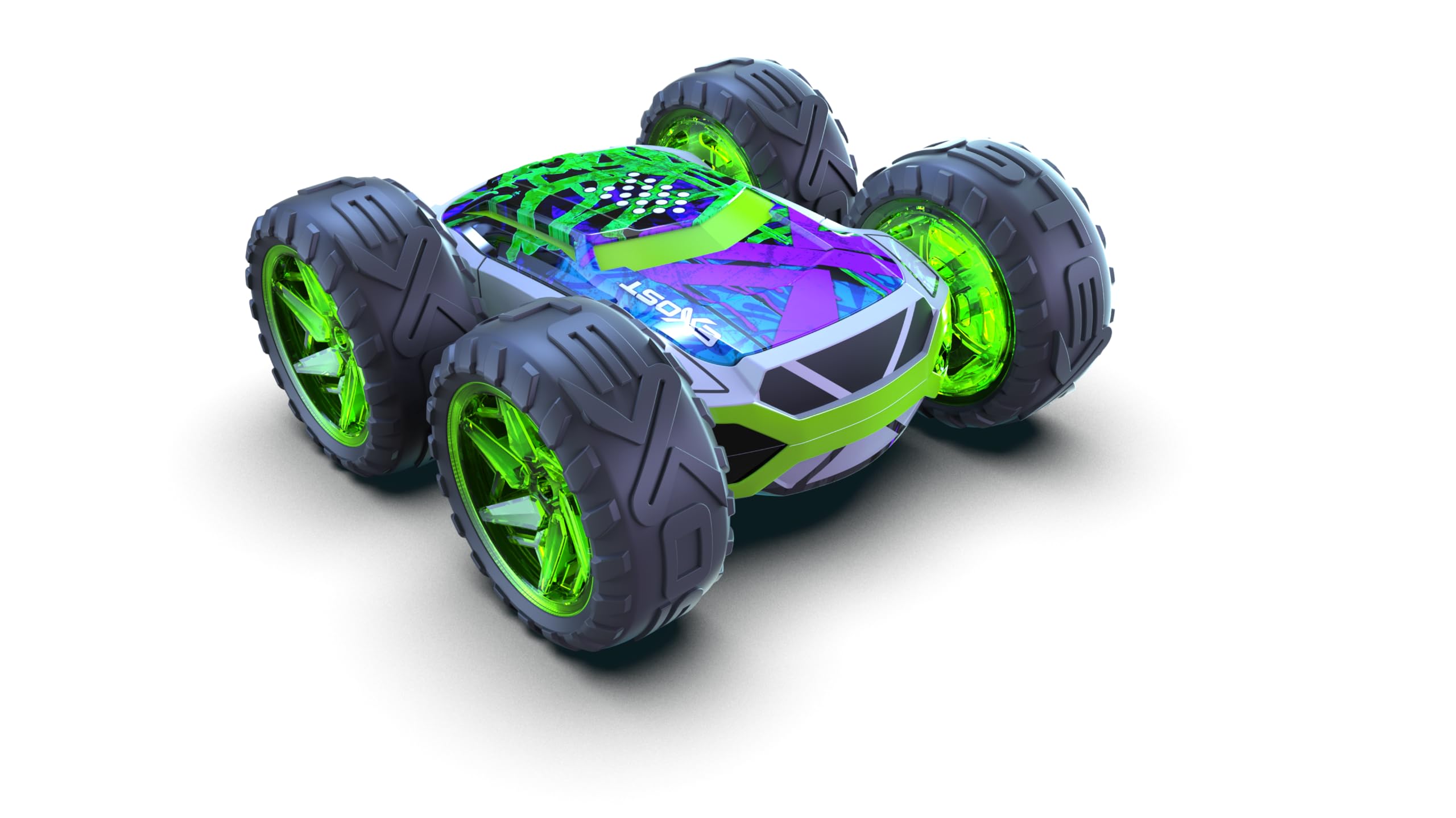
Image 1.1: The EXOST 360 Cross Flash RC Stunt Car in its packaging.
2. Safety Information
WARNING: Not suitable for children under 3 years due to small parts. Choking hazard.
- Always operate the vehicle in a safe, open area, away from people, pets, and obstacles.
- Do not operate near roads, water, or electrical outlets.
- Adult supervision is recommended for children aged 5 and above.
- Do not touch moving parts during operation to avoid injury.
- Ensure batteries are inserted with correct polarity.
- Do not mix old and new batteries, or different types of batteries.
- Remove batteries from the vehicle and remote control when not in use for extended periods.
- Dispose of batteries responsibly according to local regulations.
3. Package Contents
Verify that all items listed below are included in your package:
- 1 x Silverlit EXOST 360 Cross Flash RC Stunt Car
- 1 x Remote Control
- 1 x USB Charging Cable (for car battery)
- 1 x Instruction Manual (this document)
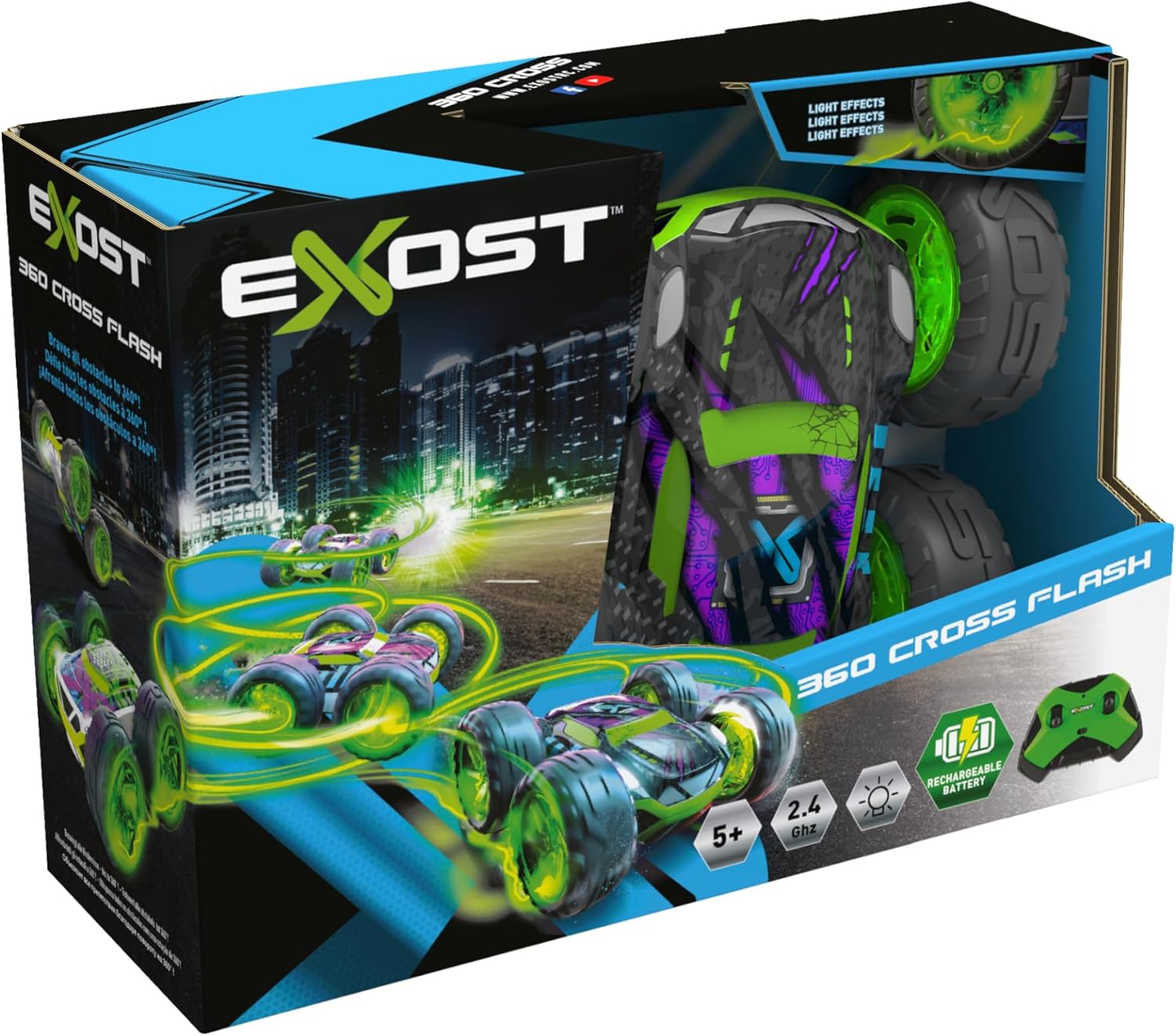
Image 3.1: Contents displayed on the back of the product packaging.
4. Setup
4.1. Remote Control Battery Installation
- Locate the battery compartment on the back of the remote control.
- Using a screwdriver, open the battery compartment cover.
- Insert 2 x 'AA' 1.5V batteries (not included), ensuring correct polarity (+/-).
- Replace the battery compartment cover and secure it with the screw.
4.2. Car Battery Charging
The EXOST 360 Cross Flash car is equipped with a built-in rechargeable battery.
- Locate the charging port on the underside or side of the car.
- Connect the small end of the included USB charging cable to the car's charging port.
- Connect the larger USB end of the cable to a USB power source (e.g., computer USB port, USB wall adapter).
- The charging indicator light on the car will illuminate during charging and turn off or change color when fully charged.
- Charging typically takes approximately 60-90 minutes. Do not overcharge.
- Disconnect the charging cable once charging is complete.
4.3. Pairing the Car and Remote Control
The car and remote control use 2.4 GHz technology for automatic pairing.
- Ensure both the car and remote control have fresh or fully charged batteries.
- Turn on the car using the ON/OFF switch, usually located on the underside.
- Turn on the remote control.
- The indicator light on the remote control will flash and then become solid, indicating successful pairing. If pairing fails, turn both devices off and repeat the steps.
5. Operating Instructions
Familiarize yourself with the remote control functions before operating the vehicle.

Image 5.1: The EXOST 360 Cross Flash RC Stunt Car in action.
5.1. Remote Control Functions
- Left Joystick: Controls forward and backward movement. Push forward to move forward, pull back to move backward.
- Right Joystick: Controls steering. Push left to turn left, push right to turn right.
- Stunt Button (if applicable): Some models may have a dedicated button for specific stunts. Refer to the remote control diagram for details.
5.2. Driving Tips
- 360-Degree Flips: The car's unique design allows it to flip and continue driving on its other side. Experiment with sudden changes in direction and speed to initiate flips.
- Two-Sided Driving: The car is designed to operate effectively on both its top and bottom surfaces, making it resilient to tumbles.
- LED Wheels & Headlights: The integrated LED lights enhance visibility and add to the driving experience, especially in low-light conditions.
- All-Terrain Tyres: The shock-absorbing tyres are designed to handle various surfaces. However, avoid extremely rough or wet conditions.
- Practice: Start in an open area to get accustomed to the controls and the car's responsive movements.
6. Maintenance
6.1. Cleaning
- Turn off the car and remote control before cleaning.
- Wipe the car with a soft, dry cloth to remove dust and dirt.
- For stubborn dirt, use a slightly damp cloth, then dry thoroughly.
- Do not use chemical cleaners or solvents, as they may damage the plastic.
- Avoid getting water inside the electronic components.
6.2. Storage
- Remove all batteries from the remote control if storing for an extended period.
- Store the car and remote control in a cool, dry place, away from direct sunlight and extreme temperatures.
- Keep the product away from moisture and dust.
7. Troubleshooting
| Problem | Possible Cause | Solution |
|---|---|---|
| Car does not respond to remote control. |
|
|
| Car moves slowly or inconsistently. |
|
|
| Remote control indicator light does not turn on. |
|
|
8. Specifications
- Model Number: SVT-20293
- Brand: Silverlit
- Product Dimensions: 20 x 11 x 17 cm
- Weight: 450 g
- Recommended Age: 5+ years
- Material: Plastic, Polyester
- Power Source (Car): Rechargeable Battery (built-in)
- Power Source (Remote Control): 2 x 'AA' 1.5V Batteries (not included)
- Frequency: 2.4 GHz
- Features: 360° Flipping, 2-Sided Driving, LED Wheels, Headlights, Shock-Absorbing Tyres
9. Warranty and Support
Silverlit products are manufactured to high-quality standards. For warranty information, please refer to the warranty card included in your product packaging or visit the official Silverlit website.
If you encounter any issues not covered in this manual or require further assistance, please contact Silverlit customer support:
- Website: www.silverlit.com (Please check the website for regional contact information)
- Email/Phone: Refer to the Silverlit website or product packaging for specific contact details.


