
1. Introduction
Thank you for purchasing the Genérico DM-L21 Stereo Speaker System. This manual provides essential information for the safe and efficient operation of your new audio system. Please read it thoroughly before use and retain it for future reference.
2. Safety Information
- Electrical Safety: Ensure the power supply matches the voltage requirements (AC110-220V 50/60Hz). Do not expose the unit to rain or moisture.
- Placement: Place the speaker system on a stable, flat surface. Avoid direct sunlight, heat sources, or areas with excessive dust or vibration.
- Ventilation: Do not block ventilation openings. Allow adequate space around the unit for proper airflow.
- Cleaning: Disconnect from power before cleaning. Use a soft, dry cloth. Do not use liquid cleaners or aerosols.
- Servicing: Do not attempt to repair the unit yourself. Refer all servicing to qualified personnel.
3. Package Contents
Verify that all items listed below are included in your package:
- 1 x Main Subwoofer Unit
- 3 x Satellite Speakers
- 1 x Power Cable
- 1 x Remote Control
- 1 x User Manual

Figure 3.1: Image showing the main subwoofer unit, three satellite speakers, remote control, power cable, and user manual included in the package.
4. Product Overview
The DM-L21 speaker system features a main subwoofer unit and three satellite speakers, designed to deliver a 3.1 channel audio experience. The front panel includes an LED display and RGB lighting for visual effects. The rear panel provides various input and output connections.

Figure 4.1: Front view of the DM-L21 speaker system, highlighting the main unit with RGB lighting and icons for Bluetooth, Memory Card, FM Radio, and USB connectivity.

Figure 4.2: Detailed view of the rear panel, showing speaker outputs, RCA inputs, power input, and control switches.
5. Setup
- Unpack: Carefully remove all components from the packaging.
- Position Speakers: Place the main subwoofer unit and satellite speakers in your desired listening area.
- Connect Satellite Speakers: Connect the three satellite speakers to the corresponding RCA output jacks on the rear panel of the main subwoofer unit. Ensure correct polarity.
- Connect Power: Plug the power cable into the AC IN port on the rear panel of the main unit, then plug the other end into a suitable power outlet.
- Power On: Flip the main power switch on the rear panel to the 'ON' position. The LED display on the front panel should illuminate.
6. Operating Instructions
6.1. Power On/Off
Use the main power switch located on the rear panel to turn the system ON or OFF. Alternatively, use the power button on the remote control for standby mode.
6.2. Mode Selection
Press the 'Input' or 'Mode' button on the main unit or remote control to cycle through available input modes: Bluetooth (BT), USB, SD, FM Radio, and AUX (RCA).

Figure 6.1: Visual representation of the three primary connection methods: Remote Control, USB, and Bluetooth.
6.3. Bluetooth Pairing
- Switch the speaker system to Bluetooth mode. The LED display will show 'BT' and an audible prompt may sound.
- On your mobile device, enable Bluetooth and search for available devices.
- Select 'DM-L21' from the list of devices.
- Once paired, the system will indicate a successful connection, and you can begin playing audio from your device. The effective Bluetooth range is approximately 10-15 meters.
6.4. USB/SD Card Playback
- Insert a USB flash drive or an SD card into the respective port/slot on the main unit.
- The system will automatically switch to USB or SD mode and begin playing audio files.
- Use the playback controls (Play/Pause, Next/Previous Track) on the main unit or remote control.
6.5. FM Radio
- Switch the speaker system to FM Radio mode.
- Press the 'Play/Pause' button (or a dedicated scan button) to initiate an automatic scan for available radio stations. The system will save detected stations.
- Use the 'Next/Previous Track' buttons to navigate through the saved stations.
6.6. AUX Input (RCA)
- Connect an external audio source (e.g., TV, DVD player, smartphone) to the RCA input jacks on the rear panel using an appropriate audio cable.
- Switch the speaker system to AUX mode.
- Audio from the connected device will now play through the speaker system.
6.7. Volume, Bass, and Treble Adjustment
Adjust the master volume using the rotary knob on the main unit or the volume buttons on the remote control. The system also allows for adjustment of bass and treble levels to customize your audio experience, typically via the remote control or dedicated buttons on the main unit.
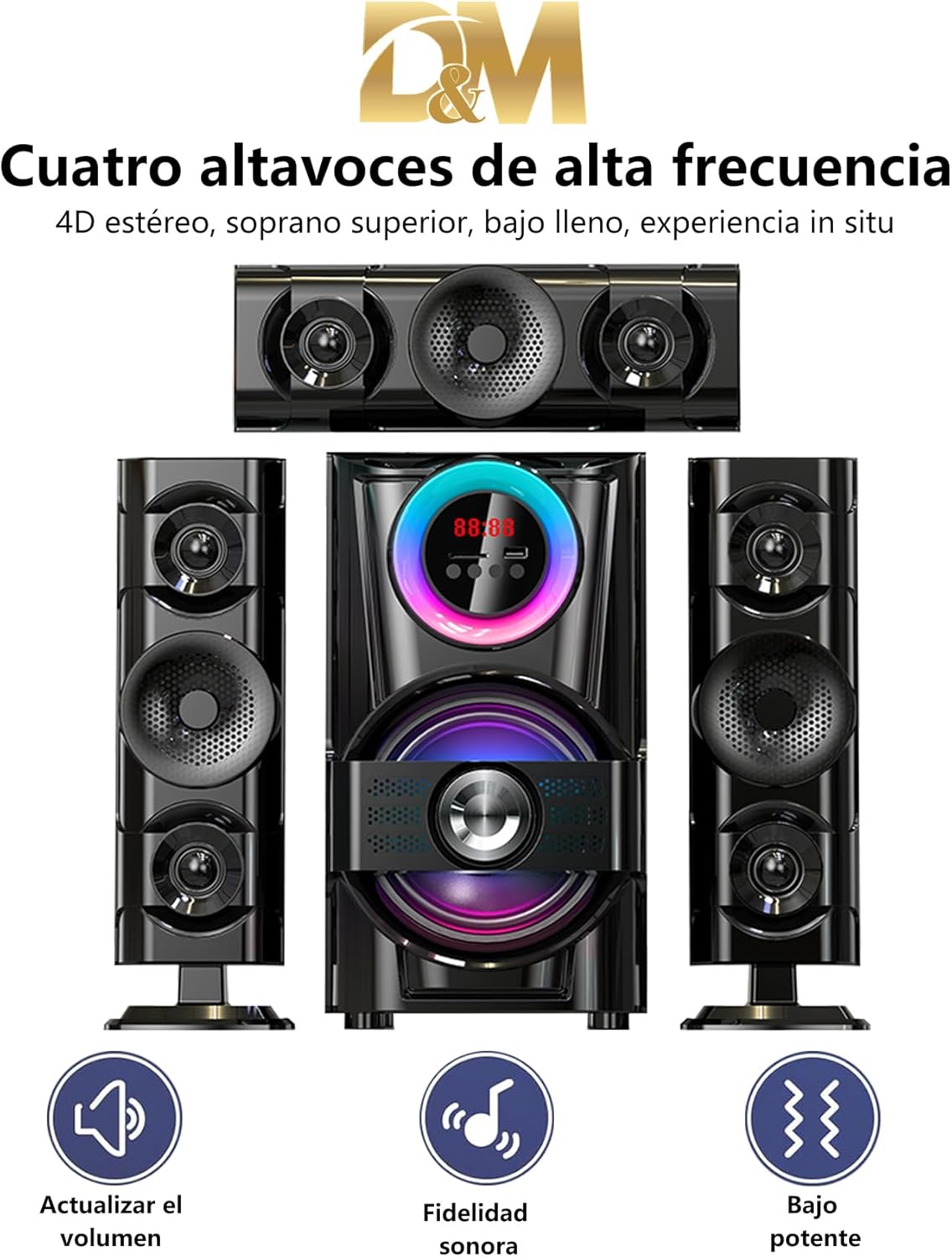
Figure 6.2: Icons representing key sound features: Volume adjustment, enhanced sound fidelity, and powerful bass output.
6.8. RGB Lighting Control
The DM-L21 features an RGB LED panel on the front. Use the dedicated lighting control buttons on the main unit or remote to cycle through various lighting modes and effects, such as:
- Movement: Dynamic color transitions.
- Rhythmic Jump: Lights react to the beat of the music.
- Breathing: Slow, pulsating color changes.
- Black and White: A monochrome lighting option.

Figure 6.3: Visual representation of different RGB lighting modes available on the DM-L21 speaker system.
7. Specifications
| Feature | Specification |
|---|---|
| Model Name | DM-L21 |
| Power Output | 60W |
| Frequency Response | 38Hz-20Khz |
| Distortion | 0.3% at 1W |
| Signal-to-Noise Ratio (S/N) | >70 dB |
| Separation | >45 dB |
| Voltage | AC110-220V 50/60Hz |
| Speaker Drive Units | 6.5"x1 (Subwoofer) + 3"x2 (Satellites) |
| Impedance | 8 Ohms |
| Bluetooth Version | V5.0 |
| Bluetooth Range | 10-15 meters (approx.) |
| Dimensions (L x W x H) | 37.5 x 22 x 47.5 CM |
| Weight | 5.5 Kg |
| Connectivity | Bluetooth, USB, SD, FM, AUX (RCA) |
| Control Method | Remote Control |
| Material | Wood, Plastic |
| Channel Configuration | 3.1 |
Figure 7.1: Diagram illustrating the dimensions of the speaker system and details of the rear panel connections.
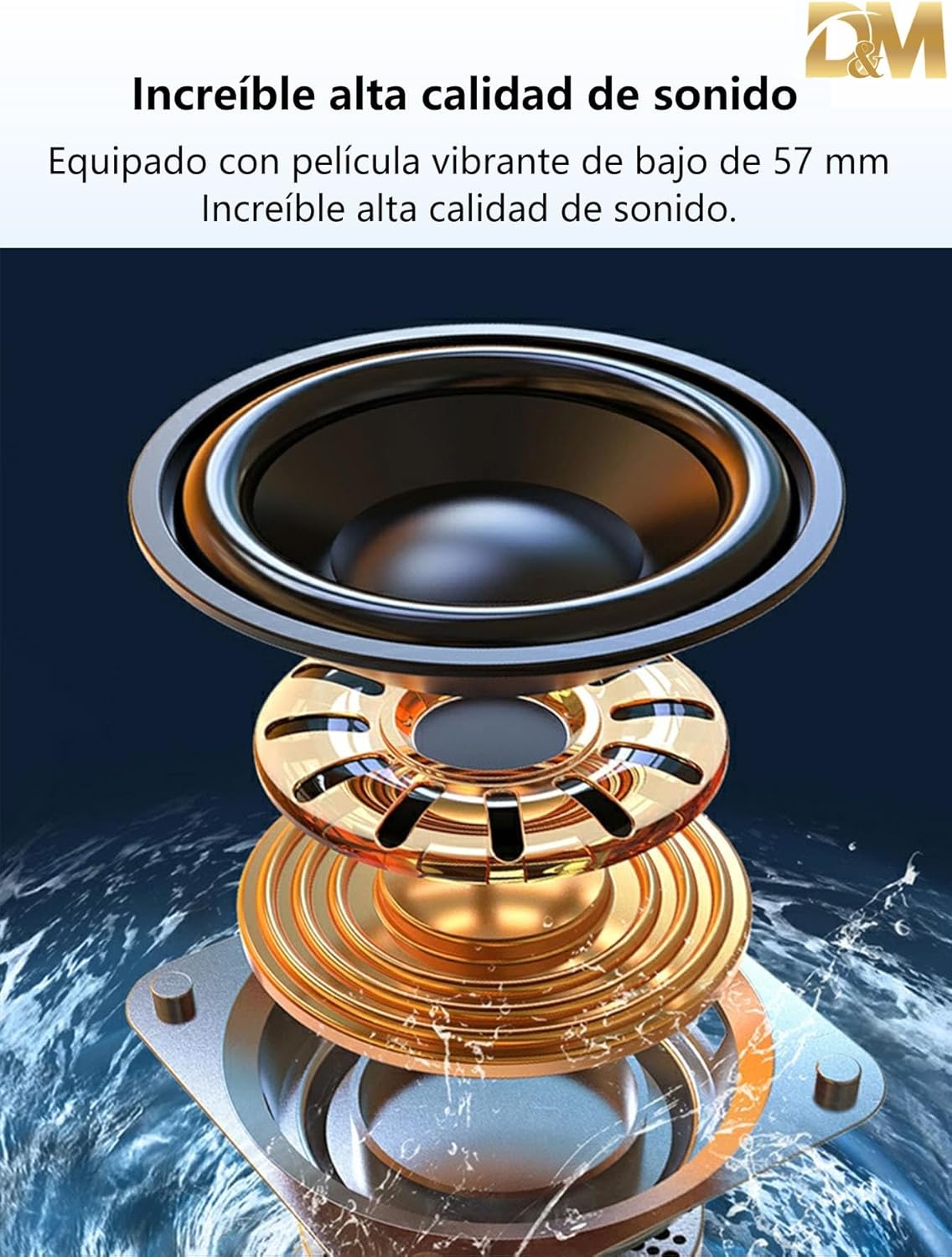
Figure 7.2: Close-up view of a speaker driver, highlighting its construction for high-quality sound output.
8. Troubleshooting
If you encounter issues with your speaker system, refer to the following common problems and solutions:
- No Power:
- Ensure the power cable is securely connected to both the speaker system and the power outlet.
- Check if the main power switch on the rear panel is in the 'ON' position.
- Verify the power outlet is functional.
- No Sound:
- Check the volume level on both the speaker system and your audio source.
- Ensure the correct input mode (Bluetooth, USB, SD, FM, AUX) is selected.
- Verify all speaker cables are properly connected to the main unit.
- If using AUX, ensure the audio cable is fully inserted and functional.
- Bluetooth Not Connecting:
- Ensure the speaker system is in Bluetooth pairing mode.
- Disable and re-enable Bluetooth on your device.
- Move your device closer to the speaker system.
- If previously paired, try 'forgetting' the device on your phone and re-pairing.
- USB/SD Card Not Playing:
- Ensure the USB drive or SD card is inserted correctly.
- Verify that the audio files on the storage device are in a supported format.
- Try a different USB drive or SD card to rule out device issues.
- Remote Control Not Working:
- Check and replace the batteries in the remote control.
- Ensure there are no obstructions between the remote and the speaker system's sensor.
9. Maintenance
- Cleaning: Use a soft, dry, lint-free cloth to clean the surfaces of the speaker system. Do not use abrasive cleaners, waxes, or solvents.
- Storage: If storing the unit for an extended period, disconnect it from power and store it in a cool, dry place away from direct sunlight and extreme temperatures.
- Ventilation: Regularly check that the ventilation openings are clear of dust and debris to prevent overheating.
10. Warranty and Support
This product is covered by a standard manufacturer's warranty. For specific warranty terms and conditions, please refer to the warranty card included with your purchase or contact your retailer. For technical support or service inquiries, please reach out to the seller or manufacturer's customer service department.