
Introduction
Thank you for choosing the SanJie Wireless Door Alarm. This device is designed to enhance safety and security in your home, providing alerts for opened doors or windows. It features adjustable volume, multiple working modes, and convenient remote control operation. Please read this manual carefully before installation and use to ensure proper function and longevity of your product.
Product Overview
The SanJie Wireless Door Alarm system includes a main alarm unit (sensor) and a magnetic strip, along with remote controls for convenient operation.
Components
- Alarm Unit: Contains the buzzer, ON/OFF switch, volume control, working mode button, and LED indicator.
- Magnetic Strip: Works in conjunction with the alarm unit to detect opening and closing.
- Remote Control: Features Set, Arming, Disarming, and SOS buttons.
Key Features
- Adjustable Volume: 5 levels, from 0dB to 120dB.
- Four Working Modes: Instant Alarm, Entry Doorbell, Door Closing Reminder, Intruder Alarm.
- Wireless Remote Control: Operates up to 65 feet away.
- Low Battery Reminder: Ensures timely battery replacement.
- Easy Installation: Options for 3M tape or screw mounting.

Image: Detailed view of the alarm unit and remote control, highlighting the buzzer, ON/OFF switch, volume, working mode button, LED indicator, magnet, and remote control buttons (Set, Arming, Disarming, SOS).
Setup
Battery Installation
- Open the battery compartment on the back of the alarm unit.
- Insert 2 AAA alkaline batteries, ensuring correct polarity.
- Close the battery compartment securely.
Mounting the Alarm Unit and Magnet
The alarm unit and magnetic strip must be installed on a door or window frame and the corresponding moving part (door/window) respectively. Ensure the installation distance between the two parts is less than 0.4 inches (approximately 1 cm) when the door/window is closed.
- Choose Location: Select a clean, dry surface on the door/window frame for the main alarm unit and the door/window itself for the magnetic strip.
- Method 1: 3M Tape Mounting:
- Clean the mounting surfaces thoroughly.
- Peel off the protective film from the 3M adhesive tape on the back of both the alarm unit and the magnetic strip.
- Firmly press the alarm unit onto the frame and the magnetic strip onto the door/window, aligning them so they are less than 0.4 inches apart when closed.
- Method 2: Screw Mounting:
- Mark the screw positions on the mounting surfaces.
- Drill pilot holes if necessary.
- Secure the alarm unit and magnetic strip with the provided screws, ensuring proper alignment and distance.
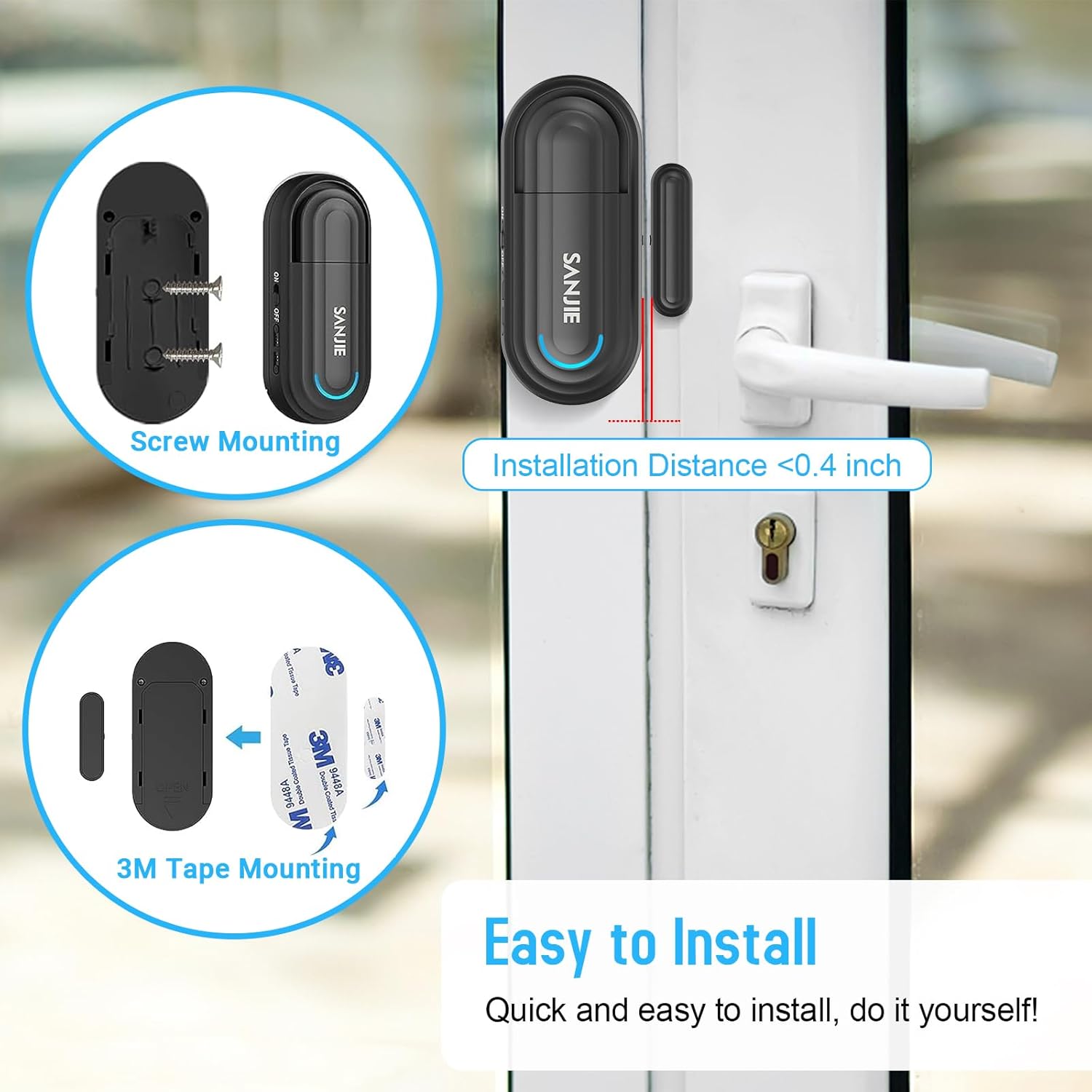
Image: Visual guide for installing the alarm unit and magnet using either screws or 3M adhesive tape, emphasizing the critical 0.4-inch maximum gap for proper function.
Operating Instructions
Power On/Off
- Slide the ON/OFF switch on the side of the alarm unit to 'ON' to power on.
- Slide the ON/OFF switch to 'OFF' to power off.
Adjusting Volume
Press the 'Volume' button on the alarm unit to cycle through 5 different volume levels (0dB, 45dB, 65dB, 85dB, 120dB).

Image: Visual representation of the alarm's adjustable volume levels and a summary of its key features including 120dB loud alarm, 5 volume levels, 4 working modes, LED indicator, and low battery reminder.
Selecting Working Modes
Press the 'Working Mode' button on the alarm unit to cycle through the four available modes:
- Mode 1: Instant Alarm
The alarm sounds immediately when the door/window opens and stops when it closes. Ideal for child safety, elderly monitoring, or pet containment. - Mode 2: Entry Doorbell
A 'ding-dong' sound plays once when the door/window opens, serving as a welcome chime for businesses or visitors. - Mode 3: Door Closing Reminder
The sensor emits a 'dididi' sound every 10 seconds until the door/window is closed. Useful for reminding to close refrigerators or cabinets. - Mode 4: Intruder Alarm
The alarm will sound for 1 minute if the door/window is opened. Designed to deter intruders and alert occupants to unauthorized entry.

Image: Depiction of Mode 1 (Instant Alarm) in action, demonstrating its use for child safety, elderly care, and pet monitoring when a door or window is opened.

Image: Examples of Mode 2 (Entry Alert) for welcoming customers and Mode 3 (Closing Reminder) for ensuring doors like refrigerators are not left open.
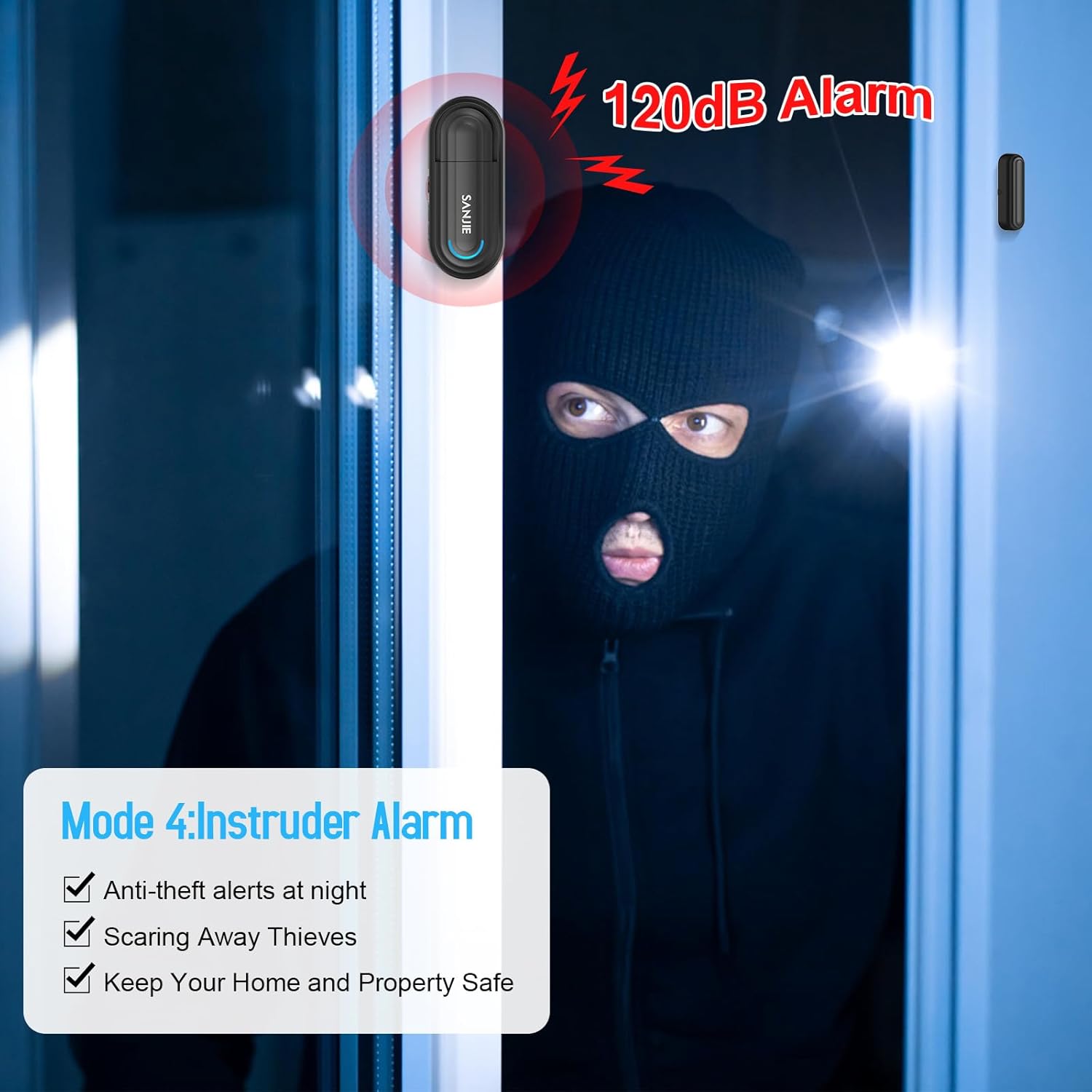
Image: Illustration of Mode 4 (Intruder Alarm) activating a loud 120dB alarm when unauthorized entry is detected, providing anti-theft alerts.
Remote Control Functions
The remote control allows for convenient operation of the alarm unit from a distance of up to 65 feet.
- Arming Button: Activates the alarm system.
- Disarming Button: Deactivates the alarm system.
- Set Button: Used for pairing additional sensors or remotes (refer to pairing instructions if applicable).
- SOS Button: Triggers an immediate emergency alarm.
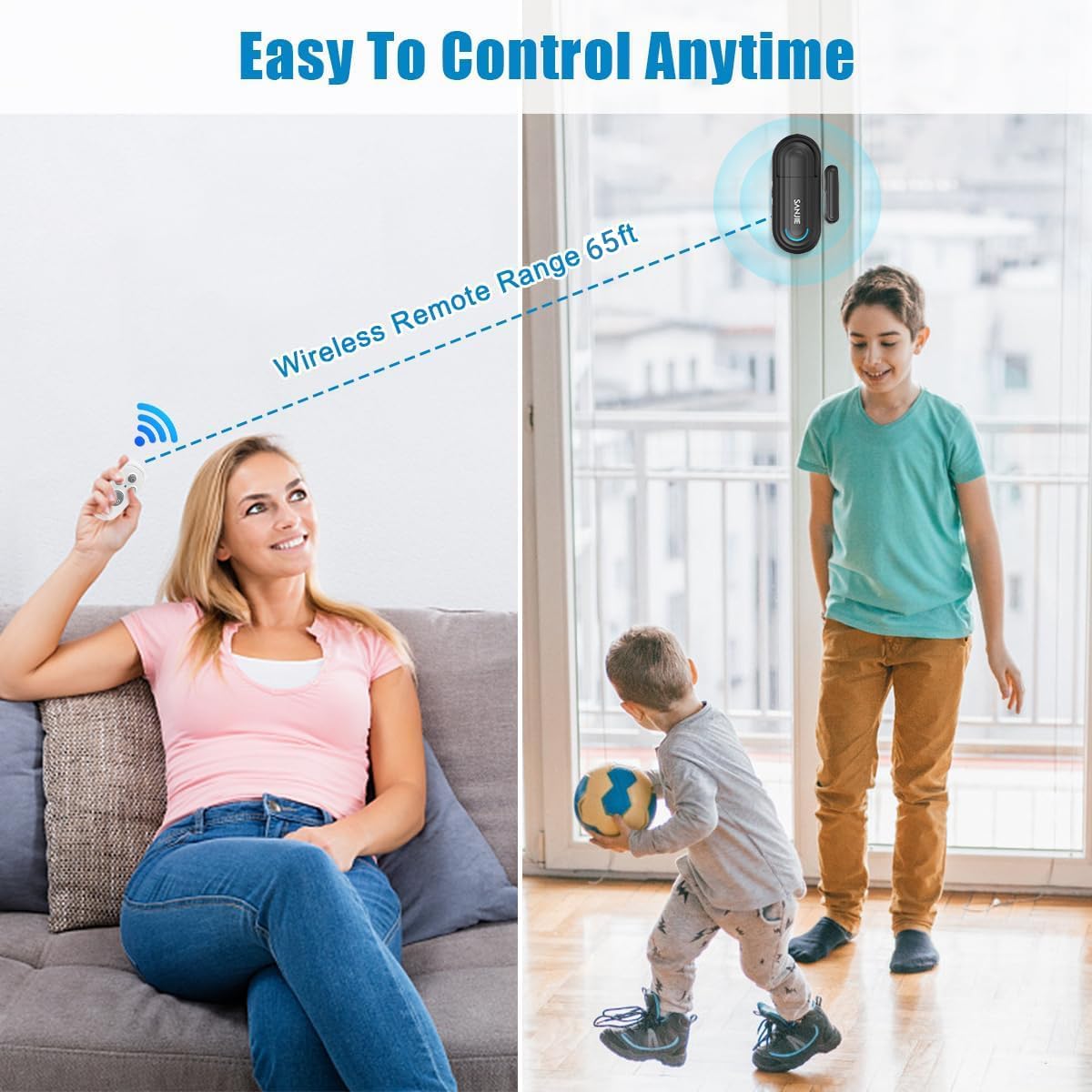
Image: A user operating the alarm remotely, highlighting the effective wireless range of 65 feet for convenient control.
Maintenance
Battery Replacement
The alarm unit uses 2 AAA alkaline batteries. When the battery is low, the unit will provide a low battery reminder. Replace the batteries promptly to ensure continuous operation.
- Power off the alarm unit using the ON/OFF switch.
- Open the battery compartment.
- Remove the old batteries and insert new 2 AAA alkaline batteries, observing correct polarity.
- Close the battery compartment and power on the unit.
Cleaning
Wipe the alarm unit and magnetic strip with a soft, dry cloth. Do not use abrasive cleaners or solvents.
Troubleshooting
- Alarm not sounding or inconsistent alerts:
- Check battery level and replace if necessary.
- Ensure the alarm unit is powered on.
- Verify the gap between the alarm unit and the magnetic strip is less than 0.4 inches when the door/window is closed.
- Confirm the correct working mode is selected.
- Remote control not working:
- Ensure the remote control is within the 65-foot operating range of the alarm unit.
- Check the remote control's battery and replace if needed.
- Ensure there are no significant obstructions blocking the signal.
- Alarm sounds randomly:
- Check the alignment of the alarm unit and magnetic strip. Movement or vibration might cause false triggers if the gap is too wide or unstable.
- Ensure the mounting surface is stable.
Specifications
| Feature | Detail |
|---|---|
| Model Number | 2 Sensor & 2 Remote |
| Power Source | Battery Powered |
| Batteries Required | 2 AAA alkaline batteries (included) |
| Voltage | 6 Volts |
| Control Method | Remote |
| Noise Level | Up to 120 Decibels |
| Mounting Type | 3M Tape / Screw Mounting |
| Maximum Remote Range | 65 Feet |
| Sensor Technology | Contact Sensor |
| Product Dimensions | 4.57 x 2.52 x 1.3 inches |
| Item Weight | 7.6 ounces |
Warranty and Support
For warranty information and technical support, please contact SanJie customer service directly. Refer to the product packaging or the official SanJie website for contact details. Please retain your proof of purchase for warranty claims.