
1. Introduction
Thank you for choosing the Ultrean K38H Digital Kitchen Scale. This manual provides essential information for the safe and efficient operation of your new kitchen scale. Please read it thoroughly before use and retain it for future reference.

Figure 1: Ultrean K38H Digital Kitchen Scale
2. Safety Information
- Do not immerse the scale in water or other liquids.
- Clean the scale with a damp cloth; do not use abrasive cleaners.
- Place the scale on a hard, flat, and stable surface for accurate measurements.
- Avoid exposing the scale to extreme temperatures or humidity.
- Do not overload the scale beyond its maximum capacity of 33 lbs (15 kg).
- Keep out of reach of children.
3. Package Contents
- Ultrean K38H Digital Kitchen Scale
- User Manual
- AAA Batteries (2 included)
- USB-C Charging Cable
4. Product Overview
The Ultrean K38H Digital Kitchen Scale features a sleek design with a durable 304 stainless steel platform and a clear LCD display. It is equipped with two touch-sensitive buttons for easy operation.
4.1 Components
- Weighing Platform: Stainless steel surface for placing items.
- LCD Display: Shows weight measurements and unit indicators.
- Z/T ON/OFF Button: Powers the scale on/off and activates the Tare function.
- UNIT Button: Changes the unit of measurement.
- Battery Compartment: Located on the underside for AAA batteries.
- USB-C Port: For alternative power via USB-C cable.

Figure 2: Comparison of scale sizes, highlighting the large panel of the Ultrean K38H
5. Setup
5.1 Power Options
Your Ultrean K38H scale offers two convenient power options:
- AAA Batteries: The scale operates on 2 AAA batteries (included). Open the battery compartment on the underside of the scale and insert the batteries, ensuring correct polarity.
- USB-C Charging: For continuous power, connect the provided USB-C cable to the scale's USB-C port and a compatible USB power source.

Figure 3: Ultrean K38H Digital Kitchen Scale showing two ways of power supply: AAA batteries and USB-C charging
5.2 Initial Use
Before first use, ensure the protective film is removed from the weighing platform and display.
6. Operating Instructions
6.1 Power On/Off
- To turn on, press the Z/T ON/OFF button. The display will show '0' or '0.0' when ready.
- To turn off, press and hold the Z/T ON/OFF button for 3 seconds. The scale will automatically shut off after 2 minutes of inactivity to conserve power.
6.2 Unit Conversion
To switch between units of measurement:
- Press the UNIT button repeatedly to cycle through available units: grams (g), kilograms (kg), pounds:ounces (lb:oz), fluid ounces (fl'oz), and milliliters (ml).
- The selected unit will be indicated on the LCD display.
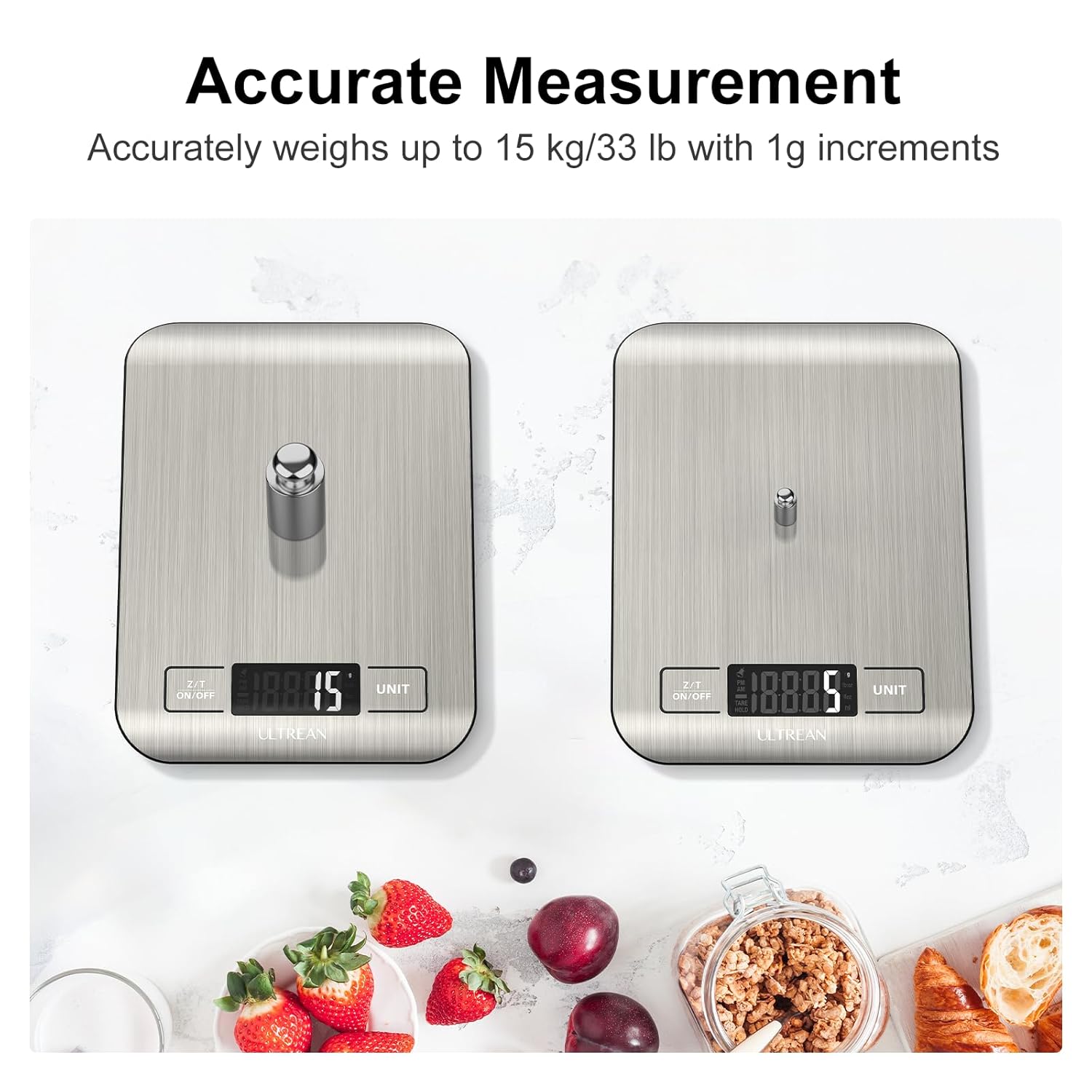
Figure 4: Ultrean K38H display showing multiple unit options
6.3 Tare Function
The Tare function allows you to weigh items in a container by subtracting the container's weight:
- Place an empty container on the weighing platform.
- Press the Z/T ON/OFF button. The display will reset to '0' or '0.0'.
- Add the items you wish to weigh into the container. The display will show the net weight of the items.
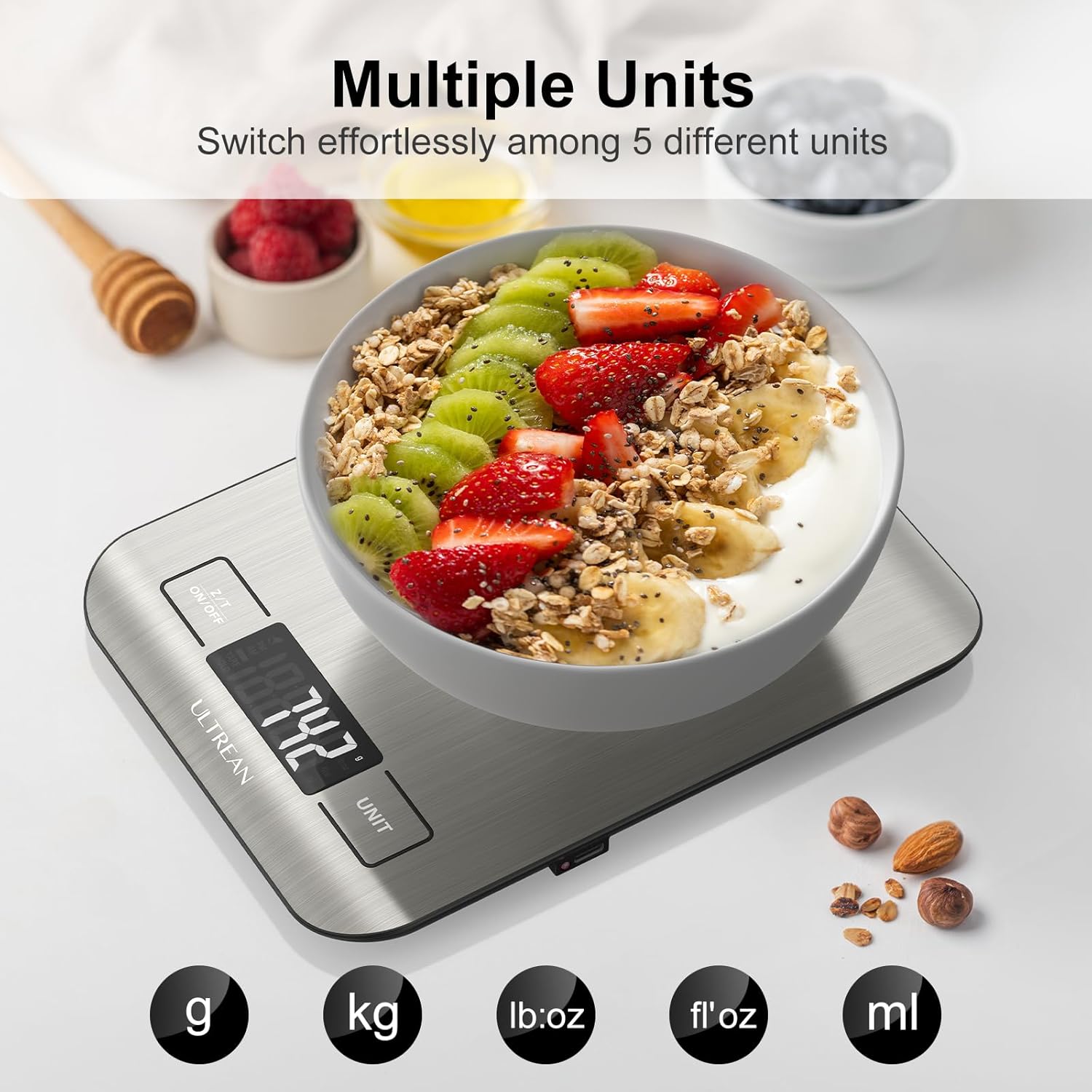
Figure 5: Illustration of the Tare function on the Ultrean K38H
6.4 Weighing Items
- Ensure the scale is on and displaying '0' or '0.0'.
- Place the item(s) directly onto the weighing platform or into a tared container.
- Read the weight displayed on the LCD.

Figure 6: Ultrean K38H Digital Kitchen Scale demonstrating accurate measurement
7. Maintenance and Cleaning
- Wipe the scale with a soft, damp cloth. For stubborn stains, use a mild detergent.
- Do not use harsh chemicals or abrasive cleaning pads.
- Ensure the scale is completely dry before storage or next use.
- Store the scale in a cool, dry place.
8. Troubleshooting
| Problem | Possible Cause | Solution |
|---|---|---|
| "LO" displayed | Low battery | Replace AAA batteries or connect USB-C charging cable. |
| "ERR" displayed | Overload | Remove items immediately to prevent damage. Ensure weight is within 33 lbs (15 kg). |
| Inaccurate readings | Unstable surface, interference, or calibration needed. | Place on a flat, stable surface. Avoid strong electromagnetic fields. If issues persist, refer to the manual for calibration instructions (if applicable, or contact support). |
| Scale does not turn on | Dead batteries or no power connection. | Check battery installation/charge or ensure USB-C cable is properly connected. |
9. Specifications
- Model: K38H
- Capacity: 0.1 oz / 2 g to 33 lbs / 15 kg
- Accuracy: 1 g
- Units: g, kg, lb:oz, fl'oz, ml
- Display: LCD
- Power: 2 x AAA batteries (included) or USB-C charging
- Material: 304 Stainless Steel
- Dimensions: 7.1 x 5.5 x 0.6 inches
- Special Features: Auto Shut Off, Tare Function, Low Battery Indicator, Overload Alert
10. Warranty and Support
Ultrean products are designed for quality and reliability. For any questions, technical support, or warranty claims, please contact Ultrean customer service through the retailer's platform or the official Ultrean website. Please have your model number (K38H) and purchase information ready.


