
1. Introduction
This manual provides detailed instructions for the operation and maintenance of your iCarsoft CR Plus OBD2 Scanner Diagnostic Tool. Please read this manual thoroughly before using the device to ensure proper functionality and to prevent damage.
2. Product Overview
The iCarsoft CR Plus is a professional vehicle diagnostic tool designed to assist in identifying and resolving automotive issues. It offers comprehensive system diagnostics and various maintenance services.
Key Features:
- Comprehensive ABS/Engine/Transmission/Airbag System Diagnostics
- 9 Common Maintenance Services: Oil Reset, EPB, BMS, ETC, Steering Angle Calibration, DPF, ABS Bleeding, Injector Coding, TPMS
- Full OBD2 Functions: Read/Clear Codes, Freeze Frame, EVAP Test, O2 Sensor Test, I/M Readiness, MIL Status, VIN Info, On-board Monitors Testing, PCM Data, DTC Library Lookup
- Comprehensive Data Display with Live Data Graphing
- Wide Vehicle Coverage (99% of models with OBD2 protocol after 1996)
- Lifetime Free Software Updates
What's in the Box:
- 1x iCarsoft CR Plus Car Diagnostic Tool

Image: The iCarsoft CR Plus diagnostic tool with its packaging, displaying the main menu on its screen.

Image: A graphic highlighting the iCarsoft CR Plus as a professional vehicle diagnostic tool, emphasizing its 4 system diagnostics, 9 reset functions, free updates, battery voltage test, and full OBD2 functions.
3. Setup
3.1 Initial Device Connection
- Locate the OBD2 port in your vehicle. This is typically found under the dashboard on the driver's side.
- Connect the diagnostic tool's OBD2 cable to the vehicle's OBD2 port.
- The device will power on automatically once connected to the vehicle's power supply.
3.2 Software Updates
The iCarsoft CR Plus supports lifetime free software updates. It is recommended to regularly update the device to ensure compatibility with the latest vehicle models and to access new features. Visit the official iCarsoft website for update instructions and software downloads.

Image: A graphic illustrating the iCarsoft CR Plus's support for multiple languages and lifetime free updates, with car silhouettes in the background.
4. Operating Instructions
4.1 System Diagnostics
The CR Plus tool provides detailed diagnostics for the four main vehicle systems: Engine, Transmission, ABS, and Airbag (SRS).
- Engine System: Reads and clears fault codes related to engine performance, emissions, and fuel systems.
- Transmission System: Diagnoses issues within the vehicle's automatic or manual transmission, including gear shifting problems and sensor faults.
- ABS (Anti-lock Braking System): Identifies problems with the ABS system, such as sensor failures or control module issues, which can affect braking safety.
- Airbag (SRS) System: Detects faults in the Supplemental Restraint System, including airbag sensors, modules, and wiring, crucial for occupant safety.

Image: A graphic illustrating the four main diagnostic systems: Engine, Transmission, ABS, and Airbag, with the iCarsoft CR Plus tool in the foreground.
4.2 OBD2 Full Functions
The tool supports all 10 modes of OBD2 testing, allowing for comprehensive emission-related diagnostics.
- Read Codes: Retrieves generic (P0, P2, P3, and U0) and manufacturer specific (P1, P3, and U1) codes.
- Clear Codes: Clears Diagnostic Trouble Codes (DTCs) and resets the Check Engine Light (MIL).
- Live Data: Displays real-time data stream from the vehicle's sensors in text and graph format.
- Freeze Frame Data: Shows engine conditions such as fuel trim, engine coolant temp, etc., at the time the Malfunction Indicator Lamp (MIL) was set.
- I/M Readiness: Checks the readiness of the emission monitoring systems.
- O2 Sensor Test: Retrieves and views O2 sensor monitor test results for the most recently completed tests.
- On-Board Monitor Test: Retrieves and displays test results for emission-related powertrain components and systems.
- EVAP System Test: Initiates a leak test for the vehicle's EVAP system.
- Vehicle Information (VIN): Displays the Vehicle Identification Number, Calibration ID, and Calibration Verification Number.

Image: A graphic detailing the full OBD2 functions of the iCarsoft CR Plus, including Read DTCs, Clear DTCs, Live Data, O2 Sensor Tests, I/M Readiness, View Freeze Frame Data, Read Vehicle Information, On-board Monitor Test, and EVAP Test.
4.3 Maintenance Services
The CR Plus offers 9 common maintenance and reset functions:
- Oil Reset: Resets the oil service light and calculates the optimal oil change interval.
- EPB (Electronic Parking Brake) Reset: Deactivates and reactivates the brake control system, assists with brake fluid control, opens and closes brake pads, and sets brakes after disc or pad replacement.
- BMS (Battery Management System) Reset: Registers the new battery to the ECU and clears fault information.
- ETC (Electronic Throttle Control) Reset: Clears the learned values and returns the throttle body to the default state.
- Steering Angle Calibration (SAS): Performs calibration of the Steering Angle Sensor.
- DPF (Diesel Particulate Filter) Regeneration: Manages DPF regeneration, component replacement teach-in, and DPF teach-in after replacing the engine control unit.
- ABS Bleeding: Bleeds air from the brake system after component replacement.
- Injector Coding: Codes new injector numbers to replace the previous ones when fitting new injectors or after the replacement is completed.
- TPMS (Tire Pressure Monitoring System) Reset: Resets tire pressure and turns off the TPMS light after tire replacement or maintenance.

Image: A graphic displaying the various reset functions available on the iCarsoft CR Plus, including EPB Reset, Filter Reset, ETC Reset, SAS Reset, BMS Reset, and Oil Reset.
4.4 Live Data Display
The tool provides an intuitive view of live data, allowing users to monitor vehicle conditions in real-time. This includes graphing capabilities for various parameters, aiding in diagnostics and performance analysis.

Image: A graphic showing the iCarsoft CR Plus displaying live data with graphical representations, indicating its ability to make car maintenance easier.
5. Maintenance
To ensure the longevity and optimal performance of your iCarsoft CR Plus diagnostic tool, follow these maintenance guidelines:
- Keep the device clean and free from dust and moisture. Use a soft, dry cloth for cleaning.
- Avoid dropping the device or subjecting it to strong impacts.
- Store the device in a cool, dry place when not in use.
- Regularly check for and install software updates from the official iCarsoft website to maintain compatibility and access new features.
6. Troubleshooting
6.1 Common Issues and Solutions
- Device not powering on: Ensure the OBD2 cable is securely connected to the vehicle's OBD2 port. Check the vehicle's battery for sufficient power.
- Communication error with vehicle: Verify that the vehicle's ignition is on. Ensure the OBD2 port is clean and free from obstructions. Try connecting to a different compatible vehicle if possible to rule out a vehicle-specific issue.
- Specific function not working: Ensure your device software is up to date. Some advanced functions may require specific vehicle models or configurations.
6.2 Vehicle Compatibility
The iCarsoft CR Plus is compatible with most OBD2 protocol and 16-pin diagnostic socket vehicles manufactured after 1996 (US and Asian), 2001 (Petrol European), and 2004 (Diesel European).
Note: Some car models with non-16pin diagnostic sockets or gateway systems (e.g., certain Chrysler, Dodge, Jeep, Alfa Romeo, Fiat, Maserati models after 2018) may require a special adapter cable. Please contact iCarsoft customer service for compatibility inquiries or to obtain necessary adapters.
Before purchasing or if you encounter compatibility issues, you can check the compatibility and available maintenance services for your specific car model on the official iCarsoft website.

Image: A graphic illustrating the wide vehicle coverage of the iCarsoft CR Plus, categorized by America, Asia, Europe, and Australia, with a note about contacting for special adapter cables for non-16pin diagnostic sockets.
7. Specifications
| Feature | Specification |
|---|---|
| Brand | iCarsoft |
| Model | CR PLUS |
| Item Weight | 1.7 pounds |
| Product Dimensions | 10.28 x 7.52 x 2.64 inches |
| Operating System | WIN PE (Professional Automotive Inspection OS) |
| Display | 4.0" TFT LCD |
8. Warranty and Support
8.1 Warranty Information
The iCarsoft CR Plus comes with a Global 1-year quality warranty. Additionally, iCarsoft provides extra lifetime hardware free repairing services if needed.
8.2 Technical Support
iCarsoft offers 24/7 technical support. For any defective unit, device malfunction, or technical assistance, please contact iCarsoft customer service directly. They are available to address any concerns you may have.
For more information or to contact support, please visit the official iCarsoft website or their Amazon store page: iCarsoft Amazon Store.
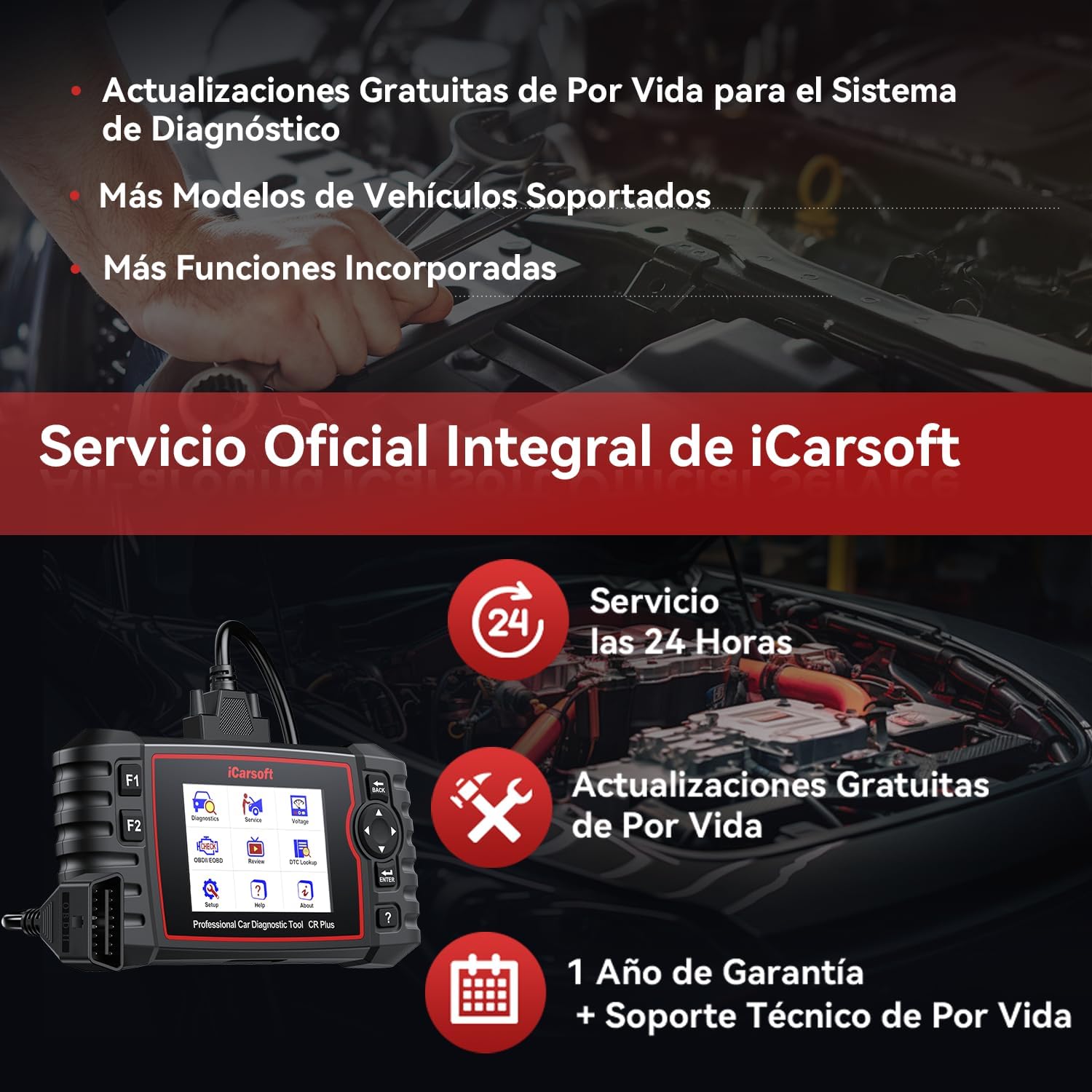
Image: A graphic highlighting iCarsoft's official comprehensive service, including 24-hour service, lifetime free updates, and a 1-year warranty with lifetime technical support.


