
Introduction
Thank you for choosing the Lafocuse 12-inch LCD Wall Clock. This manual provides detailed instructions for the proper setup, operation, and maintenance of your new clock. Please read this manual thoroughly before use and retain it for future reference.
Safety Information
- Use only the specified battery types (AA for clock movement, AAA for LCD).
- Ensure batteries are inserted with correct polarity (+/-).
- Do not mix old and new batteries, or different types of batteries.
- Remove batteries if the clock will not be used for an extended period to prevent leakage.
- Keep the clock away from direct sunlight, extreme temperatures, and high humidity.
- This product is designed for indoor use only.
Package Contents
- 1 x Lafocuse 12-inch LCD Wall Clock
- 1 x Instruction Manual
Setup
1. Battery Installation
Locate the battery compartments on the back of the clock. One compartment is for the clock movement, and the other is for the LCD display.
- Insert one (1) AA battery into the compartment for the clock movement. Ensure the positive (+) and negative (-) terminals are correctly aligned.
- Insert one (1) AAA battery into the compartment for the LCD display. Ensure the positive (+) and negative (-) terminals are correctly aligned.
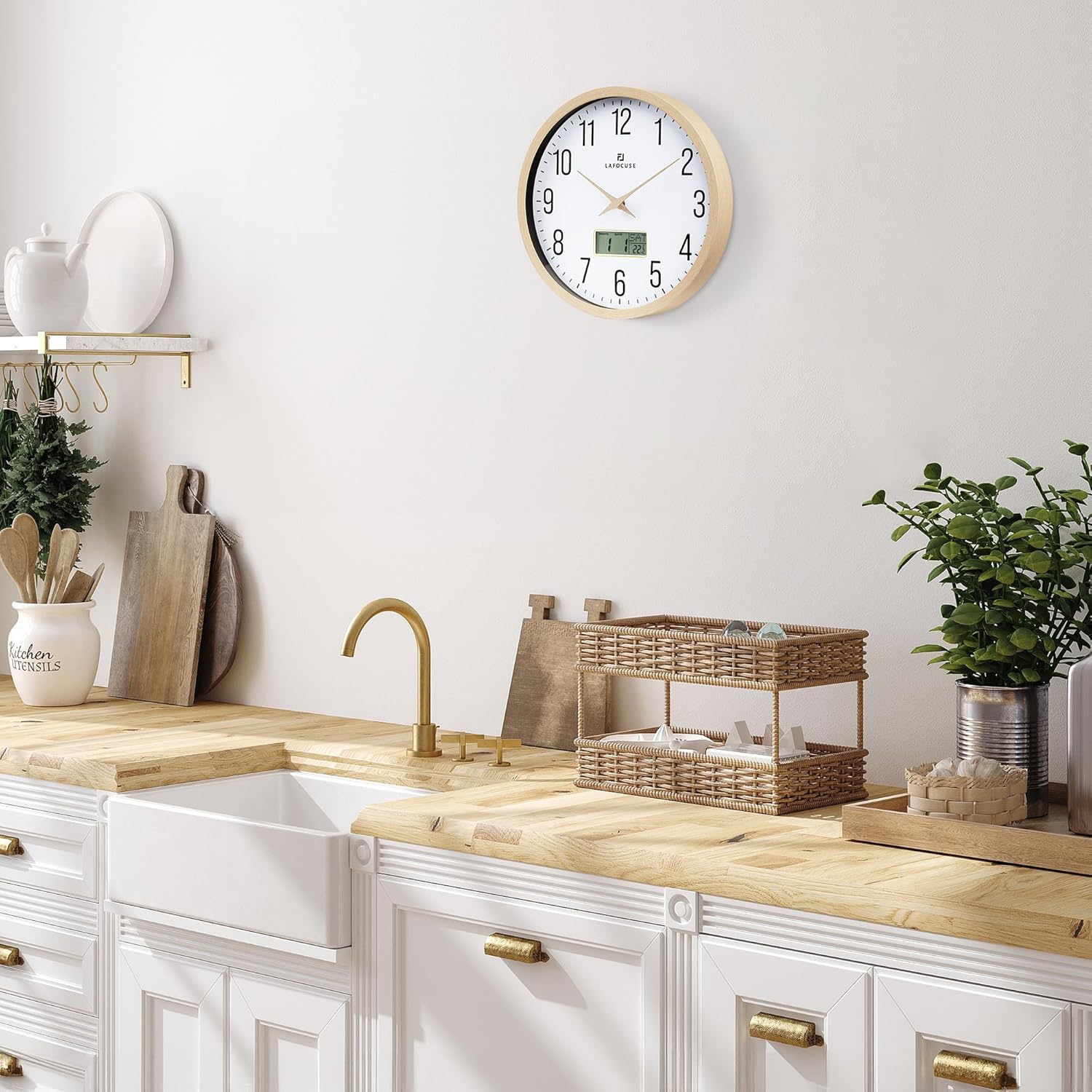
2. Setting the Time
After installing the AA battery, the clock hands will begin to move. To set the correct time:
- Locate the hand setting knob on the back of the clock (refer to the image above).
- Turn this knob clockwise or counter-clockwise until the clock hands display the accurate time.
3. Setting the Date and Temperature (LCD Display)
The LCD display shows the month, date, day of the week, and temperature. To adjust these settings:
- Locate the 'SET', 'UP', and 'DOWN' buttons on the back of the clock, near the LCD battery compartment.
- Press the 'SET' button. The 'Year' display will begin to flash.
- Use the 'UP' or 'DOWN' buttons to adjust the year.
- Press 'SET' again to confirm the year and move to the next setting (Month).
- Repeat the process using 'UP' or 'DOWN' to adjust the Month and Date, pressing 'SET' after each adjustment.
- Continue pressing 'SET' to cycle through other potential settings. The 'Week' and 'Temperature' displays will update automatically based on the set date.
- To switch the temperature unit between Fahrenheit (°F) and Celsius (°C), locate the dedicated switch or button on the back of the clock, if available, or cycle through settings using the 'SET' button until the temperature unit flashes, then use 'UP'/'DOWN' to change.

Operating Instructions
Once set up, your Lafocuse LCD Wall Clock operates continuously. The silent quartz movement ensures accurate timekeeping without any ticking noise, making it suitable for bedrooms, offices, and other quiet environments.

Reading the Display
- Analog Hands: Indicate the current hour and minute.
- LCD Display: Shows the Month, Date, Day of the Week, and Temperature.
Maintenance
Cleaning
To clean the clock, gently wipe the surface with a soft, dry cloth. Do not use abrasive cleaners, solvents, or chemical sprays, as these may damage the finish or the LCD screen.
Battery Replacement
Replace batteries when the clock hands stop moving or the LCD display becomes dim or unresponsive. Follow the battery installation steps in the Setup section. It is recommended to replace both batteries simultaneously for optimal performance.
Troubleshooting
| Problem | Possible Cause | Solution |
|---|---|---|
| Clock hands not moving | AA battery is dead or incorrectly inserted. | Replace the AA battery, ensuring correct polarity. |
| LCD display is blank or dim | AAA battery is dead or incorrectly inserted. | Replace the AAA battery, ensuring correct polarity. |
| Incorrect time displayed | Time was not set correctly or was accidentally changed. | Re-set the time using the hand setting knob. |
| Incorrect date/temperature displayed | Date/temperature settings were not configured correctly. | Re-set the date and temperature using the 'SET', 'UP', 'DOWN' buttons. |
Specifications
| Feature | Detail |
|---|---|
| Model Number | ZH0129A |
| Dimensions (L x W x H) | 30 x 3.81 x 30 cm (12 x 1.5 x 12 inches) |
| Weight | 810 grams |
| Power Source | 1 x AA battery (for clock movement), 1 x AAA battery (for LCD) |
| Display Type | Analog (hands) and Digital (LCD) |
| Movement Type | Quartz |
| Special Features | Silent sweep movement, LCD calendar (month, date, day of week), temperature display, wooden hands, plastic frame with wood finish |
| Material | Plastic with wood finish |
| Indoor/Outdoor Use | Indoor |
Warranty and Support
Warranty Information
This Lafocuse clock comes with a 3-year warranty on the movement. If you experience any quality issues with the clock movement within this period, please contact our support team for assistance.
Customer Support
For any questions, technical support, or warranty claims, please contact the seller, QuareBest, through your purchase platform. Please have your order number and product model (ZH0129A) ready when contacting support.