
1. Introduction
Thank you for choosing the Yaheetech 300cm Garden Parasol with 14 KG Base. This manual provides essential information for the safe assembly, operation, and maintenance of your new parasol. Please read these instructions carefully before use and retain them for future reference.
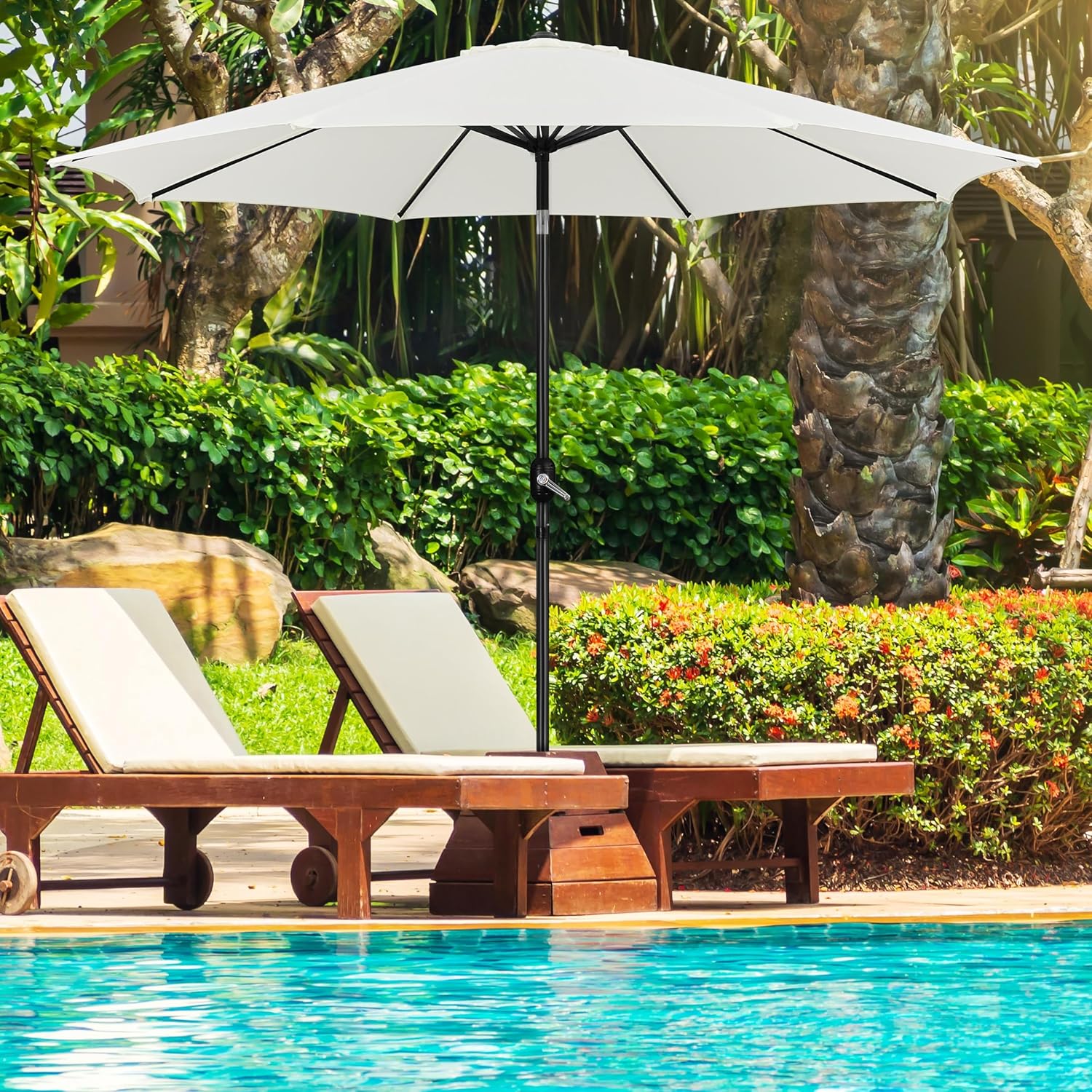
Image 1.1: The Yaheetech 300cm Garden Parasol providing shade next to a swimming pool.
2. Safety Information
- Always ensure the parasol base is adequately weighted and stable before opening the parasol. The included 14 KG base is designed for stability, but additional weight may be required in windy conditions.
- Do not use the parasol in strong winds or severe weather conditions. Close and secure the parasol to prevent damage or injury.
- Keep children and pets away from the parasol during opening and closing operations.
- Avoid placing the parasol near open flames or heat sources.
- Regularly inspect all components for wear and tear. Replace damaged parts immediately.
- Ensure the parasol is fully closed and secured when not in use or unattended.
3. Package Contents
Please check that all components are present and undamaged:
- Parasol Canopy and Pole Assembly (1 unit)
- Parasol Base (1 unit)
- Instruction Manuals for Parasol and Base (2 units)
4. Setup and Assembly
Follow these steps to assemble your Yaheetech Garden Parasol and base:
4.1. Parasol Base Assembly
- Unpack the parasol base.
- Identify the appropriate adapter for your parasol pole diameter (3.8 cm or 4.8 cm). Insert the correct adapter into the base's pole receiver.
- If the base is designed to be filled, unscrew the cap(s) and fill with water or sand for additional stability. Securely close the cap(s) once filled.
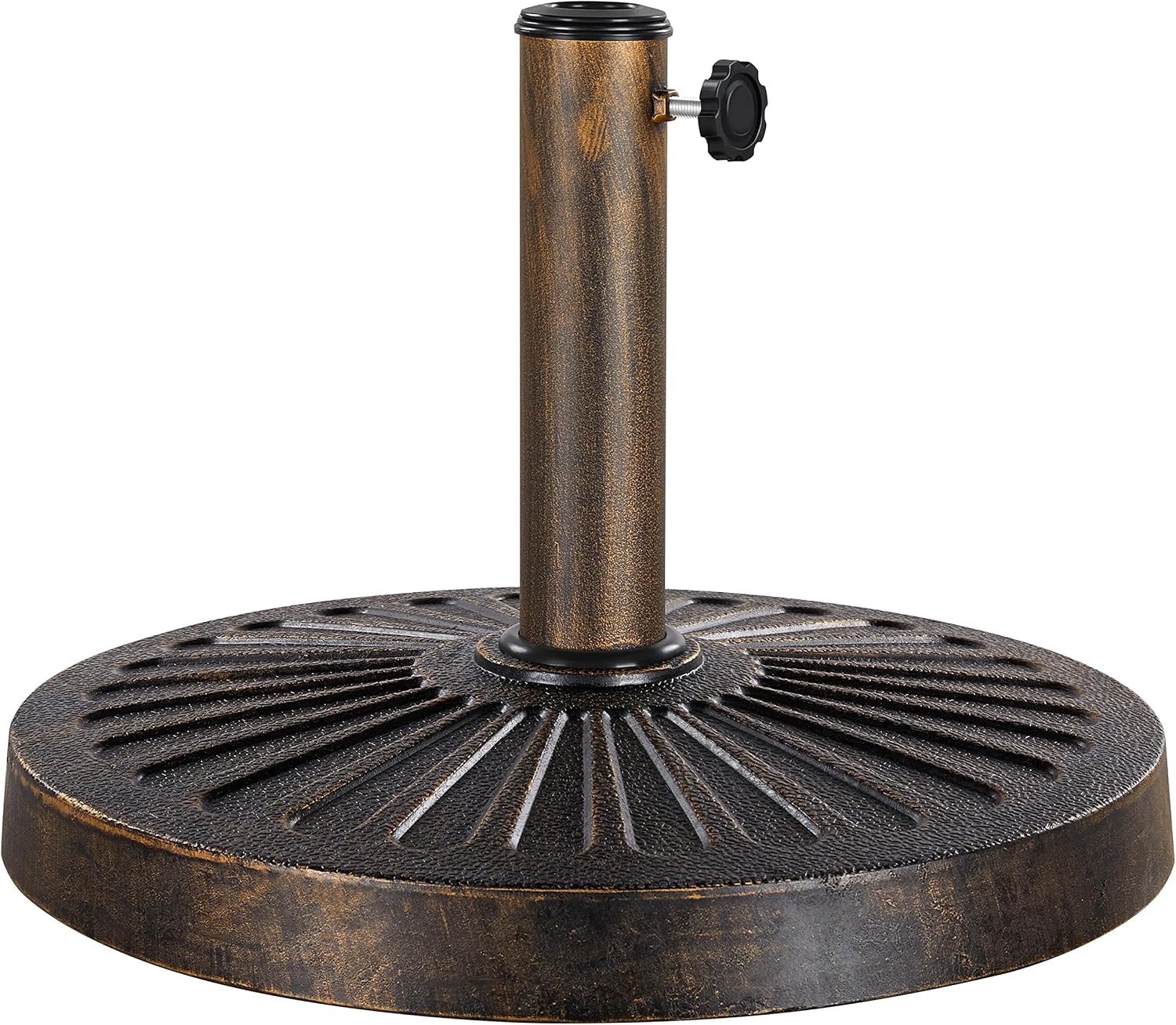
Image 4.1: The 14 KG parasol base, designed for stability.
Video 4.1: Demonstration of filling the Yaheetech parasol base with water or sand for increased stability.
4.2. Parasol Pole Insertion
- Carefully insert the lower section of the parasol pole into the assembled base.
- Tighten the securing knob on the base to firmly hold the parasol pole in place.
- Connect the upper and lower pole sections if they are separate, ensuring the spring lock pin engages securely.

Image 4.2: Detail showing the button spring lockpin for pole connection and the sewn strap for securing the canopy when closed.
5. Operating Instructions
Your parasol features a crank mechanism for easy opening and closing, and a push-button tilt function for optimal shade.
5.1. Opening the Parasol
- Ensure the parasol pole is securely seated in the base.
- Locate the hand crank on the parasol pole.
- Turn the crank clockwise to gradually open the parasol canopy until it is fully extended. Do not force the crank once the canopy is fully open.
5.2. Closing the Parasol
- Turn the hand crank counter-clockwise to retract the canopy.
- Once fully closed, wrap the sewn strap around the canopy to keep it compact and secure.

Image 5.1: Close-up of the thickened polyester fabric, 8 metal ribs, built-in crank system, and button tilt function.
Video 5.1: Demonstration of the parasol's features, including water resistance and the crank mechanism for opening and closing.
5.3. Tilting the Parasol
- With the parasol fully open, locate the push-button on the pole, typically above the crank mechanism.
- Press and hold the button while gently tilting the canopy to your desired angle.
- Release the button to lock the canopy in the tilted position.

Image 5.2: Illustration of the push-button tilt adjustment for directing shade.
6. Maintenance
- Cleaning: Wipe the canopy and pole with a damp cloth. For stubborn dirt, use a mild soap solution and rinse thoroughly. Allow to air dry completely before closing or storing.
- Storage: When not in use for extended periods, or during harsh weather, close the parasol, secure it with the strap, and store it in a dry, protected area. Consider using a protective cover.
- Inspection: Periodically check all screws, bolts, and moving parts to ensure they are tight and functioning correctly. Lubricate moving parts if necessary.
7. Troubleshooting
| Problem | Possible Cause | Solution |
|---|---|---|
| Parasol is unstable. | Base not sufficiently weighted; securing knob loose. | Ensure base is filled with water/sand (if applicable) and the securing knob is tightened. Add additional weight to the base if needed, especially in breezy conditions. |
| Crank mechanism is stiff or not working. | Mechanism requires lubrication; obstruction in canopy ribs. | Apply a silicone-based lubricant to the crank mechanism. Check for any debris or fabric caught in the ribs. |
| Canopy does not tilt. | Tilt button not fully pressed; mechanism jammed. | Ensure the tilt button is fully depressed while adjusting. Check for any obstructions in the tilt joint. |
8. Specifications

Image 8.1: Detailed dimensions of the 300cm Garden Parasol.
| Feature | Detail |
|---|---|
| Model Number | YA-00137006 |
| Canopy Diameter | 300 cm |
| Total Height | 250 cm |
| Pole Diameter | 3.8 cm |
| Canopy Material | 180g Polyester (Water-repellent, UV-resistant) |
| Ribs Quantity | 8 Metal Ribs |
| Frame Material | Powder-coated Metal |
| Opening Mechanism | Crank Lift |
| Tilt Mechanism | Manual Push-button Tilt |
| Parasol Weight | 5.7 kg |
| Base Material | Resin, Metal |
| Base Dimensions | 46 x 46 x 34 cm (L x W x H) |
| Compatible Pole Diameters (Base) | 3.8 cm, 4.8 cm |
| Base Weight | 14 kg |
| Color | Crème (Cream) |
9. Warranty Information
This product is covered by a standard manufacturer's warranty. Please refer to your purchase documentation or contact your retailer for specific warranty terms and conditions.
10. Support
For technical assistance, replacement parts, or any questions regarding your Yaheetech Garden Parasol, please contact your retailer or visit the official Yaheetech website for customer support information.