
Dangbei Atom Mini
Dangbei Atom Mini Projector User Manual
Model: Atom Mini
1. Introduction
Welcome to the user manual for your new Dangbei Atom Mini Projector. This guide provides comprehensive instructions on setting up, operating, maintaining, and troubleshooting your device to ensure you get the best possible experience. Please read this manual thoroughly before using the projector and keep it for future reference.
2. Important Safety Information
To prevent fire, electric shock, or injury, please observe the following safety precautions:
- Do not block ventilation openings. Ensure adequate space around the projector for proper airflow.
- Do not expose the projector to rain or moisture. Keep it away from water sources.
- Use only the power adapter supplied with the projector.
- Avoid looking directly into the projector lens when the lamp is on, as the bright light can cause eye damage.
- Do not attempt to disassemble or repair the projector yourself. Refer all servicing to qualified personnel.
- Place the projector on a stable, level surface to prevent it from falling.
- Keep the projector away from heat sources such as radiators, heat registers, stoves, or other apparatus (including amplifiers) that produce heat.
3. Package Contents
Please check that all items are present and in good condition:
- Dangbei Atom Mini Projector
- Remote Control
- Power Adapter
- User Manual (this document)
4. Product Overview
Familiarize yourself with the components and ports of your Dangbei Atom Mini Projector.

Image: The Dangbei Atom Mini Projector, showcasing its compact design and integrated stand.
4.1 Front View
- Projection Lens: Emits the image.
- Autofocus Sensor: Detects distance for automatic focus adjustment.
4.2 Rear View (Ports)
- HDMI IN (ARC): Connects to external devices like Blu-ray players, game consoles, or laptops.
- USB 2.0 Port: For connecting USB storage devices.
- Power Input: Connects to the power adapter.
4.3 Top/Side View
- Power Button: Turns the projector on/off.
- Ventilation Grilles: Ensure proper heat dissipation.

Image: The projector's integrated stand allows for 360-degree tilt and rotation, offering flexible projection angles.
5. Setup Guide
5.1 Placement
Choose a flat, stable surface for the projector. For optimal viewing, place the projector at a suitable distance from the projection surface (wall or screen). The maximum projection distance is 5 meters, allowing for a large screen size up to 180 inches (4.5 meters).

Image: The compact design of the Dangbei Atom Mini Projector, weighing only 1.28 kg and standing 4.75 cm tall, makes it highly portable.
5.2 Power Connection
- Connect the power adapter to the Power Input port on the projector.
- Plug the other end of the power adapter into a wall outlet.
5.3 Initial Power On
Press the Power Button on the projector or the remote control to turn on the device. The projector will perform an automatic focus and keystone correction upon startup.
5.4 Network Connection (Wi-Fi)
- Once powered on, navigate to the Settings menu using the remote control.
- Select Network & Internet.
- Choose your Wi-Fi network from the list and enter the password. The projector supports Wi-Fi 6 for stable and fast connections.
5.5 Bluetooth Pairing
To connect Bluetooth devices (e.g., external speakers, headphones):
- Go to Settings > Remotes & Accessories.
- Select Pair new device.
- Put your Bluetooth device into pairing mode and select it from the list on the projector screen. The projector supports Bluetooth 5.1.
5.6 Image Adjustment
The Dangbei Atom Mini Projector features AI-controlled intelligent screen adjustment for a perfect picture every time:
- Autofocus: The projector automatically adjusts the focus for a clear image.
- Automatic Keystone Correction: Corrects distorted images caused by angled projection.
- Intelligent Obstacle Avoidance: Automatically scales the image to avoid objects on the projection surface.
- Intelligent Screen Fit: Adjusts the image to perfectly fit your screen or wall.
These features typically operate automatically. If manual adjustment is needed, access them via the Settings menu.

Image: Visual representation of the intelligent screen adjustment technologies, including autofocus, keystone correction, obstacle avoidance, and screen fit.
6. Operating Instructions
6.1 Remote Control Usage
The included remote control is your primary interface for navigating the projector's features. It provides direct access to Google TV and dedicated buttons for popular streaming services like Netflix and YouTube.
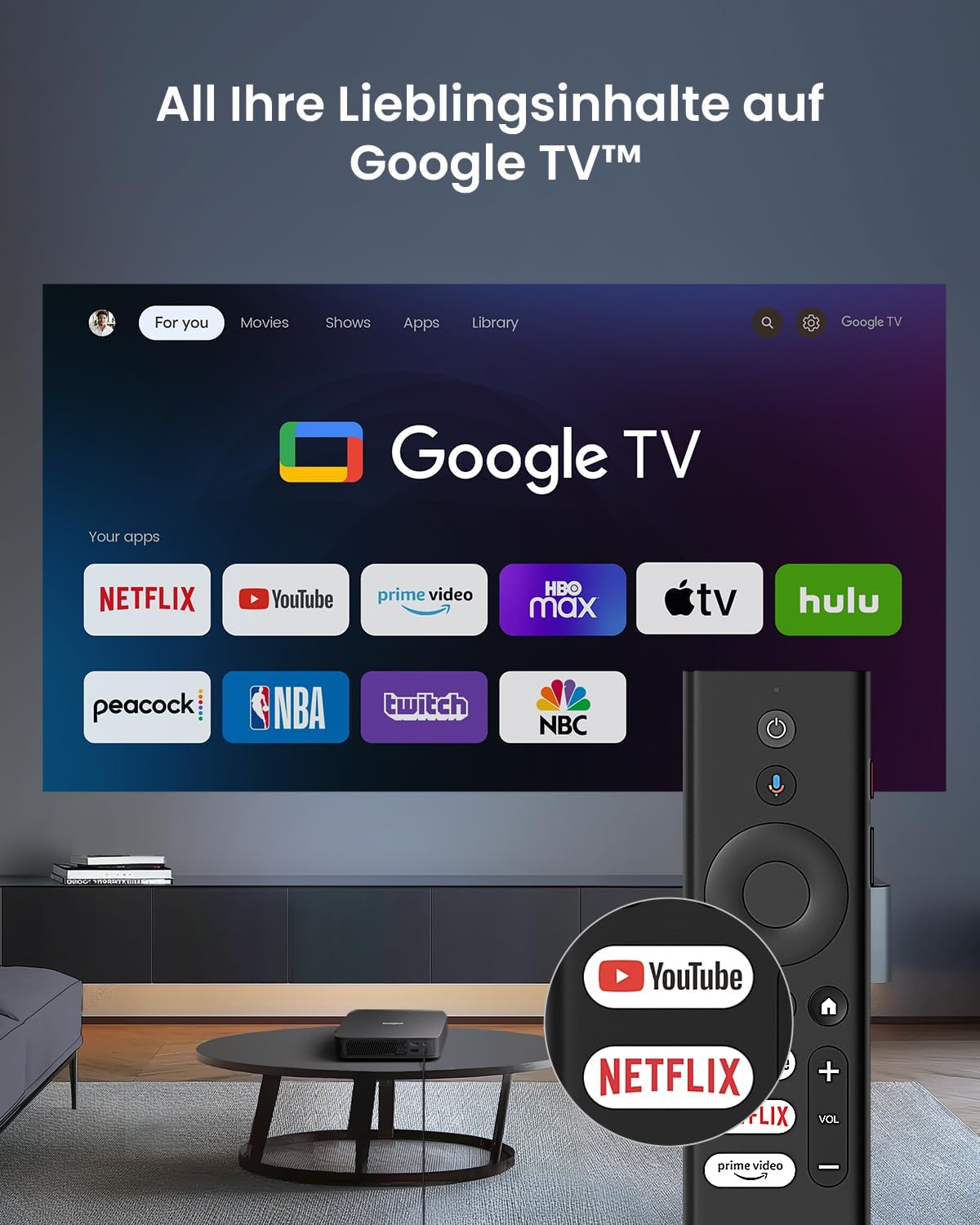
Image: The Google TV interface shown on the projection screen, with the remote control featuring dedicated buttons for Netflix and YouTube.
6.2 Navigating Google TV
Your projector comes with official Google TV, providing access to over 10,000 applications including Netflix, Prime Video, Disney+, and YouTube. Use the directional pad and OK button on the remote to navigate the interface. The home screen displays personalized content recommendations and your installed apps.
6.3 Playing Content
- Streaming Apps: Select your desired streaming app (e.g., Netflix, YouTube) from the home screen. Log in with your account credentials to access content.
- HDMI Input: Connect an external device (e.g., laptop, game console) to the HDMI IN (ARC) port. The projector will automatically switch to the HDMI input, or you can select it from the input source menu. For 4K content via HDMI, ensure the projector is set to Auto mode.
- USB Playback: Insert a USB storage device into the USB 2.0 port. Use the file manager app on Google TV to browse and play media files.
6.4 Audio Settings
The projector features integrated 2 x 5W speakers with Dolby Audio support for a cinematic sound experience. You can adjust volume using the remote control. For enhanced audio, pair external Bluetooth speakers or connect them via HDMI ARC.
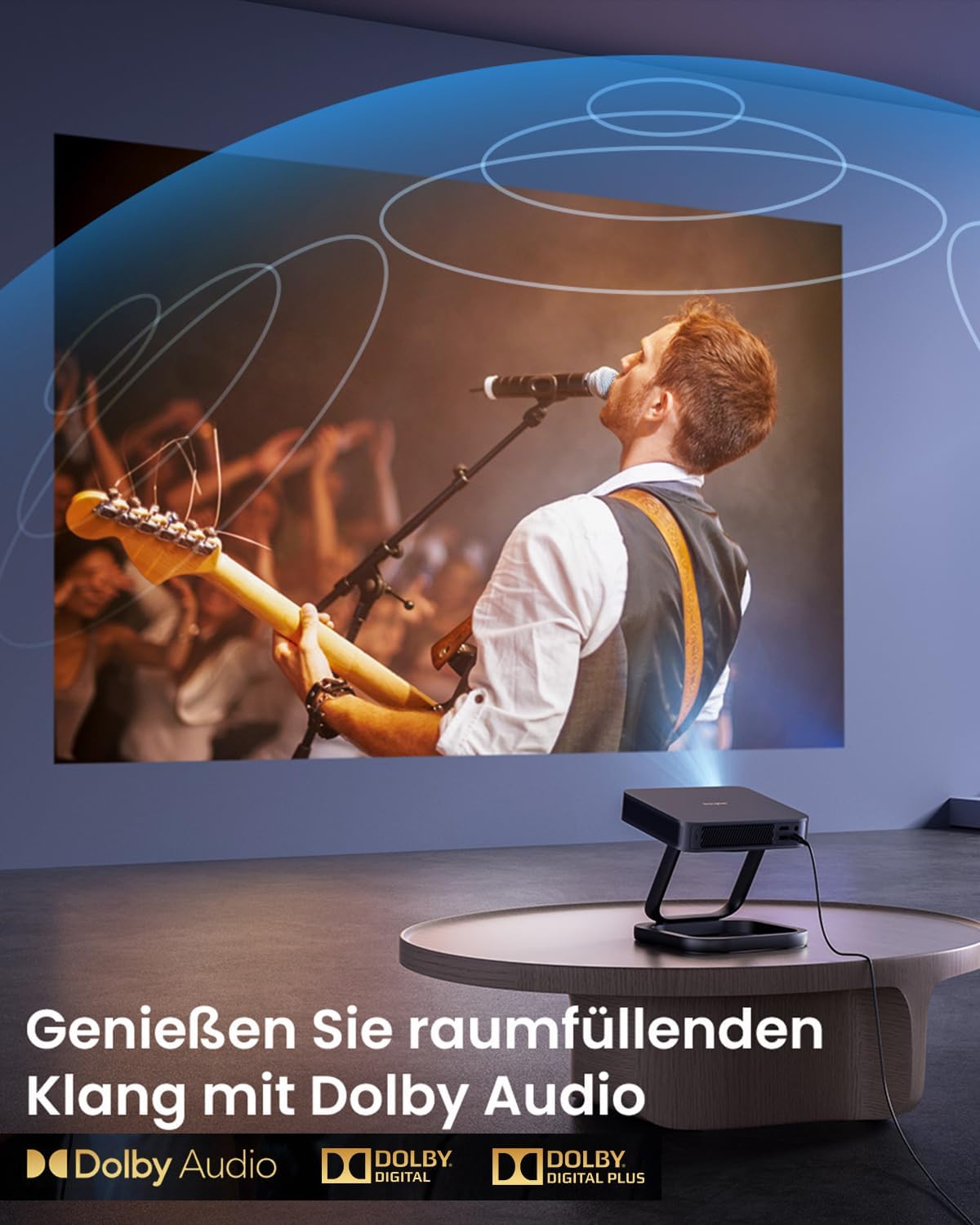
Image: A vibrant projection of a concert, emphasizing the immersive audio experience provided by Dolby Audio technology.
6.5 3D Mode
The Dangbei Atom Mini Projector supports 3D content, including Blu-ray 3D. To activate 3D mode, ensure you have compatible 3D glasses and 3D content. Important: Deactivate automatic keystone correction before using 3D mode for optimal performance.

Image: A family enjoying a 3D movie experience at home, demonstrating the projector's 3D capabilities.
6.6 Picture Quality
Experience cinematic brightness with ALPD 3.0 technology, delivering 1200 ISO Lumens in true 1080P. The projector supports HDR10 and HLG for stunning visuals with vibrant colors and deep contrast.
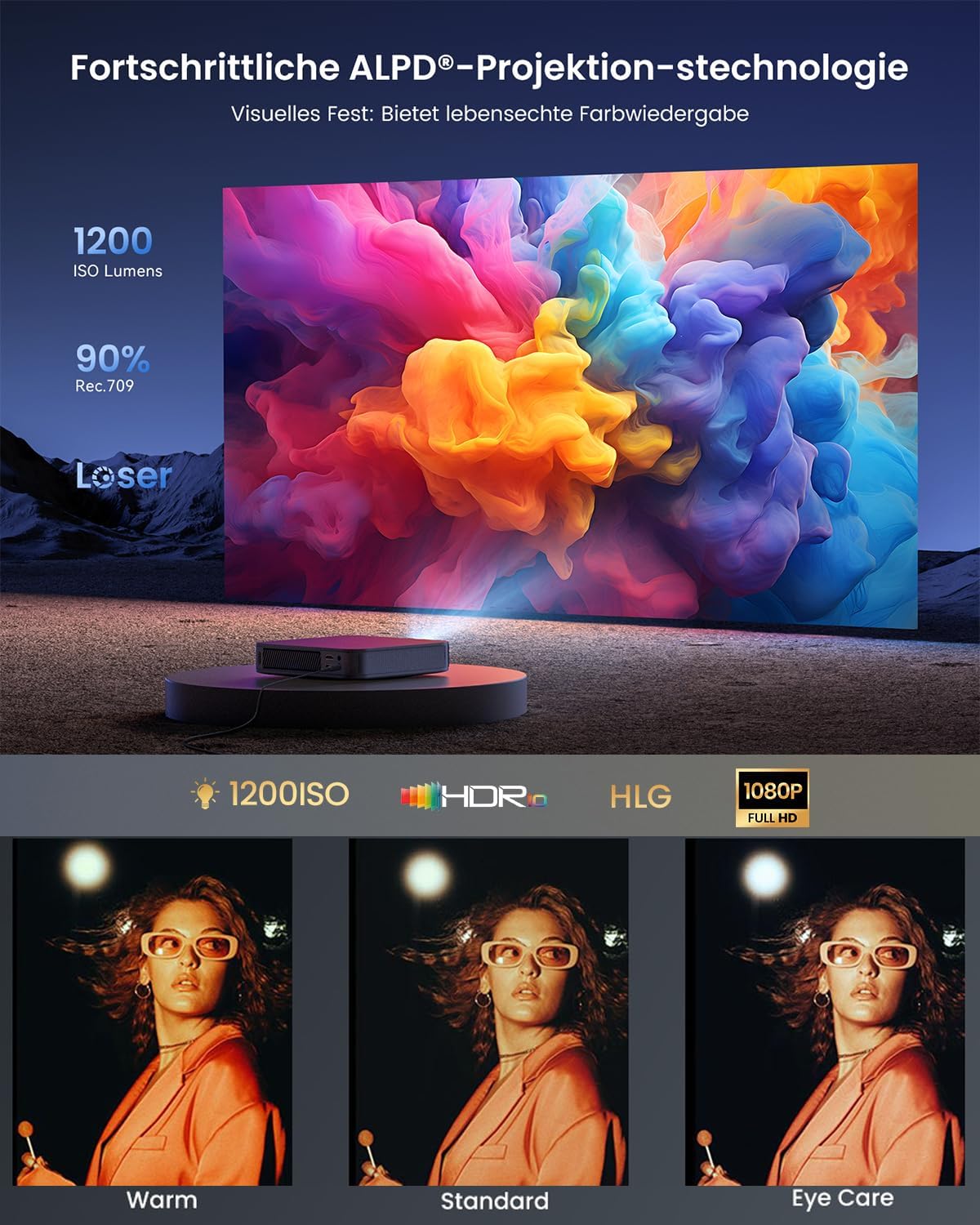
Image: A vibrant projection demonstrating the ALPD 3.0 technology, 1200 ISO Lumens, HDR, HLG, and 1080P Full HD capabilities.

Image: A comparison illustrating the superior image quality of ALPD DLP (Full HD) over LCD, and the significantly longer lifespan of laser projectors (30,000 hours) compared to lamp projectors (3,000 hours).
7. Maintenance
Proper maintenance ensures the longevity and optimal performance of your projector.
- Lens Cleaning: Use a soft, lint-free cloth specifically designed for optical lenses to gently wipe the projector lens. Do not use abrasive cleaners or excessive force.
- Exterior Cleaning: Wipe the exterior of the projector with a soft, dry cloth. For stubborn marks, a slightly damp cloth can be used, but ensure no moisture enters the device.
- Ventilation: Regularly check that the ventilation grilles are free from dust and debris to prevent overheating. Do not use compressed air directly into the vents as it can push dust further inside.
- Storage: When not in use for extended periods, store the projector in a cool, dry place, away from direct sunlight and extreme temperatures.
8. Troubleshooting
If you encounter issues with your projector, refer to the following common problems and solutions:
| Problem | Possible Cause | Solution |
|---|---|---|
| No Power | Power cable not connected; power outlet faulty. | Ensure power cable is securely connected. Try a different power outlet. |
| No Image | Input source incorrect; device not connected; lens cap on. | Select correct input source (HDMI, USB). Check device connections. Remove lens cap. |
| Image Blurry | Out of focus; projector too close/far; lens dirty. | Allow autofocus to adjust. Adjust projector distance. Clean the lens. |
| Image Distorted (Trapezoid) | Projector not perpendicular to screen. | Allow automatic keystone correction to adjust. If needed, manually adjust in settings. |
| No Sound | Volume too low; external audio device not connected; audio format unsupported. | Increase volume. Check external audio connections. Ensure audio format is supported. |
| Remote Control Not Working | Batteries low/dead; remote not paired. | Replace batteries. Re-pair the remote control according to pairing instructions. |
If the problem persists, please contact customer support.
9. Specifications
Detailed technical specifications for the Dangbei Atom Mini Projector:
| Feature | Detail |
|---|---|
| Brand | Dangbei |
| Product Type | Mini Projector |
| Display Resolution | 1920 x 1080 (Full HD) |
| Display Type | DLP |
| Brightness | 1200 ISO Lumens (ALPD 3.0) |
| Contrast Ratio | Minimum 1000:1 |
| Compatible Devices | HDMI, Wi-Fi, Bluetooth enabled devices |
| Wireless Connectivity | Wi-Fi 6, Bluetooth 5.1 |
| Included Components | Adapter |
| Power | 5 Watts (speakers) |
| Controller Type | Application Control |
| Maximum Projection Distance | 5 Meters |
| Weight | 1.28 kg |
| Features | Autofocus, Automatic Keystone Correction, Intelligent Obstacle Avoidance, Intelligent Screen Fit, HDR10, HLG, Dolby Audio, 3D Support, Official Netflix |
| ASIN | B0D17VDS2B |
| Date First Available | April 9, 2024 |
10. Warranty and Support
10.1 Warranty Information
Dangbei offers a worry-free guarantee for the Atom Mini Projector. In case of a defect covered by warranty, a replacement unit will be provided instead of a repair. Please refer to the specific warranty terms and conditions provided at the time of purchase or on the official Dangbei website for full details.
10.2 Customer Support
For technical assistance, troubleshooting beyond this manual, or warranty claims, please contact Dangbei customer support. You can typically find contact information on the official Dangbei website or through your retailer.
Please have your product model (Atom Mini) and ASIN (B0D17VDS2B) ready when contacting support to expedite the process.
Related documentsAtom Mini


Ask a question about this manual
Ask about setup, troubleshooting, compatibility, parts, safety, or missing instructions. Manuals+ will review the question and use this page’s manual context to help answer it.