

1. Introduction
This manual provides essential information for the safe and effective operation and maintenance of your AVID POWER AG640 4-1/2 inch angle grinder. Please read all instructions carefully before use to ensure proper handling and to prevent injury or damage.
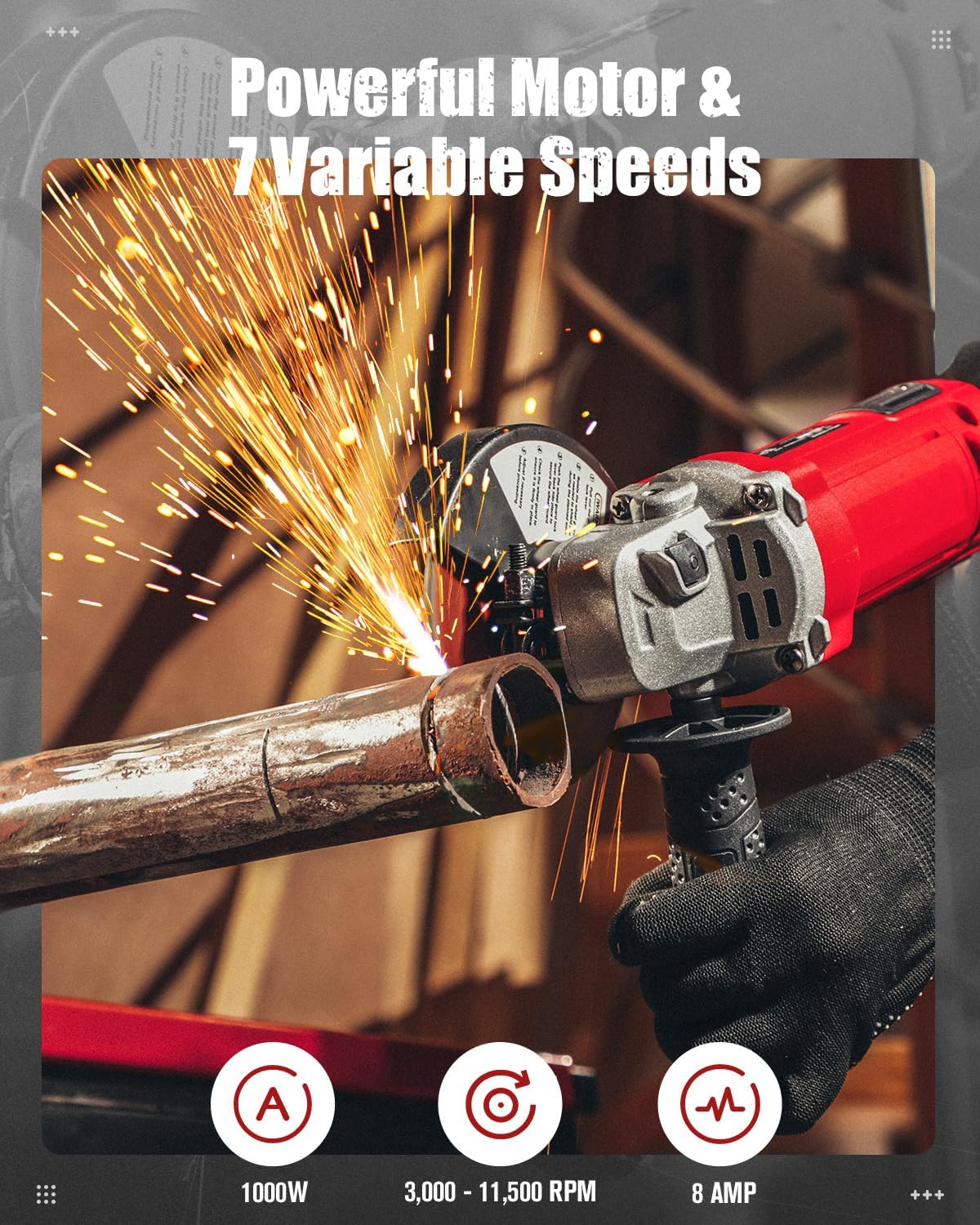
The AVID POWER AG640 is a versatile 4-1/2 inch electric angle grinder equipped with an 8.0 Amp, 1000W motor, offering 7 variable speeds ranging from 3,000 to 11,500 RPM. It features a paddle switch with a lock-on button for continuous operation, a protective wheel guard, and a comfortable non-slip grip. The adjustable 2-position handle accommodates both left and right-handed users.
2. Package Contents
Verify that all items are present upon unpacking:
- 1 x AVID POWER AG640 4-1/2 Inch Angle Grinder
- 1 x Side Handle
- 1 x Wheel Guard
- 1 x Lock Nut Wrench
- 2 x Carbon Brushes
- 2 x Cutting Wheels (4-1/2 inch)
- 2 x Metal Grinding Wheels (4-1/2 inch)

3. Safety Information
Always wear appropriate personal protective equipment (PPE) including safety glasses, hearing protection, and gloves when operating the angle grinder. Ensure the work area is clear of obstructions and well-ventilated. Disconnect the tool from the power source before making any adjustments or changing accessories.

4. Setup and Assembly
4.1 Overview of Parts

4.2 Attaching the Side Handle
The side handle can be attached to either side of the grinder's gear housing for optimal control and comfort, suitable for both left and right-handed users. Screw the side handle firmly into the desired position.

4.3 Installing the Wheel Guard
Position the wheel guard over the spindle housing. Ensure it is securely fastened and oriented to deflect sparks and debris away from the user.
4.4 Installing/Changing Grinding or Cutting Wheels
- Ensure the grinder is unplugged from the power source.
- Press and hold the spindle lock button.
- Use the provided lock nut wrench to loosen and remove the flange nut.
- Place the desired grinding or cutting wheel onto the spindle, ensuring it is centered.
- Replace the flange nut and tighten it securely with the lock nut wrench while still holding the spindle lock button.
- Ensure the wheel is correctly installed with the appropriate side facing outwards (e.g., flat side up for grinding wheels, convex side up for cutting wheels).


5. Operating Instructions
5.1 Powering On/Off and Continuous Operation
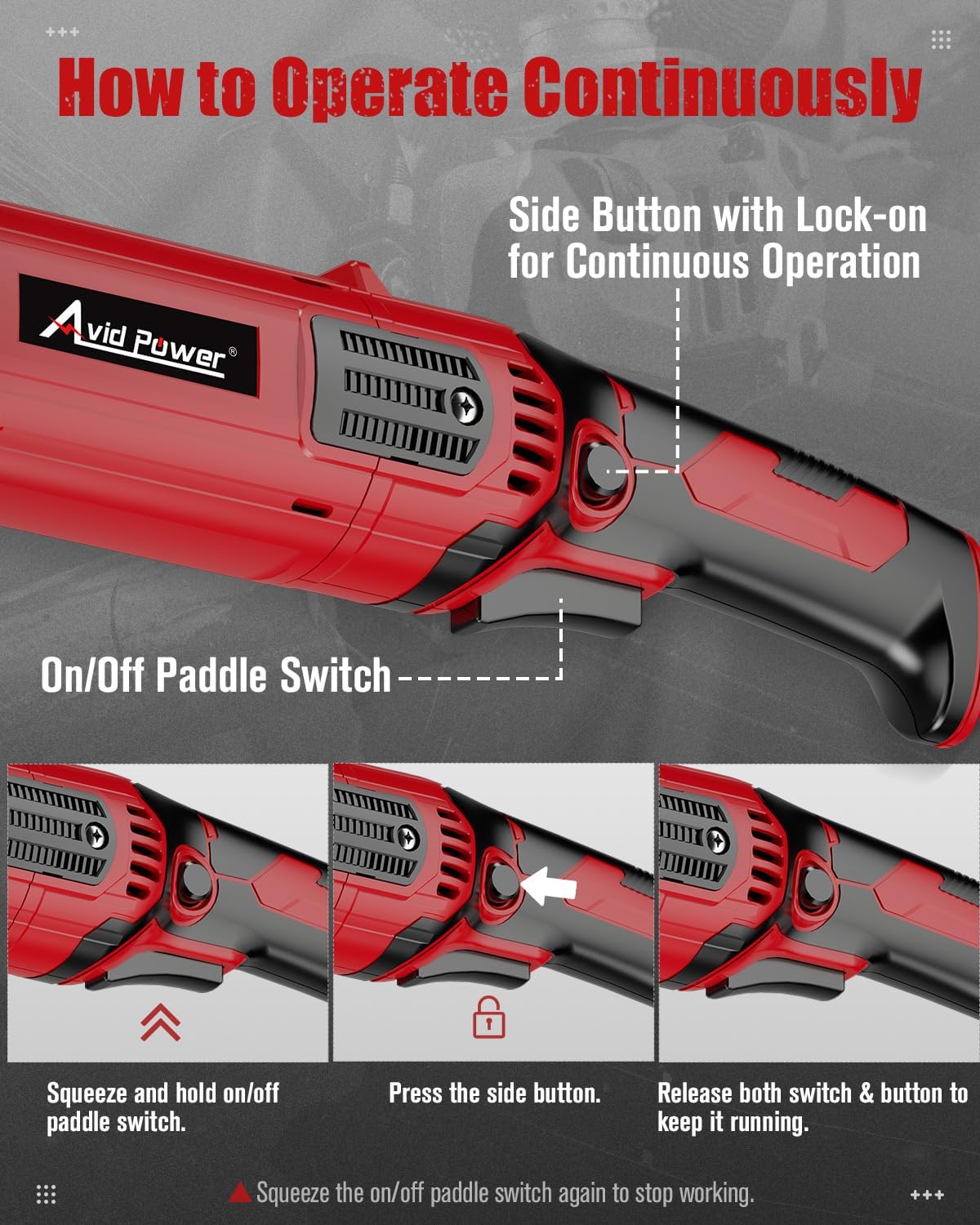
The grinder features a paddle switch for activation and a lock-on button for continuous use.
- To start: Squeeze and hold the on/off paddle switch.
- For continuous operation: Squeeze the paddle switch, then depress the side lock-on button. You can then release the paddle switch and button, and the tool will continue to run.
- To stop from continuous operation: Squeeze the paddle switch again.
5.2 Variable Speed Control
Adjust the speed dial to select one of the 7 available speeds (3,000 - 11,500 RPM) to match the material and application. Lower speeds are suitable for polishing or delicate work, while higher speeds are for aggressive grinding and cutting.
5.3 Applications
The AVID POWER AG640 angle grinder is suitable for various tasks including:
- Metal Grinding: Use appropriate grinding wheels for smoothing welds, removing rust, or shaping metal surfaces.
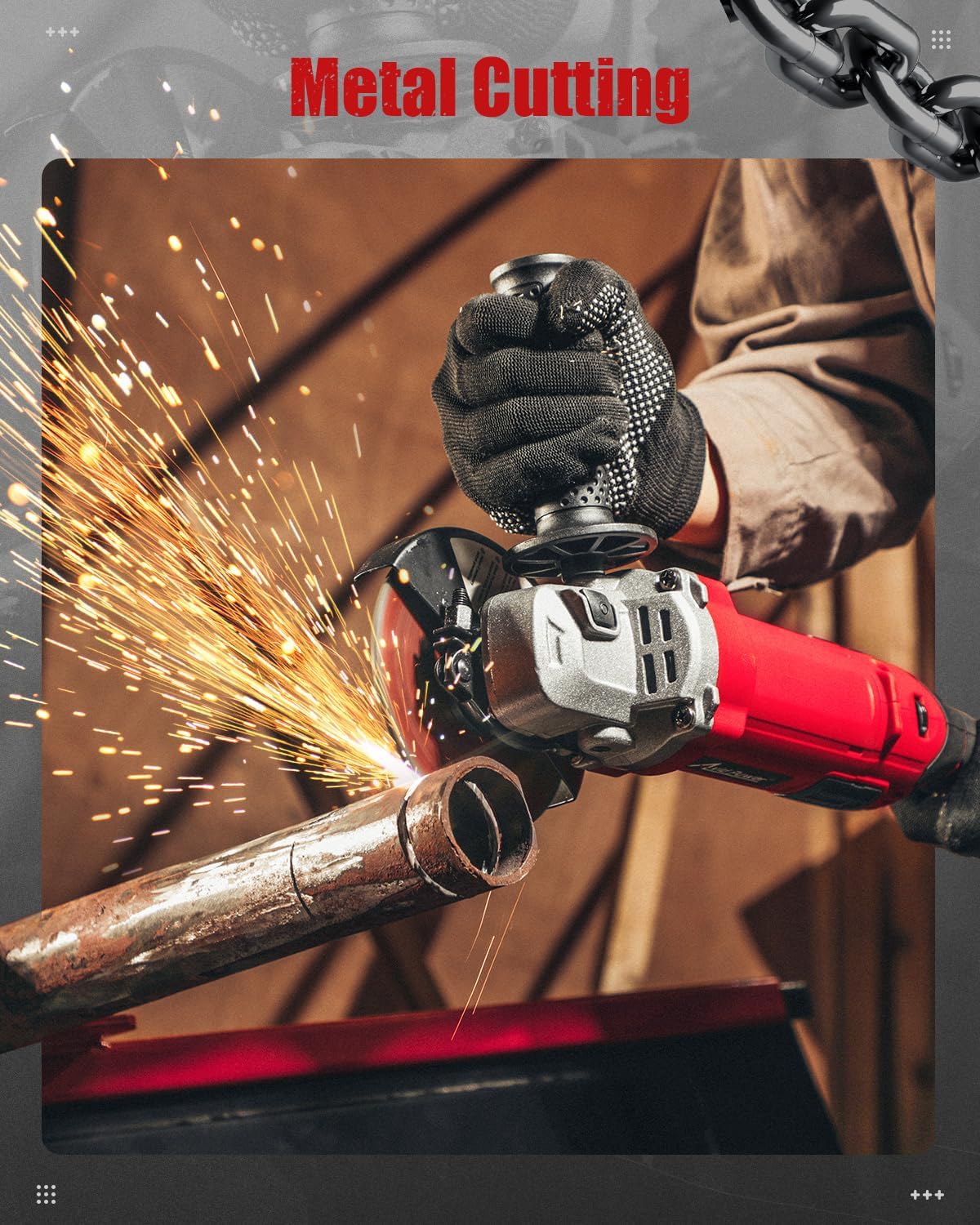
- Metal Cutting: Use appropriate cutting wheels for cutting metal pipes, rebar, or sheet metal.

Video: Official AVID POWER demonstration of the variable speed angle grinder with lock-on switch, showcasing its features and operation.
6. Maintenance
6.1 General Cleaning
Regularly clean the tool's ventilation openings to prevent overheating. Use compressed air to clear dust and debris from the motor housing. Do not use solvents or harsh chemicals.
6.2 Carbon Brush Replacement
The angle grinder is supplied with spare carbon brushes. If the tool experiences reduced power or intermittent operation, the carbon brushes may need replacement. Consult a qualified technician or refer to detailed instructions for replacing carbon brushes specific to this model.
7. Troubleshooting
| Problem | Possible Cause | Solution |
|---|---|---|
| Tool does not start | No power supply; Faulty power cord; Worn carbon brushes | Check power outlet and cord; Replace carbon brushes if worn. |
| Reduced power or intermittent operation | Worn carbon brushes; Overheating; Clogged ventilation | Replace carbon brushes; Allow tool to cool; Clean ventilation openings. |
| Excessive vibration | Improperly installed wheel; Damaged wheel | Ensure wheel is correctly and securely installed; Replace damaged wheel. |
8. Specifications
| Feature | Detail |
|---|---|
| Brand | AVID POWER |
| Model Number | AG640 |
| Power Source | Corded Electric |
| Voltage | 120V AC |
| Wattage | 1000W |
| Amperage | 8.0 Amp |
| Maximum Rotational Speed | 11,500 RPM |
| Variable Speeds | 7 settings (3,000 - 11,500 RPM) |
| Disc Diameter | 4-1/2 inches |
| Product Dimensions (L x W x H) | 13.58" x 2.95" x 3.94" |
| Item Weight | 4.2 pounds |
| Material | Acrylonitrile Butadiene Styrene, Aluminum |
9. Warranty and Support
For warranty information or technical support, please contact AVID POWER customer service. Keep your purchase receipt as proof of purchase.
Contact information can typically be found on the manufacturer's official website or on the product packaging.