
Introduction
The Dreamegg Nite 7 Wake-Up Light Alarm Clock is designed to enhance your sleep and waking experience. It features a sunrise simulation to gently wake you, a selection of 30 soothing sounds for relaxation and sleep, 8 night light colors, and a convenient snooze function. This manual provides detailed instructions for setup, operation, and maintenance of your device.
Package Contents
- Dreamegg Nite 7 Wake-Up Light Alarm Clock
- Power Adapter
- User Manual
Setup
- Power Connection: Connect the provided power adapter to the DC input port on the back of the device, then plug it into a standard wall outlet. The device requires continuous power for operation.
- Initial Time Setting: Upon first power-up, the display will show a default time. Use the time setting buttons (usually located on the back or bottom) to adjust the hour and minute. Refer to the "Operating" section for detailed time adjustment instructions.
- Placement: Place the alarm clock on a stable, flat surface such as a bedside table, ensuring it is within reach of a power outlet.

Image: Connecting the power cable to the Dreamegg Nite 7 device.
Operating Instructions
1. Setting the Time
- Press the Time Set button (refer to device for exact button label).
- Use the +/- buttons to adjust the hour.
- Press Time Set again to confirm the hour and move to minutes.
- Use the +/- buttons to adjust the minutes.
- Press Time Set one more time to save the time.
2. Setting the Alarm and Sunrise Simulation
- Press the Alarm Set button.
- Adjust the alarm time using the +/- buttons.
- Press Alarm Set to confirm.
- Select an alarm sound from the 5 available options using the Sound button.
- Adjust the alarm volume using the Volume buttons.
- Set the sunrise simulation duration (5 to 60 minutes) before the alarm time. The light will gradually brighten during this period.
- Press Alarm Set to save.
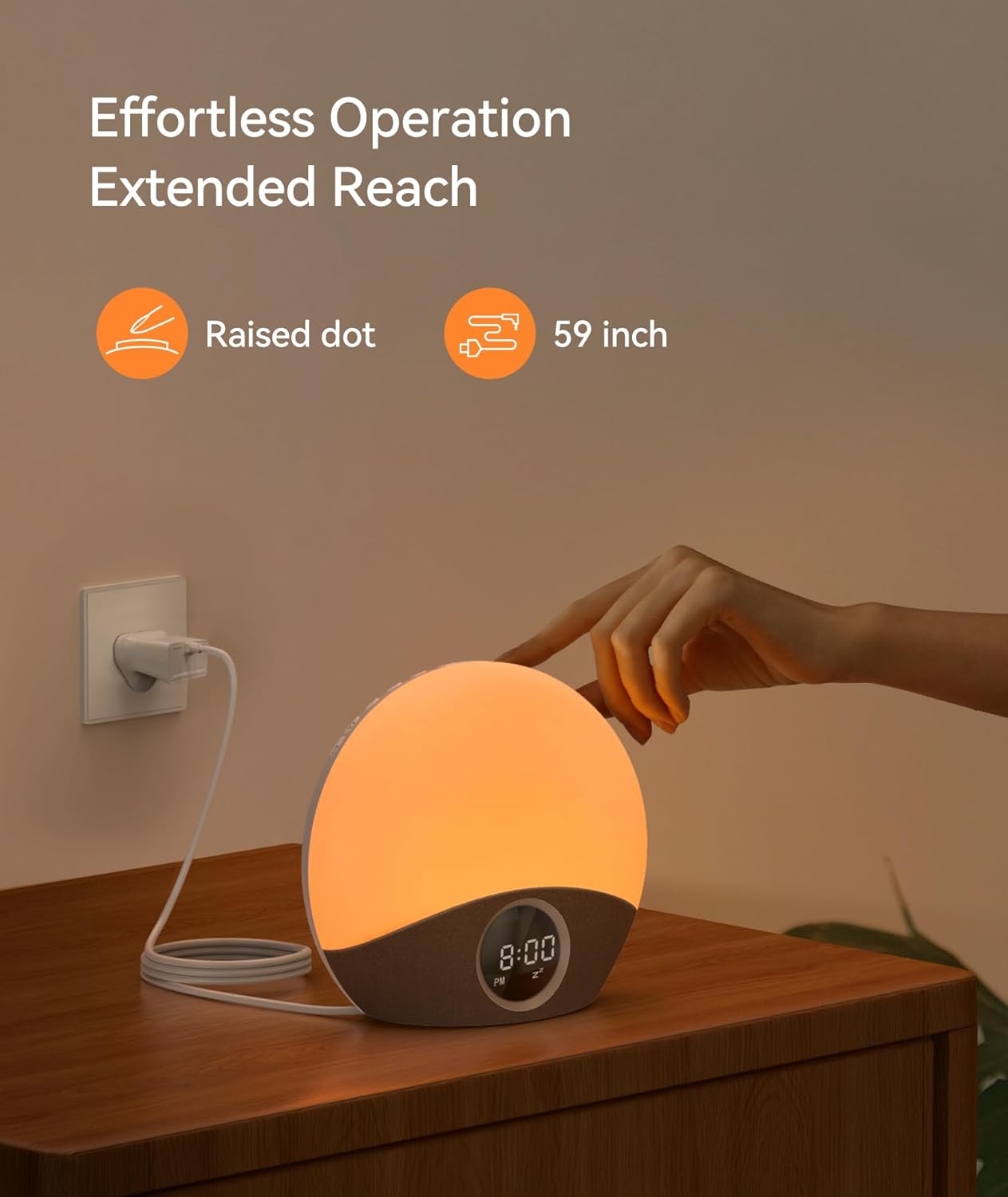
Image: Visual representation of the sunrise simulation feature.

Image: The Dreamegg Nite 7 gently waking a user with light and sound.
3. Using Soothing Sounds for Sleep
- Press the Sound button to cycle through 30 soothing sounds (e.g., white noise, nature sounds, lullabies, meditation music).
- Adjust the volume using the Volume buttons.
- Set a sleep timer (5 to 180 minutes) if desired, after which the sound will gradually fade out.

Image: A selection of 30 soothing sounds for improved sleep.

Image: The Dreamegg Nite 7 providing a calming environment for sleep.
4. Night Light Function
- Press the Light button to turn on the night light.
- Cycle through 8 different colors by pressing the Light button repeatedly.
- Adjust the brightness (0-100%) using the dedicated dimmer buttons or +/- buttons when the light is active.
- Press and hold the Light button to turn off the night light.

Image: Customizable night light settings with various colors and brightness levels.
5. Snooze Function
- When the alarm sounds, press the Snooze button (often a large button on top or front) to pause the alarm for 9 minutes.
- The alarm will sound again after 9 minutes.
- To turn off the alarm completely, press any other button (e.g., Alarm Set, Light, Sound).
6. Display Dimmer
- The LED display brightness can be adjusted. Locate the Display Dimmer buttons (often +/- or a dedicated button) on the device.
- Adjust to your preferred brightness level for comfortable viewing without disturbing sleep.
Image: Adjusting the display brightness for optimal viewing.
Maintenance
- Cleaning: Wipe the device with a soft, dry cloth. Do not use abrasive cleaners or solvents.
- Storage: If storing the device for an extended period, unplug it from the power outlet and store it in a cool, dry place.
- Avoid Water: This device is not waterproof. Keep it away from water and high humidity.
Troubleshooting
| Problem | Possible Cause | Solution |
|---|---|---|
| Device does not turn on. | Not properly connected to power. | Ensure the power adapter is securely plugged into both the device and a working wall outlet. |
| Alarm does not sound. | Alarm not set or volume too low. | Verify alarm settings and ensure the volume is set to an audible level. |
| Light is not working. | Light function is off or brightness is set to minimum. | Press the Light button to activate, and adjust brightness using the dimmer controls. |
| Display is too dim or too bright. | Display brightness needs adjustment. | Use the Display Dimmer buttons to adjust the brightness to your preference. |
Specifications
- Model Number: HFD-W23
- Dimensions (L x W x H): 18.8 x 18.8 x 18.8 cm
- Weight: 680 grams
- Material: Plastic (Acrylonitrile Butadiene Styrene)
- Light Type: LED
- Power Source: Electric Cable
- Features: Sunrise Simulation, 30 Soothing Sounds, 8 Night Light Colors, Variable Brightness, Snooze Function, Compact Design
- Age Range Description: Child (suitable for all ages)
Warranty and Support
The Dreamegg Nite 7 Wake-Up Light comes with a 365-day warranty from the date of purchase. This warranty covers manufacturing defects and ensures your satisfaction with the product.
For any questions, concerns, or technical support, please contact our dedicated customer support team. Contact information can typically be found on the product packaging or our official website.
Please retain your proof of purchase for warranty claims.