
MAXUS D207
MAXUS Coffee Scale User Manual
Model: D207
Introduction
Thank you for choosing the MAXUS Coffee Scale. This high-precision digital scale is designed to enhance your coffee brewing experience, whether for espresso or pour-over methods. With its IP65 waterproof rating, USB rechargeable battery, and clear LCD display, it provides accurate and reliable measurements for consistent results.

The MAXUS Coffee Scale, showcasing its compact design and included USB charging cables.
Product Features
- IP65 Waterproof Design: Ensures durability and reliability in various brewing environments.
- High Precision: Measures up to 2kg with an accuracy of 0.1g, ideal for precise coffee and water measurements.
- LCD Screen: Provides clear and easily readable measurements, even in low-light conditions.
- USB Rechargeable Battery: Equipped with a 1000mAh battery for extended usage and convenient Type-C charging.
- Integrated Timer: Essential for monitoring brewing time, especially for pour-over and espresso.

Key features of the MAXUS Coffee Scale, highlighting its multifunctionality.
Getting Started (Setup)
Charging the Scale
Before first use, fully charge the scale. Connect the provided USB Type-C cable to the charging port on the side of the scale and plug the other end into a compatible USB power source (e.g., computer, wall adapter). The battery indicator on the LCD will show charging status.

The Type-C charging interface with its protective cap.
Power On/Off
- To power on, press the ON button.
- To power off, press the OFF button.
- The scale features an auto-shutoff function to conserve battery life.
Operating Modes
The MAXUS Coffee Scale offers two distinct operating modes to suit different brewing preferences.
Mode 1: Fully Manual
- The mode indicator displays "1" on the right side of the LCD.
- No automatic functions are active in this mode.
- The user must manually press the appropriate buttons for tare and timer functions.
- Press the TIMER button to start timing, press again to pause, and press and hold to reset to 0:00.
Mode 2: For Making Espresso
- The mode indicator displays "2" on the right side of the LCD.
- Place your cup on the platform; the weight will automatically tare.
- Start your espresso machine; the timer will begin to count up automatically.
- Weight is displayed as it increases.
- After the cup is removed, the last time and weight will be displayed for 5 seconds. The display then returns to 0:00 and 0.0g.
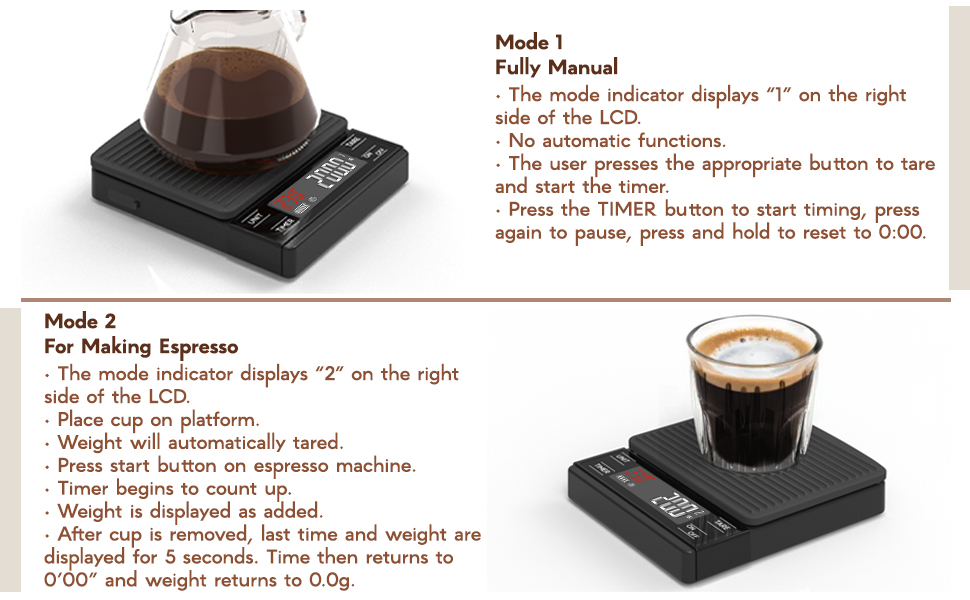
Detailed explanation of Mode 1 (Fully Manual) and Mode 2 (For Making Espresso).
Basic Operations
Unit Conversion
Press the UNIT button to cycle through available measurement units (e.g., grams, ounces).
Tare Function
To zero out the weight of a container or previous ingredients, place the item on the scale and press the TARE button. The display will reset to 0.0g.
Timer Function
In Mode 1, press the TIMER button to start/pause the timer. Press and hold to reset. In Mode 2, the timer operates automatically as described above.
The scale actively displaying weight and time during espresso preparation.
Care and Maintenance
Cleaning
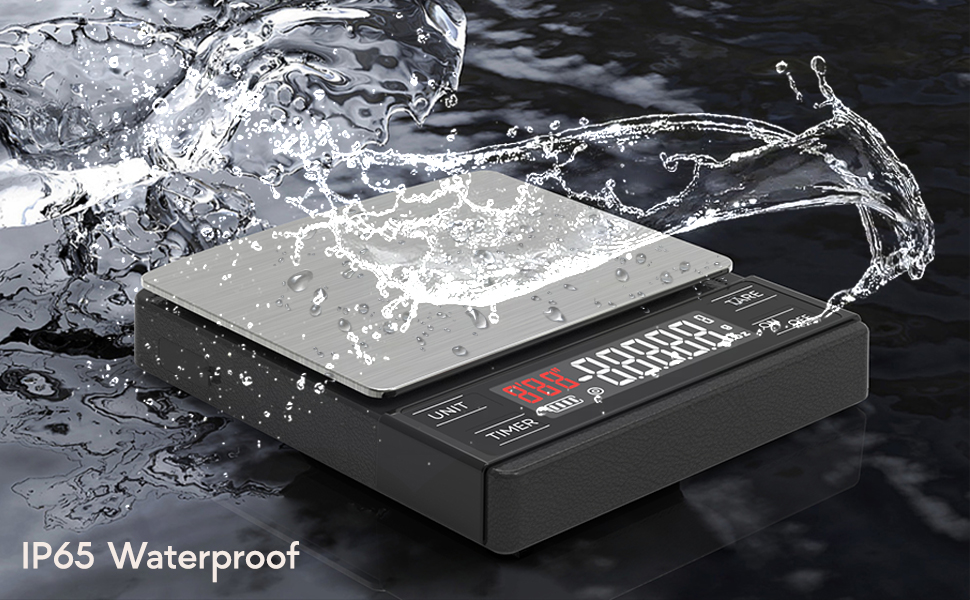
The MAXUS Coffee Scale has an IP65 waterproof rating, meaning it is protected against low-pressure water jets from any direction. This makes cleaning simple. Wipe the scale with a damp cloth. Do not immerse the scale in water or use abrasive cleaners.
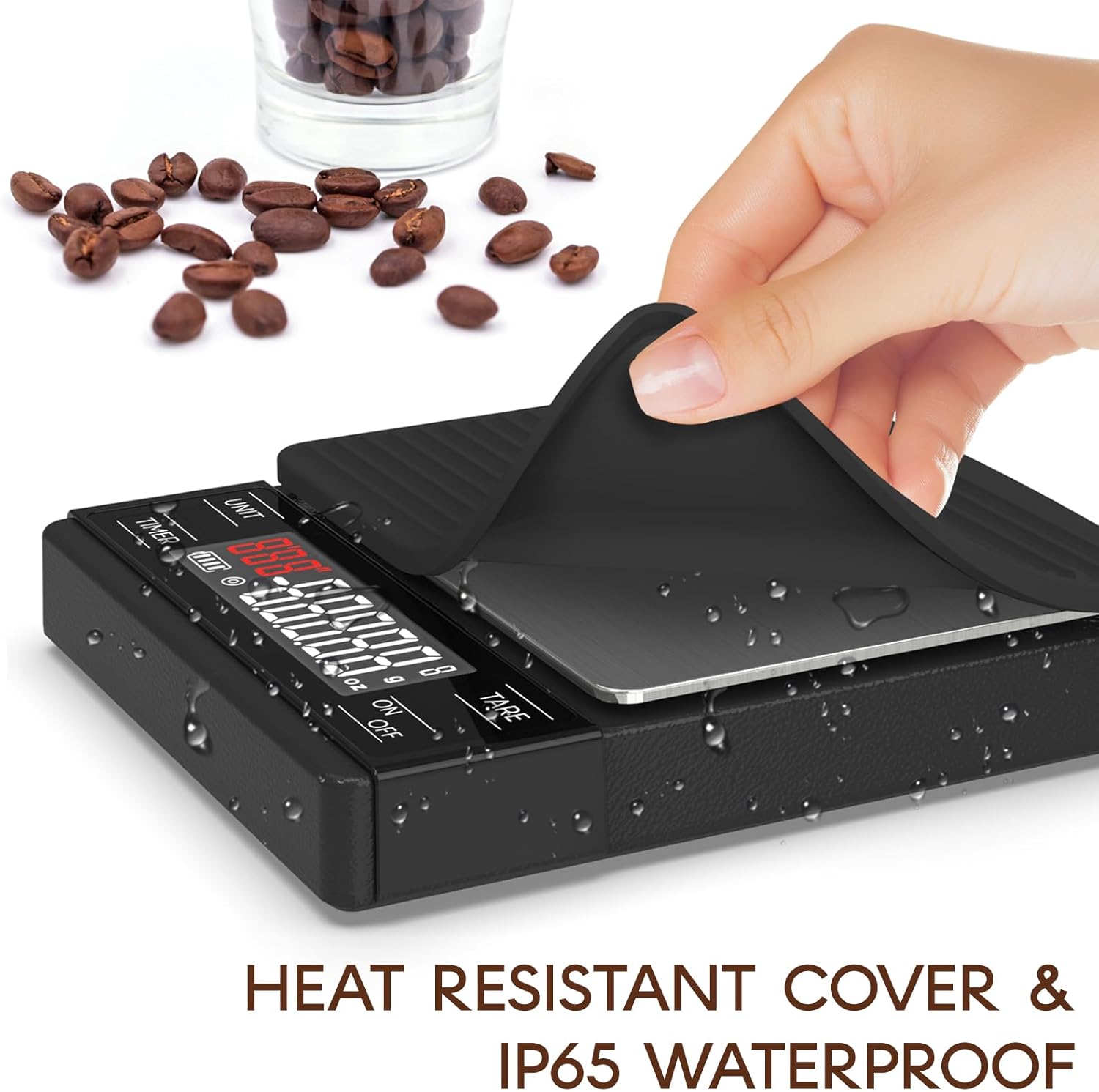
The heat-resistant cover and IP65 waterproof design allow for easy cleaning.
Storage
Store the scale in a dry, cool place away from extreme temperatures and direct sunlight. Ensure the protective cap for the Type-C port is securely closed when not charging.
Troubleshooting
- Inconsistent Readings: Ensure the scale is placed on a flat, stable, and level surface. Avoid placing it near vibrating machinery or in drafty areas. Recalibration may be necessary if persistent inconsistencies occur (refer to manufacturer's website for calibration instructions if not provided in packaging).
- Scale Not Turning On: Check the battery level. If low, recharge the scale using the provided USB Type-C cable.
- Display Error Messages: If an error message appears (e.g., "EEEE"), it may indicate an overload. Remove items from the scale immediately. If the error persists, contact customer support.
- Scale Shuts Off When Wet: While the scale is IP65 waterproof, excessive water directly on the display or buttons can sometimes interfere with operation. Wipe off any liquid immediately. If the issue persists, ensure the charging port's protective cap is sealed and allow the scale to dry completely before attempting to use it again.
Specifications
| Specification | Detail |
|---|---|
| Brand | MAXUS |
| Model Number | D207 |
| Color | Matte black |
| Weight Limit | 2 Kilograms (2000g) |
| Readout Accuracy | 0.1 Grams |
| Display Type | LCD |
| Battery Capacity | 1000mAh |
| Charging Interface | USB Type-C |
| Waterproof Rating | IP65 |
| Item Weight | 7.2 ounces (0.45 Pounds) |
| Material | Stainless Steel |
Warranty and Support
For warranty information and customer support, please refer to the documentation included with your purchase or visit the official MAXUS website. Keep your purchase receipt for warranty claims.
Related documentsD207

Ask a question about this manual
Ask about setup, troubleshooting, compatibility, parts, safety, or missing instructions. Manuals+ will review the question and use this page’s manual context to help answer it.