
1. Introduction
Thank you for choosing the ZHXINSD W-GC5MP-US Outdoor Security Camera System. This manual provides essential information for the proper installation, operation, and maintenance of your security camera. Please read this manual thoroughly before using the product to ensure optimal performance and safety. Keep this manual for future reference.
2. Product Overview
The ZHXINSD W-GC5MP-US is a high-performance wireless outdoor security camera designed to provide reliable surveillance for your home or property. It features advanced functionalities such as PTZ control, smart motion detection, two-way audio, and dual-band Wi-Fi connectivity.
Key Features:
- 5MP Color Night Vision: Provides clear, detailed images even in low-light conditions, with an option for full-color night vision using integrated spotlights.
- PTZ Control: Pan-Tilt-Zoom functionality with 355° horizontal rotation and 140° vertical tilt for comprehensive area coverage.
- Smart Detection & Instant Alerts: Advanced motion detection capable of identifying people, pets, and vehicles, sending immediate alerts via app, siren, or email.
- Indoor/Outdoor Use (IP67): Durable design with an IP67 waterproof rating, suitable for various weather conditions from -30°C to 65°C (-22°F to 149°F).
- Humanoid Tracking & Two-way Audio: Automatically tracks human movement and allows for real-time communication through a built-in microphone and speaker.
- 2.4/5 GHz Dual-Band Wi-Fi: Supports both 2.4 GHz for extended range and 5 GHz for faster data transmission.
- Customized Area Motion Detection: Define specific zones for motion detection to reduce false alarms.
- 4K Video Recording: Captures high-resolution video for clear surveillance footage.
Components:
The package includes the ZHXINSD W-GC5MP-US security camera and necessary mounting accessories. Please check all components upon unboxing.
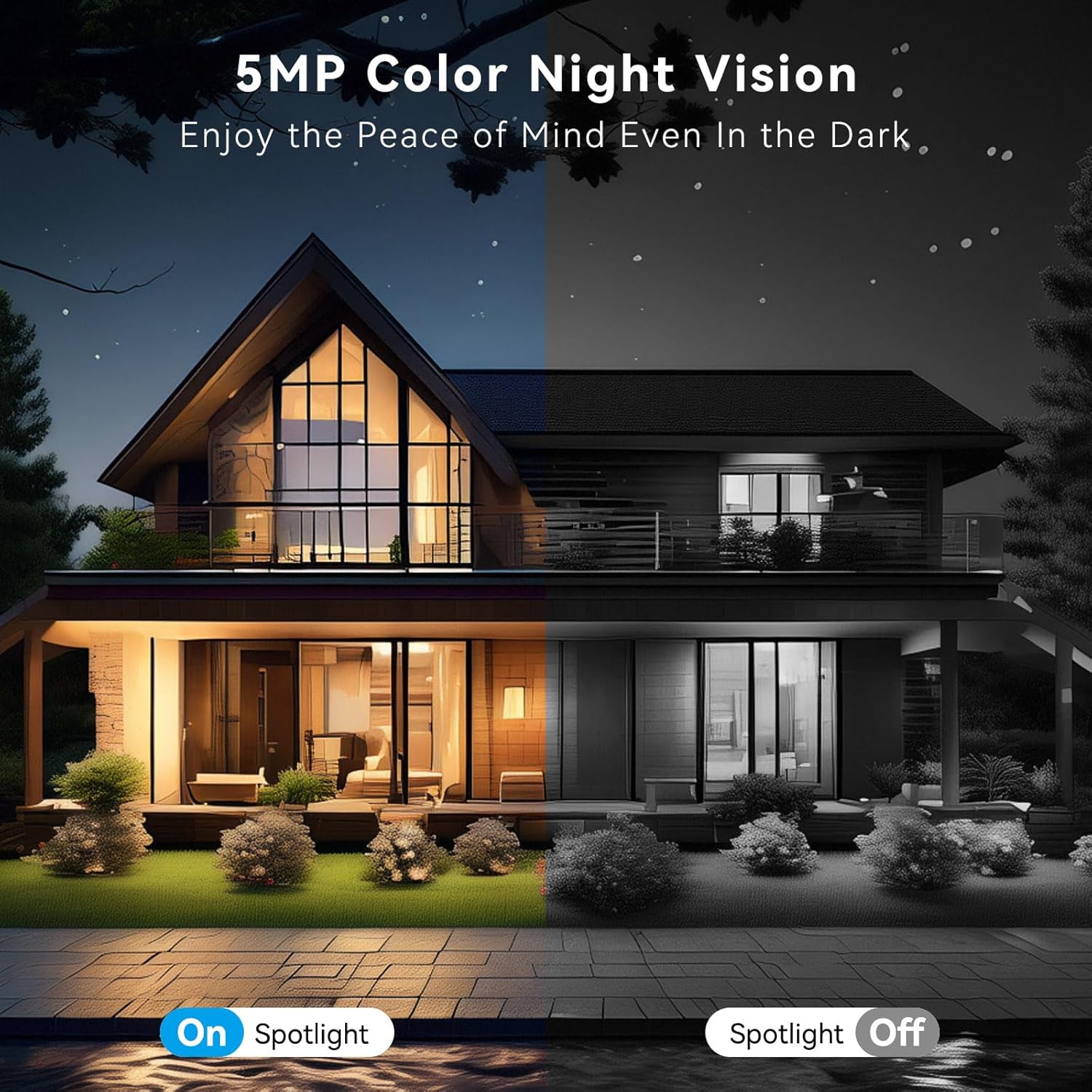
This image demonstrates the camera's 5MP color night vision capability. The left side shows a house illuminated by the camera's spotlight, providing full-color visibility in the dark. The right side shows the same scene with the spotlight off, displaying standard black and white night vision.

This image highlights the camera's Pan-Tilt-Zoom (PTZ) functionality, indicating a 355-degree horizontal rotation and a 140-degree vertical tilt for comprehensive area coverage.

This image illustrates the camera's smart detection feature, which can identify objects like people, pets, and vehicles. It also shows how the system sends instant alerts via siren, app push notifications, and email when motion is detected.
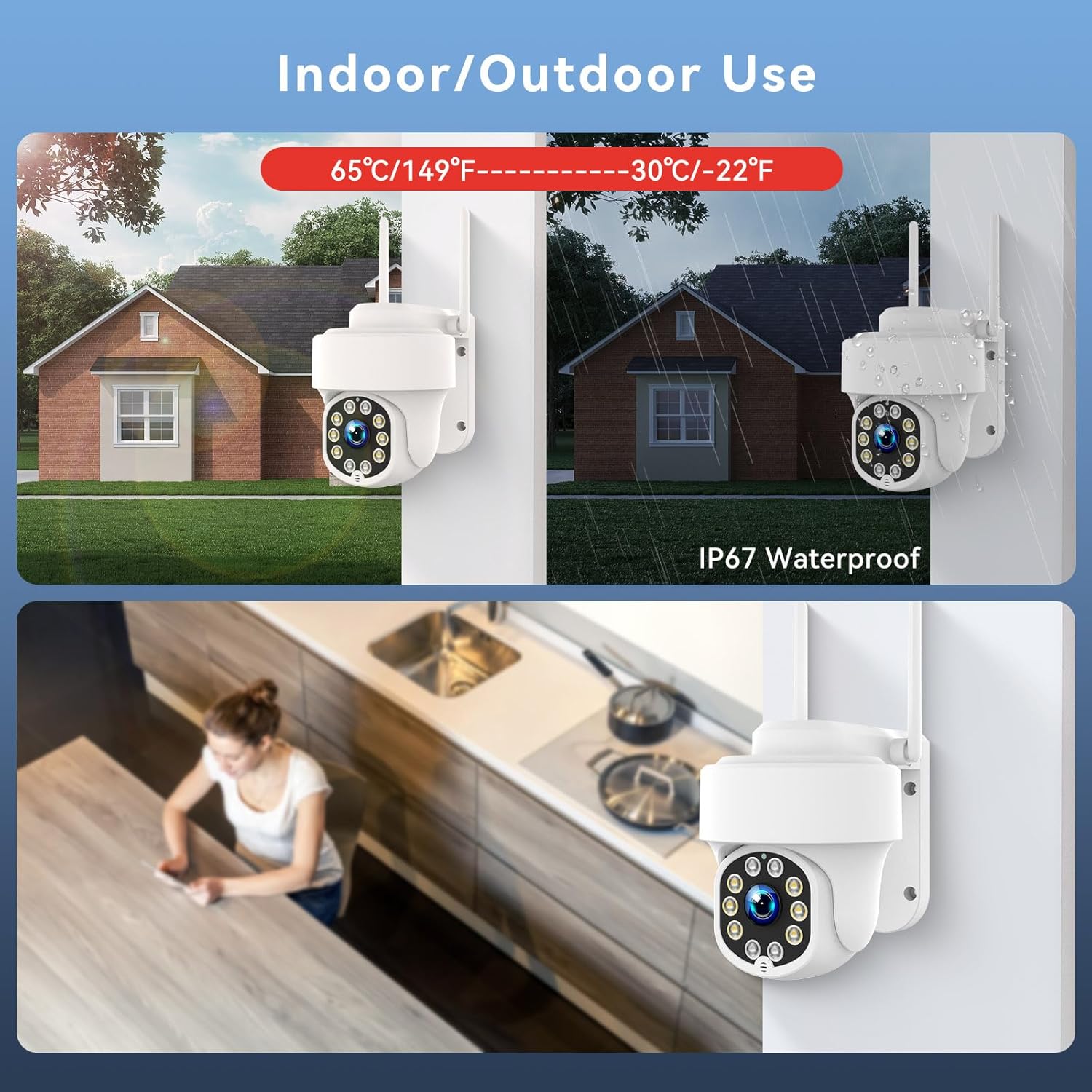
This image demonstrates the camera's versatility for both indoor and outdoor use. It highlights its IP67 waterproof rating, indicating resilience to various weather conditions, from hot temperatures (up to 65°C/149°F) to cold (down to -30°C/-22°F).

This image showcases the camera's humanoid tracking and two-way audio features. It depicts the camera tracking a child playing and a parent communicating with the child through the camera's built-in speaker and microphone.
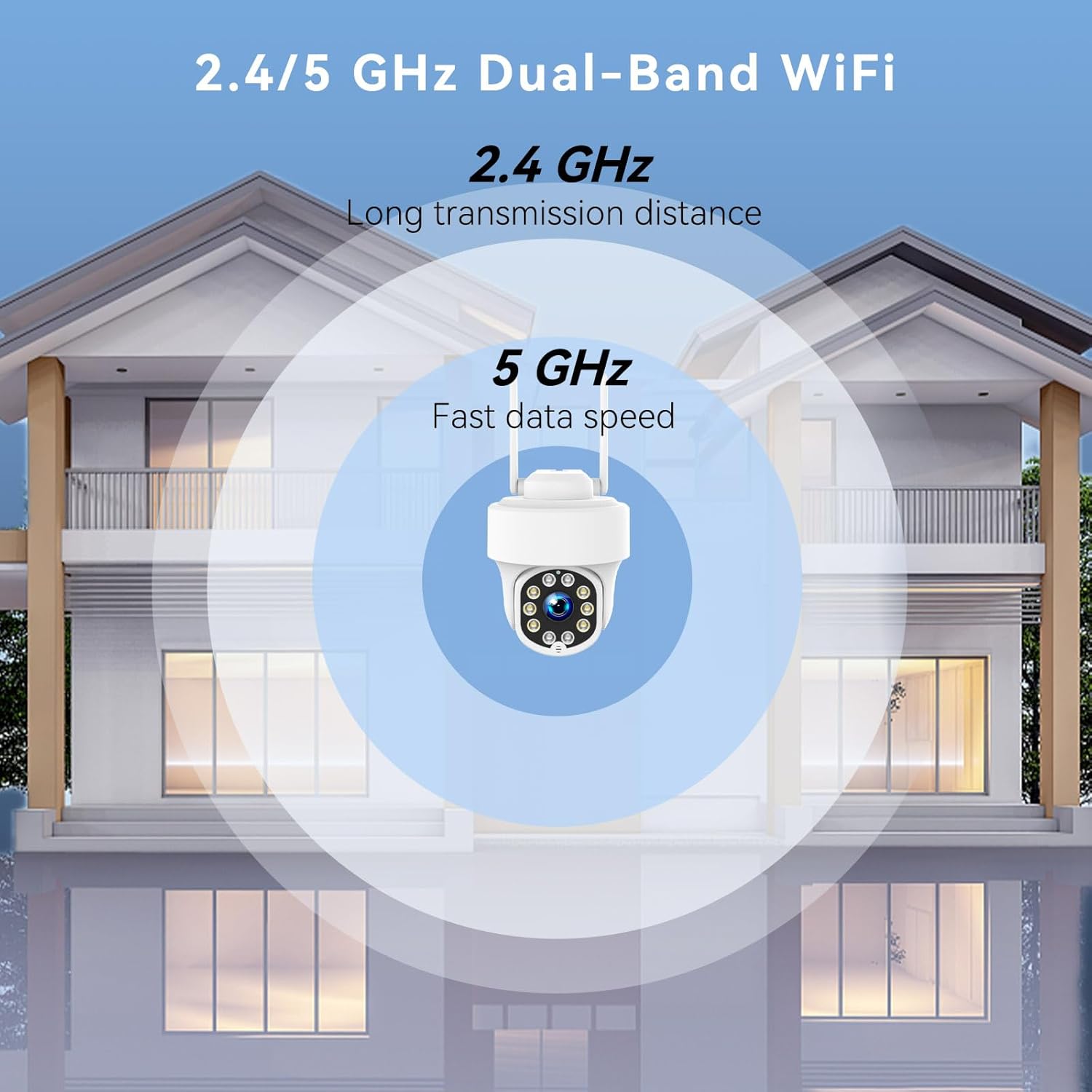
This image illustrates the camera's dual-band Wi-Fi capability, supporting both 2.4 GHz for longer transmission distance and 5 GHz for faster data speeds, ensuring flexible and reliable wireless connection.

This image demonstrates the ability to set up customized motion detection areas. Users can define specific zones within the camera's view to receive alerts only for activity in those important areas, as shown on the mobile application interface.
3. Setup
3.1 Unboxing and Initial Inspection
- Carefully unbox the camera and all accessories.
- Verify that all components are present and undamaged.
3.2 App Installation
- Download the recommended mobile application (e.g., EseeCloud, as suggested by image) from your smartphone's app store (iOS or Android).
- Register for an account and log in.
3.3 Camera Installation
- Choose a suitable mounting location. For outdoor use, ensure the camera has a clear field of view and is within Wi-Fi range.
- Mount the camera securely to a wall using the provided mounting hardware.
- Connect the camera to a power source using the electric cable.
3.4 Network Connection
- Power on the camera.
- Open the mobile application and follow the on-screen instructions to add a new device.
- Select your Wi-Fi network (supports 2.4 GHz and 5 GHz) and enter the password.
- Wait for the camera to connect to the network. A confirmation sound or indicator light will signal a successful connection.
4. Operating Instructions
4.1 Live View
Once connected, open the app and select your camera to view the live feed. You can monitor your property in real-time.
4.2 PTZ Control
In the live view interface, use the on-screen controls to pan (rotate horizontally 355°), tilt (rotate vertically 140°), and zoom the camera to adjust its viewing angle.
4.3 Motion Detection and Alerts
- Navigate to the camera settings in the app.
- Enable motion detection and adjust sensitivity levels as needed.
- Set up customized detection zones to focus on specific areas and minimize unwanted alerts.
- Configure alert preferences (app push notifications, email alerts, siren activation).
4.4 Two-Way Audio
In the live view, tap the microphone icon to speak through the camera's speaker and the speaker icon to listen to audio from the camera's surroundings.
4.5 Night Vision
The camera automatically switches to night vision in low light. You can enable or disable the integrated spotlight via the app for full-color night vision.
4.6 Video Recording and Playback
The camera supports continuous recording or event-triggered recording (motion detection). Recorded footage can be stored on a local SD card (not included) or cloud storage (subscription may be required). Access and playback recordings through the mobile app.
5. Maintenance
5.1 Cleaning
Periodically clean the camera lens with a soft, dry cloth to ensure clear image quality. Do not use harsh chemicals or abrasive materials.
5.2 Firmware Updates
Regularly check the mobile application for available firmware updates. Keeping your camera's firmware up-to-date ensures optimal performance, security, and access to new features.
5.3 Environmental Considerations
While the camera is IP67 rated for outdoor use, avoid direct exposure to extreme weather conditions for prolonged periods if possible. Ensure the power cable connection is secure and protected from moisture.
6. Troubleshooting
- Camera not powering on: Ensure the power adapter is correctly connected to the camera and a working power outlet.
- Cannot connect to Wi-Fi:
- Verify your Wi-Fi network name and password are correct.
- Ensure the camera is within range of your Wi-Fi router.
- Try restarting your router and the camera.
- Confirm your router supports 2.4 GHz or 5 GHz, and the camera is connecting to the correct band.
- Poor image quality:
- Clean the camera lens.
- Check your Wi-Fi signal strength; a weak signal can affect video streaming quality.
- Motion alerts not working:
- Ensure motion detection is enabled in the app settings.
- Adjust motion sensitivity.
- Check notification settings on your smartphone.
- Camera is offline: Restart the camera and check your internet connection. If the issue persists, try re-pairing the camera with the app.
If you encounter persistent issues, please refer to the support section of the mobile application or contact customer support.
7. Specifications
| Feature | Specification |
|---|---|
| Brand | ZHXINSD |
| Model Number | W-GC5MP-US |
| Model Name | Security Camera Outdoor |
| Recommended Use | Outdoor Security |
| Connectivity Technology | Wireless (Wi-Fi) |
| Special Feature | App Control |
| Indoor/Outdoor Use | Outdoor |
| Compatible Devices | Smartphone |
| Power Source | Electric Cable |
| Controller Type | Amazon Alexa (compatibility) |
| Mounting Type | Wall Mount |
| Alert Type | Motion Only |
| Effective Still Image Resolution | 5 MP |
| International Protection Rating | IP67 |
| Wireless Technology | Wi-Fi (2.4/5 GHz Dual-Band) |
| Batteries Required | No |
| Focus Type | Auto Focus |
| Optical Sensor Technology | CMOS |
| Included Components | Camera |
| Video Recording Resolution | 4K |
| Number of Channels | 10 (implied from data, likely for NVR systems) |
| Video Capture Format | AVI |
| Item Dimensions | 12.7 x 15.3 x 10.2 centimeters |
8. Warranty and Support
For warranty information, please refer to the documentation provided with your purchase or contact the seller directly. For technical support, troubleshooting assistance, or further inquiries, please use the support features within the mobile application or reach out to ZHXINSD customer service.
