
1. Introduction
The Retevis RM22 is a high-performance handheld marine radio designed for reliable communication in marine environments. It features IP67 waterproofing, allowing it to float and emit a flashing light if dropped in water, making it easy to retrieve. Equipped with a noise-cancelling microphone and 900mW audio power, it ensures clear sound quality even in noisy conditions. The radio includes 10 NOAA weather channels for real-time weather alerts and a powerful 2200mAh battery for extended use. Its user-friendly design with large, backlit LCD display and intuitive controls makes it suitable for various maritime activities.
Key features include:
- Long-range handheld marine radio for extensive communication.
- IP67 waterproof and floating design with flashing indicator light.
- Clear sound quality with 900mW audio power and noise reduction microphone.
- Built-in 2200mAh battery providing up to 12 hours of use and 120 hours of standby.
- Micro USB charging for convenience.
- 10 NOAA channels for 24-hour severe weather alerts.
- Backlit and easy-to-read LCD display.
- Dual/Tri watch function for monitoring emergency channel 16.
2. What's in the Box

Figure 2.1: Package Contents of the Retevis RM22 Marine Radio.
Upon opening the package, please verify that all the following items are included:
- 1x Retevis RM22 Two Way Radio
- 1x Battery
- 1x Belt Clip
- 1x Charge Base
- 1x Charger Cable
- 1x English User Manual
3. Setup
3.1 Battery Installation and Charging

Figure 3.1: Retevis RM22 Marine Radio in its charging base.
- Install Battery: Locate the battery compartment on the back of the radio. Align the battery with the contacts and gently push it into place until it clicks securely.
- Charge Battery: Connect the Micro USB charger cable to the charge base, then plug the charger into a power outlet. Place the radio into the charge base. The battery indicator on the LCD display will show charging status. A full charge typically takes several hours.
- Initial Charge: For optimal battery life, fully charge the battery before first use.
3.2 Attaching the Belt Clip
To attach the belt clip, align the clip with the grooves on the back of the radio and slide it downwards until it locks into place. To remove, lift the tab on the belt clip and slide it upwards.
4. Operating Instructions
4.1 Power On/Off and Volume Control
To power on the radio, rotate the top knob clockwise. To power off, rotate it counter-clockwise until it clicks. Adjust the volume by rotating the same knob. The backlit LCD display provides clear visibility of the current channel and settings.

Figure 4.1: One-key switch between Channel 9 and 16 for quick communication.
4.2 Channel Selection
Use the Up/Down arrow buttons to navigate through available channels. The radio supports standard marine VHF channels. For quick access to emergency channels, press the 16/C button to switch between Channel 16 (emergency) and the last selected working channel. Pressing it again will return to the previous channel.
4.3 Dual/Tri Watch Function
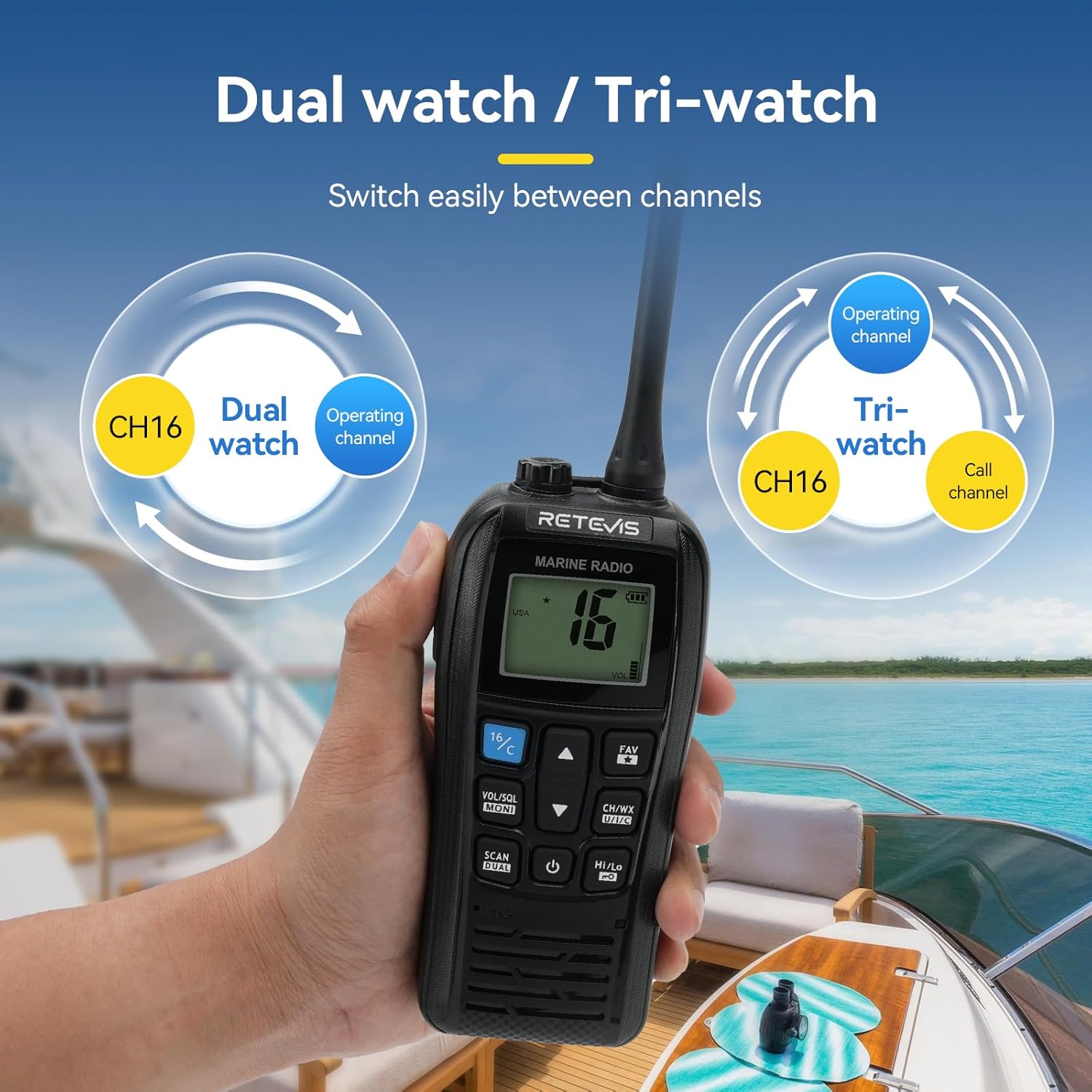
Figure 4.2: Dual Watch and Tri-watch modes for monitoring multiple channels.
The Dual/Tri watch feature allows you to monitor Channel 16 (emergency) while operating on another channel. In Tri-watch mode, it also monitors a third call channel. To activate, long-press the DUAL key (often combined with SCAN). Refer to the specific button layout on your device for exact labeling.
4.4 NOAA Weather Channels

Figure 4.3: Accessing NOAA Weather Alerts on the Retevis RM22.
The RM22 provides access to 10 NOAA weather channels, offering 24-hour updates on severe and changing weather conditions. This feature is crucial for safety at sea. To access NOAA channels, press the CH/WX button. Use the Up/Down arrows to select a specific NOAA channel.
4.5 Transmitting and Receiving
To transmit, press and hold the PTT (Push-To-Talk) button located on the side of the radio. Speak clearly into the microphone. Release the PTT button to listen for a response. Ensure you are on an appropriate channel for communication.
4.6 Long-Range Communication
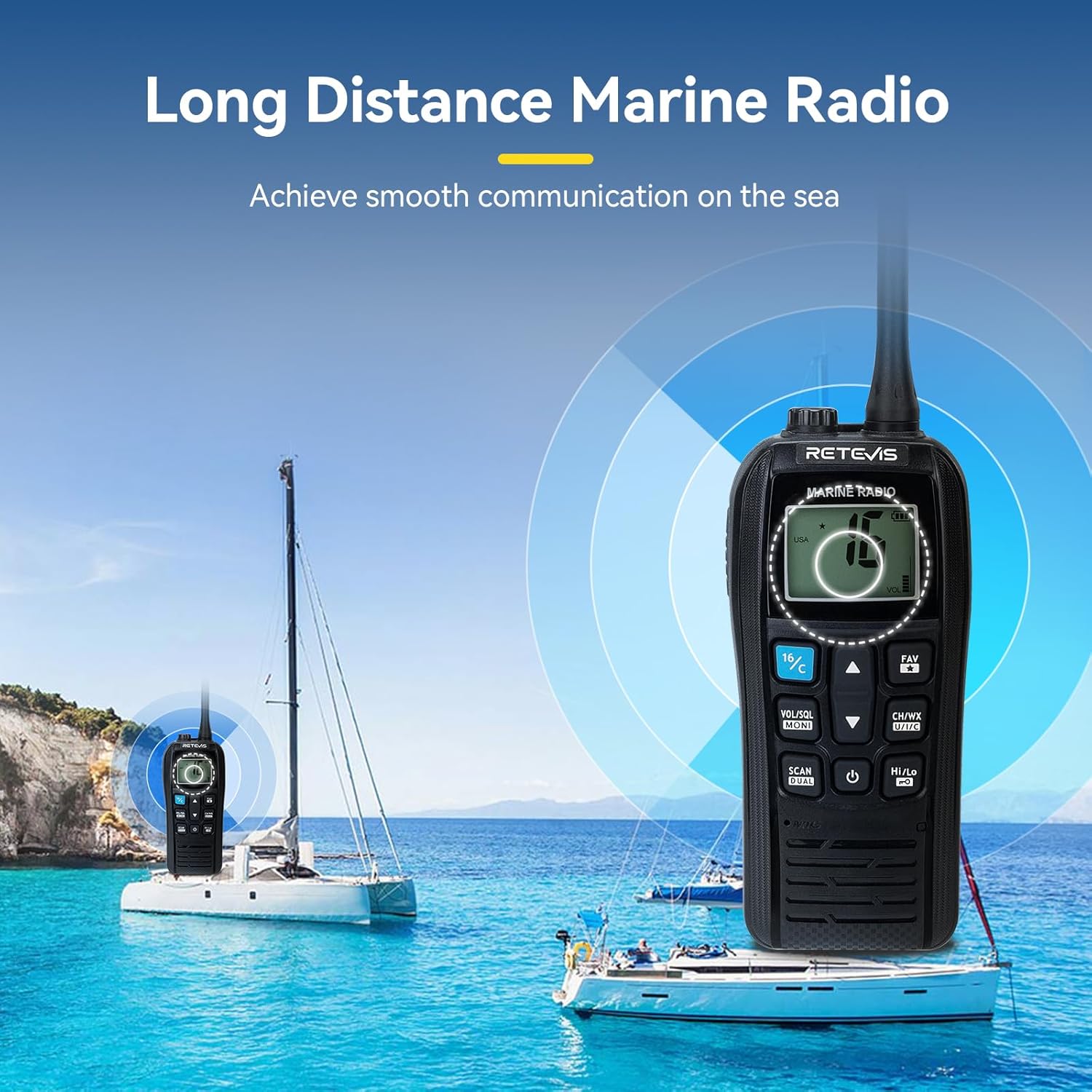
Figure 4.4: The Retevis RM22 is designed for effective long-distance marine communication.
The RM22 is engineered to provide a strong ability to achieve long-range conversations, ensuring reliable communication even far from shore. Its high power output contributes to extended range capabilities.
4.7 Crisp Clear Sound
The radio features 900mW audio power for loud and clear voice output. The noise reduction microphone effectively minimizes wind noise and other ambient sounds at sea, providing users with clear conversations.
4.8 Official Product Video
Video 4.1: An official overview of the Retevis RM22 handheld marine radio, demonstrating its features and use cases.
5. Maintenance
5.1 Waterproof and Floating Features
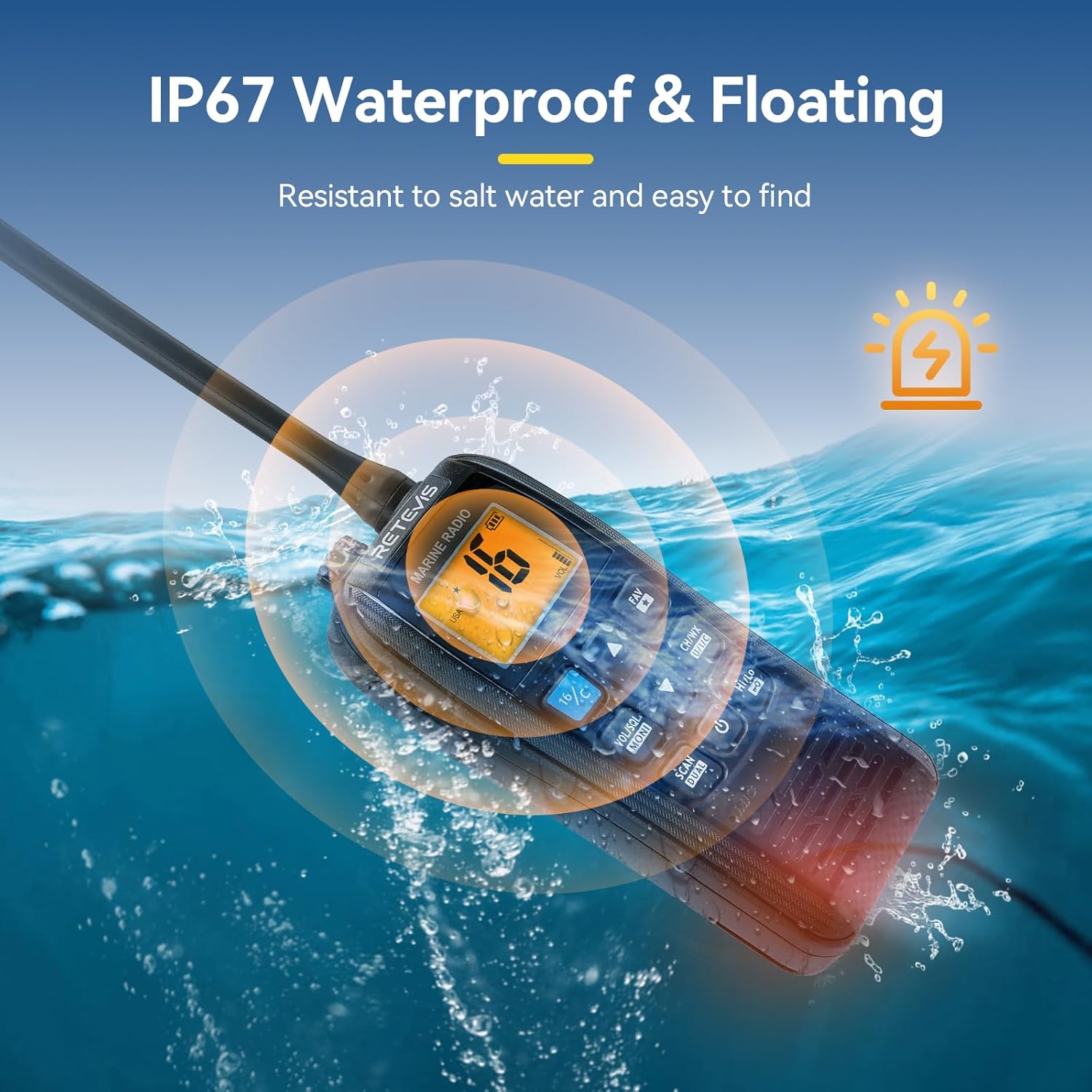
Figure 5.1: The Retevis RM22 is IP67 waterproof and designed to float, making it resistant to saltwater and easy to find.
The RM22 is IP67 rated, meaning it is protected from dust and can withstand immersion in water up to 1 meter for 30 minutes. If the radio falls into water, it will float and activate a flashing indicator light to aid in recovery. After exposure to saltwater, it is recommended to rinse the radio with fresh water and dry it thoroughly to prevent salt buildup and corrosion.
5.2 Cleaning and Storage
- Wipe the radio with a soft, damp cloth. Do not use harsh chemicals or abrasive cleaners.
- Ensure the charging port cover is securely closed when not charging to maintain water resistance.
- Store the radio in a cool, dry place when not in use, away from direct sunlight and extreme temperatures.
6. Troubleshooting
| Problem | Possible Cause | Solution |
|---|---|---|
| Radio does not power on. | Battery is depleted or not properly installed. | Ensure battery is fully charged and correctly inserted. |
| No sound or low volume. | Volume too low, squelch level too high, or speaker obstructed. | Increase volume. Adjust squelch level. Check for speaker obstruction. |
| Cannot transmit or receive. | Incorrect channel selected, out of range, or antenna issue. | Verify channel. Move closer to other radio. Check antenna connection. |
| Radio alarms when disconnected from charger. | This is a normal feature to alert you that power has been disconnected. | No action required, this is an intended feature. |
7. Specifications
| Feature | Detail |
|---|---|
| Model Number | RM22 |
| Item Weight | 1.5 pounds |
| Product Dimensions | 1.52 x 2.36 x 4.14 inches |
| Battery | 2200mAh (1 A battery included) |
| Display Type | LCD |
| Water Resistance Level | IP67 Waterproof |
| Number of Channels | 16 |
| Special Features | Noise Reduction, Waterproof, Floating, NOAA Weather Alert, Dual/Tri Watch |
| Frequency Range | VHF |
| Talking Range Maximum | 5 Mile |
| Voltage | 3.7 Volts (DC) |
8. Warranty and Support
Retevis provides a 2-year warranty for the radio body and a 1-year warranty for accessories. Additionally, there is a 30-day no-reason return policy. For any support inquiries, warranty claims, or maintenance services beyond the warranty period (where corresponding costs may apply), please contact Retevis Direct through Amazon. They aim to reply within 12 hours.
For further assistance, you may visit the official Retevis Store on Amazon: Retevis Store
