
1. Product Overview
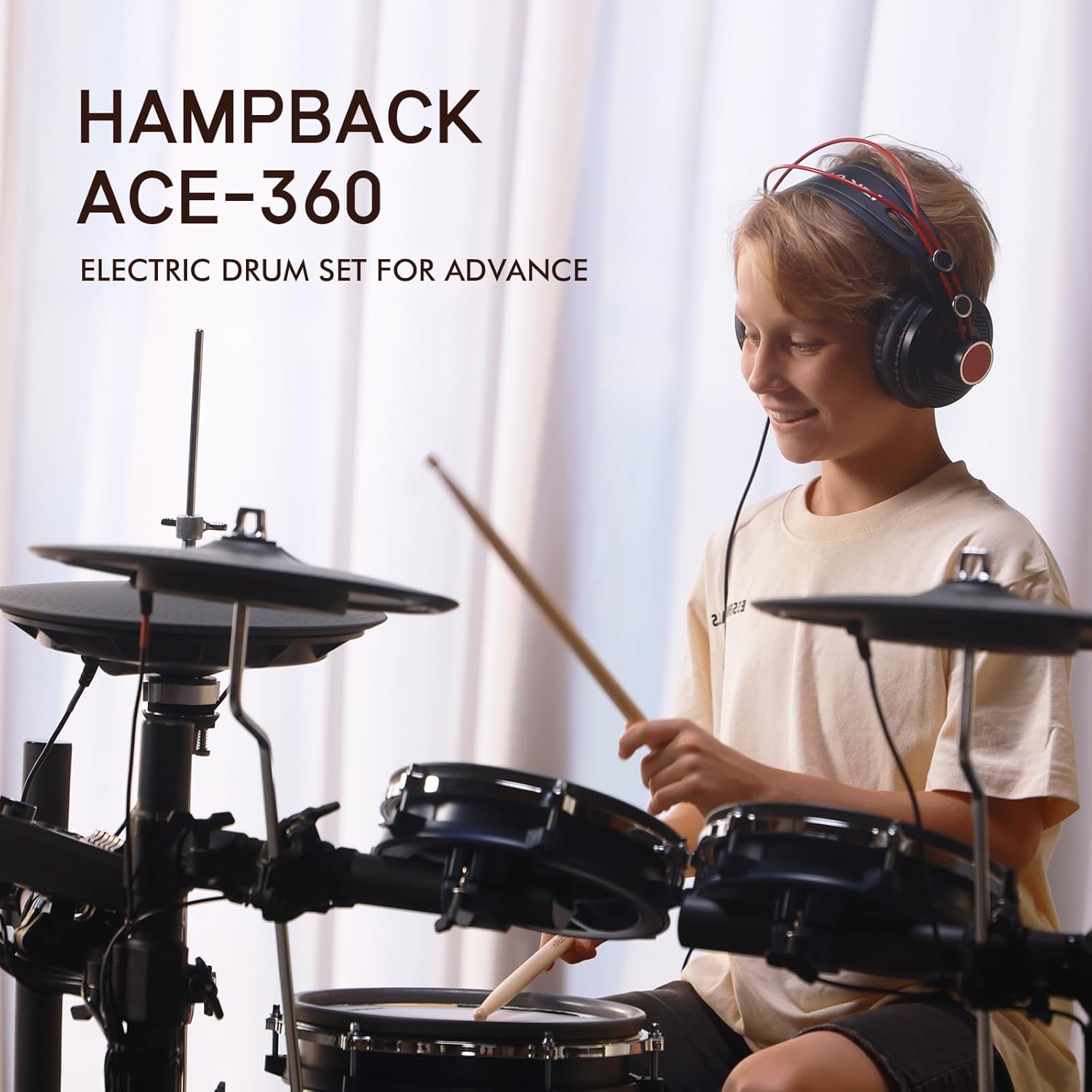
The HAMPBACK ACE-360 Electric Drum Set is an 8-piece electronic drum kit designed for advanced users, offering a comprehensive drumming experience with high-quality components and versatile sound options.
Key features include:
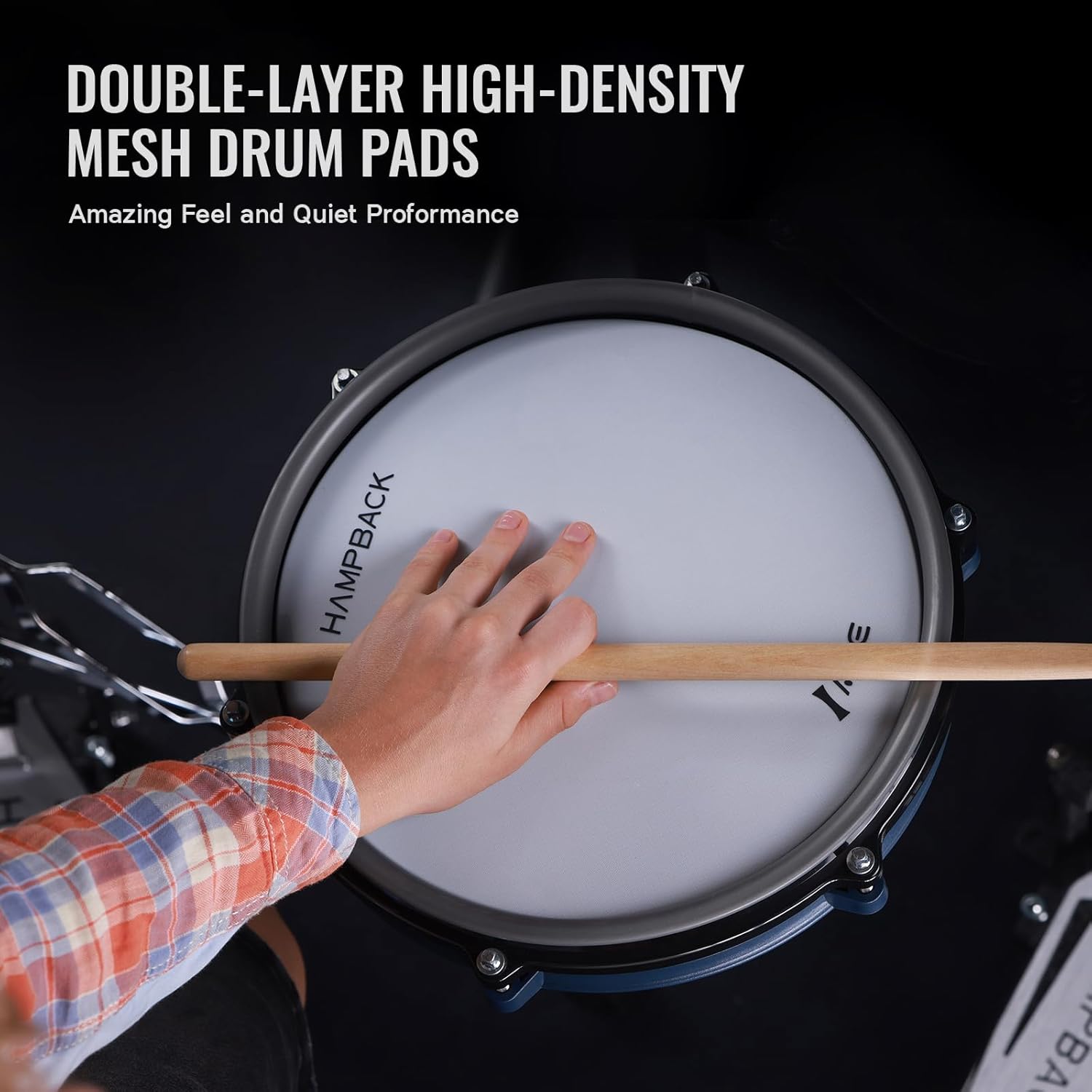
- High-Quality Drum Pads: Features 2x8" & 1x10'' quiet double-layer high-density mesh drum pads and a 10" snare drum.
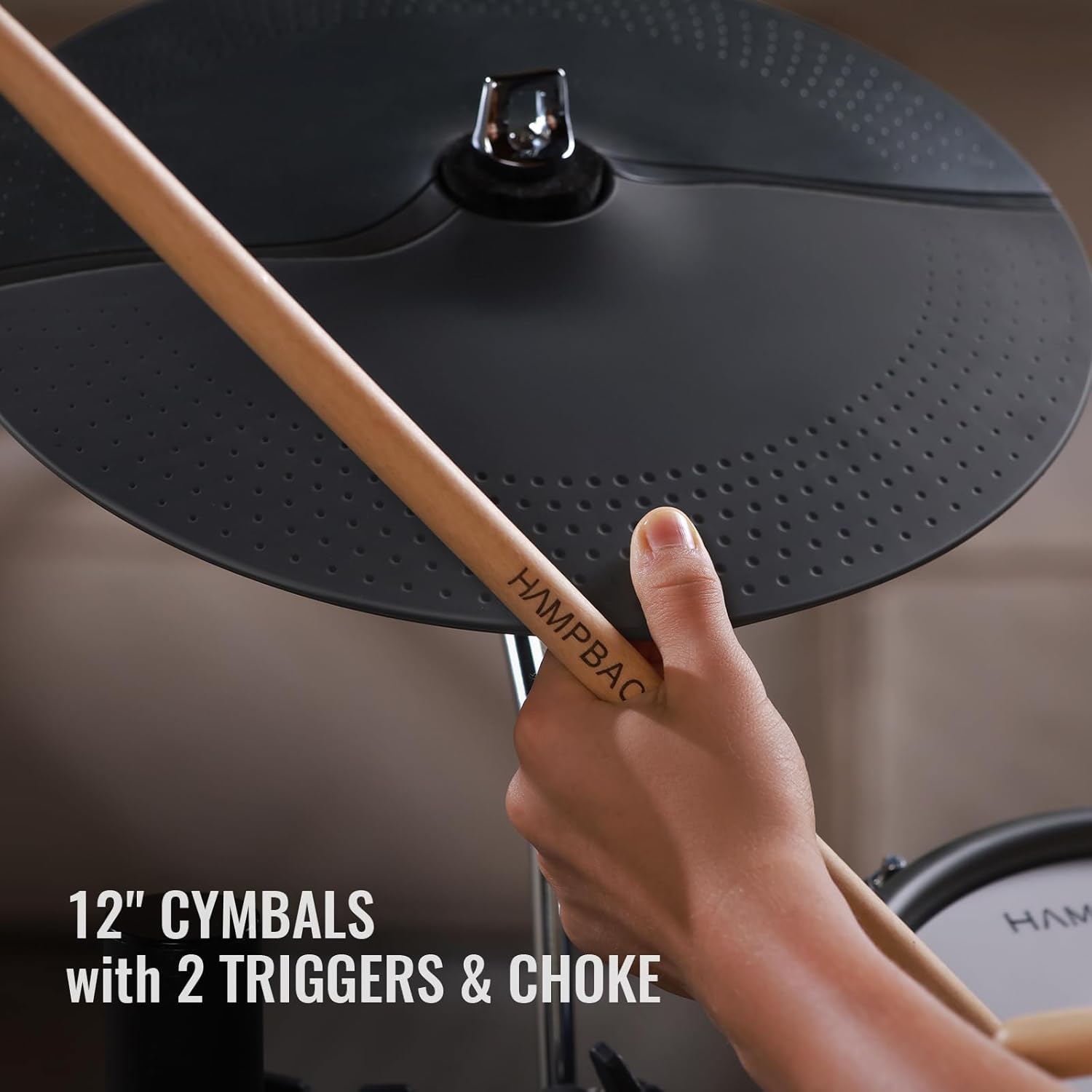
- Responsive Cymbals: Includes 3x12" cymbals with 2 triggers and instant choke functionality.
- Independent Hi-hat: A 12" independent hi-hat for realistic playability.
- Durable Bass Drum: A compact 5" bass drum designed for ultra-durability, tested for over 22+ million consecutive hits.
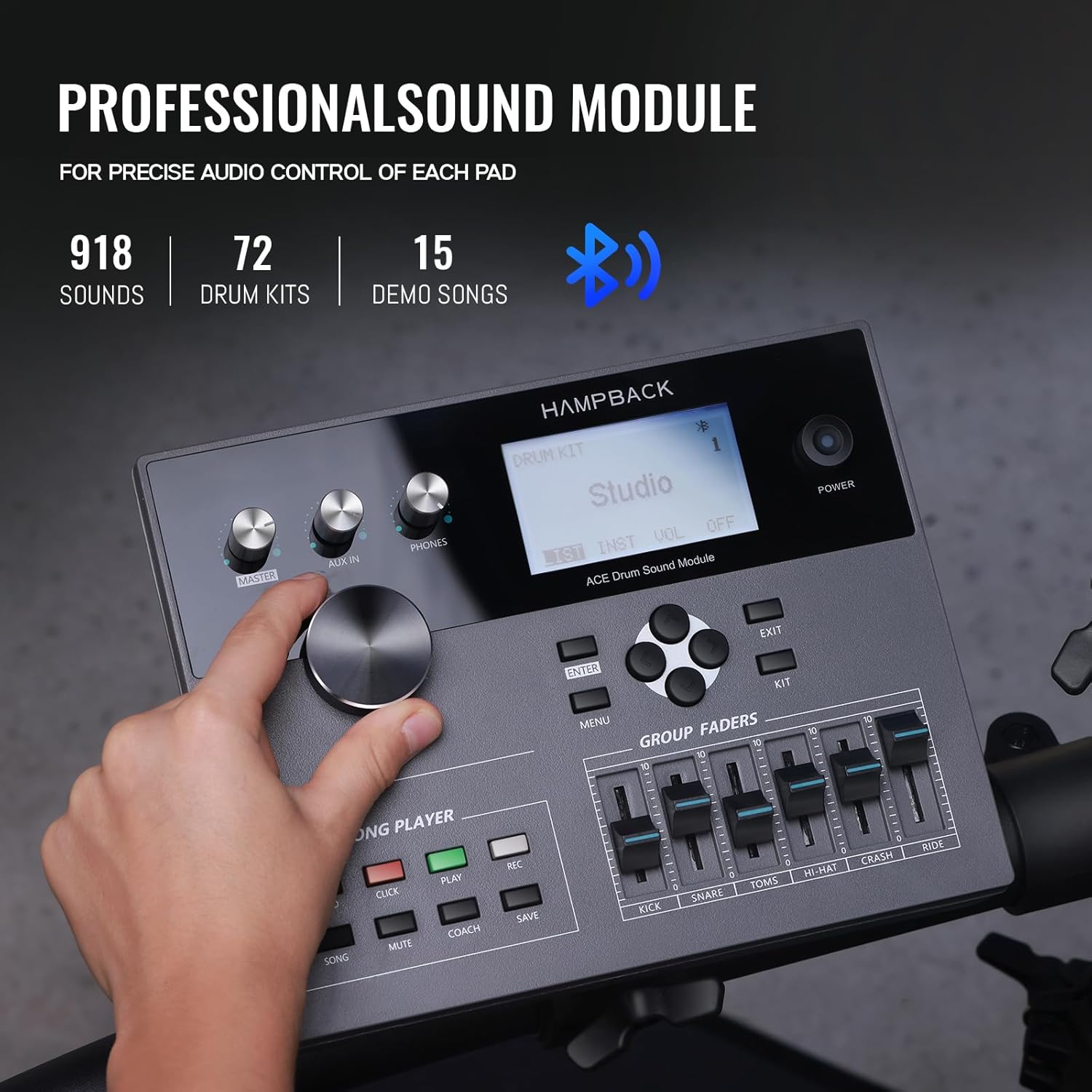
- Advanced Sound Module: The ACE-360 sound module supports Bluetooth connectivity, offers 918 sounds, 52+20 drum kits, and 15 songs.
- Portable Power Option: Compatible with power banks for playing anytime, anywhere.
- Easy Assembly: Features a quick-release structure for convenient installation and disassembly.
2. What's in the Box
Please verify that all components are present in the packaging:
- Sound Module X1
- Cymbal X3
- Pad X4
- Bass Drum X1
- Independent Hi-hat X1
- Rack X1
- Cable X1
- Drum Sticks X1
- User Manual X1
- Installation Instruction X 1
- Accessories Bag X1
3. Setup and Assembly
Follow these steps to assemble your HAMPBACK ACE-360 Electric Drum Set. For a visual guide, please refer to the official HAMPBACK website for the ACE-360 assembly video.
3.1. Frame Assembly
Begin by assembling the main rack structure. The quick-release design allows for straightforward connection of the frame components. Ensure all connections are secure but do not overtighten to prevent damage.

3.2. Pad and Cymbal Installation
Attach the drum pads (snare, toms) and cymbals (hi-hat, crash, ride) to the assembled rack. The mesh pads are designed for quiet practice and realistic feel. The cymbals feature dual triggers and a choke function for expressive play.
3.3. Bass Drum and Hi-hat Pedal Setup
Position the 5" bass drum and connect its pedal. Install the 12" independent hi-hat and its pedal. Ensure both pedals are stable and responsive.

3.4. Sound Module and Cabling
Mount the sound module to the rack. Connect all drum pads and cymbals to the sound module using the provided cables. Refer to the sound module's port labels for correct connections. The sound module is the central control unit for all sounds and settings.
3.5. Power Connection
Connect the sound module to a power source using the included power adapter. Alternatively, the ACE-360 supports power bank compatibility for mobile use.
3.6. Setup Video Guide
For a detailed visual assembly guide, please watch the official HAMPBACK ACE-360 setup video:
Video 3.1: Official HAMPBACK ACE-360 E-drum Video. This video provides a visual walkthrough of the drum set's features and assembly.
Video 3.2: HAMPBACK ACE-360 Electric Drum Set overview. This video showcases the drum set in action and highlights its various components.
4. Operating Instructions
4.1. Powering On/Off
To power on the drum set, press the POWER button on the sound module. To power off, press and hold the POWER button until the display shuts down.
4.2. Sound Module Navigation
Use the main dial and navigation buttons (ENTER, MENU, EXIT, arrow keys) to browse through the 918 available sounds, 52+20 drum kits, and 15 demo songs. Adjust individual drum and cymbal volumes using the GROUP FADERS.
4.3. Playing the Drum Set
Strike the mesh pads and cymbals with the provided drumsticks. The double-layer mesh heads and dual-trigger cymbals are designed for responsive and dynamic play. Utilize the independent hi-hat pedal for open, closed, and foot-splash sounds. The 5" bass drum pedal provides a smooth and consistent response.
4.4. Bluetooth Connectivity
To connect a Bluetooth device, navigate to the Bluetooth settings on the sound module. Pair your device to stream audio through the drum module, allowing you to play along with your favorite tracks.
4.5. Using a Power Bank
For portable use, connect a compatible power bank to the designated power input on the sound module. This allows for operation without a traditional power outlet.
5. Maintenance
- Cleaning: Wipe down drum pads, cymbals, and the sound module with a soft, dry cloth. Avoid abrasive cleaners or solvents.
- Cable Management: Ensure all cables are neatly organized and not kinked or strained to prevent damage.
- Mesh Head Care: While durable, avoid excessive force when striking mesh heads. Periodically check for tension and adjust if necessary, following guidelines in the installation manual.
- Storage: When not in use for extended periods, store the drum set in a dry, temperature-controlled environment. The quick-release structure facilitates easy disassembly for compact storage.
6. Troubleshooting
| Problem | Possible Cause | Solution |
|---|---|---|
| No sound from pads/cymbals | Loose cable connection, low volume, incorrect kit selected. | Check all cable connections to the sound module. Increase master volume and individual pad/cymbal volumes. Select a different drum kit. |
| Sound module not powering on | Power cable not connected, faulty power adapter/power bank. | Ensure power cable is securely connected. Try a different power outlet or a fully charged power bank. |
| Inconsistent pad response | Pad sensitivity settings, worn mesh head, loose mounting. | Adjust pad sensitivity in the sound module settings. Inspect mesh heads for damage. Ensure pads are securely mounted to the rack. |
| Bluetooth connection issues | Device too far, interference, incorrect pairing. | Ensure Bluetooth device is within range. Restart both the sound module and the Bluetooth device. Re-attempt pairing. |
7. Specifications
- Brand: HAMPBACK
- Model Name: HAMPBACK ACE-360
- Model Number: ACE-360
- Color: ACE-360 (Standard)
- Material: Metal, Synthetic (Pads), Bass Wood (Body)
- Item Weight: 28.58 Kilograms
- Included Components: Sound Module X1, Cymbal X3, Pad X4, Bass Drum X1, Independent Hi-hat X1, Rack X1, Cable X1, Drum Sticks X1, User Manual X1, Installation Instruction X 1, Accessories Bag X1
- Connector Type: MIDI
8. Warranty and Support
The HAMPBACK ACE-360 Electric Drum Set comes with a Two-year warranty. Should you encounter any problems or feel unsatisfied with your purchase, please contact HAMPBACK customer support. We are committed to providing satisfactory after-sales support.
For further assistance, please refer to the contact information provided in your purchase documentation or visit the official HAMPBACK website.