
1. Introduction
The EASYGUARD EC211PP-BM2-NFC-D2-3 is a CAN Bus passive keyless entry (PKE) remote starter system designed for specific BMW models with a factory OEM push-start button. This system enhances vehicle convenience and security with features including remote engine start, passive keyless entry, NFC card lock/unlock, and optional smartphone control.
This system is compatible with BMW M2 F87, M4 F82 F83, M5 F90, M8 F91 F92, X3M F97, X5M F85, X6M F86 models. It is designed for vehicles with automatic transmission and petrol/diesel engines only. It is not compatible with manual transmission or hybrid versions. The original car key fob should be the F15/F16X5 X6 style 4-button key.

Figure 1: EASYGUARD EC211PP-BM2-NFC-D2-3 Remote Starter System.
2. Package Contents
The EASYGUARD EC211PP-BM2-NFC-D2-3 system typically includes the following components:
- Control Module
- Key Fobs (2 units)
- HF Antenna
- PKE Antenna
- Bypass Module
- NFC Card
- Main Wire Harness
- Optional: BT001 or 4G LTE Module (purchased separately for smartphone control and GPS tracking)

Figure 2: System Components.
3. Compatibility
This system is specifically designed for BMW vehicles with a factory OEM push-start button. Please verify your vehicle's model number, year, and original key fob style against the table below to ensure compatibility.
| Compatibility | Model NO. | Year | Factory OEM key fobs style |
|---|---|---|---|
| Fit for BMW M2 | F87 | 2015 | 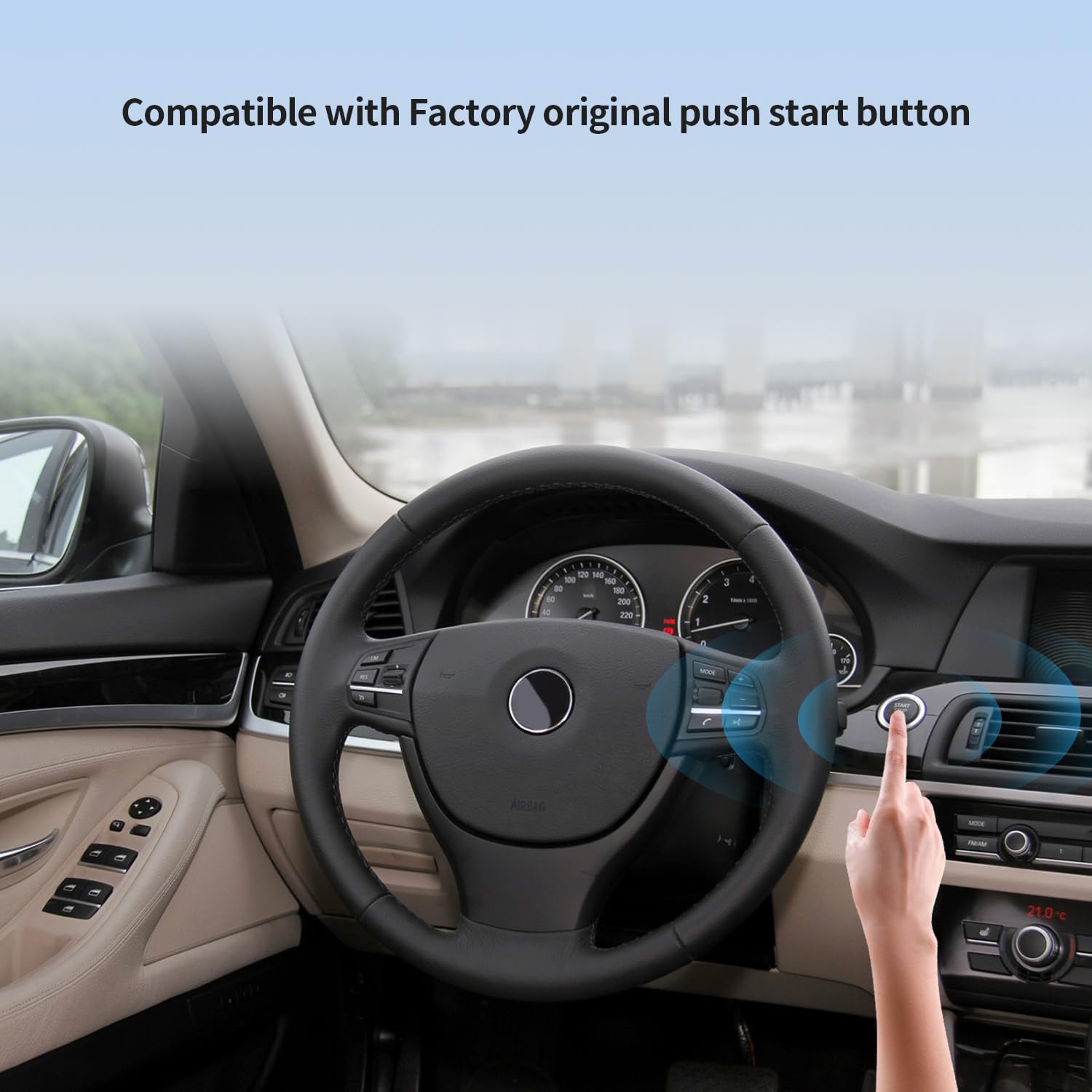 |
| Fit for BMW M4 | F82, F83 | from 2014 | |
| Fit for BMW M5 | F90 | from 2018 | |
| Fit for BMW M8 | F91, F92 | from 2020 | |
| Fit for BMW X3M | F97 | from 2020 |  |
| Fit for BMW X5M | F85 | from 2014 | |
| Fit for BMW X6M | F86 | 2015-2019 |
Important Note: This system is only compatible with BMW vehicles that have a factory OEM push-start button. Your car's original key fob must be the F15/F16X5 X6 style 4-button key.
4. Setup and Installation
The EASYGUARD EC211PP-BM2-NFC-D2-3 system is a CAN BUS version, but it still requires some wire connections. Due to the complexity of vehicle electronics and the need to integrate with the car's immobilizer system, professional installation by a trained staff or certified alarm installer is mandatory.
4.1 Key Fob Bypass Module Integration
One factory original key fob is required to be placed inside the bypass module. This is essential to manage the car's chip immobilizer system. The installation process involves soldering the factory original key's Printed Circuit Board (PCB) with the bypass module. This step ensures proper communication and functionality between the remote starter and your vehicle's security system.

Figure 3: Compatible with Factory Original Push Start Button.
5. Operating Instructions
5.1 Passive Keyless Entry (PKE)
The PKE feature allows for automatic locking and unlocking of your vehicle without pressing buttons on the key fob.
- Automatic Unlock: When you approach the vehicle with the key fob in your possession, the car doors will automatically unlock when you are within 3-6 feet.
- Automatic Lock: When you walk away from the vehicle with the key fob, the car doors will automatically lock when you are beyond 3-6 feet.

Figure 4: Passive Keyless Entry in action.
5.2 Remote Engine Start/Stop
Start or stop your vehicle's engine remotely for pre-cooling in summer or pre-warming in winter.
- To Remote Start: While the vehicle is in lock/arm status, hold the siren icon button on the key fob for 3 seconds.
- To Remote Stop: Hold the siren icon button on the key fob again for 3 seconds.

Figure 5: Remote Engine Start/Stop via Key Fob.
5.3 NFC Card Lock/Unlock
Use the provided NFC card for convenient locking and unlocking of your car doors.
- Simply tap the NFC card on the designated area of your vehicle to lock or unlock the doors.
- The system supports adding up to 4 NFC cards.

Figure 6: NFC Card for Lock/Unlock.
5.4 Remote Trunk Release
Open your vehicle's trunk remotely using the key fob.
- To release the trunk, press the trunk release button on the key fob twice consecutively.

Figure 7: Remote Trunk Release.
5.5 Panic Mode
Activate the vehicle's alarm in an emergency or to locate your car in a crowded parking area.
- Press the designated panic button on your key fob to activate the alarm.

Figure 8: Panic Mode Activation.
5.6 Automatic Mirror Folding
The system can be configured to automatically fold the side mirrors when the car is locked, providing added convenience and protection in tight spaces.

Figure 9: Automatic Mirror Folding.
5.7 Optional Smartphone Control & GPS Tracking
For enhanced control and tracking capabilities, the system can be upgraded.
- An extra 4G LTE module (GPS002-AA) can be purchased separately to enable smartphone application control and GPS tracking functionalities.

Figure 10: Smartphone App Control & GPS Tracking.
5.8 Video Demonstrations
Video 1: EASYGUARD EC211PP-BM2 D1 D2 Version Features
Description: Demonstration of the EASYGUARD EC211PP-BM2-NFC-D2-3 system features, including passive keyless entry, remote engine start, and NFC card functionality for BMW vehicles.
Video 2: EASYGUARD EC211PP-BM2 for BMW Overview
Description: Overview of the EASYGUARD EC211PP-BM2-NFC-D2-3 remote starter for BMW, showcasing passive keyless entry, remote engine start, NFC card access, and optional smartphone app control.
6. Maintenance
To ensure the longevity and optimal performance of your EASYGUARD system, follow these maintenance guidelines:
- Regular Checks: Periodically inspect all visible connections and wiring for any signs of wear, damage, or looseness.
- Key Fob Care: Keep your key fobs and NFC cards dry and protected from extreme temperatures, direct sunlight, and physical impact. Replace key fob batteries as needed.
- Vehicle Battery: Ensure your vehicle's main battery is in good condition and properly charged, as the remote starter system relies on a stable power supply.
- Cleaning: Clean the system components with a soft, dry cloth. Avoid using harsh chemicals or abrasive materials.
7. Troubleshooting
If you encounter issues with your EASYGUARD system, consider the following basic troubleshooting steps:
- System Not Responding: Check the battery in your key fob. Ensure the vehicle's main battery is charged and healthy.
- Remote Start Failure: Verify that the vehicle is in park (P) and the doors are closed and locked. Ensure the hood is closed.
- PKE Malfunction: Confirm that the key fob is within the specified range (3-6 feet). Check for any strong electromagnetic interference in the area.
- NFC Card Issues: Ensure the NFC card is correctly tapped on the designated sensor area.
- Complex Issues: For persistent or complex problems, it is highly recommended to contact a professional installer or EASYGUARD customer support for diagnosis and repair. Do not attempt to modify or repair the system yourself if you are not qualified.
8. Specifications
| Feature | Detail |
|---|---|
| Brand | EASYGUARD |
| Compatible Devices | BMW |
| Maximum Range | 40 Meters |
| Remote Control Included? | Yes |
| Manufacturer | ieasyguard.com |
| Includes Remote | Yes |
| Mfr Part Number | EC211PP-BM2-NFC-D2-3 |
| Model Number | EC211PP-BM2-NFC-D2-3 |
| Item Weight | 1.3 Kilograms |
| Built-In Media | Control module, key fobs and wire harness |
9. Warranty Information
The EASYGUARD EC211PP-BM2-NFC-D2-3 system comes with a 1-year warranty from the date of purchase. This warranty covers defects in materials and workmanship under normal use. Please retain your proof of purchase for warranty claims. The warranty does not cover damage caused by improper installation, misuse, accidents, or unauthorized modifications.
10. Customer Support
For technical assistance, installation inquiries, or any questions regarding your EASYGUARD EC211PP-BM2-NFC-D2-3 system, please contact EASYGUARD customer support. You can typically find contact information on the manufacturer's official website or through your point of purchase.
When contacting support, please have your product model number (EC211PP-BM2-NFC-D2-3) and proof of purchase readily available to expedite the process.


