
1. Product Overview
The Fluval SK400 Surface Skimmer is designed to remove unsightly surface films from aquariums up to 105 US gallons (400 L). This device improves water clarity and enhances oxygenation by eliminating oily surface buildup caused by fish food, dust, and other contaminants. Its compact design and adjustable features make it suitable for various aquarium setups.

Figure 1: The Fluval SK400 Surface Skimmer, a compact device designed to remove surface film from aquariums.
Key Features:
- Surface Film Removal: Effectively eliminates oily surface buildup, improving water clarity.
- Enhanced Oxygenation: By clearing the surface, it facilitates better gas exchange, boosting oxygen levels for aquatic life.
- Improved Light Penetration: Removes surface residue, allowing more light to reach plants for healthier growth.
- Adjustable Flow Control: Features a flow slider and an intake regulator dial for precise control over skimming intensity.
- Adaptive Design: Floating intake automatically adjusts to changing water levels.
- Versatile Installation: Compatible with both rimmed and rimless aquariums.
- Energy Efficient: Operates at a low power consumption of 3.3W.
- Easy Maintenance: Includes a fine filter sponge and a modular design for quick cleaning.
2. Important Safety Instructions
Please read and follow all safety instructions carefully before operating this product. Failure to do so may result in damage to the product, injury, or electric shock.
- Electrical Safety: Ensure the power cord is not damaged. Do not operate if the cord or plug is wet. Always unplug the device before performing any maintenance or cleaning.
- Water Contact: This device is designed for use in water. However, ensure that the power plug and electrical outlet remain dry. Use a drip loop for all cords connected to an aquarium to prevent water from traveling along the cord and reaching an electrical outlet.
- Children: This appliance is not intended for use by children. Close supervision is necessary when any appliance is used near children.
- Intended Use: Use this product only for its intended purpose as an aquarium surface skimmer. Do not use attachments not recommended or sold by the manufacturer.
- Placement: Ensure the skimmer is securely attached to the aquarium wall as per installation instructions.
- Disassembly: Do not attempt to repair or disassemble the unit yourself. Refer all servicing to qualified service personnel.
3. Package Contents
Verify that all components are present and undamaged upon opening the package.
- 1 x Fluval SK400 Surface Skimmer Unit
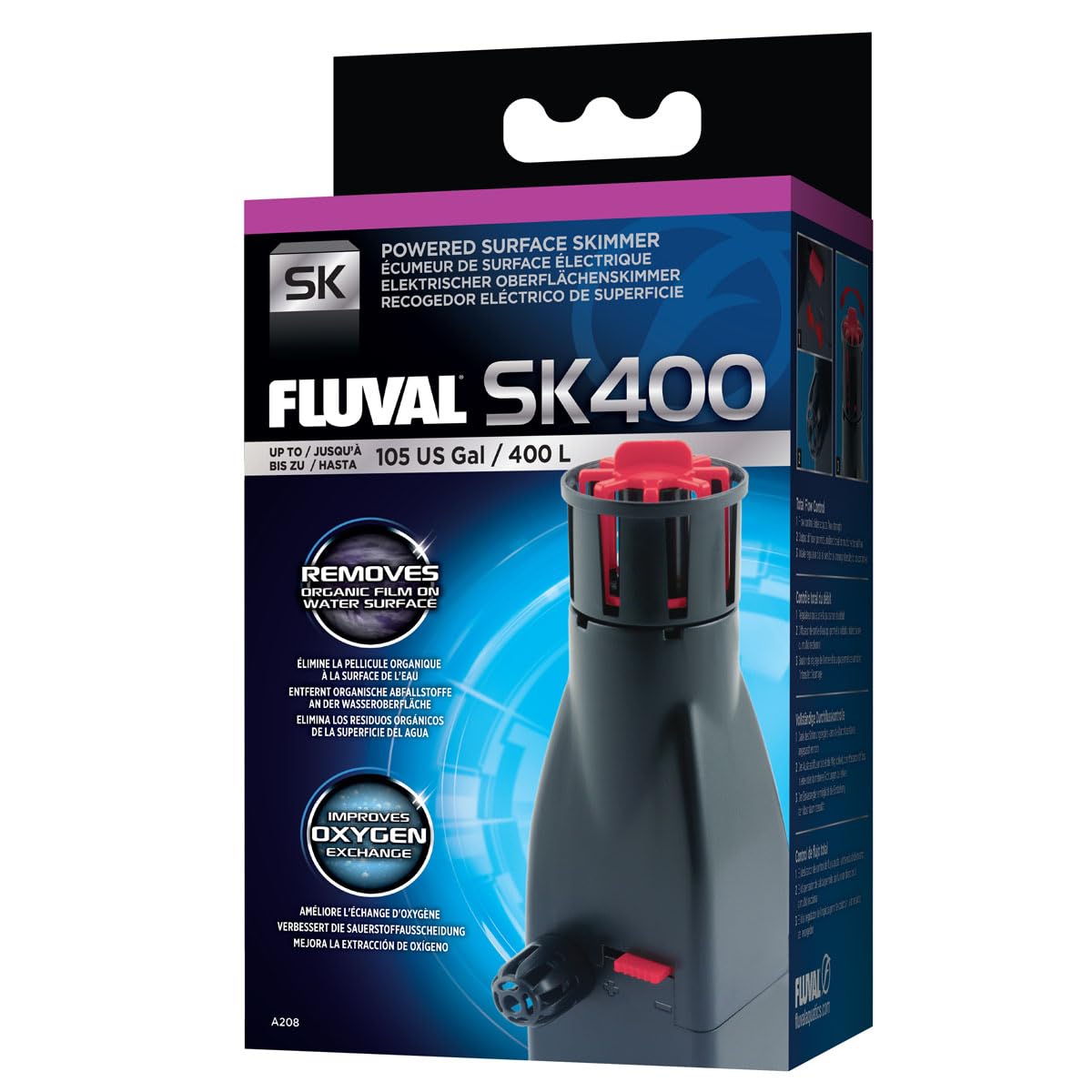
Figure 2: The Fluval SK400 Surface Skimmer in its retail packaging.
4. Setup and Installation
Follow these steps to properly install your Fluval SK400 Surface Skimmer.
- Unpack: Carefully remove the skimmer from its packaging.
- Placement: Position the skimmer inside your aquarium. The device is designed to be versatile and can be installed in both rimmed and rimless aquariums.
- Attachment: Secure the skimmer to the aquarium glass using the integrated suction cups or mounting bracket (if applicable). Ensure it is firmly attached and stable.
- Water Level: The floating intake will automatically adjust to your aquarium's water level. Ensure the intake is submerged enough to skim the surface effectively.
- Power Connection: Once the skimmer is securely installed and submerged, connect the power cord to a suitable electrical outlet. Ensure a drip loop is formed to prevent water from reaching the outlet.

Figure 3: The Fluval SK400 Surface Skimmer offers complete versatility for installation in both rimmed and rimless aquariums, adapting to different tank designs.
5. Operating Instructions
The Fluval SK400 offers adjustable controls for optimal performance.
- Power On: Plug in the skimmer. The unit will begin to draw water from the surface.
- Adjusting Skimming Intensity (Intake Regulator Dial):
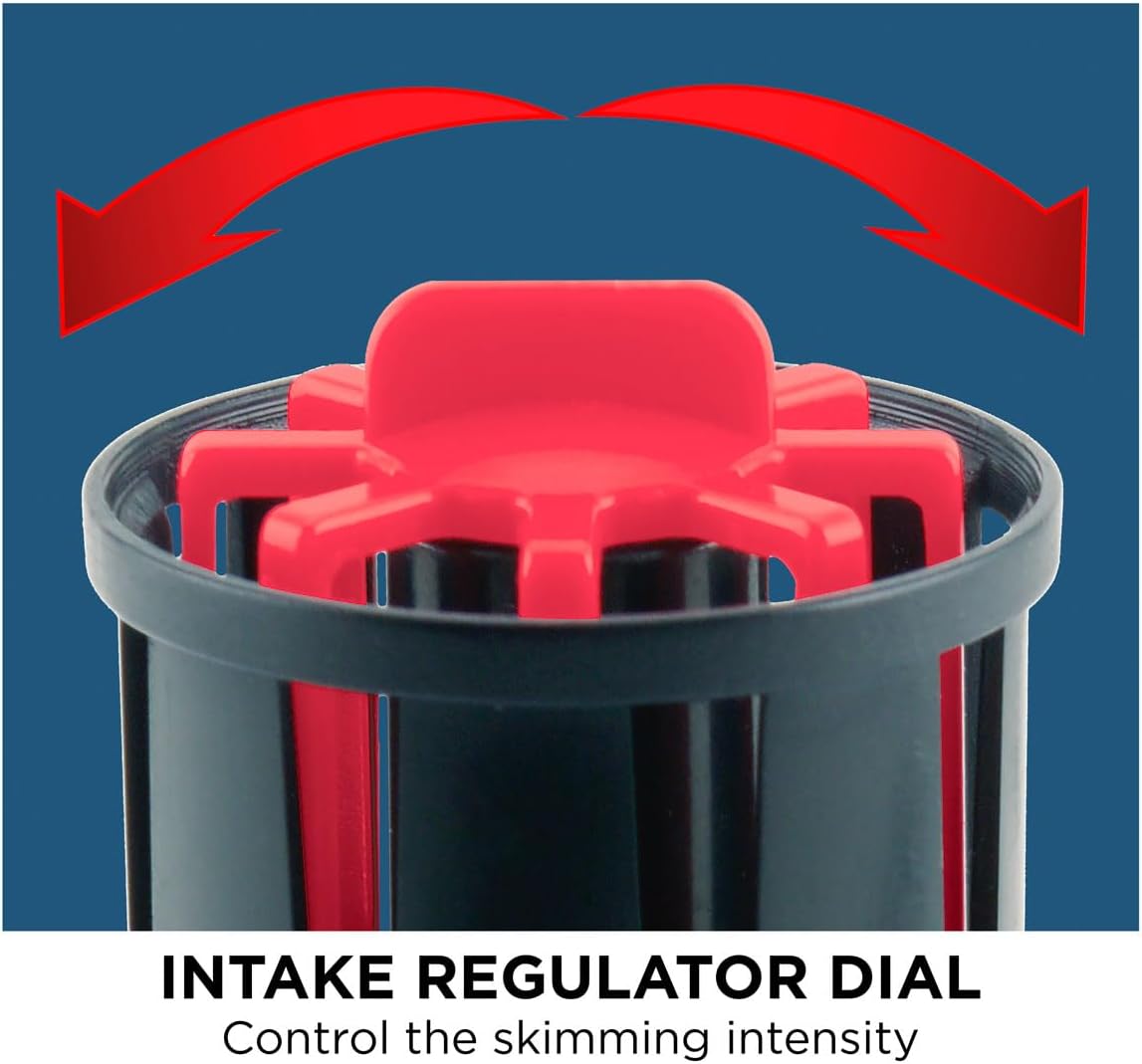
Figure 4: The Intake Regulator Dial on the Fluval SK400, used to control the skimming intensity by adjusting the opening of the intake vanes.
Rotate the red intake regulator dial located at the top of the skimmer. Turning it will open or close the vanes, controlling the amount of surface water drawn into the unit. Adjust this to achieve the desired skimming intensity for your aquarium's surface film.
- Adjusting Flow Strength (Flow Control Slider):

Figure 5: The Flow Control Slider on the side of the Fluval SK400, allowing adjustment of the overall water flow strength.
Use the red flow control slider on the side of the unit to fine-tune the overall flow strength. This allows you to adapt the skimmer's performance to both small and large aquariums, ensuring efficient operation without creating excessive current.
- Output Diffuser:

Figure 6: The Output Diffuser of the Fluval SK400, which can be adjusted for unidirectional or multidirectional water flow back into the aquarium.
The output diffuser can be rotated to direct the water flow. Adjust it for either unidirectional or multidirectional flow, depending on your aquarium's circulation needs.

Figure 7: The Fluval SK400 Surface Skimmer effectively removing surface film from an aquarium, demonstrating its function in a planted tank environment.
6. Maintenance and Cleaning
Regular maintenance ensures optimal performance and longevity of your Fluval SK400 Surface Skimmer.
- Disconnect Power: Always unplug the skimmer from the electrical outlet before performing any maintenance.
- Remove from Aquarium: Carefully detach the skimmer from the aquarium wall.
- Disassemble: The modular design allows for easy disassembly. Gently separate the components, including the intake basket and the main body.
- Clean Filter Sponge: Locate the fine filter sponge inside the unit. Rinse it thoroughly under clean running water to remove trapped debris and organic matter. If the sponge is heavily soiled or degraded, replace it with a new Fluval SK400 replacement sponge.
- Clean Internal Components: Use a soft brush or cloth to clean any buildup on the impeller, motor housing, and other internal parts. Ensure all passages are clear of obstructions.
- Reassemble: Carefully reassemble the skimmer, ensuring all parts fit correctly and are securely in place.
- Reinstall: Reattach the skimmer to your aquarium and plug it back in.
Frequency: It is recommended to clean the filter sponge weekly or bi-weekly, depending on the amount of surface film and debris in your aquarium. A thorough cleaning of all components should be performed monthly.
7. Troubleshooting Guide
If your Fluval SK400 Surface Skimmer is not performing as expected, consult the following guide:
| Problem | Possible Cause | Solution |
|---|---|---|
| Skimmer not operating / No flow |
|
|
| Ineffective surface skimming |
|
|
| Excessive noise |
|
|
8. Technical Specifications
| Model Number | A208 |
| Product Dimensions | 6.3 x 3.94 x 3.15 inches |
| Item Weight | 0.63 Pounds (10.08 ounces) |
| Power Consumption | 3.3 Watts |
| Maximum Tank Size | Up to 105 US Gallons (400 L) |
| Manufacturer | Hagen |
| UPC | 015561102087 |
9. Warranty and Customer Support
Warranty Information:
The Fluval SK400 Surface Skimmer is covered by a manufacturer's warranty against defects in material and workmanship. The specific terms and duration of the warranty may vary by region. Please retain your proof of purchase for warranty claims. For detailed warranty information, refer to the documentation included with your product or visit the official Fluval website.
Customer Support:
For technical assistance, replacement parts, or any questions regarding your Fluval SK400 Surface Skimmer, please contact Fluval customer support. You can typically find contact information on the Fluval website or through the retailer where you purchased the product.
Online Resources: www.fluvalaquatics.com