
1. Product Overview
The Imou Cell 3C All-in-one is a 100% wireless, battery-powered 3 MP WLAN surveillance camera designed for reliable home and business monitoring. It features an integrated solar panel for continuous power, 2K QHD resolution for clear images, and a robust 5000 mAh battery for extended operation. This camera offers advanced security features including intelligent night vision, two-way audio, and precise human detection.
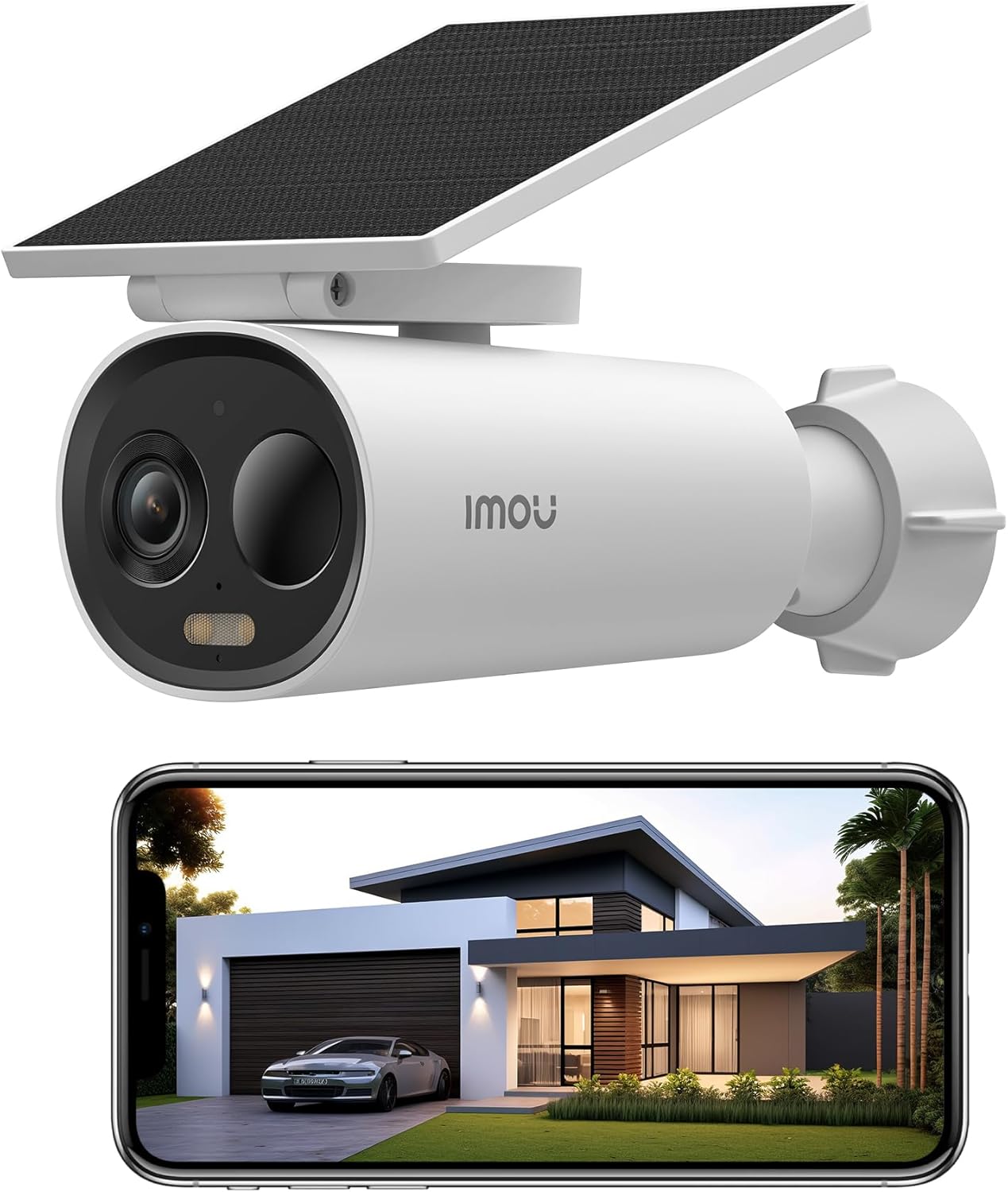
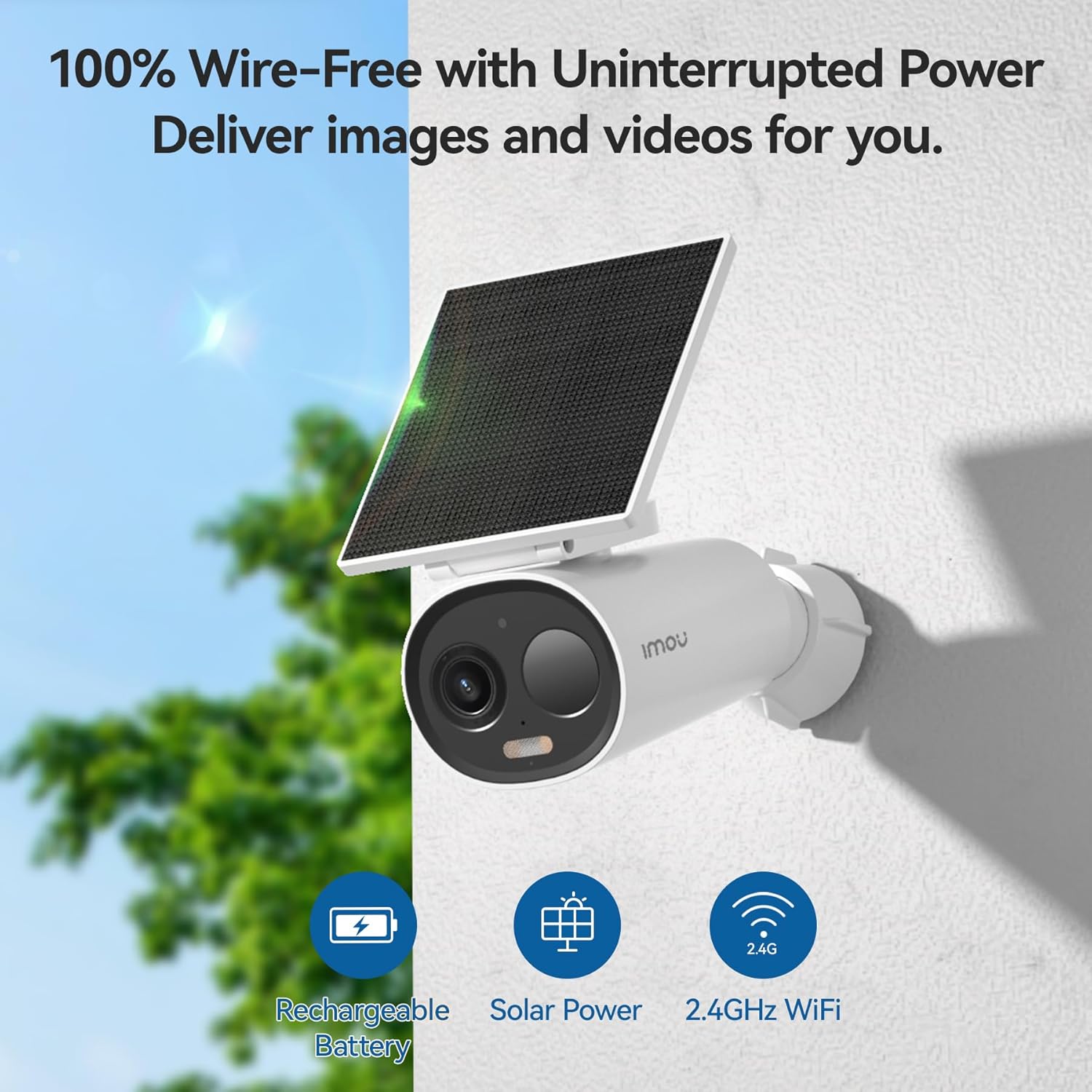
2. Setup and Installation
2.1 Initial Charging
Before first use, fully charge the camera's 5000 mAh battery using the provided USB-C cable. A full charge ensures optimal performance and battery life from the start.

2.2 App Download and Account Creation
Download the Imou Life app from the App Store (iOS) or Google Play Store (Android). Follow the on-screen instructions to create an account and log in.
2.3 Device Pairing
- Open the Imou Life app and tap the '+' icon to add a new device.
- Scan the QR code located on the camera or its packaging.
- Follow the app's prompts to connect the camera to your 2.4 GHz Wi-Fi network. Ensure your Wi-Fi signal is strong at the installation location.
2.4 Mounting the Camera
The camera's wireless design allows flexible placement. Choose a location that provides the desired viewing angle and receives ample direct sunlight for the solar panel. Use the included mounting hardware to securely attach the camera.


3. Operating the Camera
3.1 Live View and Recording
Access the live feed through the Imou Life app. The camera supports 2K QHD (2304 x 1296) resolution for detailed monitoring. Recordings can be triggered by events or set for continuous operation depending on your storage and power settings.

3.2 Night Vision Modes
The camera offers multiple night vision options:
- Smart Mode: Automatically switches between infrared and color mode upon event detection.
- Full-Color Mode: Uses integrated spotlights for continuous color images in low light.
- Infrared Mode: Provides clear black-and-white images using infrared illumination.
- Off Mode: Deactivates all night vision functions.

3.3 Two-Way Audio
Utilize the built-in microphone and speaker to communicate with individuals near the camera or deter unwanted visitors in real-time.
3.4 Smart Detection and Alerts
Equipped with a high-quality PIR sensor and intelligent human detection technology, the camera accurately identifies human presence, reducing false alarms. Instant notifications are sent to your smartphone upon detection.

3.5 Storage Options
Store recordings locally on a Micro-SD card (up to 256 GB) or subscribe to Imou's cloud storage plans for secure online access to your footage.
3.6 Privacy Mode
Activate privacy mode via the app to put the camera into sleep mode, ensuring no recordings are made when privacy is desired.
3.7 Time-Lapse Function
The camera includes an integrated time-lapse recording function with presets for various scenarios like sunrise or sunset, allowing you to capture extended events concisely.
3.8 Siren and Spotlight Deterrent
An integrated 110 dB siren and spotlights can be automatically activated upon intruder detection or manually controlled to deter unwanted individuals.
3.9 Smart Home Integration
The Imou Cell 3C All-in-one is compatible with Amazon Alexa, allowing for seamless integration into your smart home ecosystem.
4. Maintenance
4.1 Battery Management
The camera's intelligent power management system will notify you of low battery levels. Ensure the solar panel receives sufficient direct sunlight for continuous charging. If sunlight is insufficient, recharge via the USB-C port.
4.2 Cleaning
Periodically clean the camera lens and solar panel with a soft, damp cloth to ensure optimal image clarity and charging efficiency. Avoid abrasive cleaners.
4.3 Firmware Updates
Regularly check the Imou Life app for available firmware updates. Keeping your camera's firmware up-to-date ensures access to the latest features and security enhancements.
5. Troubleshooting
5.1 Connectivity Issues
- Ensure the camera is within range of your 2.4 GHz Wi-Fi network.
- Check your Wi-Fi router for proper operation.
- Restart the camera and your router.
- Verify correct Wi-Fi password entry in the Imou Life app.
5.2 Battery Not Charging
- Ensure the solar panel is clean and free from obstructions.
- Verify the solar panel is positioned to receive direct sunlight for several hours daily.
- Check the USB-C connection if charging via cable.
5.3 False Alarms / Missed Detections
- Adjust the detection sensitivity settings in the Imou Life app.
- Ensure the camera's field of view is clear of moving objects like tree branches or reflective surfaces.
- Verify that human detection is enabled if you wish to filter out non-human movements.
6. Specifications
| Feature | Specification |
|---|---|
| Brand | Imou |
| Model Number | Cell3CAll-in-one |
| Resolution | 3 MP 2K (2304 x 1296) |
| Battery Capacity | 5000 mAh Lithium-Ion |
| Solar Panel Power | 2.2 W |
| Connectivity | 2.4 GHz WLAN |
| Storage Options | Micro-SD (up to 256 GB), Cloud Storage |
| Audio | Two-Way Audio |
| Deterrent | 110 dB Siren, Spotlights |
| Weather Resistance | IP66 Certified |
| Dimensions | 16.8 x 7.2 x 6 cm |
| Weight | 360 g |
7. Warranty and Support
This product comes with a manufacturer's warranty. For detailed warranty information, technical support, or service inquiries, please visit the official Imou website or contact their customer support directly. You can find more information and support resources on the Imou Store Page.


