
LocoLee 76428
LocoLee LED Light Kit Instruction Manual for LEGO 76428
Enhance your LEGO 76428 model with vibrant lighting.
Introduction
This instruction manual provides detailed guidance for installing and operating your LocoLee LED Light Kit, specifically designed for the LEGO 76428 model. Please note that the LEGO 76428 building set is not included with this light kit and must be purchased separately or already owned.

The LEGO 76428 model illuminated with the LocoLee LED Light Kit, demonstrating the enhanced visual appeal.
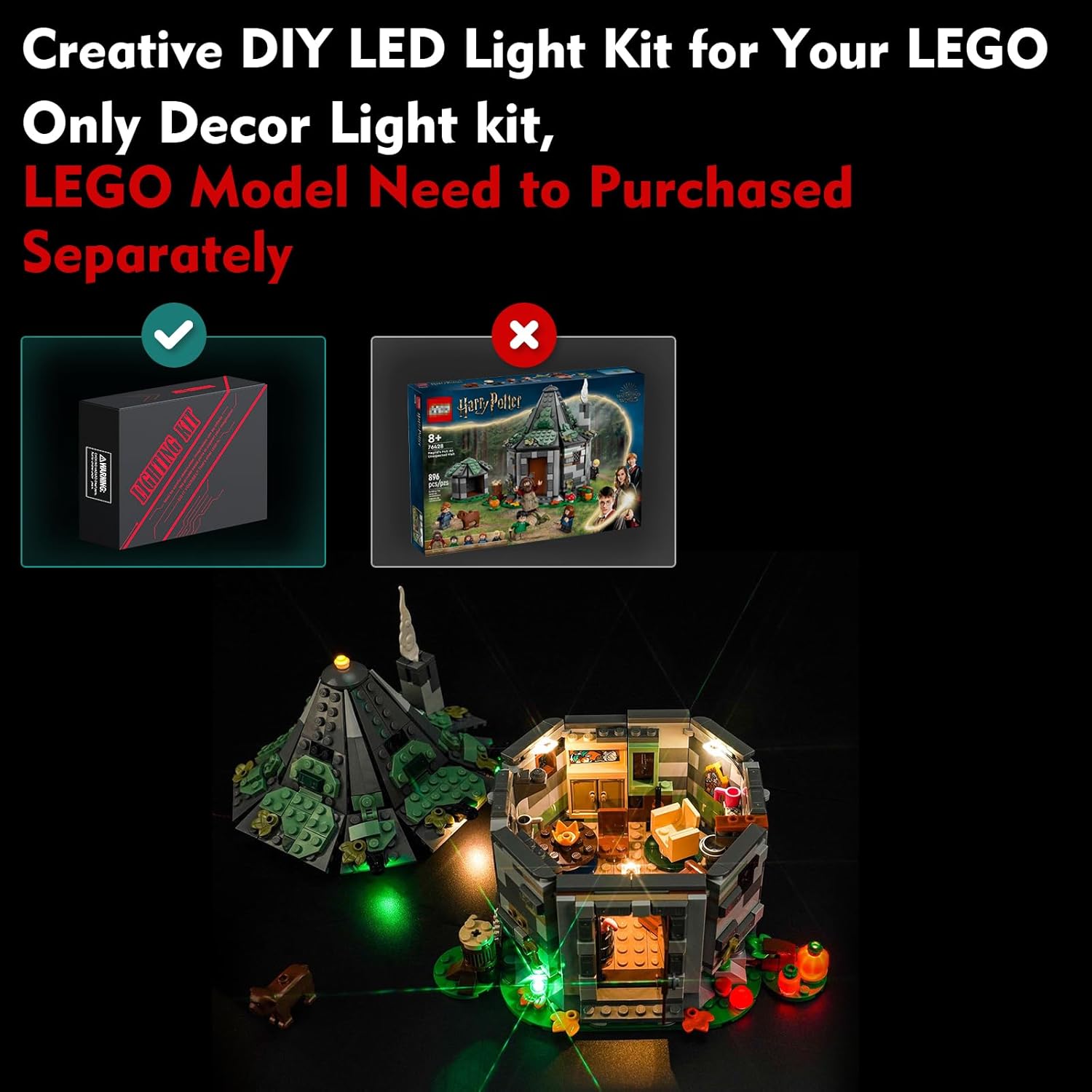
Important: This product includes only the LED light kit. The LEGO model is not included.
Package Contents
Before beginning installation, please verify that all components listed below are present in your package:
- LED Light Kit components (various wires and lights)
- Instruction Manual (online video/PDF instructions available)
- Expansion Board
- Power Supply (USB cable or battery box, batteries not included)

Visual representation of the included LED Light Kit, instruction manual, and component bags.

A closer look at the various LED light components, expansion board, and power supply included in the kit.
Safety Information
This product contains small parts and is not suitable for children under 3 years old due to choking hazards. Adult supervision is recommended during installation. Do not pull wires too hard to avoid damage. Ensure power voltage is less than 5V when using a USB power source.
Installation Guide
Follow these steps to install your LED light kit. Detailed video and PDF instructions are available online. You may need to disassemble a few bricks of your LEGO model to integrate the light fixtures.
- Access the online installation instructions by visiting the website printed in the booklet.
- Enter the model number (76428) or the code found behind the packing box to locate the specific guide.
- Follow the step-by-step video or PDF instructions provided.
- Carefully integrate the LED wires and lights into your LEGO model, ensuring not to apply excessive force to the wires.
Official product video demonstrating the illuminated LEGO 76428 model and the internal lighting setup.

Overview of power options and how to access the online installation guide.
Operating Instructions
Once installed, your light kit can be powered by either a USB connection or a battery pack. For optimal brightness, a USB power source is recommended.
- USB Power: Connect the provided USB cable to a USB power adapter (not included) or a power bank. Ensure the voltage is less than 5V.
- Battery Power: Insert 3 AAA batteries (not included) into the battery box and connect it to the light kit.
- Testing: It is advisable to test each light component before final assembly to ensure proper function.
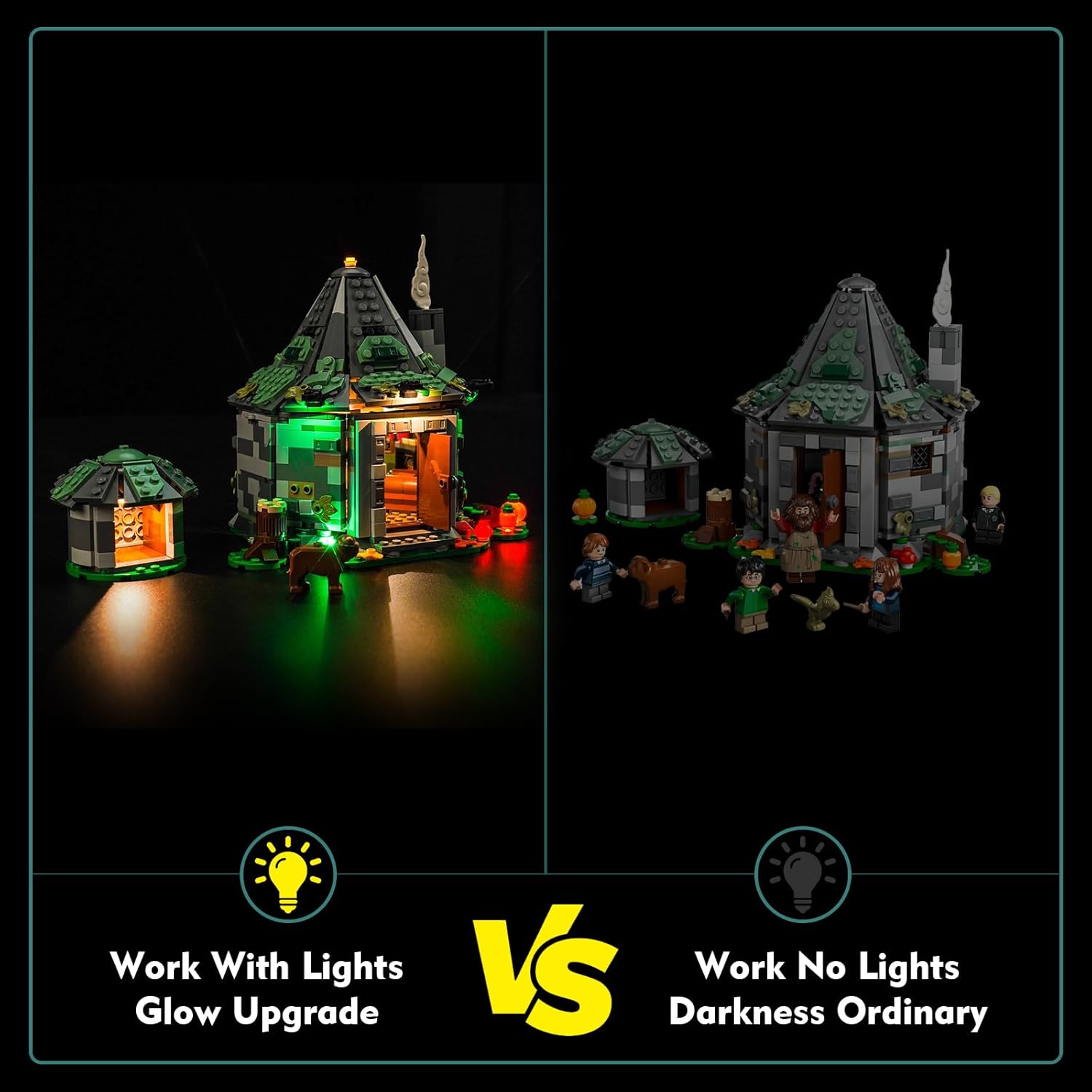
Comparison showing the visual difference between the model with and without the installed LED lights.

Detailed views of the lighting effects on different parts of the LEGO 76428 model.
Maintenance
To ensure the longevity of your LED light kit, keep it free from dust and moisture. Avoid bending or sharply creasing the wires. If cleaning is necessary, use a soft, dry cloth. Do not use liquid cleaners.
Troubleshooting
- Lights not turning on:
- Check power source connection (USB or batteries).
- Ensure batteries are correctly inserted and not depleted.
- Verify all wire connections are secure on the expansion board.
- Some lights not working:
- Inspect individual light connections for damage or loose contact.
- Ensure wires are not pinched or cut by LEGO bricks.
- Lights flickering:
- Check for unstable power supply or loose connections.
- Replace batteries if using battery power.
Specifications
| Feature | Detail |
|---|---|
| Product Dimensions | 6.06 x 3.98 x 1.26 inches |
| Item Weight | 3.68 ounces |
| Model Number | 76428 |
| Recommended Age | 16 years and up |
| Power Source | USB (Voltage < 5V) or 3x AAA Batteries (not included) |
| Material | High-quality copper lines and ABS plastic |
Warranty and Support
LocoLee is committed to providing high-quality products. Our light kits are made from durable materials and undergo quality checks. If you encounter any issues or have questions regarding your product, please do not hesitate to contact us via email. We are dedicated to offering the best possible support and ensuring your satisfaction.
Ask a question about this manual
Ask about setup, troubleshooting, compatibility, parts, safety, or missing instructions. Manuals+ will review the question and use this page’s manual context to help answer it.