
Product Overview
Introducing the Niya Sonar 50, a high-capacity, fast-charge cordless robotic pool cleaner from Maytronics, creators of Dolphin. Designed for pools up to 40 feet in length, it offers efficient cleaning of floors, walls, and waterlines.
Key Features
- Cordless Operation: High-capacity, fast-charge battery delivers up to 2.5 hours of cleaning.
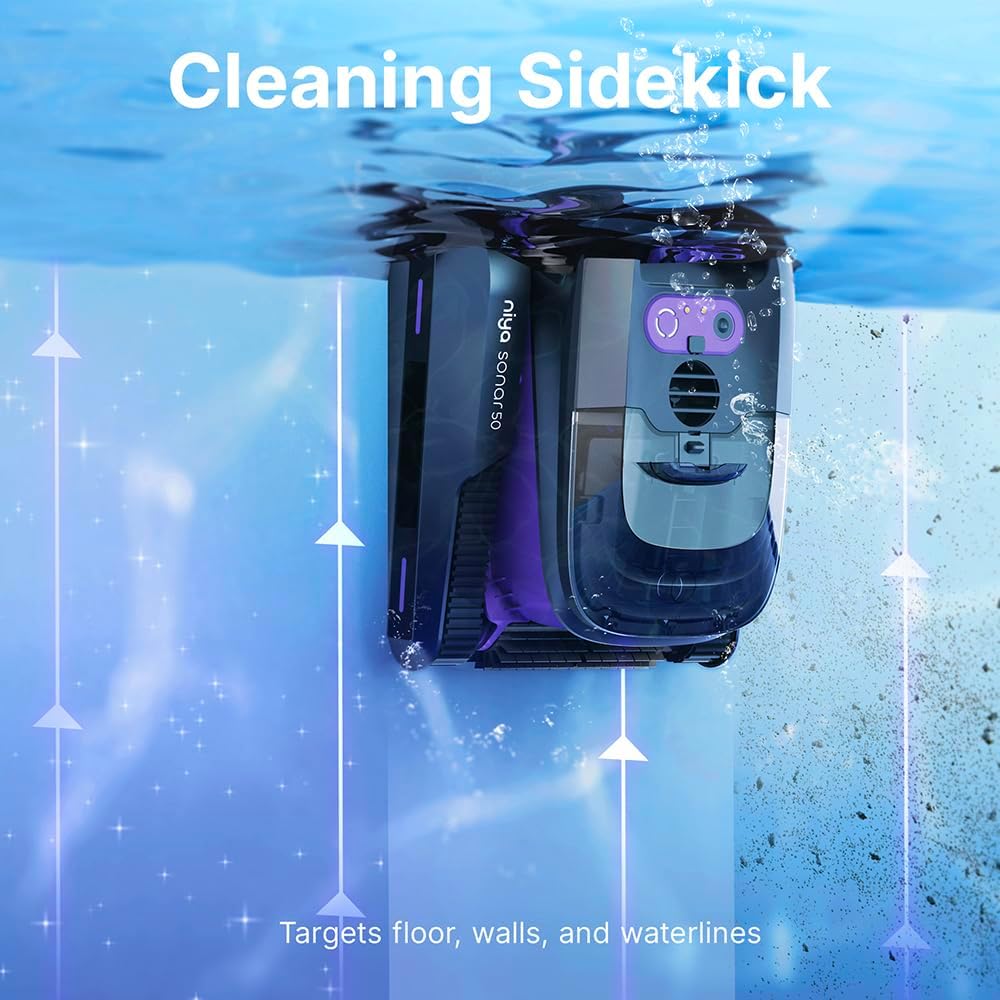
- Comprehensive Cleaning: Targets floor, walls, and waterlines with suction power and a quad-brushing system.
- Efficient Navigation: Cutting-edge sonar technology guides the robot through the pool using the most energy-efficient path.
- App-Activated Control: Bluetooth app allows control and selection of cleaning modes.

The Niya Sonar 50 robotic pool cleaner, ready for initial setup.
Setup Guide
Unboxing and Initial Inspection
Carefully remove the Niya Sonar 50 from its packaging. Inspect all components for any signs of damage. Ensure all parts listed in the packing list are present.
Charging the Unit
Before first use, fully charge the robotic cleaner. Connect the charging adapter to the unit's charging port. The LED indicator will show charging status. A full charge typically takes approximately 2 hours.
The Niya Sonar 50 connected to its charging adapter. The unit features voice feedback for charging status.
App Installation and Connection
Download the "Niya" app from your mobile device's app store (compatible with iOS version 10+ and Android version 5+). Open the app and follow the on-screen instructions to connect to your Sonar 50 via Bluetooth.
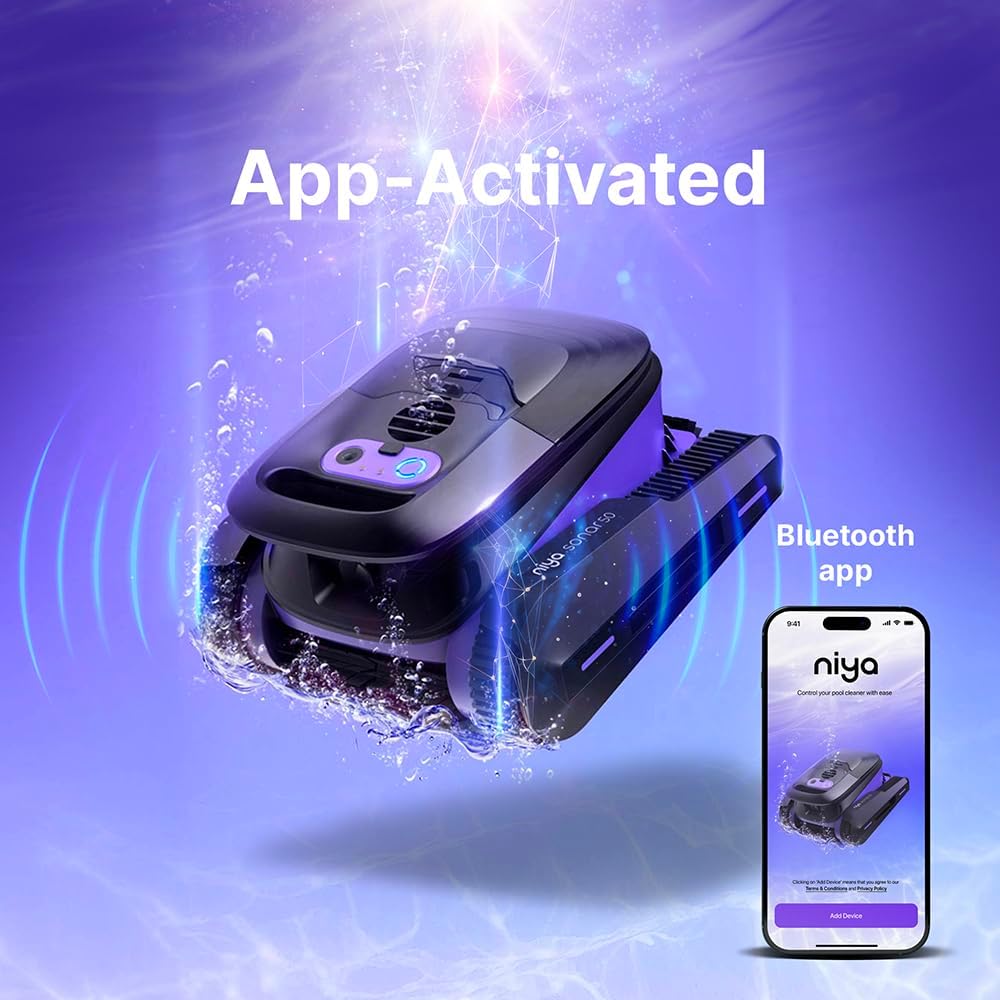
The Niya Sonar 50 can be controlled via a Bluetooth-enabled mobile application, allowing for mode selection and monitoring.
Operating Instructions
Placing the Cleaner in the Pool
Once fully charged and configured, carefully place the Niya Sonar 50 into the pool. Ensure it sinks completely to the bottom before initiating a cleaning cycle.
Official product video demonstrating the placement of the Niya Sonar 50 into the pool and its initial submersion.
Selecting Cleaning Modes
The Niya Sonar 50 offers multiple cleaning modes: Standard (All), Wall, and Floor. Select your desired mode using the control panel on the unit or via the mobile app.

The robotic cleaner targets the floor, walls, and waterlines of the pool for thorough cleaning.
Smart Navigation
The cleaner utilizes advanced sonar technology to navigate your pool efficiently, ensuring optimal coverage and a clean pool.

The Niya Sonar 50 employs cutting-edge sonar technology to navigate the pool, ensuring an energy-efficient and thorough cleaning path.
Maintenance
Filter Basket Cleaning
After each cleaning cycle, it is recommended to clean the filter basket. Unlock the top lid and remove the debris basket. Empty any collected debris and rinse the basket thoroughly with a hose.
The top-loading debris basket is easily accessible for cleaning. Simply unlatch the lid, remove the basket, empty collected debris, and rinse.
Battery Care
To prolong battery life, ensure the unit is fully charged after each use. Store the cleaner in a cool, dry place when not in use. The external battery pack is replaceable if needed.

The Niya Sonar 50 features a high-capacity, fast-charge battery. The external battery pack is designed for easy replacement, extending the product's lifespan.
Troubleshooting
Common Issues
Unit Not Starting: Ensure the battery is fully charged. Check that the charging port cover is securely closed.
Poor Cleaning Performance: Clean the filter basket. Check for any obstructions in the brushes or suction inlets.
Unit Stuck: The smart navigation system should help avoid most obstacles. If the unit gets stuck, manually reposition it.
If the unit displays an "update failed" message or does not start, ensure proper charging and attempt a device reset as per the manual.
Product Specifications
| Feature | Detail |
|---|---|
| Power Source | ac_dc |
| Item Weight | 20 Pounds |
| Special Feature | Cordless |
| Engine Type | Electric |
| Assembly Required | No |
| Control Method | App |
| Battery Weight | 3.2 Pounds |
| Voltage | 2.3E+2 Volts (AC) |
| Lithium Battery Energy Content | 170.82 Watt Hours |
| Number of Batteries | 1 Lithium Ion batteries required. (included) |
| Battery Description | Rechargeable Lithium-Ion |
| Installation Type | robotic |
| Number of Lithium-ion Cells | 18 |
| UPC | 810071222153 |
| Product Dimensions | 16.77 x 15.59 x 11.3 inches |
| Manufacturer | Maytronics |
| Brand | Dolphin |
| Model Name | Sonar 50 |
| Material | Plastic" or "Polypropylene |
| Color | purple |
| Run Time | Up to 2.5 hours |
Warranty and Support
The Niya Sonar 50 comes with a manufacturer's warranty. Please refer to the warranty card included in your product packaging for specific terms and conditions. For technical support or service inquiries, please visit the official Dolphin website or contact their customer service.
Official Dolphin Store: Visit the Dolphin Store on Amazon