
1. Introduction
Thank you for choosing the Aika AG-7901 Digital Wireless Rechargeable Mini CIC Ear Hearing Aid. This device is designed to provide clear and amplified sound, enhancing your hearing experience. Please read this manual carefully to ensure proper use, maintenance, and to maximize the benefits of your hearing aid.
Video: A brief overview of the Aika Digital Hearing Aids, highlighting key features and design.
2. Product Overview
The Aika AG-7901 is a compact, rechargeable, and discreet hearing aid designed for comfort and effective sound amplification. It features advanced technology to improve sound clarity and reduce background noise.
Key Features:
- Powerful Sound Output: Max output of 118dB±3dB for an enriched hearing experience.
- Customizable Sound Gain: Adjustable sound gain of 30dB±5dB to suit individual hearing preferences.
- Long-lasting Battery Life: Up to 35 hours of usage on a 4-6 hour charge.
- Enhanced Clarity with Auto Noise Cancellation: Minimizes background noise for improved sound clarity.
- Wide Frequency Range: Covers 200-4000Hz for comprehensive sound amplification.
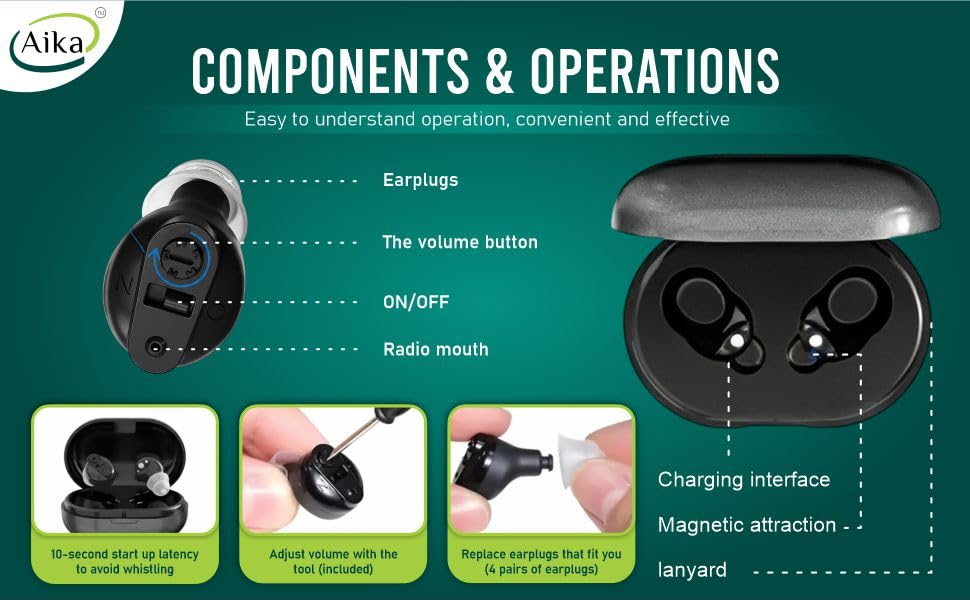
Image: Visual representation of the Aika AG-7901 hearing aid highlighting its compact design, clear sound, digital chip, and ease of operation.
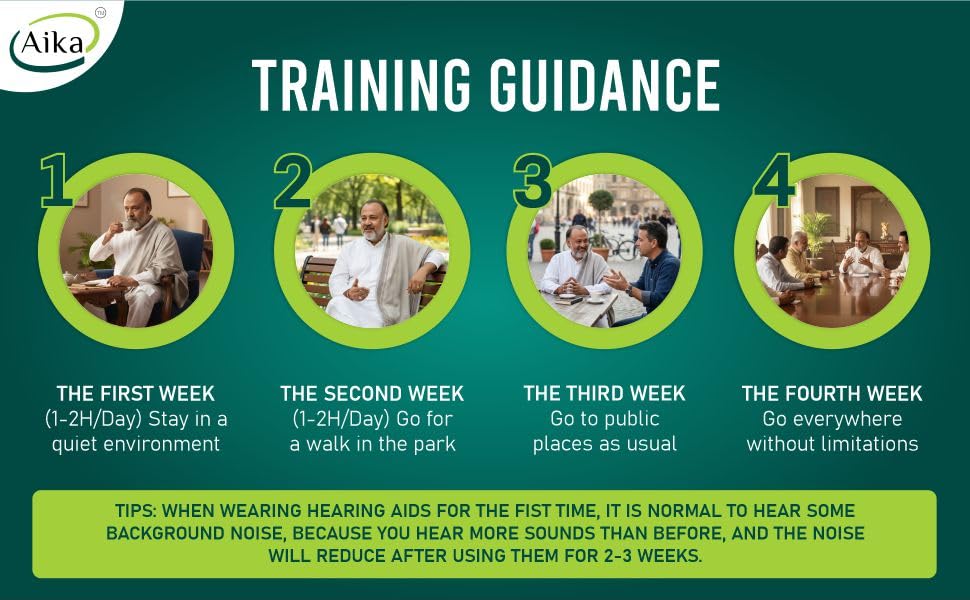
Image: Details on the rechargeable battery, including long battery life, built-in rechargeable battery, dual charging station, low power consumption, and fast charging.
3. What's in the Box
Your Aika AG-7901 package includes the following items:
- Hearing aids (1 pair)
- 1 Charging case
- Earbuds (various sizes)
- Cleaning brushes
- 1 Charging cable
- User guide
- Color box
- Warranty card
Video: Unboxing the Aika AG-7901 hearing aid, showing all included components.
4. Setup and Getting Started
Initial Charging:
Before first use, fully charge the hearing aid using the charging case for 12 hours. Remove the insulation sticker from the hearing aids before placing them in the charging case.
Video: Detailed instructions on how to charge the Aika AG-7901 hearing aid using the provided charging cable and case.
Selecting Ear Domes:
Choose the correct ear dome size for a secure and comfortable fit. The package includes multiple pairs of earplugs to ensure optimal comfort and sound delivery.
Video: Guide on how to change the ear tips on your Aika AG-7901 hearing aid for a better fit.
Wearing the Hearing Aid:
Gently insert the device into your ear canal. Ensure it is seated comfortably and securely.
Video: Demonstrates the correct way to wear the Aika AG-7901 hearing aid for optimal comfort and performance.
First-Time Use Training Guidance:
- The First Week (1-2H/Day): Stay in a quiet environment to adapt to the new sounds.
- The Second Week (1-2H/Day): Go for a walk in the park to experience different soundscapes.
- The Third Week: Go to public places as usual, gradually increasing exposure to various environments.
- The Fourth Week: Go everywhere without limitations.
Tip: When wearing hearing aids for the first time, it is normal to hear some background noise. This is because you are hearing more sounds than before. The noise perception will reduce after using them for 2-3 weeks.
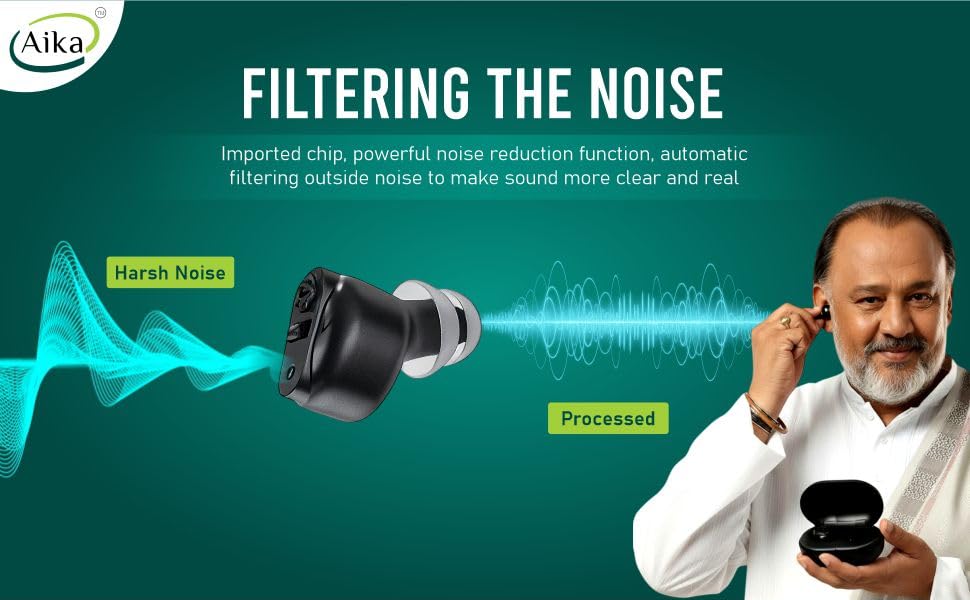
Image: Visual guide for adapting to the Aika AG-7901 hearing aid over four weeks.
5. Operating Instructions
Turning On/Off:
The hearing aid features a small switch. Dial to 'N' to turn on and 'O' to turn off. There is a 10-second delay after turning on to prevent whistling.
Volume Adjustment:
Use the provided tool to adjust the volume button on the hearing aid. Rotate clockwise to increase the volume and counter-clockwise to decrease it. Adjust to a level that feels natural and comfortable.
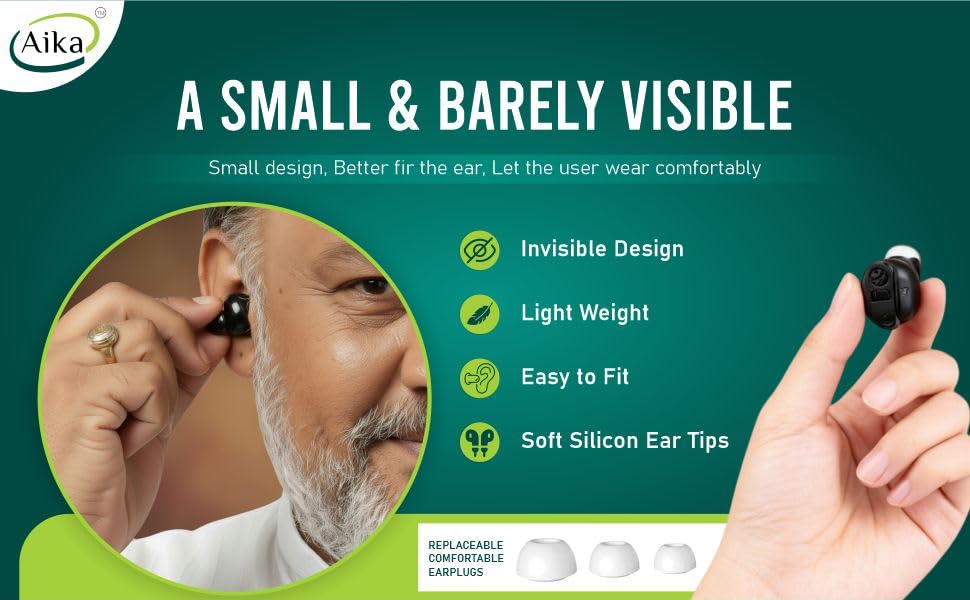
Image: Diagram illustrating the components and operation of the Aika AG-7901, including the ON/OFF switch and volume button.
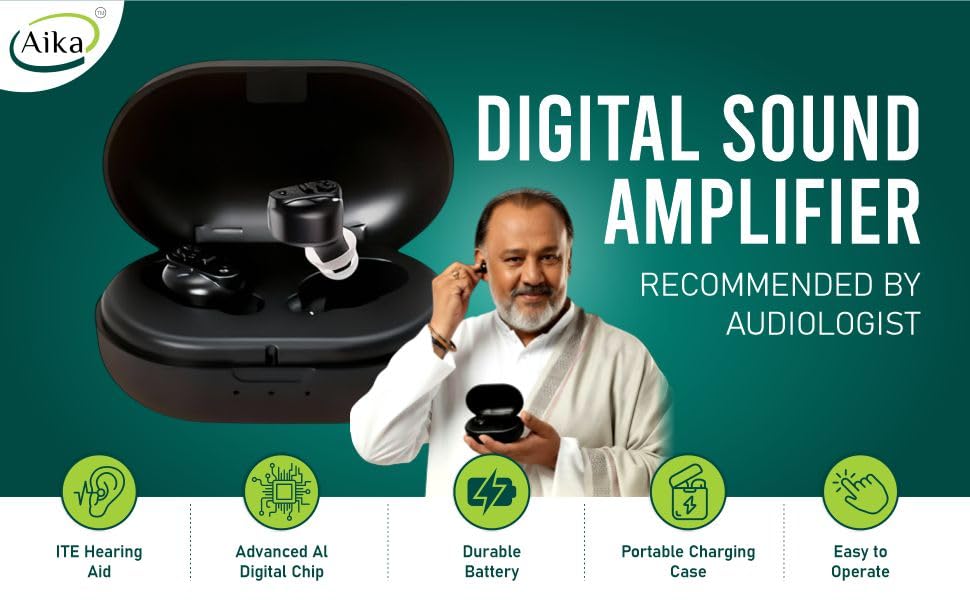
Image: Close-up view of the volume adjustment mechanism on the Aika AG-7901 hearing aid.
6. Maintenance
Cleaning:
Regularly clean your hearing aid to ensure optimal performance. Use the provided cleaning brushes to remove any earwax or debris from the ear dome and device. It is recommended to clear ear wax from the hearing aid in a timely manner.
Storage:
Store the hearing aid in a cool, dry place. Place the hearing aid in the dry kit every night or at least every alternate night to prevent moisture damage and ensure long-lasting performance.
7. Troubleshooting
If you experience any issues with your Aika AG-7901 hearing aid, please refer to the following common solutions:
- No Sound: Ensure the device is turned on and fully charged. Check if the ear dome is blocked by earwax and clean if necessary.
- Weak Sound: Adjust the volume to a higher setting. Ensure the ear dome fits snugly in your ear canal.
- Whistling/Feedback: This can occur if the ear dome is not properly sealed in the ear. Try a different size ear dome or re-insert the device. Ensure there is no gap between the ear dome and your ear canal.
- Charging Issues: Ensure the charging cable is securely connected to both the case and a power source. Check the charging indicators on the case.
If the problem persists, please contact Aika customer support for assistance.
8. Specifications
| Feature | Detail |
|---|---|
| Brand | Aika |
| Model Name | AG-7901 (CIC) |
| Colour | Black |
| Material | Acrylonitrile Butadiene Styrene (ABS) |
| Style | For Both Ear |
| Power Source Type | Battery Powered |
| Special Features | Active Noise Cancellation, Durable Battery, Easy to Operate, Lightweight, Soft Ear Buds |
| Fit Type | In-Ear |
| Control Type | Button Control |
| Battery Description | Lithium-Ion (3.7 Volts) |
| Noise Control | Active Noise Cancellation |
| Audio Sensitivity | 120 Decibels |
| Item Weight | 5 Grams |
| Item Dimensions L x W | 5L x 5W Centimeters |
| Recommended Uses | Daily conversations, watching TV, attending parties, crowded environments |
9. Warranty and Support
Warranty Information:
Aika Hearing Aids come with a 1-year warranty. For online purchases, a 6-month warranty is provided by default. To extend your warranty to 1 year, please register your product within 15 days from the date of delivery by following the instructions on the warranty card included in the package.
Customer Support:
For any queries, warranty registration, or support, please contact Aika Trading Co. using the details below:
- Email: aikatrading20@gmail.com
- Mobile: +91-7678452043
- Timing: 11 AM - 6 PM (Mon to Sat)
- Website: www.theaika.com
- Office and Service Center Address: C-18 Basement, Sec 49 Noida 20130 UP