
Welcome
Thank you for choosing the Surtime 36-inch Low Profile Ceiling Fan. This modern ceiling fan is designed to provide optimal air circulation and lighting for various indoor and covered outdoor spaces. Featuring a reversible DC motor, dimmable LED light with adjustable color temperature, and convenient control via both remote and a dedicated mobile application, this manual will guide you through its installation, operation, and maintenance to ensure long-lasting performance and comfort.
Important Safety Information
Please read all instructions carefully before beginning installation and keep this manual for future reference. Improper installation or use can lead to electric shock, fire, or personal injury.
- Always turn off power at the main circuit breaker before installation or maintenance.
- Ensure all electrical connections comply with local codes and ordinances. If you are unsure, consult a qualified electrician.
- Mount the fan only to a ceiling outlet box marked "Acceptable for Fan Support of 35 lbs (15.9 kg) or less" and use the mounting screws provided with the outlet box.
- Do not bend the blade holders during installation, balancing, or cleaning.
- Keep hands, tools, and other objects clear of the fan blades when the fan is operating.
- This fan is suitable for indoor and covered outdoor use (not waterproof).
Package Contents
Verify that all components are present and undamaged before beginning installation.

Image: All components of the Surtime 36-inch Ceiling Fan laid out for inspection.
- Remote Control
- Ceiling Fan Kit
- Instruction Manual
Product Specifications
| Feature | Specification |
|---|---|
| Brand | Surtime |
| Model Name | 36IN-6666-White |
| Size | 36 inches |
| Color | White |
| Material | Acrylic |
| Power Source | AC/DC |
| Voltage | 110 Volts |
| Wattage | 36 watts |
| Light Source Type | LED |
| Brightness | 800 lumen |
| Light Color Temperatures | 3000K (Warm White), 4500K (Natural Light), 6000K (Cool White) |
| Control Method | App, Remote Control |
| Special Features | Removable Lampshade, APP Control, Timer, Dimmable Light, Light Memory Function, Reversible DC Motor |

Image: Detailed product dimensions and electrical specifications.

Image: Close-up of the integrated LED light module.
Setup & Installation
The Surtime ceiling fan features an innovative snap-in blade design, making installation quick and hassle-free, often without the need for professional assistance. Detailed instructions and videos are provided to guide you.
Step-by-Step Installation
- Prepare the Mounting Bracket: Secure the mounting bracket to your ceiling electrical box. Ensure the box is rated for fan support.
- Wire the Fan: Connect the fan's electrical wires to your household wiring according to the provided wiring diagram in the manual.
- Attach the Fan Body: Carefully lift the fan body and attach it to the mounting bracket.
- Install the Blades: The wing-shaped blades feature a snap-in design. Align each blade with its slot on the motor housing and push until it clicks securely into place.
- Secure the Light Kit: Attach the LED light kit to the bottom of the fan body.
Video: Detailed installation guide for the 6669 series ceiling fans with lights.
Video: Installation display video specifically for the 36-inch ceiling fan model.

Image: The innovative snap-in blade design for easy installation.
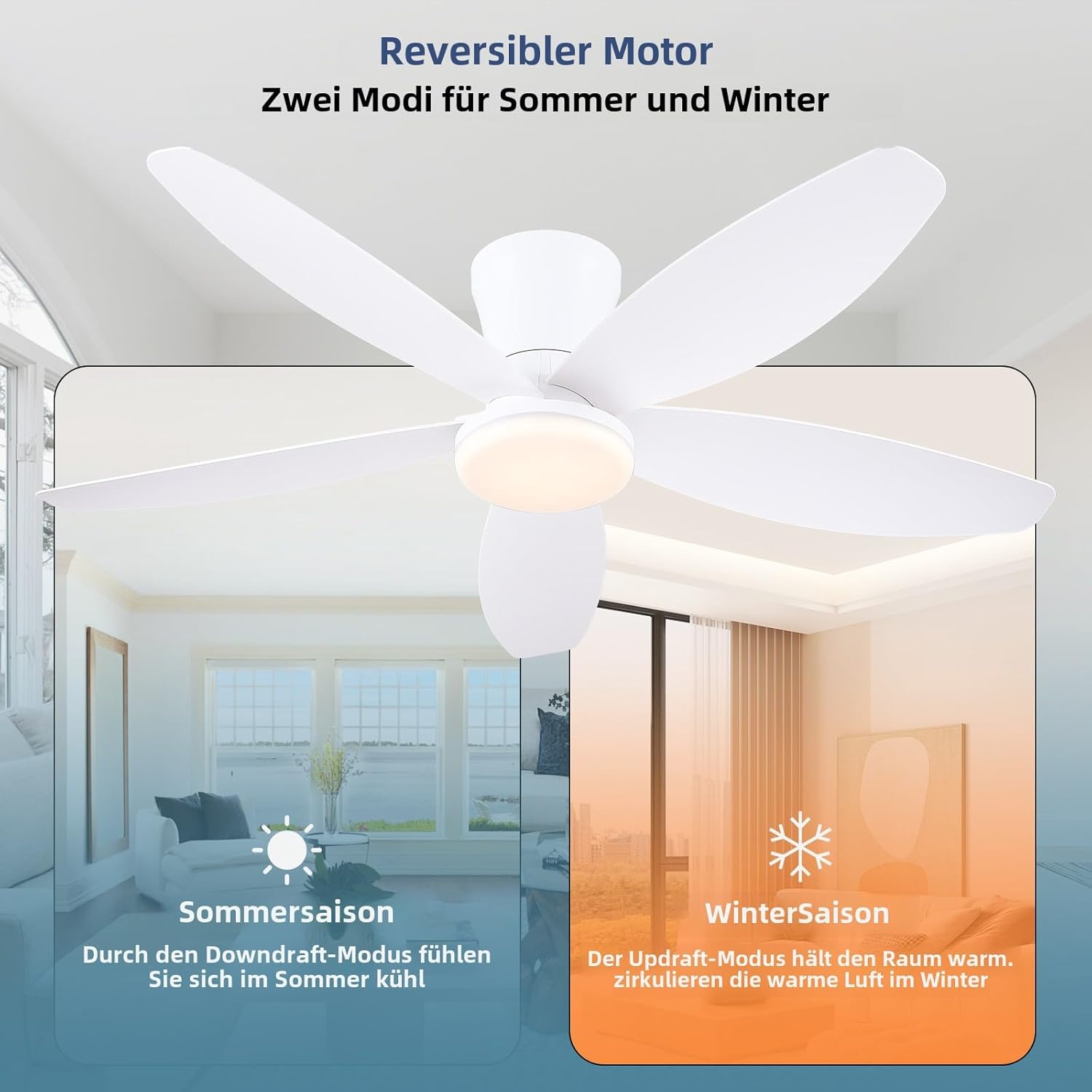
Image: Guidelines for proper fan placement relative to walls and floor.
Operating Instructions
Your Surtime ceiling fan offers versatile control options for both fan speed and lighting.
Remote Control Operation
- Fan Speed: Adjust between 6 wind speeds for optimal comfort.
- Light Control: Turn the light ON/OFF, adjust brightness (10%-100%), and cycle through 3 color temperatures (3000K, 4500K, 6000K).
- Timer Function: Set the fan to turn off automatically after 2 or 4 hours.
- Reverse Function: Switch between summer (forward rotation for cooling) and winter (reverse rotation for air circulation) modes.
Video: Demonstration of the 36-inch Ceiling Fan's functions using the remote control.

Image: Overview of the remote control's buttons and their functions.
APP Control Operation
- Pairing: Follow the instructions in the app to pair your fan. Ensure Bluetooth is enabled on your device.
- Full Control: Adjust fan speeds, light brightness, and color temperature directly from your smartphone.
- Smart Memory Function: The fan remembers your last brightness and color settings if turned off for at least 10 seconds.
Video: Guide on how to connect and use the APP control method for the ceiling fan.
Video: Demonstration of APP controls connection for the white ceiling fan model.

Image: The mobile application interface for controlling the fan and light.
Reversible DC Motor
The fan's high-quality DC motor allows for reversible operation, providing comfort year-round:
- Summer Mode: Forward rotation (counter-clockwise) creates a downward airflow, producing a cooling effect.
- Winter Mode: Reverse rotation (clockwise) creates an upward airflow, circulating warm air trapped near the ceiling.

Image: Visual representation of the fan's reversible function for summer and winter.
Dimmable LED Light
The integrated LED light offers customizable illumination:
- 3 Color Temperatures: Choose between 3000K (warm white), 4500K (natural light), and 6000K (cool white) to suit your mood or activity.
- Brightness Adjustment: Dim the light from 10% to 100% to create the perfect ambiance.
- Memory Function: The fan remembers your last brightness and color settings if the light is turned off for at least 10 seconds. (Note: Turning on the light within 10 seconds will change the color temperature.)
Maintenance & Care
Regular cleaning and proper care will ensure the longevity and optimal performance of your Surtime ceiling fan.
- Cleaning: To clean the fan, wipe with a soft, damp cloth. Do not use abrasive cleaners or solvents as they may damage the finish or blades.
- Blade Care: The acrylic blades are durable but should be handled with care. Avoid bending or striking them.
- Light Source: The LED light source is designed for long-term use. If replacement is ever needed, consult the manufacturer's instructions or a qualified technician.
Troubleshooting
If you experience any issues with your ceiling fan, please refer to the following common problems and solutions:
| Problem | Possible Cause | Solution |
|---|---|---|
| Fan does not start | No power to the fan; Loose wire connections; Remote control not paired. | Check circuit breaker/wall switch; Verify all wiring connections are secure; Pair the remote control with the fan (refer to Operating Instructions). |
| Light does not work | Light switch off; Loose wire connection to light kit; LED module issue. | Ensure light is turned on via remote/APP; Check light kit wiring; Contact support if LED module is suspected faulty. |
| Remote/APP not responding | Batteries in remote are dead; Remote/APP not paired; Interference. | Replace remote batteries; Re-pair remote/APP with the fan; Ensure no strong interference sources nearby. |
| Fan wobbles | Loose blades; Improperly installed mounting bracket; Unbalanced blades. | Ensure all blades are securely snapped in; Check mounting bracket for tightness; Use the included balancing kit if necessary. |
Warranty & Support
Surtime ceiling fans are built for durability and performance. We offer a worry-free 1-year warranty on quality-related issues.
- Warranty Coverage: This warranty covers defects in materials and workmanship under normal use for one year from the date of purchase.
- Exclusions: The warranty does not cover damage caused by improper installation, misuse, accidents, or unauthorized repairs.
- Customer Support: If you encounter any problems or have questions, please do not hesitate to contact Surtime Ceiling Fan Plaza directly through your purchase platform or the contact information provided in your product packaging.


