
ZEBRONICS ZEB-AEON
ZEBRONICS AEON Over Ear Wireless Headphones
Model: ZEB-AEON
Introduction
Thank you for choosing the ZEBRONICS AEON Over Ear Wireless Headphones. This manual provides comprehensive instructions for setting up, operating, and maintaining your headphones to ensure optimal performance and longevity. The AEON headphones are designed for an immersive audio experience with features like extended battery life, active noise cancellation, and low-latency gaming mode.
Safety Information
- Do not expose the headphones to extreme temperatures, humidity, or corrosive substances.
- Avoid listening at high volume levels for extended periods to prevent hearing damage.
- Keep the headphones away from water and liquids. If they come into contact with liquid, power them off immediately and allow them to dry completely before reuse.
- Do not attempt to disassemble, repair, or modify the headphones yourself. This will void the warranty.
- Use only the provided charging cable or a certified Type-C cable for charging.
Package Contents
The ZEBRONICS AEON package includes:
- ZEBRONICS AEON Over Ear Wireless Headphone
Product Overview



Setup
1. Charging the Headphones
Before first use, fully charge your ZEBRONICS AEON headphones. Connect the provided Type-C charging cable to the headphone's charging port and the other end to a USB power source (e.g., wall adapter, computer USB port).
- A full charge takes approximately 2 hours.
- The headphones support rapid charging: just 10 minutes of charging can provide up to 110 hours of usage at 50% volume.

2. Bluetooth Pairing
To connect your headphones wirelessly via Bluetooth:
- Ensure the headphones are charged and powered off.
- Press and hold the power button until the LED indicator flashes, indicating pairing mode.
- On your device (smartphone, tablet, laptop), enable Bluetooth and search for available devices.
- Select "ZEB-AEON" from the list of found devices.
- Once connected, the LED indicator will stop flashing and remain solid.

3. AUX Connection
For a wired connection, use a 3.5mm audio cable (not included) to connect the headphone's AUX port to your audio device's 3.5mm jack. The headphones will automatically switch to AUX mode when a cable is inserted.
Operating Instructions
Basic Controls
- Power On/Off: Press and hold the power button.
- Play/Pause: Short press the multi-function button (usually the power button).
- Volume Up/Down: Use the '+' and '-' buttons.
- Next/Previous Track: Long press the '+' or '-' buttons.
- Answer/End Call: Short press the multi-function button.
- Reject Call: Long press the multi-function button.
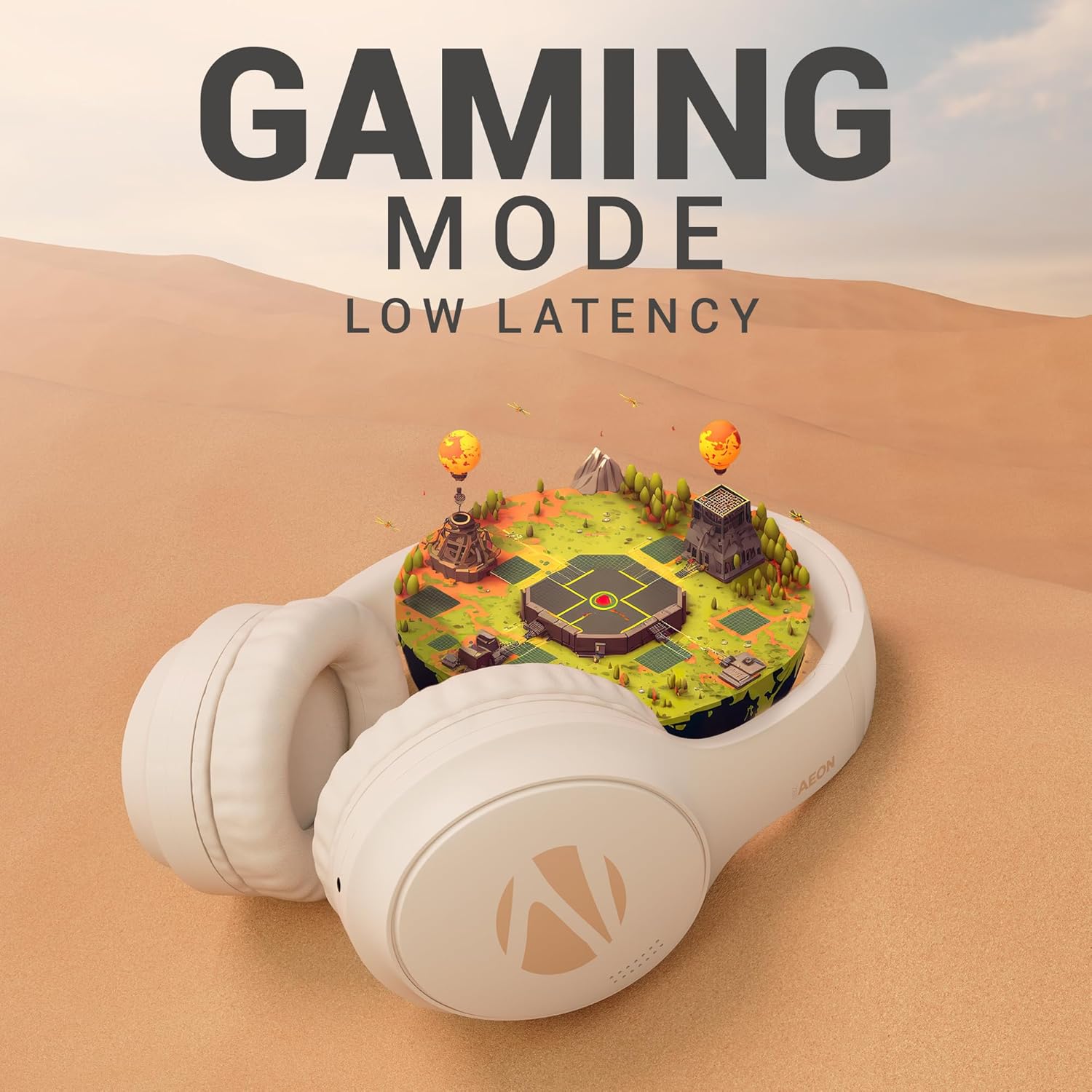
Gaming Mode
Activate the low-latency gaming mode for a more synchronized audio experience during gaming sessions. Refer to the specific button on your headphone for activating this mode (often indicated by a gaming icon or a dedicated button).

ENC (Environmental Noise Cancellation) & ANC (Active Noise Cancellation)
The ZEB-Aeon headphones feature both ENC and ANC technologies:
- ENC: Minimizes external noise during calls, ensuring clear communication.
- ANC: Actively reduces ambient noise, allowing you to focus on your audio content without distractions. Activate ANC using the dedicated ANC button on the headphone.

Voice Assistant Support
Activate your device's voice assistant (e.g., Google Assistant, Siri) directly from the headphones. Refer to the user manual for the specific button press to trigger the voice assistant.

Dual Pairing
The headphones support dual pairing, allowing you to connect to two different devices simultaneously. This feature enables seamless switching between audio sources without needing to disconnect and reconnect.

Maintenance
- Cleaning: Use a soft, dry cloth to clean the headphones. Do not use abrasive cleaners or solvents.
- Storage: When not in use, store the headphones in a cool, dry place, away from direct sunlight and extreme temperatures.
- Battery Care: To preserve battery life, avoid fully discharging the headphones frequently. Charge them regularly, even if not in use for extended periods.
Troubleshooting
| Problem | Possible Cause | Solution |
|---|---|---|
| Headphones do not power on | Low battery | Charge the headphones fully. |
| Cannot pair via Bluetooth | Headphones not in pairing mode / Device Bluetooth off / Interference | Ensure headphones are in pairing mode. Turn device Bluetooth off and on. Move closer to the device. |
| No sound | Volume too low / Not connected / Wrong audio source | Increase volume. Re-pair Bluetooth or check AUX connection. Ensure correct audio output is selected on your device. |
| ANC not effective | ANC not activated / Extreme noise levels | Ensure ANC is toggled on. ANC is designed to reduce consistent low-frequency noise, not all sounds. |
Specifications
| Feature | Detail |
|---|---|
| Model Name | Zeb-Aeon |
| Connectivity Technology | Wireless (Bluetooth), Wired (AUX) |
| Wireless Communication Technology | Bluetooth |
| Bluetooth Version | 5.3 |
| Bluetooth Range | 10 Metres |
| Headphones Jack | 3.5 mm Jack |
| Battery Life | Up to 110 Hours (at 50% volume) |
| Charging Time | 2 Hours |
| Audio Driver Type | Dynamic Driver (40mm) |
| Noise Control | Active Noise Cancellation (ANC), Environmental Noise Cancellation (ENC) |
| Control Type | Voice Control, Button Control |
| Item Weight | 370 Grams |
| Product Dimensions | 8.8 x 18.5 x 24.2 cm |
| Manufacturer | Zebronics Industries Private Limited |
Warranty and Support
ZEBRONICS products are covered by a limited warranty from the date of purchase. Please refer to the warranty card included with your product or visit the official ZEBRONICS website for detailed warranty terms and conditions.
For technical support, service, or warranty claims, please contact ZEBRONICS customer service through their official channels. Keep your purchase receipt as proof of purchase for warranty validation.
Related documentsZEB-AEON

Ask a question about this manual
Ask about setup, troubleshooting, compatibility, parts, safety, or missing instructions. Manuals+ will review the question and use this page’s manual context to help answer it.