
1. Introduction
The NIIMBOT D110 Upgraded Version Mini Label Maker is a portable, Bluetooth-enabled thermal printer designed for creating custom labels without the need for ink or toner. Its compact size and smart features make it ideal for various organizational tasks in homes, offices, schools, and small businesses. This manual provides detailed instructions to help you get started and make the most of your label maker.

Figure 1: NIIMBOT D110 Mini Label Maker and accessories.
2. What's in the Box
Upon opening your NIIMBOT D110 package, you should find the following items:
- 1 × NIIMBOT D110 Mini Label Maker
- 1 × Roll label tape/12×40mm (pre-installed inside the machine)
- 1 × Type-C Cable
- 1 × User Manual

Figure 2: Examples of items organized using the label maker.
3. Setup Guide
3.1. Loading Label Tape
The NIIMBOT D110 comes with one roll of label tape pre-installed. If you need to replace it or install a new roll, follow these steps:
- Locate the slot button on the side of the label maker.
- Toggle the button to open the tape slot cover.
- Ensure the label tape is loaded correctly with the roll extending upwards. The label tape should not be loaded with the roll facing down.
- Place the label roll into the compartment.
- Close the tape slot cover, leaving a small portion of the label tape extending out for smooth feeding.
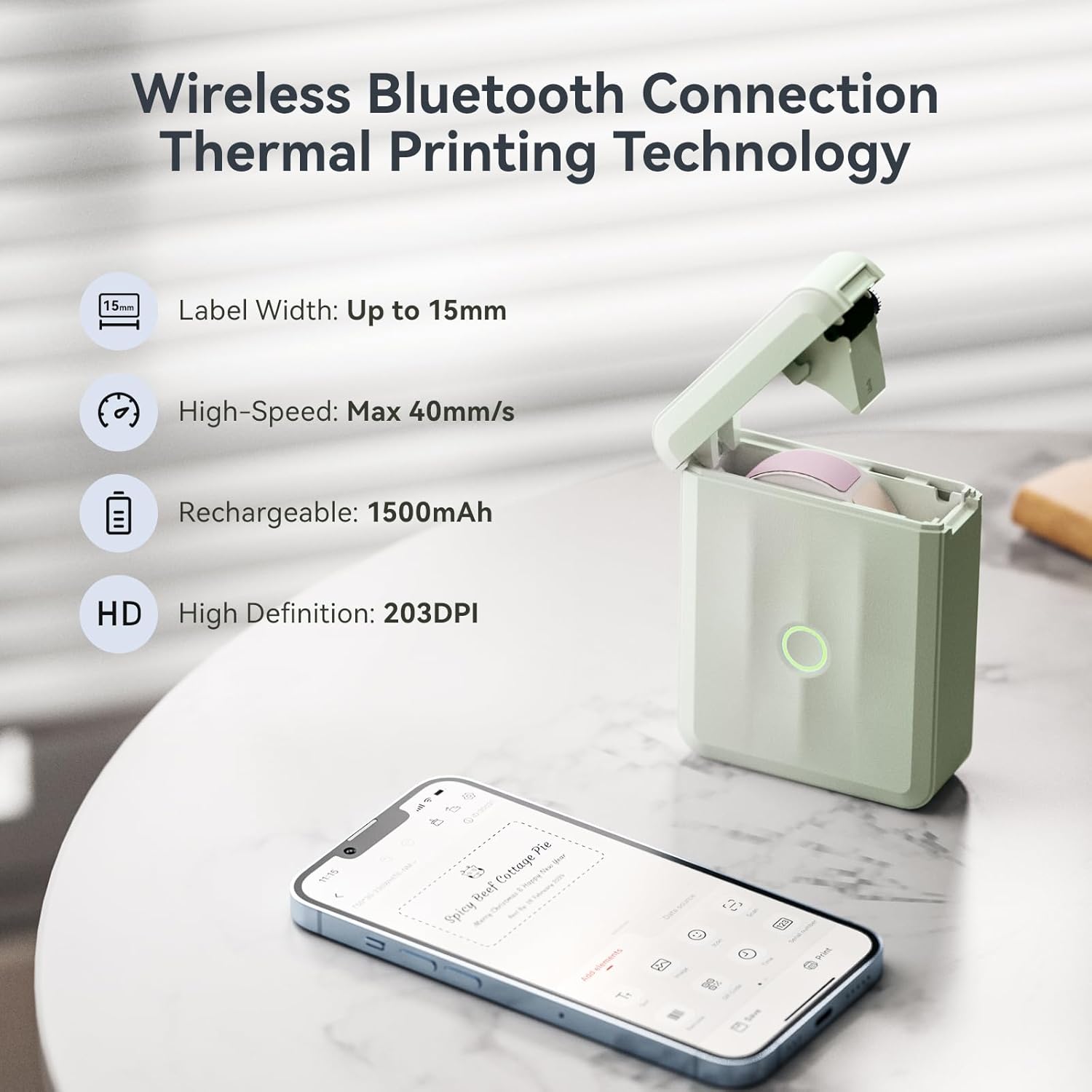
Figure 3: Correct loading of label tape.
3.2. Powering On and Initial Alignment
To power on your device, press and hold the power button for three seconds. The blue indicator light will blink, indicating it's ready. The printer features an automatic paper rewind positioning function, which calibrates the position of the first label when turned on, preventing waste.

Figure 4: Automatic paper rewind feature.
3.3. App Download and Connection
The NIIMBOT D110 operates via the 'NIIMBOT' mobile application. Follow these steps to download and connect:
- For Apple users, search for "NIIMBOT" in the App Store and download.
- For Android users, search for "NIIMBOT" in Google Play and download.
- Ensure your phone's Bluetooth is enabled.
- Open the NIIMBOT app and click on "Connect" or navigate to "My device" to search for nearby devices.
- Select your NIIMBOT D110 (e.g., D110_M-G3D6040321) from the list to pair. If prompted for a pairing code, enter 0000 or 1234.
- Once connected, the app will display the device model in the top right corner and automatically identify the installed label template.
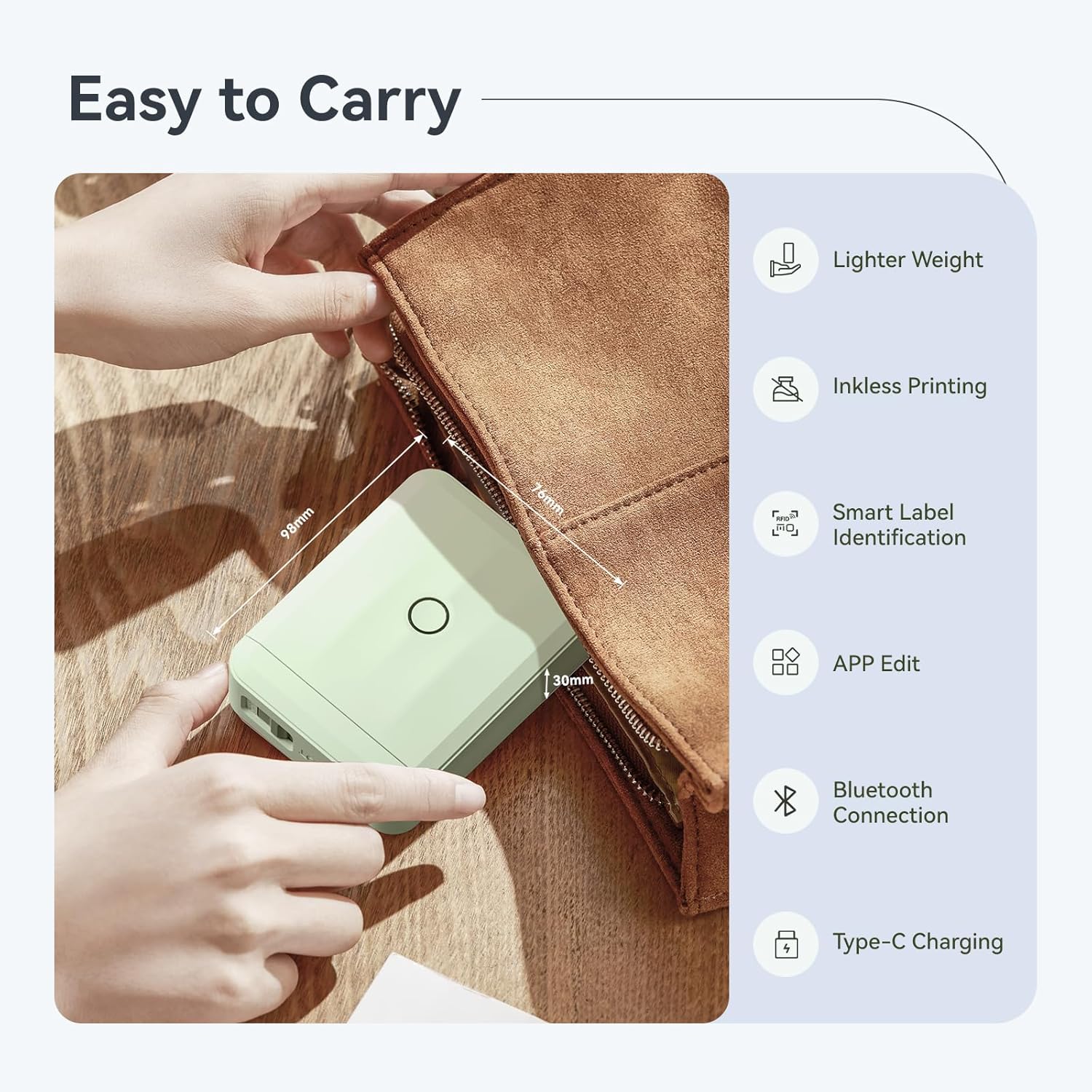
Figure 5: Three simple steps to print labels.
Video 1: NIIMBOT D110 Upgraded Version Mini Label Maker Operation Video. This video demonstrates unboxing, tape loading, app connection, and basic printing functions.
4. Operating Instructions
4.1. Creating and Printing Labels
The NIIMBOT app offers extensive customization options for your labels:
- From the app's homepage, click on the identified label template or create a new one.
- Double-click on the text box to enter the editing interface. You can add text, images, icons, barcodes, QR codes, and more.
- Customize the style, font, size, and alignment of your text. The app provides over 160 templates, 120 fonts, and 1500+ icons.
- After finishing your design, click on the "Print" button.
- Adjust the number of copies and print density as needed, then confirm to print.

Figure 6: Diverse applications for the label maker, including school, office, home, and business.

Figure 7: Detailed examples of labels for various items.
Video 2: D110 Upgraded Version Label Maker. This video showcases the label maker's features and various labeling applications.
Video 3: Kids' supplies kitchen jar label-d110 latest version labeler. Demonstrates labeling for baby items, stationery, toys, and kitchen condiments.
5. Maintenance
To ensure the longevity and optimal performance of your NIIMBOT D110 label maker, regular maintenance is recommended:
- Cleaning the Print Head: Periodically clean the thermal print head with a soft, lint-free cloth dampened with rubbing alcohol. Ensure the device is off and cool before cleaning.
- Battery Charging: The built-in 1500mAh rechargeable battery allows for approximately 4 hours of continuous printing after a full charge. Use the provided Type-C cable for charging.
- Sensor Chip: Do not tear or destroy the printing sensor chip located on the side of the label roll. Damaging this chip will affect the printing effect and may lead to errors.
- Label Storage: Store label rolls in a cool, dry place away from direct sunlight to maintain adhesive quality and print clarity.

Figure 8: Organized tableware, highlighting the durability of labels.

Figure 9: Features of NIIMBOT label paper, emphasizing quality and safety.
6. Troubleshooting
If you encounter any issues with your NIIMBOT D110, refer to the table below for common problems and solutions:
| Problem | Possible Cause | Solution |
|---|---|---|
| Printing Offset / Blank First Label | Incorrect tape loading; alignment issue. | Ensure tape is loaded correctly (roll extending upwards). The automatic paper rewind function should correct alignment upon power-on. |
| Poor Print Quality | Damaged sensor chip; dirty print head; low battery. | Check the sensor chip on the label roll for damage. Clean the print head. Charge the device fully. |
| Cannot Connect via Bluetooth | Bluetooth off; device not discoverable; app issue. | Ensure Bluetooth is enabled on your phone. Restart the label maker and the app. Try re-pairing the device. |
| Indicator Light Status | Blue Light: Powered on, but not connected. Blinking Fast: Firmware upgrading. Green Light: Bluetooth connected. Blinking Fast: Printing. Red Light: Device abnormality. | Refer to the light status for diagnosis. For red light, try restarting the device or contacting support. |
7. Specifications
Key technical specifications for the NIIMBOT D110 Mini Label Maker:
| Feature | Specification |
|---|---|
| Brand | NIIMBOT |
| Model Name | Label Maker (D110_M) |
| Printing Technology | Thermal |
| Connectivity Technology | Bluetooth |
| Printer Output | Monochrome |
| Max Print Speed Monochrome | 40 mm/s |
| Maximum Black and White Print Resolution | 203 DPI |
| Printer Media Size Maximum | 15mm (3/5 Inch) |
| Item Weight | 149 Grams (5.3 ounces) |
| Product Dimensions | 3.86"D x 2.99"W x 1.18"H |
| Batteries | 1 Lithium Ion battery (included) |
| Compatible Devices | Smartphones (iOS & Android) |
8. Warranty and Support
The NIIMBOT D110 Mini Label Maker comes with a limited warranty. For detailed warranty information and terms, please refer to the official user manual included in your package or available online.
For further assistance, troubleshooting, or product inquiries, please visit the official NIIMBOT website or contact their customer support. You can also refer to the comprehensive User Manual (PDF) available at: NIIMBOT D110 User Manual PDF


