
PELONIS PSFT07M3ABB
PELONIS 3 Speed Small Room Air Circulator Fan - Instruction Manual
Introduction
The PELONIS 7-inch Air Circulator Fan is designed to provide efficient air circulation and cooling for small rooms, bedrooms, dorms, and offices. Featuring a unique double airfoil blade design and three speed settings, it delivers powerful airflow while maintaining quiet operation. Its adjustable head tilt allows for precise air direction, making it a versatile solution for year-round comfort.

Image: Front view of the PELONIS 7-inch Air Circulator Fan, showcasing its compact design and PELONIS branding.
Important Safety Information
Please read and understand all instructions before using this fan. Failure to follow these instructions may result in electric shock, fire, or serious personal injury.
- Always unplug the fan before cleaning or performing any maintenance.
- Do not use the fan in wet or damp locations such as bathrooms or laundry areas.
- Keep fingers, pencils, or any other objects out of the fan grille when it is operating.
- Do not operate any fan with a damaged cord or plug. Discard fan or return to an authorized service facility for examination and/or repair.
- Do not run cord under carpeting. Do not cover cord with throw rugs, runners, or similar coverings. Arrange cord away from traffic area and where it will not be tripped over.
- This fan is intended for indoor use only.
Package Contents
- 1 x PELONIS 7 inch Turboforce Fan
Setup Guide
The PELONIS 7-inch Air Circulator Fan requires no assembly. Simply place the fan on a stable, flat surface and connect it to a standard electrical outlet.
Video: Demonstrates connecting the power cord to an electrical outlet (0:01-0:04 in 'How to use PELONIS 7 inch Air Circulation Fan').
Ensure the power cord is securely plugged into the outlet before operation.
Operating Instructions
Speed Settings
The fan features three distinct wind speeds: Low, Medium, and High. To adjust the speed, turn the knob located on the back of the fan.
Video: Illustrates turning the back knob to select between Low, Medium, and High wind speeds (0:07-0:10 in 'How to use PELONIS 7 inch Air Circulation Fan').
Adjustable Head Tilt
The fan head can be manually adjusted up to 100 degrees, allowing you to direct airflow precisely where needed for optimal comfort and air circulation.

Image: Visual representation of the fan's 100-degree adjustable head tilt, demonstrating wider area coverage.
Video: Shows manual adjustment of the fan's horizontal oscillation and tilt (0:11-0:14 in 'How to use PELONIS 7 inch Air Circulation Fan').

Image: The fan can be used for whole-room circulation or personal cooling, with various speed options.
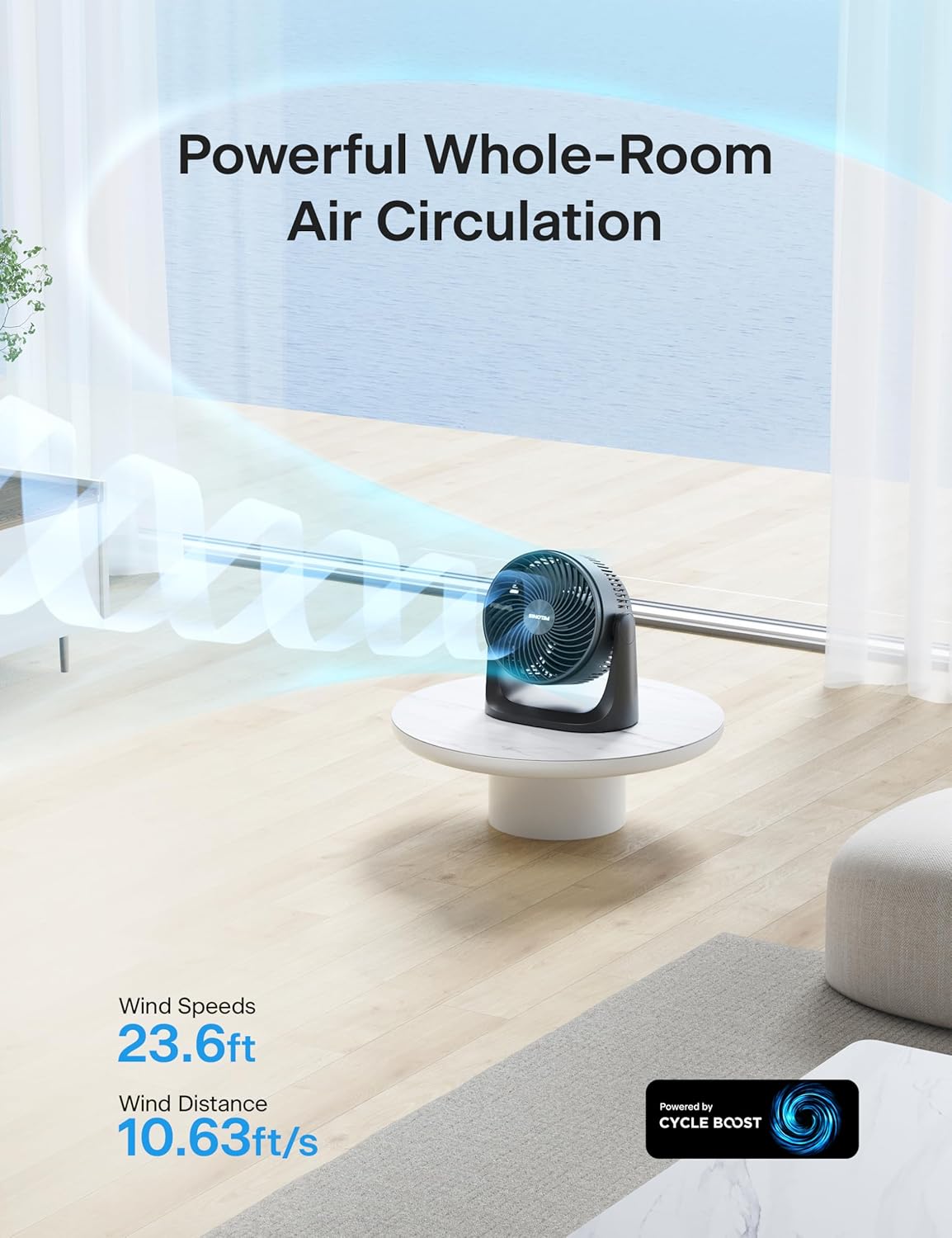
Image: The fan provides powerful whole-room air circulation, reaching up to 23.6 feet.

Image: The fan operates quietly, with a noise level as low as 38 decibels on the lowest setting.
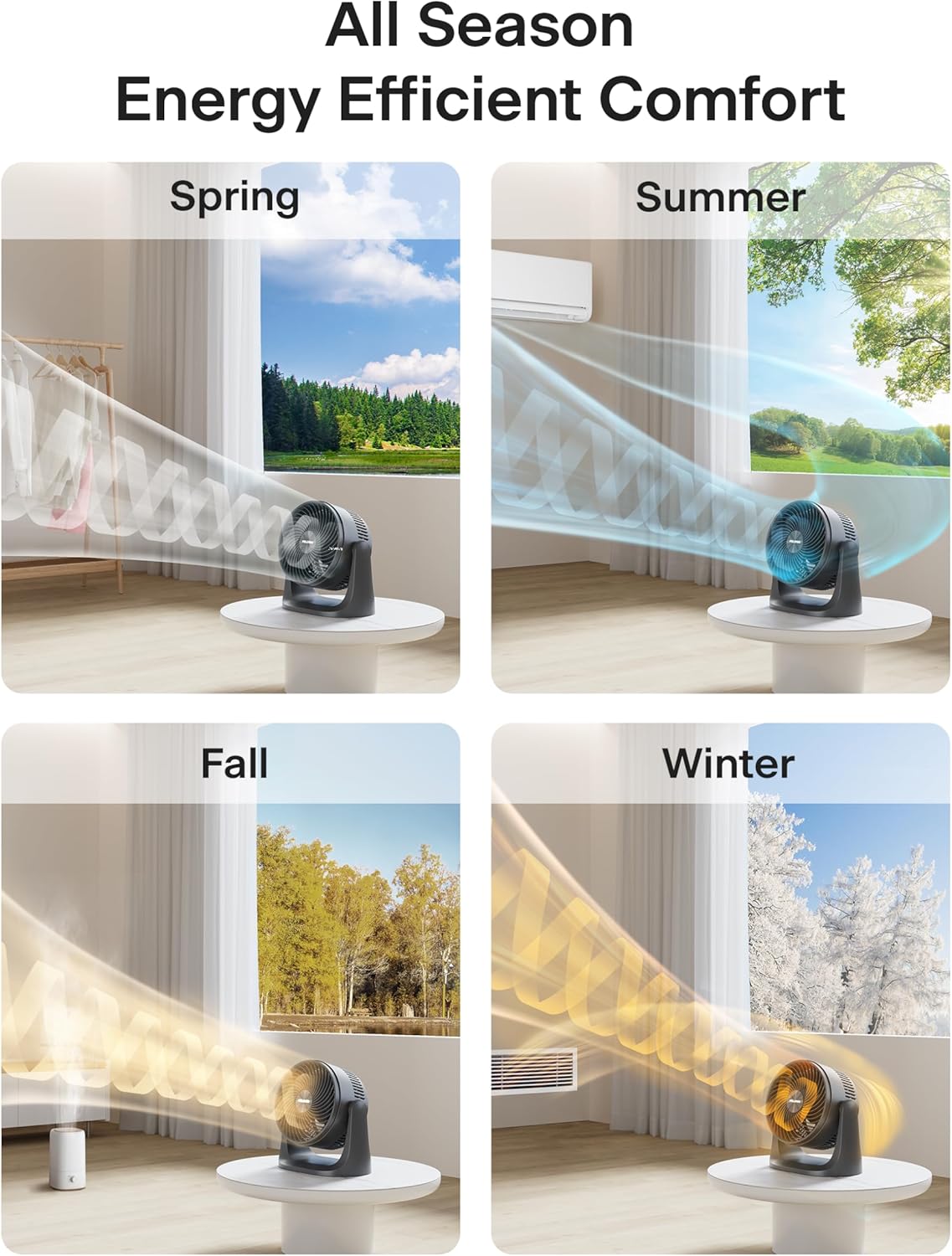
Image: The fan is suitable for all-season use, enhancing comfort by boosting AC airflow in summer, circulating warm air in winter, and maintaining fresh breezes in spring and fall.

Image: The fan features a powerful twisted angle blade design, delivering efficient and powerful airflow.
Maintenance and Care
Cleaning the Fan
Regular cleaning helps maintain the fan's performance and extends its lifespan. Always unplug the fan before cleaning.
- Remove the screws at the bottom of the front grill using a screwdriver.
- Carefully detach the front grill and the fan blade.
- Wash the front grill and fan blade with mild soap and water. Ensure they are completely dry before reassembling.
- Wipe the exterior of the fan with a soft, damp cloth. Do not immerse the fan in water.
Video: Demonstrates removing the screws from the front grill and detaching the fan blade for cleaning (0:25-0:35 in 'How to use PELONIS 7 inch Air Circulation Fan').
Video: Shows washing the front grill and fan blade under running water (0:36-0:39 in 'How to use PELONIS 7 inch Air Circulation Fan').

Image: The fan features a built-in carry handle for easy portability, allowing you to move it anywhere you need cooling.

Image: The fan's compact design makes it ideal for any limited space, such as a desktop or nightstand.
Troubleshooting
| Problem | Possible Cause | Solution |
|---|---|---|
| Fan does not operate. | Not plugged in. | Plug power cord into electrical outlet. |
| Fan does not operate. | Circuit breaker tripped / fuse blown. | Reset circuit breaker / replace fuse. |
| Fan does not operate. | Power knob is not set to a speed. | Turn the power knob to desired speed setting (1, 2, or 3). |
| Reduced airflow. | Fan blades or grille are dirty. | Clean the fan blades and grille as per maintenance instructions. |
| Unusual noise. | Fan is not on a stable surface. | Place the fan on a flat, stable surface. |
| Unusual noise. | Obstruction in the fan blades. | Unplug the fan and remove any obstructions. |
Technical Specifications
| Feature | Specification |
|---|---|
| Brand | PELONIS |
| Model Name | PSFT07M3ABB |
| Color | Black |
| Electric Fan Design | Table Fan |
| Power Source | AC |
| Product Dimensions | 6.88"D x 10.82"W x 10.94"H |
| Room Type | Bedroom, Home Office |
| Special Feature | Lightweight |
| Recommended Uses | Cooling, Air Circulation |
| Noise Level | 38 dB |
| Number of Blades | 3 |
| Air Flow Capacity | 282.52 Cubic Feet Per Minute |
| Blade Length | 7 Inches |
| Voltage | 120 Volts (AC) |
| Switch Type | Push Button |
| Item Weight | 3.31 Pounds |
| Included Components | 1 * 7 inch Turboforce Fan |
| Indoor/Outdoor Usage | Indoor |
| Control Method | Touch |
| Blade Material | Plastic |
| Number of Power Levels | 3 |
| UPC | 810049711726 |
| Country of Origin | China |
Warranty and Support
For warranty information or technical support, please refer to the product packaging or contact PELONIS customer service directly. Keep your purchase receipt for warranty claims.
Related documentsPSFT07M3ABB


Ask a question about this manual
Ask about setup, troubleshooting, compatibility, parts, safety, or missing instructions. Manuals+ will review the question and use this page’s manual context to help answer it.